1. Setup Guide
This section provides instructions for initial setup of your CASCHO P125 Smartwatch.
1.1 Unboxing and Initial Charge
Upon unboxing, ensure all components are present: the CASCHO P125 Smartwatch, charging cable, and user manual. Before first use, fully charge the smartwatch using the provided magnetic charging cable. Connect the magnetic end to the charging points on the back of the watch and the USB end to a compatible power adapter (not included).

Image: The CASCHO P125 Smartwatch in blue, alongside its magnetic charging cable. The watch face displays time, steps, calories, and heart rate. A smaller inset shows an incoming call notification.
Video: A user unboxes the smartwatch, demonstrates the magnetic charging, and powers on the device. It highlights the screen clarity and initial setup steps.
1.2 App Installation and Pairing
- Download the Da Fit App:
Scan the QR code provided in your physical manual or search for "Da Fit" in your smartphone's app store (Google Play for Android, App Store for iOS). Ensure your phone meets the minimum requirements: iOS 9.0+ or Android 5.0+.

Image: A visual guide showing the steps to activate Bluetooth, find the Da Fit app in app stores, and scan a QR code for installation.
- Enable Bluetooth:
Activate Bluetooth on your smartphone.
- Pair the Smartwatch:
Open the Da Fit app. Navigate to the "Add Device" section. The app will search for nearby devices. Select "P125" from the list to establish a connection. Follow any on-screen prompts to complete the pairing process.
2. Operating Your Smartwatch
Learn how to navigate and utilize the various features of your CASCHO P125 Smartwatch.
2.1 Display and Customization
The smartwatch features a 1.85-inch HD TFT color touchscreen display. You can adjust the brightness with 5 available levels. Personalize your watch by choosing from over 200 free watch faces via the Da Fit app or by uploading your own photos.

Image: The smartwatch display showcasing multiple customizable watch faces, including options to use personal photos.
2.2 Bluetooth Calling and Notifications
With Bluetooth 5.3 connectivity, the P125 allows you to make and receive calls directly from your wrist using its built-in microphone and HD speaker. You will also receive real-time notifications for messages from apps like WhatsApp, SMS, and Facebook directly on the screen.

Image: The smartwatch displaying an incoming call and various social media notification icons, demonstrating its communication features.
2.3 24/7 Health Tracking
The P125 Smartwatch is equipped with a precise optical sensor for continuous health monitoring:
- Heart Rate Monitoring: Tracks your heart rate throughout the day.
- Blood Oxygen (SpO2) Measurement: Measures your blood oxygen saturation levels.
- Sleep Analysis: Monitors your sleep patterns, distinguishing between deep sleep, light sleep, and awake times.
- Menstrual Tracking: Provides a dedicated feature for women's health tracking.
All health data is synchronized with the Da Fit app, providing detailed reports and historical trends.

Image: A visual representation of the smartwatch's health tracking capabilities, showing heart rate, blood oxygen, and sleep cycle data.
2.4 Sports Modes and Activity Tracking
With over 115 built-in sports modes, the P125 is designed to track a wide range of activities including running, yoga, football, hiking, and more. The 3-axis sensor accurately counts steps, distance covered, and calories burned during your workouts.
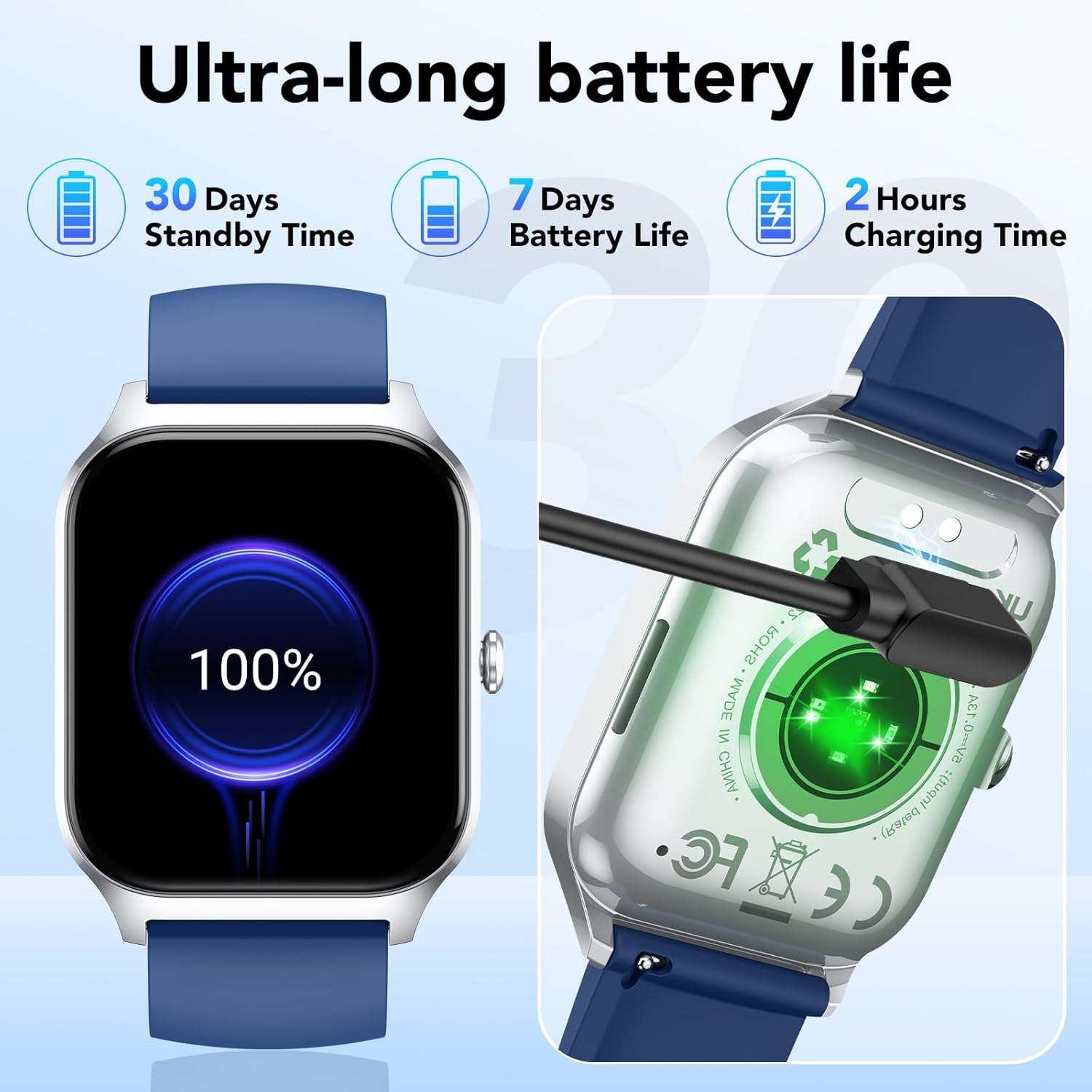
Image: The smartwatch displaying a selection of its 115+ sports modes, alongside metrics like steps, calories, and activity duration.
2.5 Smart Functions
The CASCHO P125 Smartwatch offers several convenient smart features:
- Weather Forecast: Get real-time weather updates.
- Music Control: Control music playback on your smartphone.
- Remote Camera Shutter: Use your watch to remotely trigger your phone's camera.
- Sedentary Reminder: Receive alerts to encourage movement after periods of inactivity.
- Water Reminder: Get reminders to drink water throughout the day.
- Find Phone: Locate your paired smartphone.
- Breathing Exercises: Guided breathing exercises for relaxation.

Image: The smartwatch interface showing icons for various smart functions such as music control, camera control, weather, and message reminders.
3. Maintenance and Care
Proper care ensures the longevity and optimal performance of your smartwatch.
3.1 Water Resistance (IP68)
The CASCHO P125 Smartwatch is IP68 rated, meaning it is resistant to dust and can withstand immersion in water up to 1.5 meters for 30 minutes. It is suitable for daily use, including showering, rain, and sweating during workouts. However, it is not recommended for hot water baths, saunas, or diving.
3.2 Battery Life and Charging
The smartwatch is equipped with a 300 mAh lithium-ion battery. A full charge takes approximately 2 hours. It offers up to 7 days of typical use and up to 30 days in standby mode. Use only the provided magnetic charging cable to prevent damage.
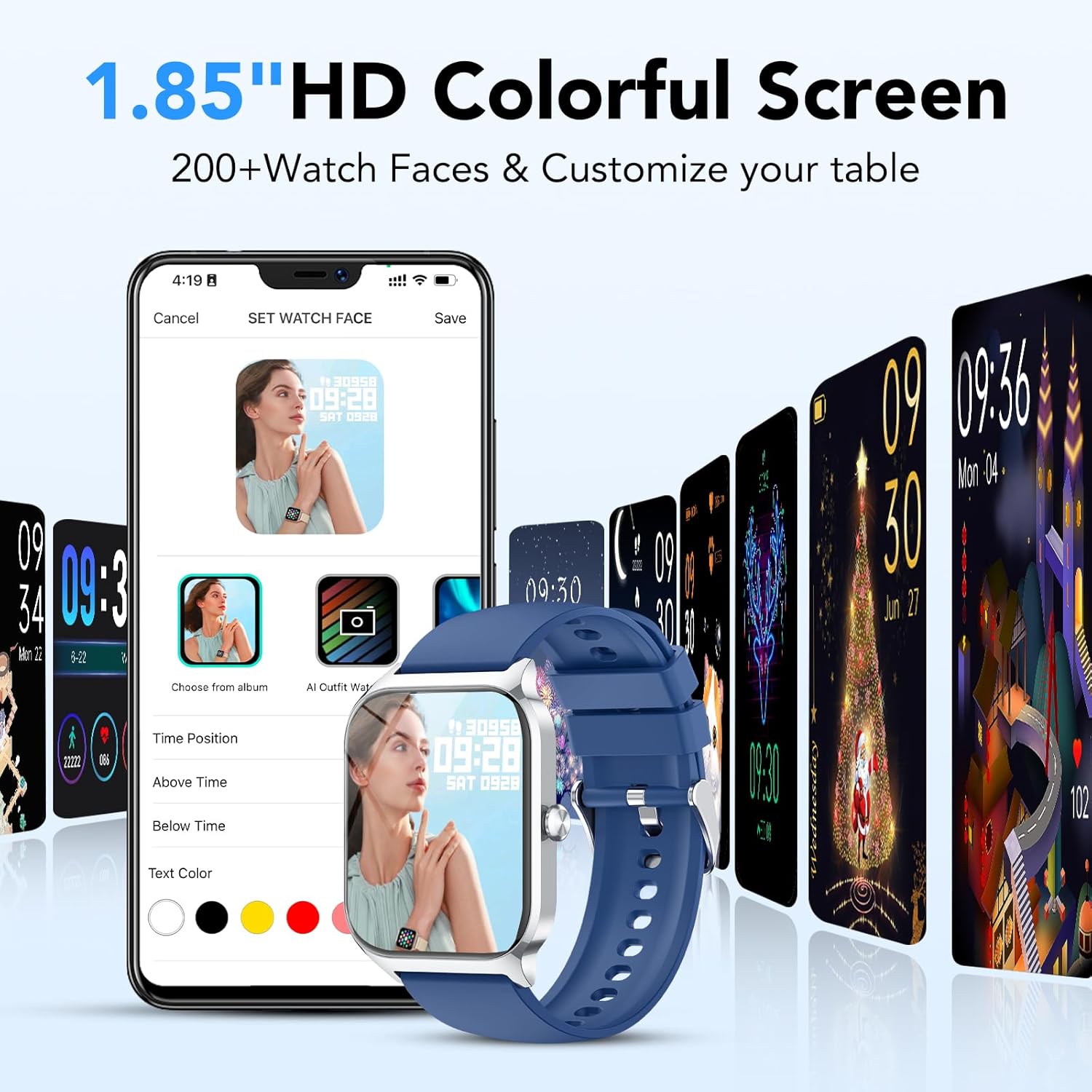
Image: The smartwatch connected to its magnetic charger, with an indicator showing 100% battery. Text highlights 30 days standby, 7 days battery life, and 2 hours charging time.
4. Troubleshooting
If you encounter issues with your smartwatch, refer to the following common solutions:
- Cannot Pair with Phone:
- Ensure Bluetooth is enabled on your phone and the smartwatch is within range.
- Check if the Da Fit app has necessary permissions (location, Bluetooth).
- Restart both your phone and the smartwatch.
- Unpair and re-pair the device through the Da Fit app.
- Inaccurate Health Data:
- Ensure the watch is worn snugly on your wrist, not too tight or too loose.
- Clean the sensor on the back of the watch.
- Avoid excessive movement during measurements.
- Notifications Not Appearing:
- Verify that notifications are enabled in the Da Fit app for specific applications.
- Check your phone's notification settings to ensure the Da Fit app has permission to send notifications.
- Ensure the smartwatch is connected via Bluetooth.
- Short Battery Life:
- Reduce screen brightness.
- Disable continuous heart rate monitoring if not needed 24/7.
- Limit the number of apps sending notifications to the watch.
- Ensure the watch is fully charged.
5. Product Specifications
| Feature | Detail |
|---|---|
| Brand | CASCHO |
| Model Number | P125 |
| Display | 1.85-inch HD TFT Color Touchscreen |
| Operating System | Wear OS 1.0 |
| Connectivity | Bluetooth 5.3 |
| Compatible Devices | Smartphones (iOS 9.0+, Android 5.0+) |
| Battery Type | Lithium-ion |
| Battery Capacity | 300 mAh |
| Charging Time | Approx. 2 hours |
| Battery Life (Typical Use) | Up to 7 days |
| Standby Time | Up to 30 days |
| Water Resistance | IP68 |
| Special Features | Time Display, Camera Control, Weather Forecast, Alarm Clock, Multi-sport Tracker, Heart Rate, SpO2, Sleep Monitor, Menstrual Tracking, Sedentary Reminder, Water Reminder, Find Phone, Breathing Exercises |
| GPS | No GPS |
| Shape | Square |
6. Warranty and Support
6.1 Warranty Information
Please refer to your purchase documentation for specific warranty details. The manufacturer's warranty information is not available in the provided product data.
6.2 Customer Support
For further assistance, technical support, or inquiries regarding your CASCHO P125 Smartwatch, please contact CASCHO customer service through their official channels or refer to the Da Fit app for in-app support options.
You can find more information and updates on the CASCHO Brand Store.


