
ASHATA ASHATAebsi3g1762-11
ASHATA MP3 Player User Manual
Model: ASHATAebsi3g1762-11
Introduction
This manual provides essential information for the safe and efficient operation of your ASHATA MP3 Player. Please read it thoroughly before using the device and retain it for future reference.
The ASHATA MP3 Player is a portable HiFi music player featuring a 2.01-inch IPS screen, built-in speaker, and support for up to 128GB TF card expansion. It includes functions such as FM radio, voice recorder, and EBook reader.
Safety Information
- Do not expose the device to extreme temperatures, direct sunlight, or high humidity.
- Avoid dropping or subjecting the device to strong impacts.
- Keep the device away from water and other liquids.
- Do not attempt to disassemble or repair the device yourself. Contact qualified service personnel.
- Use only the provided USB cable for charging.
- Prolonged listening at high volume levels may cause hearing damage.
Product Overview

Figure 1: Front view of the ASHATA MP3 Player showing the screen with various application icons (Music, Video, FM, Ebook, Record, Picture, Folder) and control buttons, alongside a USB-C charging cable.
Key Features:
- 2.01-inch IPS Screen
- Built-in Speaker
- 5.4 Connectivity
- Supports up to 128GB TF Card (not included)
- Functions: Music, Video, FM Radio, Voice Recorder, EBook, Picture Viewer
- Type-C Charging Port
- 3.5mm Headphone Jack
Device Dimensions:

Figure 2: Diagram illustrating the dimensions of the ASHATA MP3 Player: 92mm (3.62in) long, 39.8mm (1.57in) wide, and 8mm (0.31in) thick.
Setup
1. Charging the Device
- Connect the provided USB Type-C cable to the charging port on the MP3 player.
- Connect the other end of the USB cable to a USB power adapter (not included) or a computer's USB port.
- The device will indicate charging status on the screen. A full charge typically takes approximately 2 hours.

Figure 3: The ASHATA MP3 Player connected to a USB-C cable for charging, highlighting its compact and portable design.
2. Inserting a Memory Card
The device supports TF (microSD) cards up to 128GB for expanded storage. A memory card is not included with all models.
- Locate the TF card slot on the side of the MP3 player.
- Gently insert the TF card into the slot with the gold contacts facing down until it clicks into place.
- To remove, push the card in slightly until it springs out.
3. Initial Power On
Press and hold the power button (usually located on the side or top) until the screen illuminates. Follow any on-screen prompts for initial setup, such as language selection.
Operating Instructions

Figure 4: The ASHATA MP3 Player displaying its main interface, surrounded by icons representing its various functions including E-Book, Folder, 128GB Expandable storage, Picture, Setting, Recording, Radio, Video, Music, Variable Speed Playback, and Equalizer.
1. Basic Navigation
- Use the directional buttons on the front of the device to navigate through menus and select options.
- The central button typically acts as a "confirm" or "play/pause" button.
- The "M" button usually accesses menu options or returns to the previous screen.
- The "back" or "return" button (often an arrow icon) navigates back in the menu structure.
2. Music Playback
The player supports various audio formats including MP3, WMA, WAV, APE, FLAC, AAC-LC, M4A, and OGG, delivering HiFi lossless sound quality.
- From the main menu, select the "Music" icon.
- Browse your music library by artist, album, genre, or folder.
- Select a song to begin playback.
- Use the directional buttons for volume control, skipping tracks, and fast-forward/rewind.
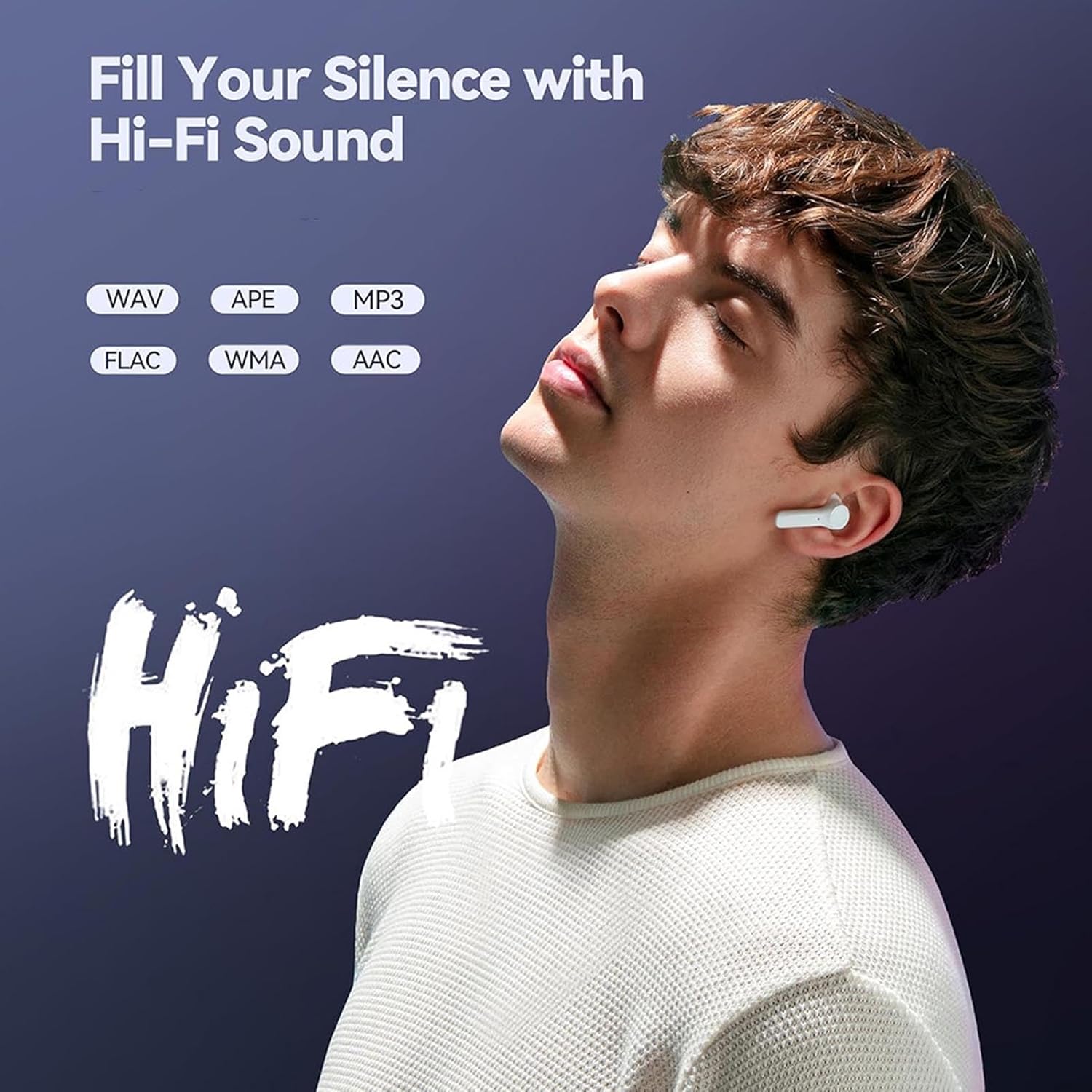
Figure 5: A person enjoying music with wireless earbuds, illustrating the HiFi sound quality and supported audio formats (WAV, APE, MP3, FLAC, WMA, AAC) of the ASHATA MP3 Player.
3. Video Playback
The device supports AVI format videos with a resolution of 240x288.
- Select the "Video" icon from the main menu.
- Navigate to your video files and select one to play.

Figure 6: The ASHATA MP3 Player displaying a video on its screen, demonstrating its capability to support AVI format video playback.
4. FM Radio
To use the FM Radio function, wired headphones must be connected as they act as the antenna.
- Connect wired headphones to the 3.5mm headphone jack.
- Select the "FM" icon from the main menu.
- Use the navigation buttons to scan for stations or tune manually.

Figure 7: A person listening to FM radio using wired headphones, emphasizing that wired headphones are required for the FM radio function.
5. Voice Recorder
The device includes a voice recorder with lossless sound quality, suitable for various scenarios.
- Select the "Record" icon from the main menu.
- Follow the on-screen instructions to start, pause, and save recordings.
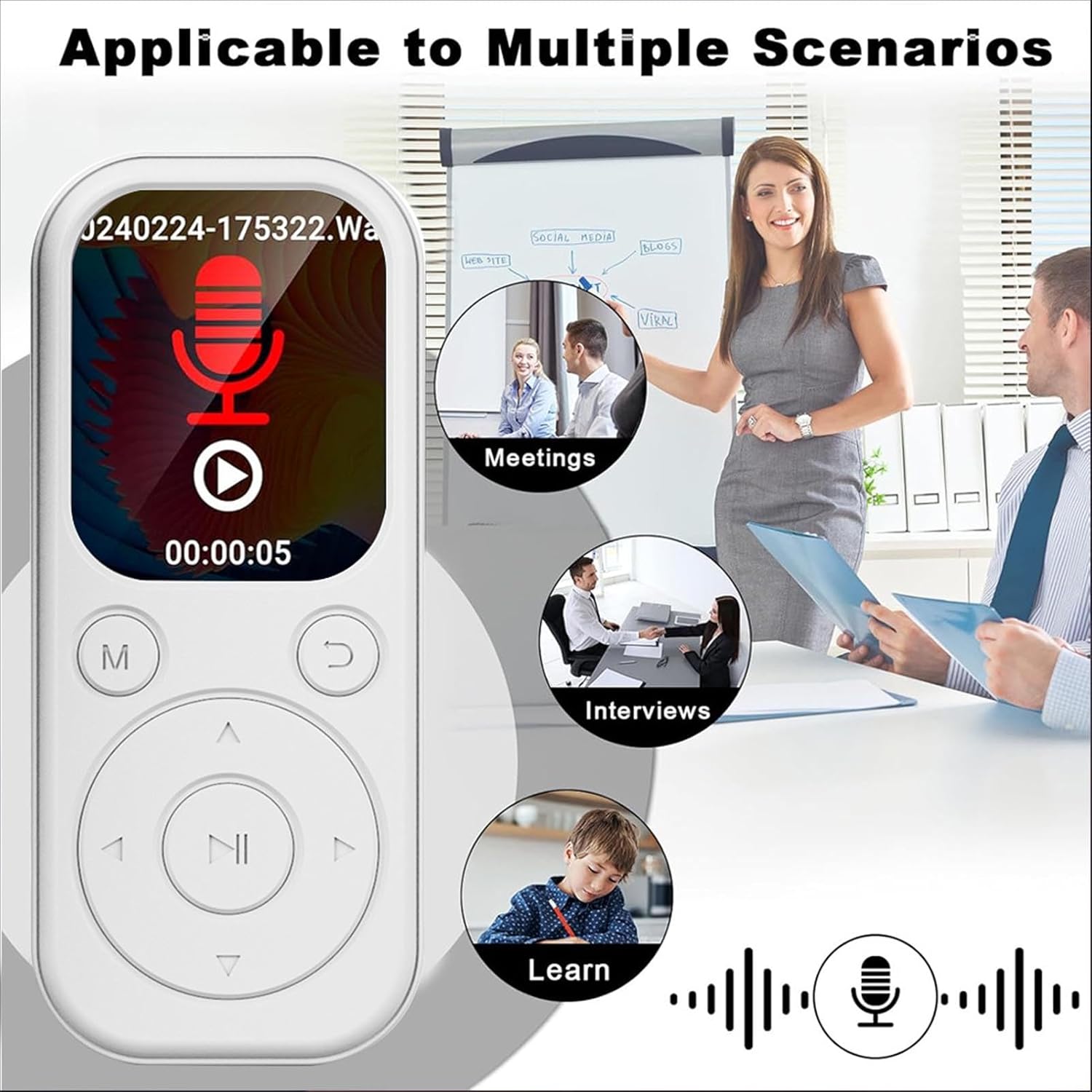
Figure 8: The ASHATA MP3 Player displaying its recording interface, with illustrations of its applicability in meetings, interviews, and learning environments.
6. EBook Reader
The player supports EBooks in TXT format.
- Select the "EBook" icon.
- Browse and select your TXT files for reading.
7. Connectivity
The device features 5.4 for stable wireless transmission.
- To connect to headphones or speakers, navigate to the settings menu and select the option.
- Note: The function only supports connection to headphones and speakers. It does not support connection to smartphones or other devices for file transfer.
Maintenance
- Cleaning: Use a soft, dry cloth to clean the device. Do not use liquid cleaners or abrasive materials.
- Storage: Store the device in a cool, dry place when not in use. Avoid prolonged exposure to direct sunlight or extreme temperatures.
- Battery Care: To prolong battery life, avoid fully discharging the battery frequently. Charge the device regularly, even if not in active use.
Troubleshooting
| Problem | Possible Cause | Solution |
|---|---|---|
| Device does not power on. | Low battery. | Charge the device for at least 30 minutes. |
| No sound during music playback. | Volume too low; headphones not connected properly; corrupted audio file. | Increase volume; ensure headphones are fully plugged in; try another audio file. |
| FM Radio not working. | Wired headphones not connected. | Connect wired headphones to the 3.5mm jack. |
| Cannot connect to device. | Device is out of range; not in pairing mode; attempting to connect to unsupported device type. | Ensure devices are close; put MP3 player in pairing mode; remember only headphones/speakers are supported. |
| TF card not recognized. | Card inserted incorrectly; card is corrupted or incompatible. | Reinsert the TF card correctly; try a different TF card; format the card (this will erase data). |
Specifications
| Feature | Description |
|---|---|
| Model | ASHATAebsi3g1762-11 |
| Material | ABS |
| Dimensions (LxWxT) | Approx. 92 x 39.8 x 8mm / 3.62 x 1.57 x 0.31in |
| Color | White |
| Battery | Built-in 500mAh Li-ion battery |
| Screen | 2.01in IPS screen |
| Connectivity | 5.4 |
| Charging Port | Type C |
| Sound Port | 3.5mm Headphone jack |
| Video Resolution/Format | 240x288, AVI format |
| EBook Format | TXT |
| Supported Operating Systems | For Vista, for OS X 10, 12 above |
| Software Language | English, French, German, Russian, Spanish, Korean |
| Weight | Approx. 26g / 0.9oz |
| Memory Card Support | Up to 128GB TF card (not included) |
| Battery Life (Music) | Up to 48 hours (from feature bullets, assuming optimal conditions) |
Warranty and Support
For warranty information or technical support, please refer to the documentation included with your purchase or contact ASHATA customer service through the retailer where the product was purchased.
You can also visit the official ASHATA store page for more information: ASHATA Store
Ask a question about this manual
Ask about setup, troubleshooting, compatibility, parts, safety, or missing instructions. Manuals+ will review the question and use this page’s manual context to help answer it.