
Vonaural headphones
Vonaural Hybrid Active Noise Cancelling Headphones User Manual
Model: headphones
Brand: Vonaural
Introduction
Thank you for choosing Vonaural Hybrid Active Noise Cancelling Headphones. This manual provides essential information for setting up, operating, and maintaining your headphones. Please read it carefully to ensure optimal performance and longevity of your device. These headphones feature advanced Hybrid Active Noise Cancellation, Hi-Fi audio with deep bass, up to 30 hours of playtime, and Bluetooth 5.2 connectivity for clear calls and immersive listening.
What's in the Box
- Vonaural Hybrid Active Noise Cancelling Headphones
- Charging Cable
Product Overview
Familiarize yourself with the components and controls of your Vonaural headphones.
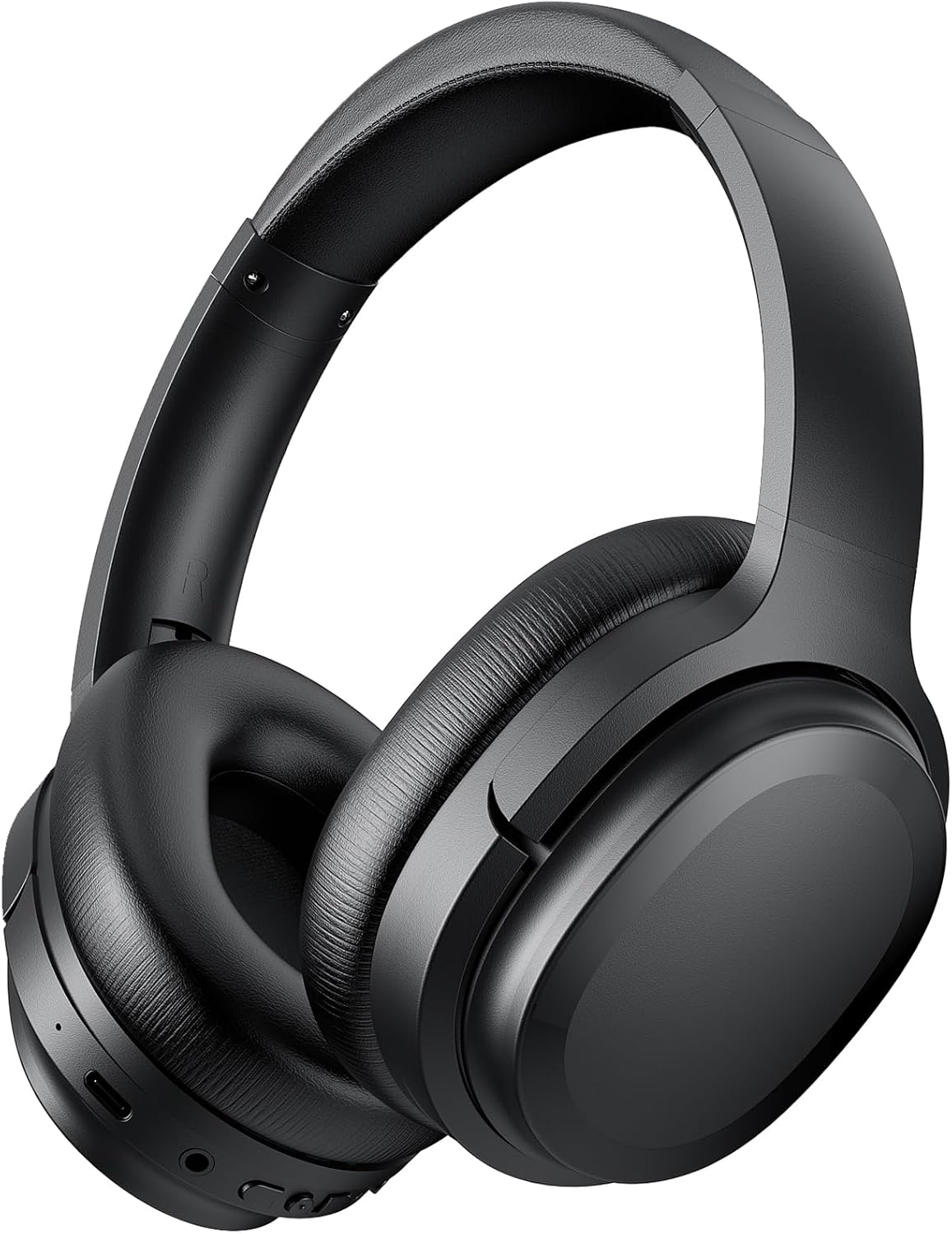
Figure 1: Vonaural Hybrid Active Noise Cancelling Headphones, main view.
Controls and Indicators
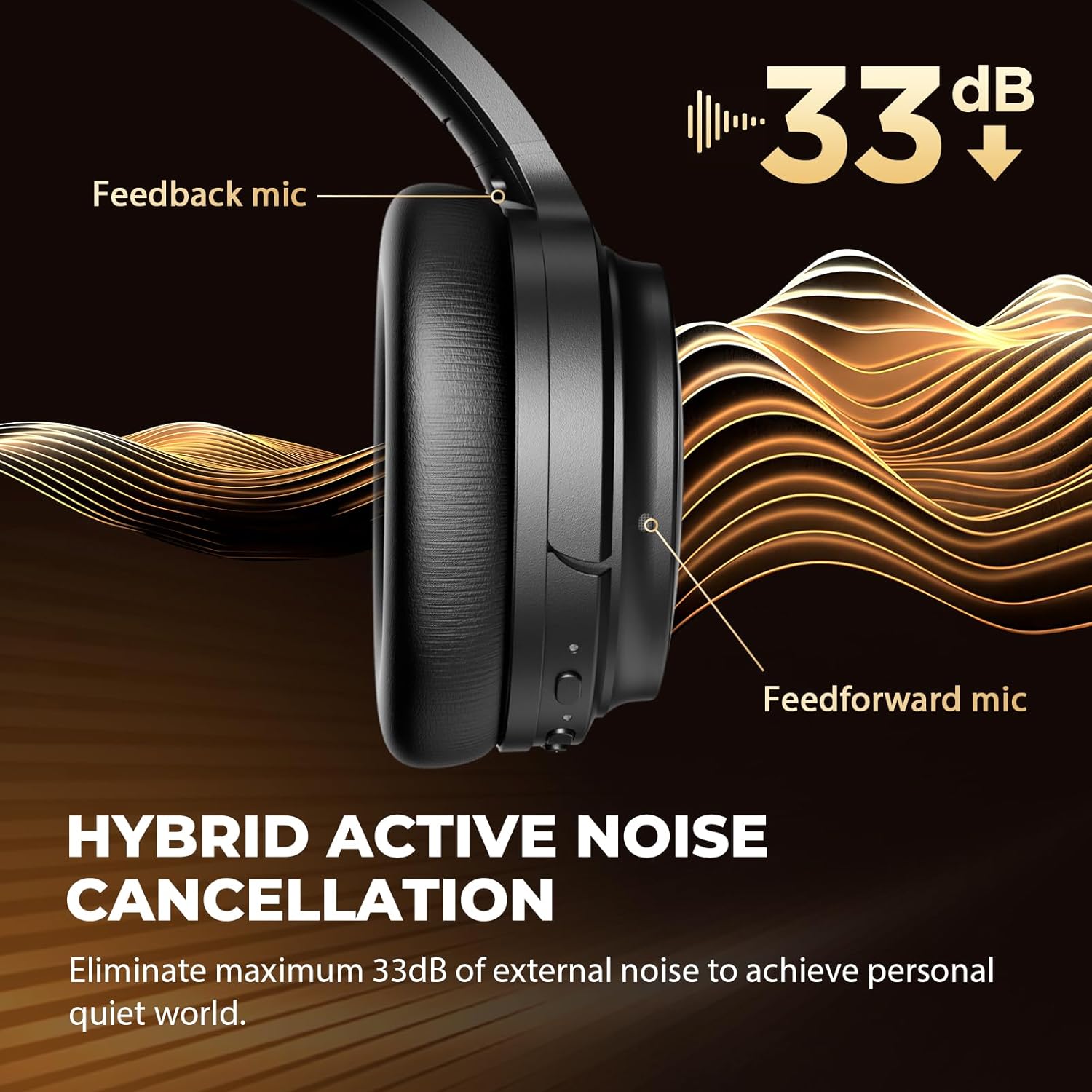
Figure 2: Side view of the headphones showing control buttons and ports.
- Power Button: Press and hold to power on/off.
- Volume Up/Next Track: Short press for volume up, long press for next track.
- Volume Down/Previous Track: Short press for volume down, long press for previous track.
- Multi-function Button (MFB): Play/Pause, Answer/End calls.
- ANC/Transparency Button: Toggle between Active Noise Cancellation, Transparency Mode, and Normal Mode.
- Charging Port: USB-C port for charging.
- LED Indicator: Displays power, pairing, and charging status.
- Microphones: Built-in noise-reduction microphones for clear calls.
Setup
1. Charging the Headphones
Before first use, fully charge your headphones. A full charge provides up to 30 hours of playtime.
- Connect the provided charging cable to the USB-C port on the headphones.
- Connect the other end of the cable to a USB power adapter (not included) or a computer's USB port.
- The LED indicator will show charging status (e.g., red for charging, blue for fully charged).
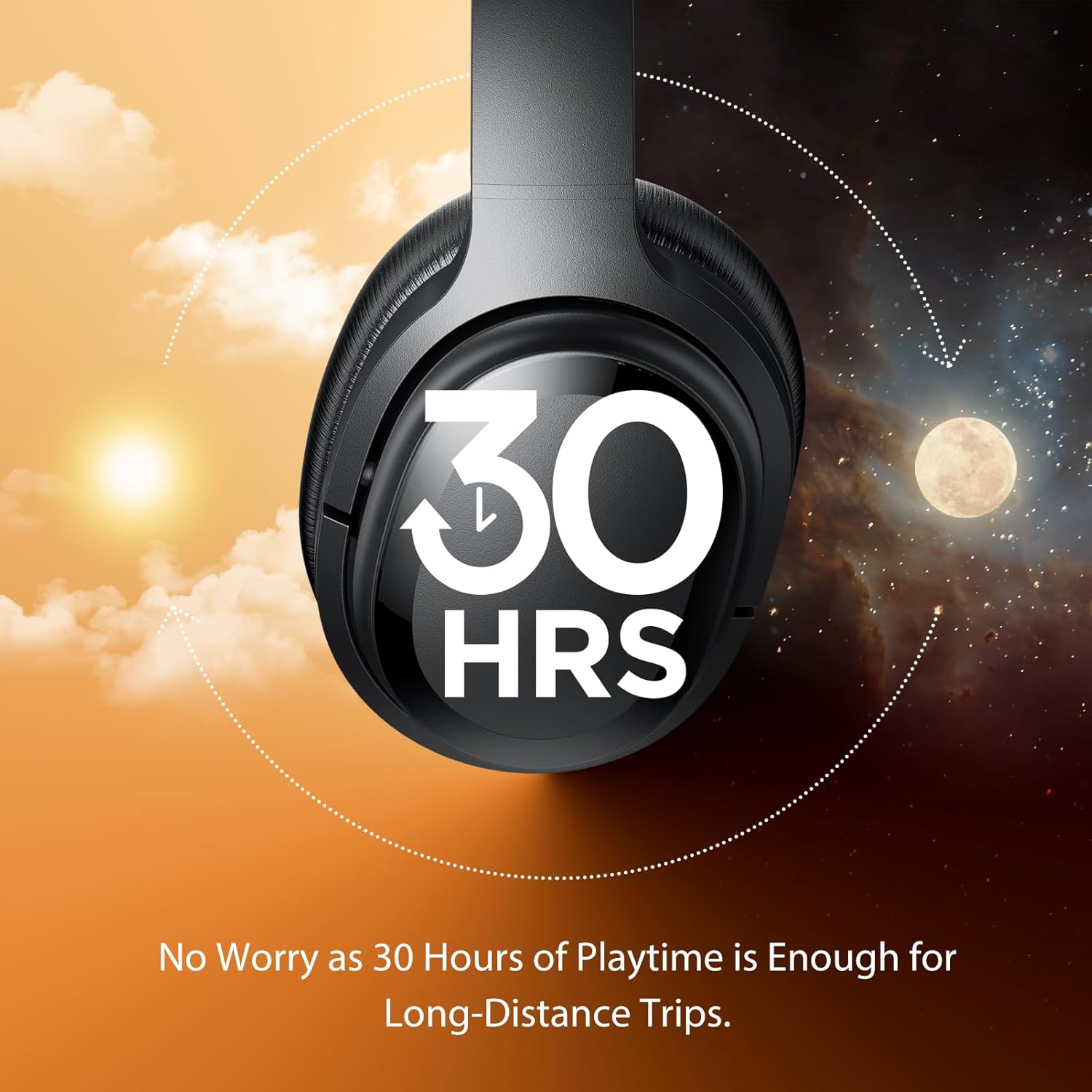
Figure 3: Headphones illustrating 30 hours of playtime on a single charge.
2. Powering On/Off
- To Power On: Press and hold the Power button for approximately 3 seconds until the LED indicator flashes blue and you hear a power-on prompt.
- To Power Off: Press and hold the Power button for approximately 3 seconds until the LED indicator flashes red and you hear a power-off prompt.
3. Bluetooth Pairing
Pair your headphones with your device for wireless audio.
- Ensure the headphones are powered off.
- Press and hold the Power button for 5-7 seconds until the LED indicator flashes red and blue alternately, indicating pairing mode.
- On your device (smartphone, tablet, computer), enable Bluetooth and search for available devices.
- Select "SE7" from the list of available devices.
- Once connected, the LED indicator will flash blue slowly, and you will hear a connection prompt.

Figure 4: Bluetooth 5.2 pairing with a smartphone, showing 'SE7' as the device name.
Operating Instructions
1. Active Noise Cancellation (ANC) and Transparency Mode
Your headphones feature Hybrid ANC to reduce external noise and Transparency Mode to stay aware of your surroundings.
- Press the ANC/Transparency Button to cycle through modes:
- ANC On: Reduces up to 97.5% of background noise. Ideal for travel or noisy environments.
- Transparency Mode: Allows ambient sounds to pass through, so you can hear your surroundings without removing your headphones.
- Normal Mode: ANC and Transparency Mode are off.

Figure 5: Hybrid ANC technology with dual microphones for noise reduction.

Figure 6: Transparency Mode allows you to engage with your surroundings.
2. Music Playback
- Play/Pause: Press the MFB once.
- Next Track: Long press the Volume Up button.
- Previous Track: Long press the Volume Down button.
3. Call Management
- Answer/End Call: Press the MFB once.
- Reject Call: Press and hold the MFB for 2 seconds.

Figure 7: Headphones provide crystal clear calls with ENC microphones.
4. Volume Control
- Increase Volume: Short press the Volume Up button.
- Decrease Volume: Short press the Volume Down button.
Maintenance
Cleaning
- Wipe the headphones with a soft, dry cloth.
- Do not use abrasive cleaners or solvents.
- Keep the charging port free of dust and debris.
Storage
- Store the headphones in a cool, dry place away from direct sunlight and extreme temperatures.
- Avoid placing heavy objects on the headphones.
- The foldable design allows for compact storage.

Figure 8: Ergonomic design with multi-angle rotation, memory foam ear cups, and adjustable headband for comfort.
Troubleshooting
If you encounter issues with your headphones, refer to the following solutions:
| Problem | Solution |
|---|---|
| Headphones do not power on. | Ensure the headphones are fully charged. Connect to a power source and try again. |
| Cannot pair with device. | Ensure headphones are in pairing mode (LED flashes red/blue). Turn off and on Bluetooth on your device. Forget previous pairings and try again. Ensure your device is searching for 'SE7'. |
| No sound or low volume. | Check volume levels on both headphones and your connected device. Ensure headphones are properly paired. |
| ANC not working in wired mode. | Active Noise Cancellation is automatically disabled when the headphones are used in wired mode. This is a design characteristic. |
| Charging issues. | Use the original charging cable. Ensure the cable and charging port are clean and undamaged. Try a different USB power source. |
Specifications
Detailed technical specifications for your Vonaural headphones.
| Feature | Specification |
|---|---|
| Model Name | headphones |
| Connectivity Technology | Wireless (Bluetooth) |
| Bluetooth Version | 5.2 |
| Audio Driver Type | 40mm Dynamic Driver |
| Noise Control | Hybrid Active Noise Cancellation, Transparency Mode |
| Battery Life | Up to 30 Hours |
| Earpiece Shape | Over Ear |
| Material | Plastic, Silicone (Memory Foam Earcups) |
| Item Weight | 15.8 ounces |
| Control Method | Buttons |
| Included Components | Charging Cable |
Warranty and Support
Vonaural products are designed for reliability and performance. Your headphones are covered by a standard manufacturer's warranty against defects in materials and workmanship. For specific warranty details, please refer to the warranty card included with your purchase or contact Vonaural customer support.
For technical assistance, troubleshooting not covered in this manual, or warranty claims, please contact Vonaural customer support through the retailer where you purchased the product or visit the official Vonaural website for contact information.
Ask a question about this manual
Ask about setup, troubleshooting, compatibility, parts, safety, or missing instructions. Manuals+ will review the question and use this page’s manual context to help answer it.