
Introduction
Welcome to the isinwheel U5 Pro Electric Bike user manual. This guide provides essential information for the safe and efficient operation, assembly, and maintenance of your new electric bicycle. The isinwheel U5 Pro is a 48V 500W folding e-bike designed for adults, featuring front suspension, a 7-speed gear system, and 20-inch fat tires, capable of reaching speeds up to 20 mph. It is built with a lightweight aluminum frame for portability and durability.
Your e-bike is safety certified to ANSI/CAN/UL 2849 by SGS, ensuring multi-layer protection for a reliable riding experience.
Safety Information
Please read all safety warnings and instructions carefully before operating your isinwheel U5 Pro Electric Bike. Failure to follow these instructions may result in serious injury or property damage.
- Always wear a certified helmet when riding.
- Perform a pre-ride inspection before each use, checking brakes, tire pressure, and all fasteners.
- Obey all local traffic laws and regulations.
- Do not ride under the influence of alcohol or drugs.
- Be aware of your surroundings and ride defensively.
- Keep hands and feet away from moving parts.
- Ensure the battery is securely locked in place before riding.
- Do not modify the e-bike's electrical system or components.
- Charge the battery only with the provided charger in a well-ventilated area.
What's in the Box
Upon unboxing your isinwheel U5 Pro Electric Bike, you should find the following components:
- 1 x isinwheel U5 Pro Folding Electric Bicycle
- 1 x Battery Charger
- 1 x User Manual (this document)
- Tools for assembly (if required)
Setup and Assembly
Your isinwheel U5 Pro Electric Bike comes mostly pre-assembled. Follow these steps to prepare your bike for its first ride.
1. Unboxing and Unfolding
Carefully remove the bike from its packaging. Unfold the frame by releasing the main hinge latch. Ensure the latch is securely closed and locked after unfolding.
Video: isinwheel U5 Pro Electric Bike Unboxing and Assembly. This video demonstrates the initial unboxing process and how to assemble the bike, including unfolding the frame and attaching components.

Image: The isinwheel U5 Pro electric bike folded and being placed into a car trunk, demonstrating its compact size for transport and storage.
2. Handlebar and Seat Adjustment
Adjust the handlebar height and seat post height to a comfortable riding position. Ensure all quick-release levers are tightened securely after adjustment.

Image: An illustration of the isinwheel U5 Pro electric bike highlighting the adjustable seat and handlebar heights for rider comfort and fit.
3. Battery Installation and Charging
Insert the battery into its compartment and ensure it locks securely. Before your first ride, fully charge the battery using the provided charger. The charging time is approximately 2-3 hours.

Image: The isinwheel U5 Pro electric bike connected to its charger, illustrating the fast charging capability of 2-3 hours for a single charge.
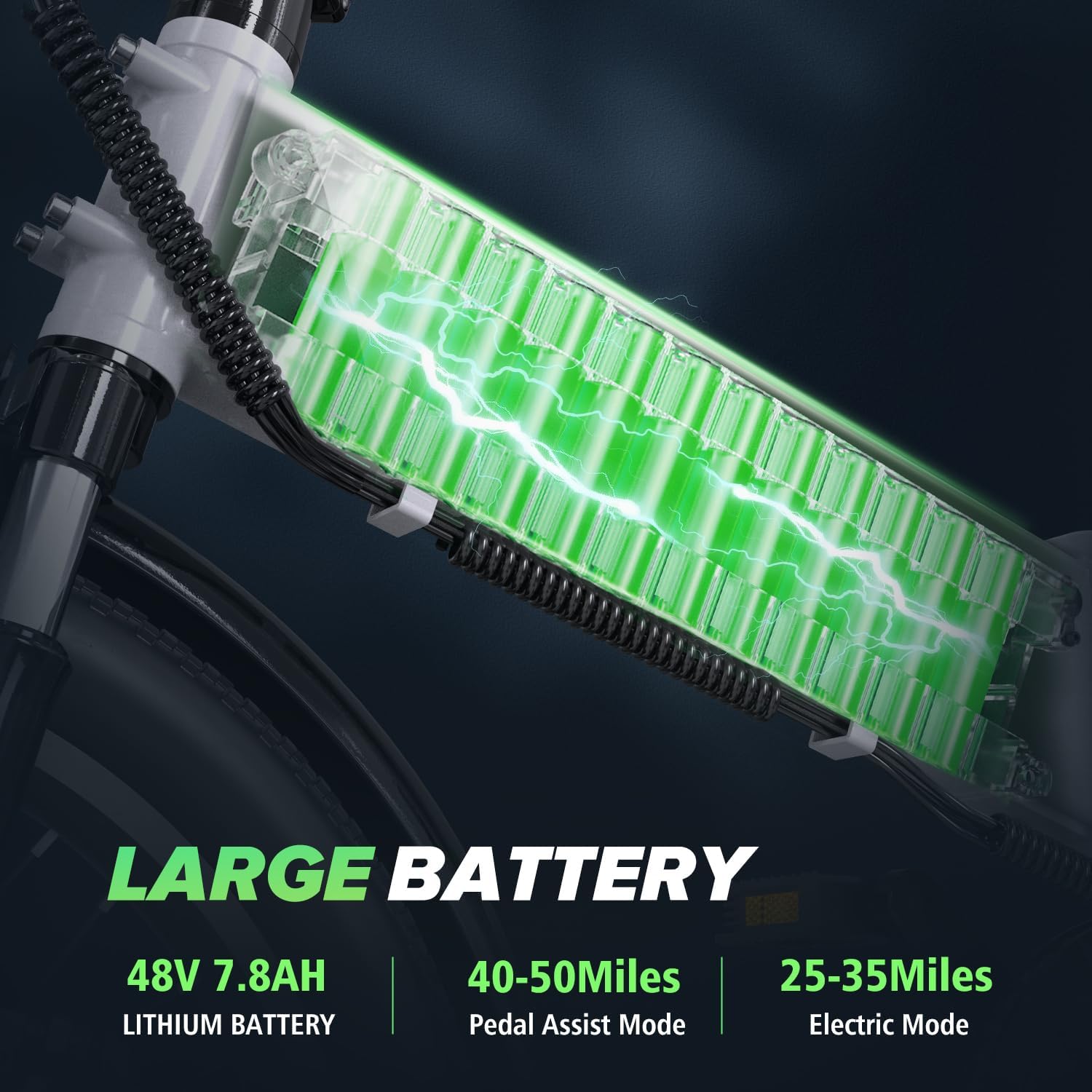
Image: A detailed view of the 48V 7.8Ah lithium battery, emphasizing its capacity for extended range in both pedal assist and electric modes.
4. Pre-Ride Checks
Before every ride, perform the following checks:
- Brakes: Ensure both front and rear brakes are functioning correctly.
- Tires: Check tire pressure and inspect for any damage.
- Fasteners: Verify all bolts, nuts, and quick releases are tight.
- Battery: Confirm the battery is fully charged and securely installed.
- Lights: Test the headlight and taillight for proper operation.
Operating Instructions
1. Powering On/Off and LCD Display
Press and hold the power button on the LCD display to turn the bike on or off. The smart LCD dashboard provides real-time information such as speed, riding time, mileage, and remaining battery power.

Image: The smart LCD display on the handlebars of the isinwheel U5 Pro, showing key riding data. Also visible are the controls for the accelerator and gear shifter.

Image: A clear view of the Smart LCD Display, which provides essential riding data at a glance, including speed, riding time, mileage, and battery status.
2. Pedal Assist and Throttle
The U5 Pro offers multiple riding modes:
- Pedal Assist Mode: Provides motor assistance as you pedal. Adjust the assist level using the controls on the handlebar.
- Full Electric Mode: Use the throttle to propel the bike without pedaling.
- Manual Mode: Ride the bike like a traditional bicycle without any motor assistance.
3. Gear Shifting
The bike is equipped with a 7-speed gear system. Use the shifter on the handlebars to change gears according to terrain and desired speed. Shift to lower gears for climbing hills and higher gears for flat terrain.
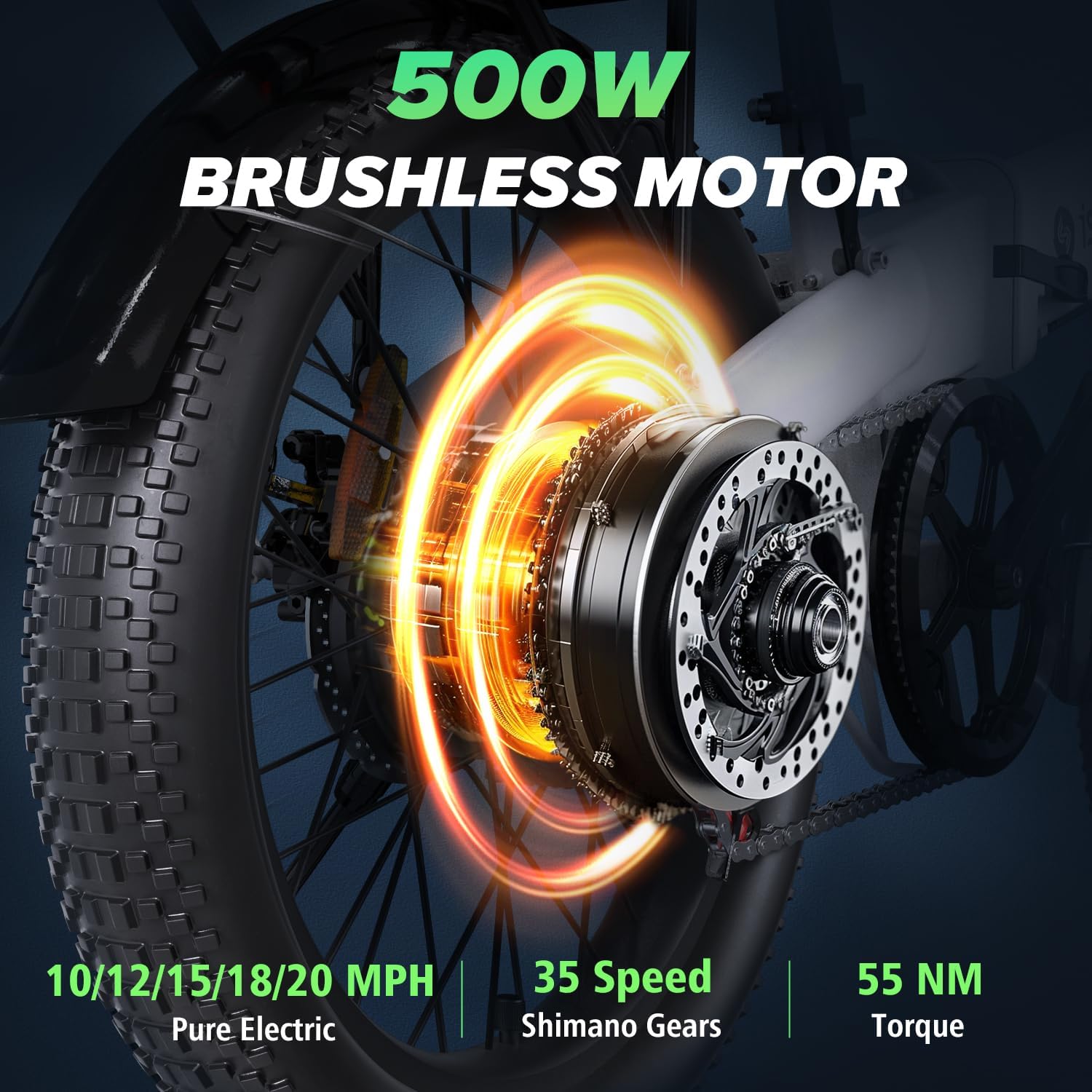
Image: A detailed view of the 500W brushless motor and the gear system, illustrating the power delivery and mechanical components for propulsion.

Image: The 7-speed gear shifter, designed for easy and precise gear changes to adapt to various riding conditions and inclines.
4. Braking
The U5 Pro is equipped with disc brakes for reliable stopping power. Apply both brake levers gently and evenly to slow down or stop. Avoid sudden, hard braking, especially at high speeds.
5. Lighting System
The bike features an integrated headlight and rear brake light for enhanced visibility. Turn on the lights when riding in low-light conditions or at night.
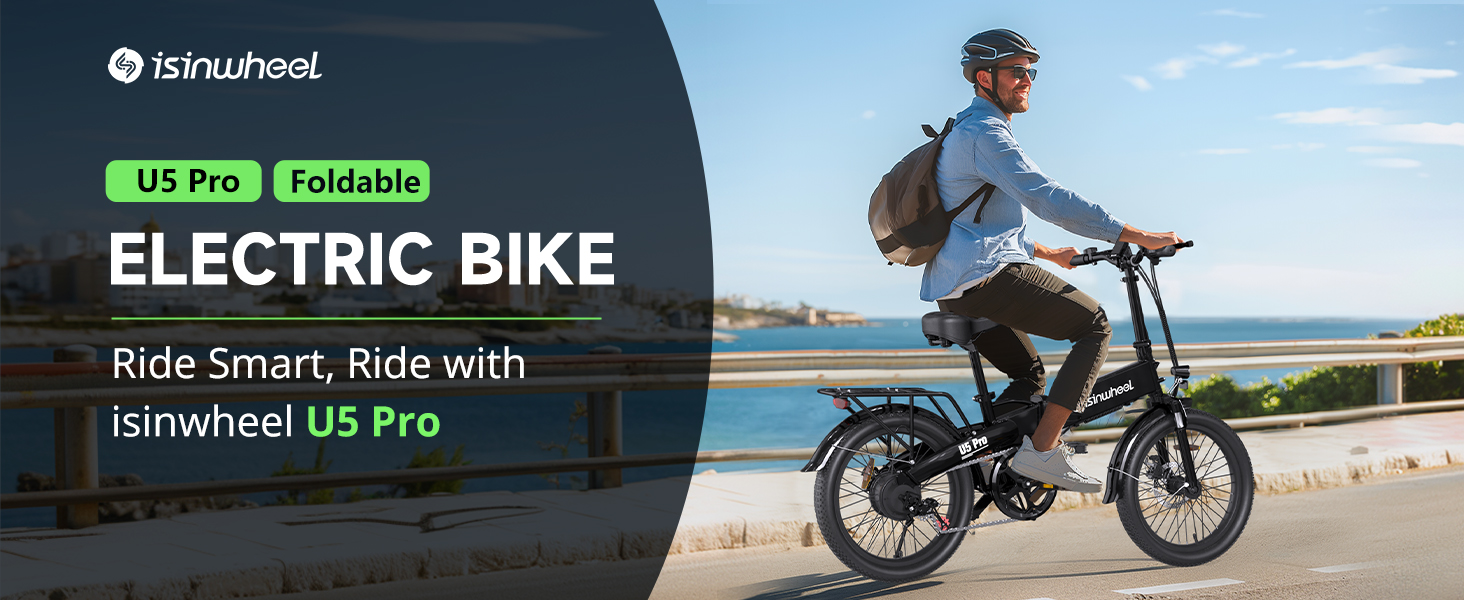
Image: The integrated headlight and rear brake light, designed to provide excellent visibility in all lighting conditions for rider safety.
Maintenance
Regular maintenance is crucial for the longevity and safe operation of your e-bike.
- Cleaning: Clean the bike regularly with a damp cloth. Avoid high-pressure washing directly on electrical components.
- Tires: Maintain recommended tire pressure (check sidewall for PSI). Inspect tires for wear and punctures.
- Brakes: Check brake pads for wear and ensure brake levers have proper tension. Adjust or replace as needed.
- Chain: Keep the chain clean and lubricated to ensure smooth shifting and prevent rust.
- Battery Care: Store the battery in a cool, dry place. Charge it regularly, even if not in use, to maintain battery health. Avoid fully discharging the battery.
- Fasteners: Periodically check and tighten all bolts, nuts, and quick releases.
- Suspension: Inspect the front suspension fork for proper function and any signs of damage.
Troubleshooting
This section addresses common issues you might encounter with your isinwheel U5 Pro Electric Bike.
| Problem | Possible Cause | Solution |
|---|---|---|
| Bike does not power on | Battery not charged or not properly installed; loose electrical connection. | Ensure battery is fully charged and securely seated. Check all visible electrical connections. |
| Motor not assisting | Pedal assist level too low; throttle not engaged; brake levers engaged; motor error. | Increase pedal assist level. Ensure throttle is fully engaged. Check if brake levers are stuck. Consult support if error persists. |
| Brakes feel weak | Worn brake pads; loose brake cable; air in hydraulic system (if applicable). | Inspect brake pads for wear and replace if necessary. Adjust brake cable tension. For hydraulic brakes, professional service may be required. |
| Gears are not shifting smoothly | Dirty or unlubricated chain; misaligned derailleur. | Clean and lubricate the chain. Adjust the derailleur if you are familiar with bike mechanics, or seek professional assistance. |
If you encounter an issue not listed here or if the suggested solutions do not resolve the problem, please contact isinwheel customer support.
Specifications
| Feature | Detail |
|---|---|
| Model Name | U5 Pro |
| Bike Type | Electric Bike |
| Age Range | Adult |
| Motor | 500W Brushless Motor |
| Battery | 48V 7.8Ah Removable Lithium Battery |
| Charging Time | 2-3 Hours |
| Max Speed | 20 mph |
| Range (Pedal Assist) | 40-50 Miles |
| Range (Electric Mode) | 25-35 Miles |
| Number of Speeds | 7-Speed Gear System |
| Wheel Size | 20 inches (Fat Tire) |
| Frame Material | Aluminum Alloy |
| Suspension Type | Front Suspension |
| Brake Style | Disc Brakes |
| Folded Dimensions | 37.4 × 17.7 × 27.5 inches |
| Weight | 53.6 lbs |
| Safety Certification | ANSI/CAN/UL 2849 by SGS |
Warranty Information
The isinwheel U5 Pro Electric Bike comes with a limited warranty. Please refer to the warranty card included with your purchase or visit the official isinwheel website for detailed terms and conditions regarding coverage, duration, and claims process. Keep your proof of purchase for warranty validation.
Customer Support
For technical assistance, troubleshooting, or any questions regarding your isinwheel U5 Pro Electric Bike, please contact isinwheel customer support.
- Website: Visit the isinwheel Store on Amazon
- Email: Refer to your warranty card or product packaging for specific contact email.
- Phone: Refer to your warranty card or product packaging for specific contact number.
When contacting support, please have your model name (U5 Pro) and purchase information ready.


