1. Introduction
The X-Origin AIPI-Lite is a smart AI companion designed to provide customizable AI character interactions, voice cloning capabilities, and access to various advanced AI models. This manual provides essential information for setting up, operating, maintaining, and troubleshooting your AIPI-Lite device.

Image 1.1: The AIPI-Lite Smart AI Companion device.
2. Setup
2.1 Unboxing and Initial Inspection
Carefully remove all components from the packaging. Verify that the AIPI-Lite device is free from any visible damage. The package typically includes the AIPI-Lite device. Please note that the battery is not included and must be purchased separately.
2.2 Battery Installation
- Ensure the AIPI-Lite device is powered off.
- Locate the battery compartment on the device.
- Insert the compatible battery (purchased separately) according to the polarity indicators.
- Securely close the battery compartment.
2.3 Device Activation and Membership
The AIPI-Lite requires a membership subscription for full functionality. Follow these steps to activate your device and access its features:
- Power on the AIPI-Lite device.
- Visit the official AIPI website (aipi.com) on a computer or mobile device.
- Create an account or log in if you already have one.
- Select and purchase a suitable membership plan. Various plans are available, often including a 3-day free trial and a 30-day money-back guarantee.
- Once membership is active, proceed to bind your device to your account. This typically involves setting up your name and password, then creating a new agent within the platform. The platform will provide a verification code to complete the binding process.
- After successful binding, your AIPI-Lite will be activated and ready for use.
3. Operating Instructions
3.1 Customizing AI Companions
The AIPI-Lite allows for full customization of your AI companion's behavior, skills, and memory using plain text input. No coding is required to define intelligent roles.

Image 3.1: Examples of customizable roles for the AIPI-Lite.
3.2 Voice Cloning
The device can clone any voice with lifelike accuracy in approximately 10 seconds. This feature captures tone, pitch, vocal habits, and rhythm nuances to create a permanent digital voiceprint. Voice cloning is available after subscribing to a membership plan.

Image 3.2: Voice cloning feature in action.
3.3 AI Model Switching
The AIPI-Lite supports seamless switching between various AI models, including GPT-4.1, Gemini, Azure, Xorigin, and Amazon Bedrock. The device recognizes voice commands and responds in real-time.

Image 3.3: AIPI-Lite's multi-model access.
3.4 Voiceprint Recognition
The AIPI-Lite can determine the identity of the speaker through their voice, associating sound data information with the speaker's identity in approximately 3 seconds.

Image 3.4: AIPI-Lite recognizing different voices.
3.5 Memory System
The device features a memory system that allows it to remember chats, facts, and adapt over time. This includes both short-term and long-term memory capabilities.

Image 3.5: AIPI-Lite's memory system.
3.6 Data Security
AIPI-Lite is designed to keep your information secure, protecting your data with advanced encryption.
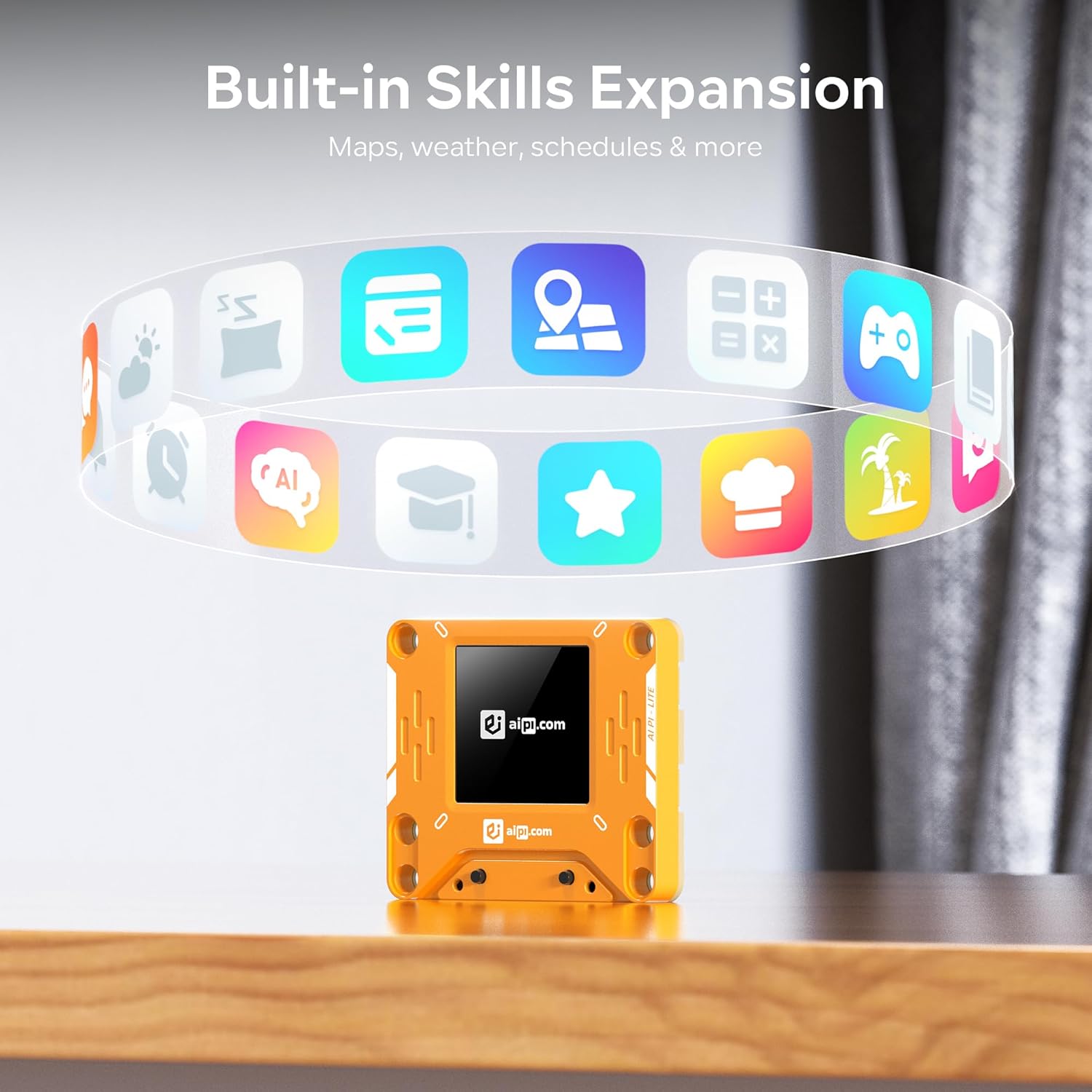
Image 3.6: Secure conversation feature.
3.7 Built-in Skills and Expansion
The AIPI-Lite offers an all-in-one AI experience platform, allowing access, personalization, and interaction with multiple AI tools. This includes skills such as maps, weather, and schedules.

Image 3.7: AIPI-Lite's skill expansion capabilities.
4. Maintenance
4.1 General Care
- Keep the device clean by wiping it with a soft, dry cloth.
- Avoid exposing the device to extreme temperatures or direct sunlight for prolonged periods.
- Store the device in a cool, dry place when not in use.
4.2 Water and Moisture Exposure
Important Safety Information:
- This product is not waterproof.
- Do not immerse the AIPI-Lite in water or allow it to get wet.
- Do not use the AIPI-Lite in the rain or in highly humid environments.
4.3 Accessory Usage
Do not use non-original accessories to replace or add components to the AIPI-Lite. Using unauthorized accessories may damage the device and void any warranties.
5. Troubleshooting
This section addresses common issues and provides solutions to ensure optimal performance of your AIPI-Lite.
5.1 Device Not Functioning / Limited Features
- Issue: The device appears to be a 'brick' or has very limited functionality.
- Solution: The AIPI-Lite requires an active membership subscription for full functionality. Ensure you have subscribed to a plan on aipi.com and successfully bound your device. Without a subscription, many advanced features will be inaccessible.
5.2 Device Not Powering On
- Issue: The AIPI-Lite does not turn on.
- Solution: Verify that a compatible battery is correctly installed and charged. The battery is sold separately and is not included with the device.
5.3 Voice Recognition or Interaction Issues
- Issue: The device struggles to recognize voice commands or maintain continuous conversation.
- Solution: Ensure you are speaking clearly and directly towards the device. Minimize background noise. While the AIPI-Lite offers advanced AI, continuous, complex conversations may sometimes require rephrasing or more specific prompts.
5.4 Outdated Information from AI
- Issue: The AI provides information that seems outdated.
- Solution: AI models are trained on data up to a certain point. While the AIPI-Lite accesses various models, some information may not be current. Check for available software updates for your device or AI model updates within your membership portal.
5.5 Memory Limitations
- Issue: The AI does not remember previous parts of a conversation or specific details.
- Solution: The AIPI-Lite has a memory system, but it may have limitations (e.g., approximately 2000 words for specific memory functions). For critical information, ensure it is explicitly saved or referenced. Conversations are not always saved for later retrieval.
6. Specifications
| Product Dimensions | 1.87 x 0.3 x 2.18 inches |
| Item Weight | 1.76 ounces |
| Model Number | XY006PL01 |
| Manufacturer | Shenzhen Xuanyuan Technology Co., Ltd. |
| Recommended Age | 18 months - 3 years |
7. Warranty and Support
7.1 Money-Back Guarantee
The AIPI-Lite may come with a 30-day money-back guarantee, as well as a 3-day free trial for membership plans. Please refer to your purchase documentation or the official AIPI website for specific terms and conditions.
7.2 Product Warranty
For information regarding the product warranty, please consult your purchase receipt, the product packaging, or the official X-Origin website. Warranty terms may vary based on region and retailer.
7.3 Customer Support
For technical assistance, membership inquiries, or any other support needs, please visit the official AIPI website at aipi.com. You may find FAQs, troubleshooting guides, and contact information for customer service there.


