1. Introduction
This manual provides essential information for using your OUKITEL C62 PRO Cell Phone. Please read it carefully to ensure proper operation and to maximize your device's potential. The OUKITEL C62 PRO is a feature-rich smartphone designed for daily use, offering a large display, efficient performance, and a long-lasting battery.
Video: OUKITEL C62 PRO Cell Phone Overview. This video provides a general introduction to the OUKITEL C62 PRO smartphone, highlighting its design and key features.
2. Setup
2.1. Unboxing and Package Contents
Upon opening your OUKITEL C62 PRO package, verify that all items are present:
- 1x OUKITEL C62 Pro Smartphone
- 1x Data Cable
- 1x Type-C Charger
- 1x User Manual
- 1x Phone Case
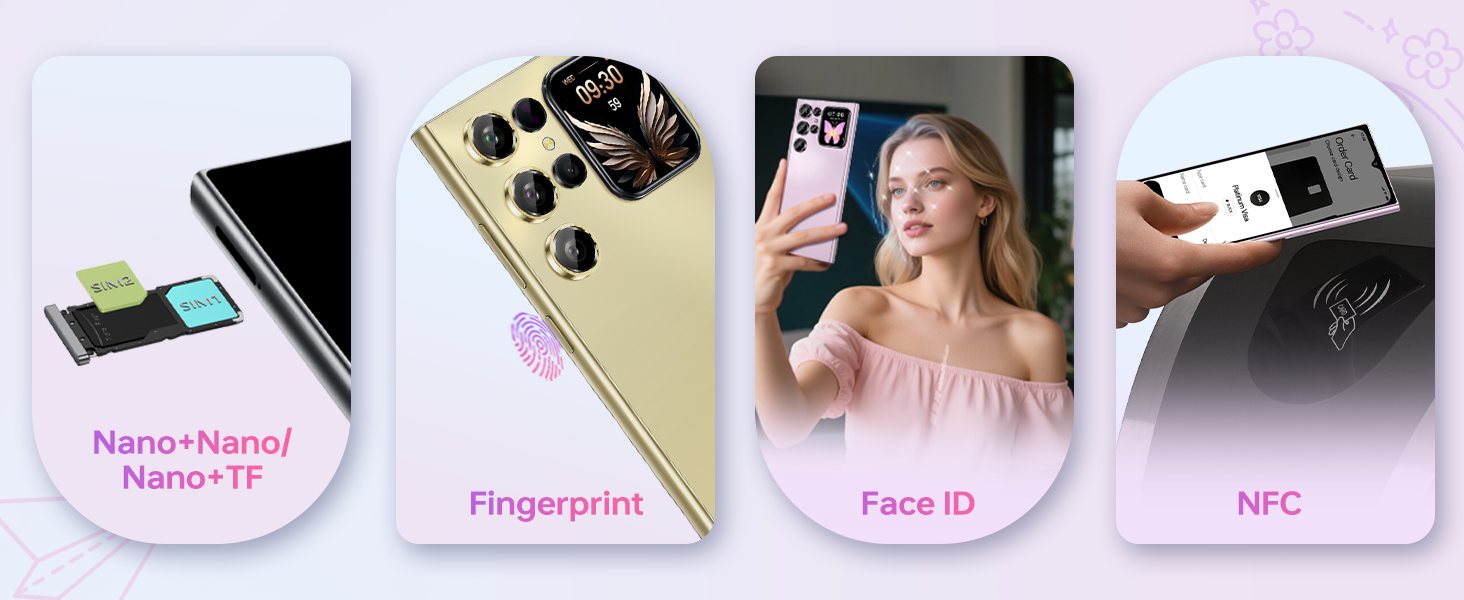
Image: The OUKITEL C62 PRO retail box displaying the smartphone and included accessories such as the data cable, Type-C charger, user manual, and phone case.
2.2. SIM Card and TF Card Installation
To install your SIM card(s) and/or TF (microSD) card:
- Locate the SIM tray on the side of the device.
- Insert the provided SIM ejector tool into the small hole on the SIM tray and press gently until the tray pops out.
- Place your Nano-SIM card(s) and/or TF card into the designated slots on the tray. Ensure the gold contacts face downwards.
- Carefully push the tray back into the device until it is flush with the side.
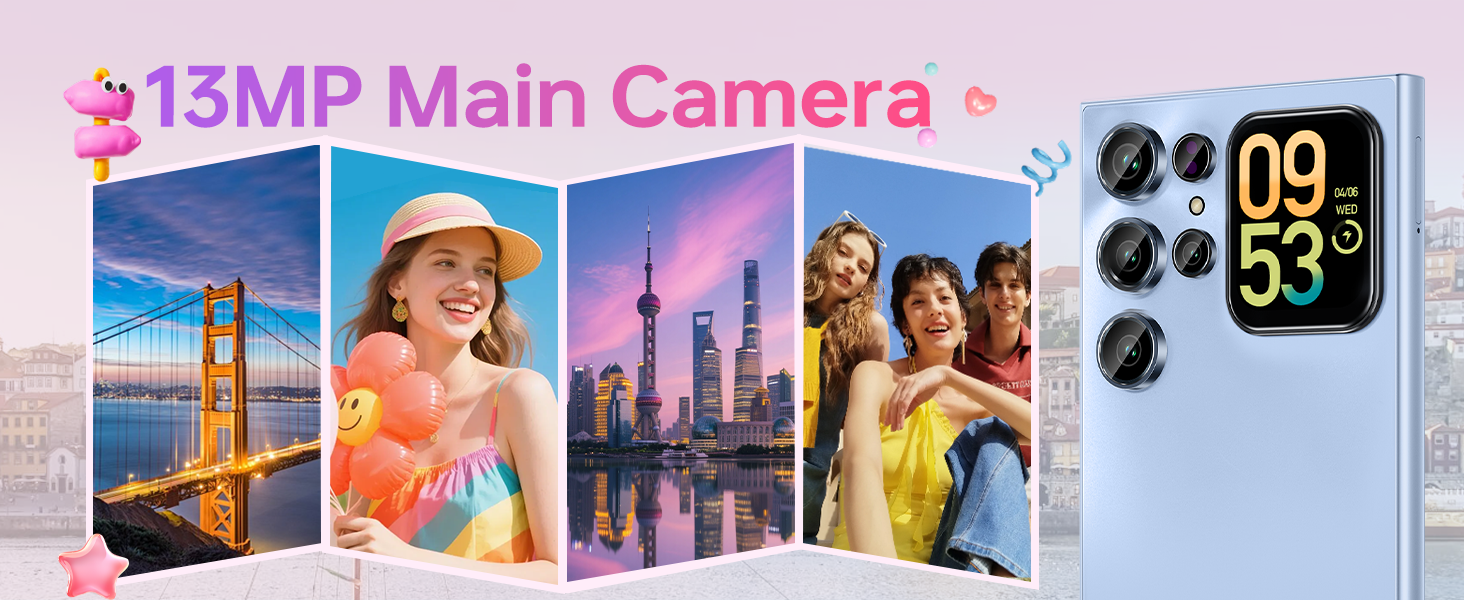
Image: A close-up view of the OUKITEL C62 PRO's SIM tray, illustrating the placement of Nano-SIM cards and a TF (microSD) card for dual SIM functionality or expanded storage.
2.3. Charging the Device
Before first use, fully charge your OUKITEL C62 PRO. Connect the Type-C cable to the phone's charging port and the other end to the Type-C charger. Plug the charger into a power outlet. The battery indicator on the screen will show charging progress.
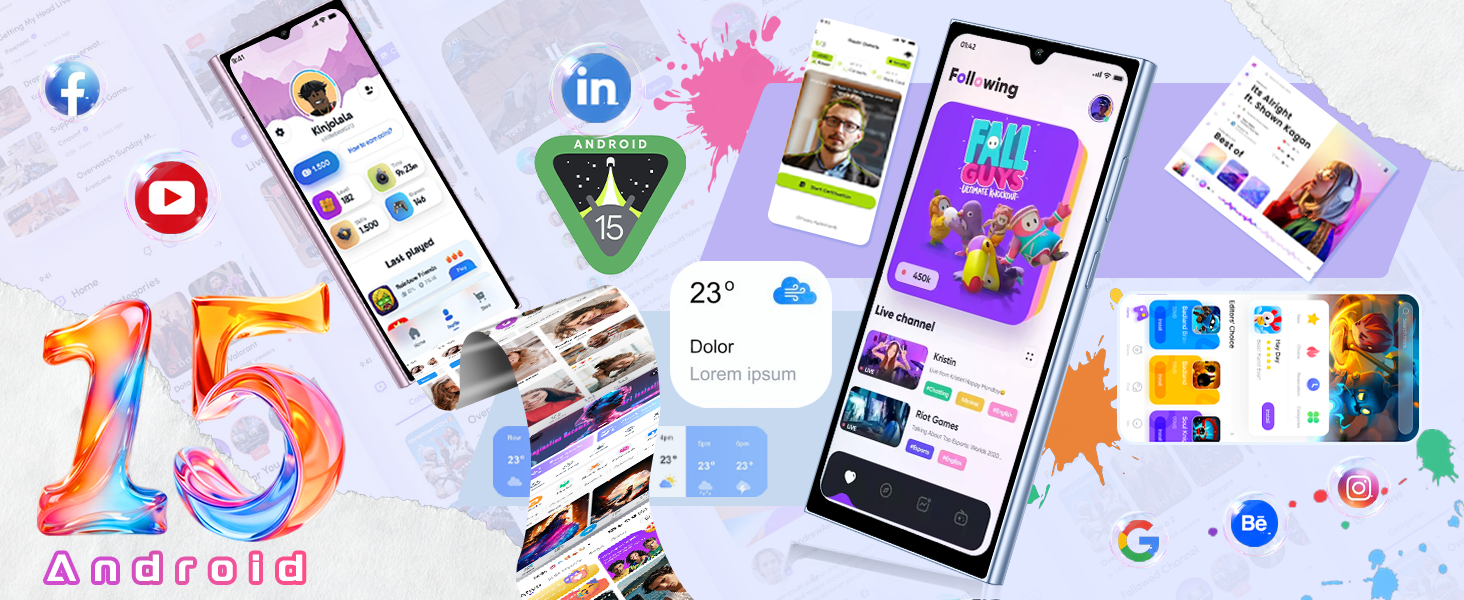
Image: An illustration highlighting the OUKITEL C62 PRO's 5150mAh battery capacity, indicating its long-lasting power for extended usage.
3. Operating Your Device
3.1. Power On/Off
- To Power On: Press and hold the Power button until the OUKITEL logo appears.
- To Power Off: Press and hold the Power button, then select "Power off" from the options on the screen.
- To Restart: Press and hold the Power button, then select "Restart" from the options.
3.2. Main Display (6.88-inch)
The OUKITEL C62 PRO features a large 6.88-inch display with a 90Hz refresh rate, providing smooth visuals and responsive touch interaction. Navigate through apps, browse the web, and enjoy multimedia content with clarity.
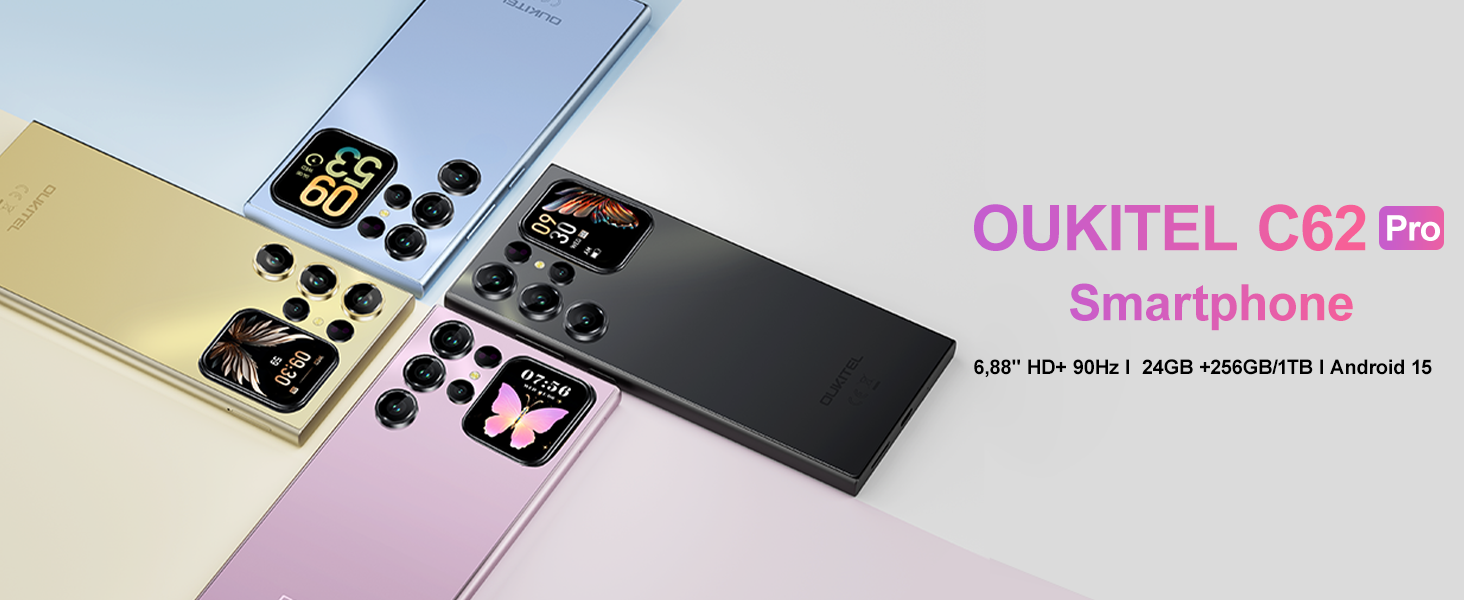
Image: The OUKITEL C62 PRO showcasing its expansive 6.88-inch main display with a high screen-to-body ratio, 450 nits brightness, 1080*2460 resolution, and 260 PPI pixel density.
3.3. Rear Screen (1.81-inch)
The innovative 1.81-inch rear screen provides quick access to essential information and functions without needing to unlock the main display. It can show the time, battery status, notifications, and caller information. It also serves as a convenient viewfinder for taking selfies with the main camera.
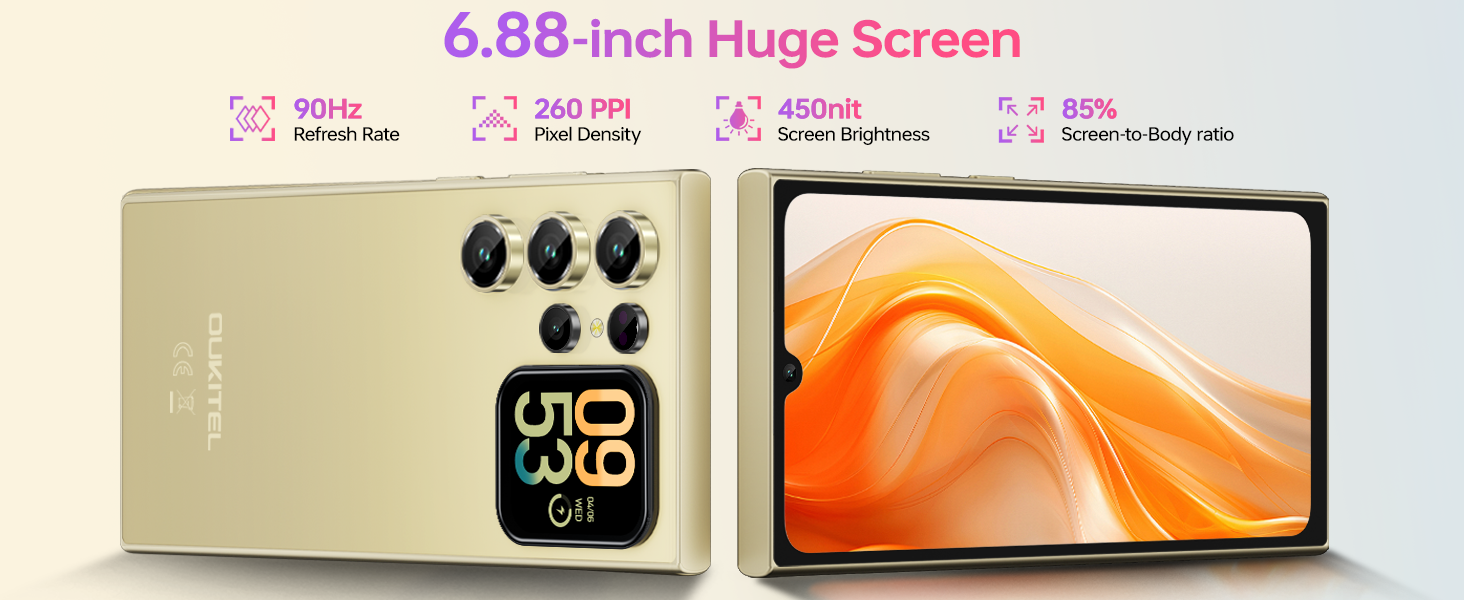
Image: The OUKITEL C62 PRO's 1.81-inch secondary display on the rear, demonstrating its ability to show various widgets like time, weather, music controls, and camera preview.
3.4. Camera Functions
Your device is equipped with a 13MP main rear camera and a 5MP front camera. Access the camera application from the home screen or app drawer.
- Taking Photos: Tap the shutter button to capture images.
- Video Recording: Switch to video mode and tap the record button to start/stop recording. The phone supports 1080P video recording.
- Shooting Modes: Explore various modes such as Portrait, Night, Panorama, and Professional to enhance your photography.
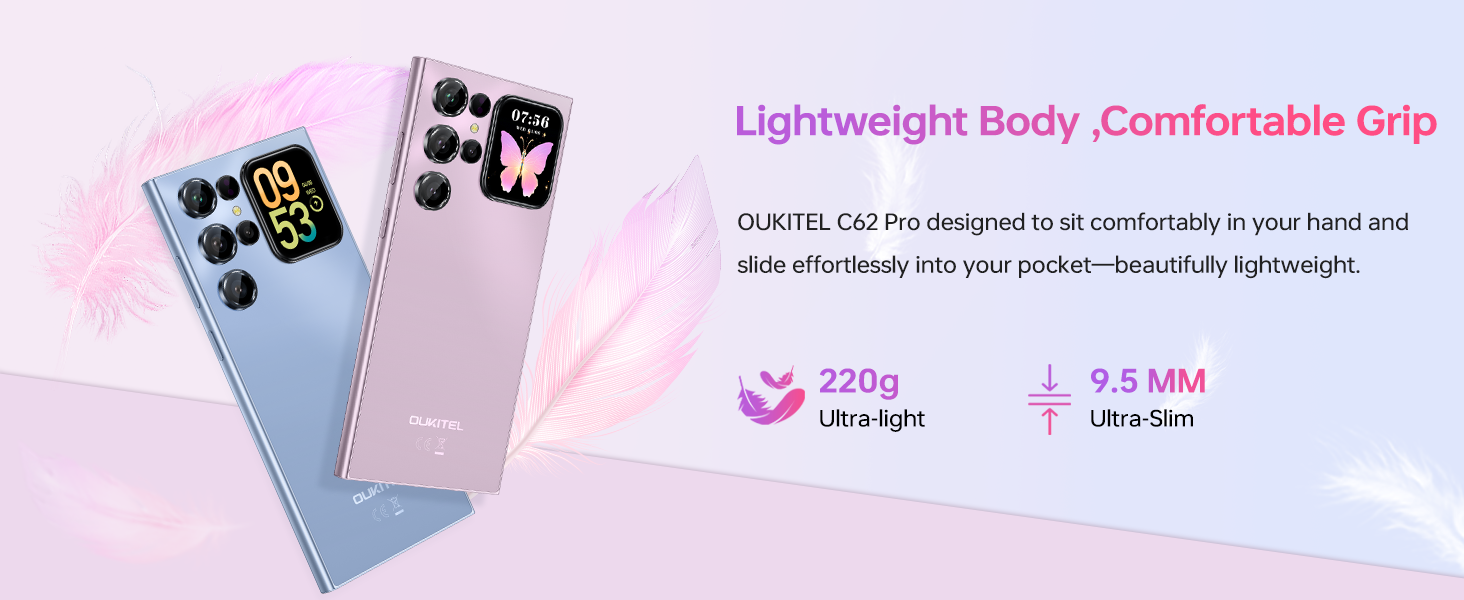
Image: The OUKITEL C62 PRO's 13MP main camera capturing vibrant landscape and group photos, demonstrating its capability for various shooting scenarios.
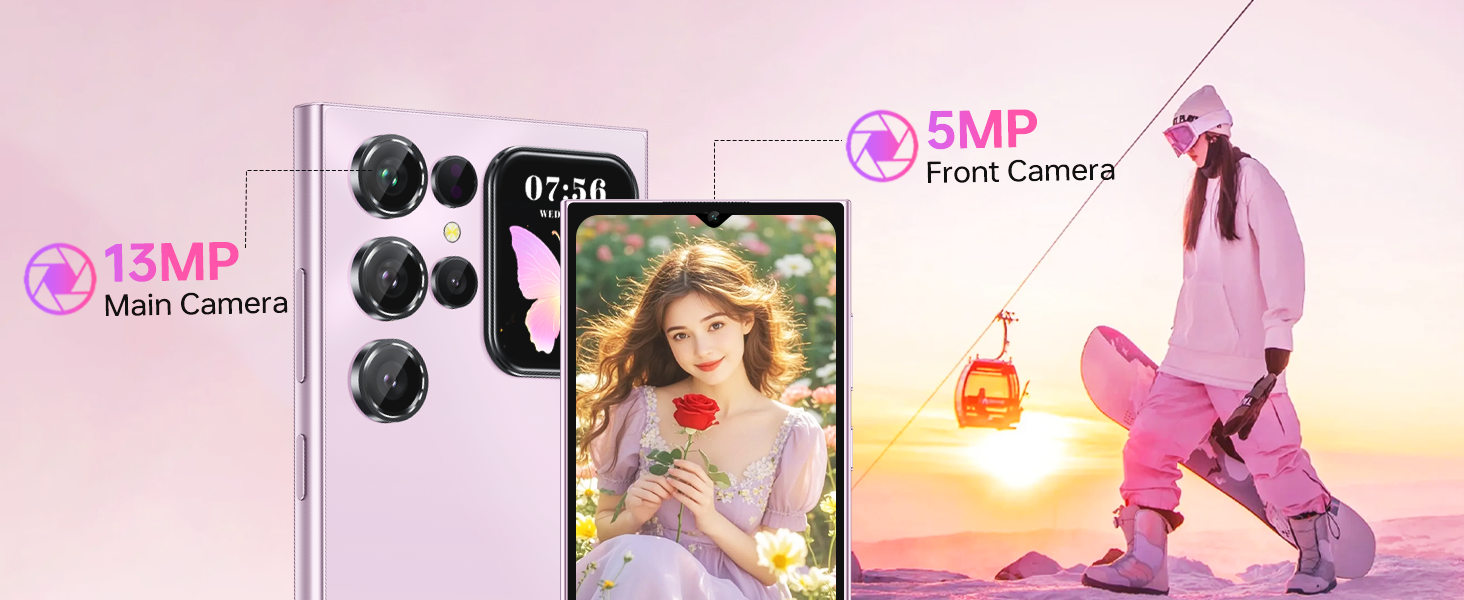
Image: The OUKITEL C62 PRO's 5MP front camera capturing clear selfies and group photos, highlighting its suitability for video calls and self-portraits.
3.5. Security Features
The OUKITEL C62 PRO offers multiple security options to protect your device and data:
- Face Unlock: Register your face for quick and convenient unlocking.
- Fingerprint Sensor: Use your fingerprint for secure and fast access.
3.6. Connectivity
The device supports various connectivity options:
- 4G Dual SIM: Use two SIM cards simultaneously for different networks or numbers. (Note: Supports T-Mobile carrier; not compatible with AT&T/Verizon).
- NFC: Enable Near Field Communication for contactless payments and data exchange.
- GPS: Utilize GPS, GLONASS, Galileo, and Beidou for accurate navigation and location services.
- Bluetooth 5.0: Connect to wireless headphones, speakers, and other Bluetooth-enabled devices.
- Wi-Fi (2.4G+5G): Connect to wireless networks for internet access.

Image: An overview of the OUKITEL C62 PRO's connectivity features, including GPS for navigation, Bluetooth 5.0 for wireless connections, a Type-C port for charging and data, and dual-band Wi-Fi (2.4G+5G).
3.7. Battery Management
The 5150mAh battery provides extended usage time. To optimize battery life:
- Adjust screen brightness.
- Close unused applications running in the background.
- Turn off Wi-Fi, Bluetooth, and GPS when not in use.
- Enable battery saver mode when the battery is low.
4. Maintenance
4.1. Cleaning Your Device
Use a soft, lint-free cloth to clean the screen and body of your phone. Avoid using harsh chemicals or abrasive materials that could damage the device.
4.2. Software Updates
Regularly check for and install software updates to ensure your device has the latest features, security patches, and performance improvements. Go to Settings > System > System update to check for updates.
4.3. Storage Management
The OUKITEL C62 PRO comes with 256GB of internal storage, expandable up to 1TB with a TF card. Regularly manage your storage by deleting unnecessary files, uninstalling unused apps, and moving large media files to cloud storage or the TF card.
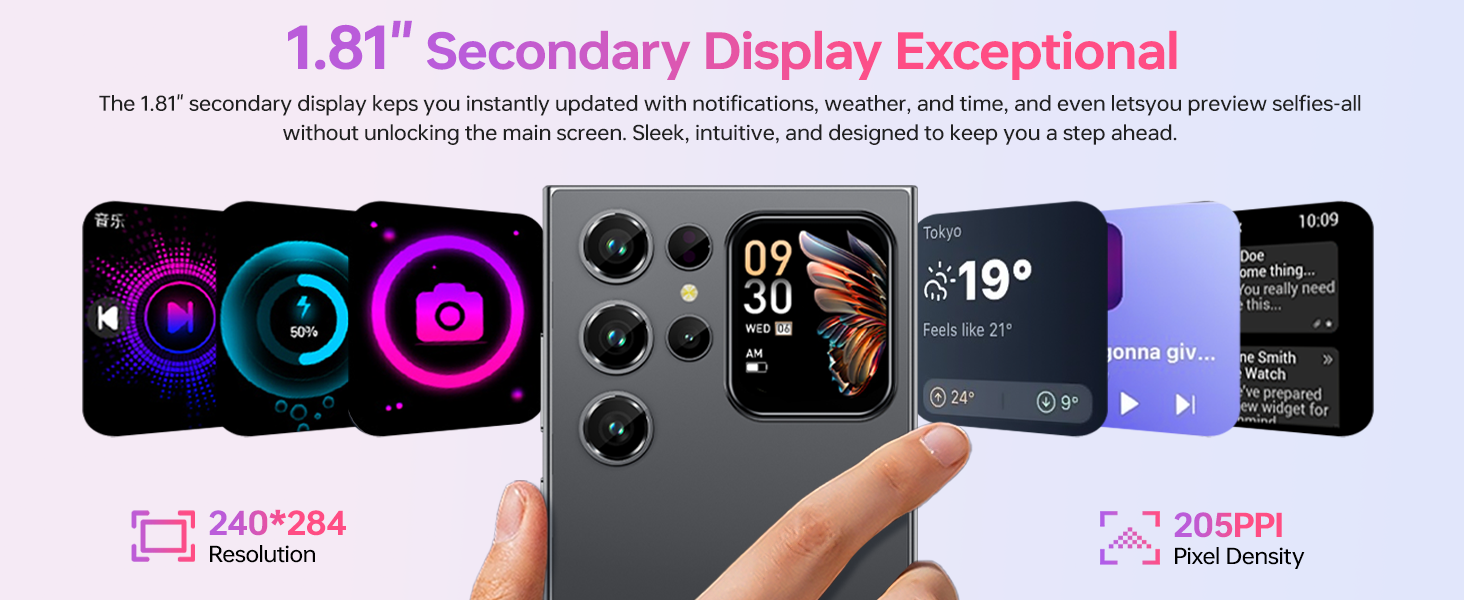
Image: An illustration of the OUKITEL C62 PRO's memory configuration, highlighting its 24GB RAM (8GB physical + 16GB virtual) and 256GB ROM, with support for up to 1TB expandable storage.
5. Troubleshooting
If you encounter issues with your OUKITEL C62 PRO, refer to the following common solutions:
- Device not turning on: Ensure the battery is charged. Connect the charger and wait a few minutes before attempting to power on again.
- Apps crashing or freezing: Close the problematic app and reopen it. If the issue persists, clear the app's cache (Settings > Apps > [App Name] > Storage > Clear cache).
- Network connectivity issues: Check if your SIM card is properly inserted. Restart the device. Verify that mobile data or Wi-Fi is enabled and that you have a valid signal.
- Slow performance: Close background applications. Clear cache and temporary files. Consider uninstalling unused apps.
- Factory Reset: As a last resort, if software issues persist, you can perform a factory reset. This will erase all data on your phone, so back up important information first. Go to Settings > System > Reset options > Erase all data (factory reset).
6. Specifications
Below are the technical specifications for the OUKITEL C62 PRO Cell Phone:
| Feature | Detail |
|---|---|
| Model Name | OUKITEL C62 PRO |
| Operating System | Android 15 |
| Screen Size | 6.88 Inches |
| Refresh Rate | 90Hz |
| RAM Memory Installed Size | 24 GB (8GB physical + 16GB virtual) |
| Memory Storage Capacity | 256 GB (Expandable up to 1TB via TF card) |
| Battery Power Rating | 5150 Milliamp Hours |
| Main Camera | 13MP |
| Front Camera | 5MP |
| Cellular Technology | 4G (T-Mobile supported) |
| Connectivity Technology | Bluetooth 5.0, Wi-Fi (2.4G+5G), NFC, GPS |
| Special Features | Built-In GPS, Dual SIM, Expandable Memory, Supports Type-C, Supports USB OTG, 1.81" Rear Screen |
| Item Weight | 12.8 ounces (approx. 363g) |
| Dimensions | 7.48 x 4.02 x 2.16 inches |
7. Warranty & Support
7.1. Warranty Information
Your OUKITEL C62 PRO Cell Phone is covered by a limited manufacturer's warranty. Please refer to the warranty card included in your package for specific terms, conditions, and duration. Keep your proof of purchase for warranty claims.
7.2. Customer Support
For technical assistance, troubleshooting, or service inquiries, please contact OUKITEL customer support through their official website or the contact information provided in your warranty documentation. You may also visit the OUKITEL Store on Amazon for additional product information.


