
1. Introduction
The Pondee WaveRobo X1 is a cordless robotic pool vacuum designed for efficient and hassle-free cleaning of above-ground and flat-bottom in-ground pools. This manual provides essential information for the safe and effective operation, maintenance, and troubleshooting of your device.
2. Package Contents
Please verify that all items listed below are included in your package:
- 1 x Pondee WaveRobo X1 Robotic Pool Vacuum
- 1 x Charging Adapter
- 1 x Retrieval Hook
- 1 x Multilingual User Manual
- 2 x Replacement Brushes

Image 2.1: The Pondee WaveRobo X1 package includes the robotic pool vacuum, a hook for retrieval, a charger, a multilingual user manual, and two replacement brushes.
3. Setup
3.1 Charging the Robotic Pool Vacuum
Before first use, fully charge the Pondee WaveRobo X1. A full charge takes approximately 2.5 hours and provides up to 120 minutes of runtime.
- Locate the charging port on the unit.
- Connect the charging adapter to the unit and plug it into a power outlet.
- The charging indicator lights will illuminate to show charging progress. A solid green light typically indicates a full charge.

Image 3.1: The Pondee WaveRobo X1 features 2.5-hour fast charging, ensuring it's always ready for a thorough cleaning session.
3.2 Attaching the Retrieval Hook
The included retrieval hook allows for easy and safe removal of the robotic cleaner from the pool.
- Attach the retrieval hook to a standard telescopic pool pole (not included).
- Ensure the hook is securely fastened before use.

Image 3.2: The Pondee WaveRobo X1 allows for effortless retrieval from the pool using the included hook, with quick water drainage.
4. Operation
4.1 Activating and Placing the Unit
The Pondee WaveRobo X1 features user-friendly one-click activation.
- Ensure the unit is fully charged.
- Press the power button located on the top of the unit. The indicator light will illuminate.
- Gently submerge the unit into the pool. Hold it underwater until all air bubbles escape and it settles on the pool floor.
- The unit will begin its cleaning cycle automatically.

Image 4.1: The Pondee WaveRobo X1 offers user-friendly one-click operation for a pristine pool with zero effort.
4.2 Cleaning Performance and Features
The WaveRobo X1 is designed for efficient and thorough cleaning.
- Powerful Suction: Equipped with dual motors and suction ports, it effectively tackles leaves, debris, sand, and small stones.
- Auto Self-Parking: When the battery is low or the cleaning cycle is complete, the unit automatically stops at the pool's edge for easy retrieval.
- Hydrodynamic Technology: The design allows it to glide smoothly through the water, maximizing power efficiency for debris removal.
- Adjustable Cleaning Trajectory: The wheels can be configured to adjust the cleaning path, optimizing coverage for your specific pool size.
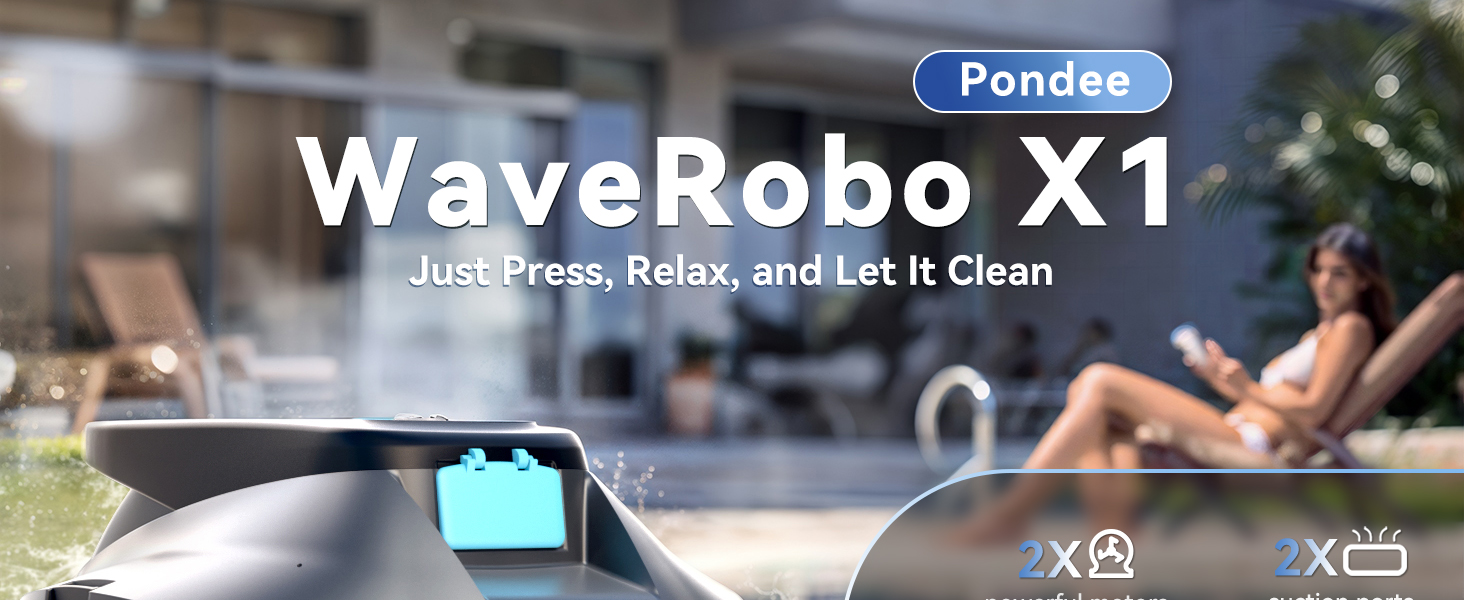
Image 4.2: The Pondee WaveRobo X1 features excellent powerful suction with dual motors, suction ports, scrubbing brushes, and a 180µm debris filter.

Image 4.3: The Pondee WaveRobo X1 utilizes self-parking technology, automatically stopping at the pool's edge for convenient retrieval.

Image 4.4: The Pondee WaveRobo X1 offers adjustable cleaning trajectory to optimize coverage and ensure no spot is missed.
5. Maintenance
5.1 Cleaning the Debris Filter
Regular cleaning of the debris filter is crucial for maintaining optimal suction and cleaning performance.
- After each cleaning cycle, retrieve the unit from the pool.
- Open the unit to access the debris filter.
- Remove the filter and rinse it thoroughly with a garden hose to remove all collected debris.
- Clean the internal compartment of the unit as needed.
- Reassemble the filter and close the unit securely.
6. Troubleshooting
6.1 Poor Cleaning Performance / Low Suction
- Check Battery Level: Ensure the unit is fully charged before each use. Low battery can reduce suction power.
- Clean Filter: A clogged debris filter will significantly reduce suction. Clean the filter thoroughly after every use.
- Inspect Suction Ports: Ensure the suction ports on the underside of the unit are clear of large debris or obstructions.
6.2 Unit Getting Stuck or Not Moving Properly
- Check Pool Floor: The Pondee WaveRobo X1 is ideal for flat-bottom pools. Deep wrinkles or folds in the pool liner can impede movement.
- Inspect Wheels/Brushes: Ensure the wheels are free from debris and can rotate freely. If using brushes, ensure they are not worn or damaged.
- Obstructions: Remove any large objects, toys, or loose items from the pool before operating the cleaner.
6.3 Unit Not Turning On
- Charge Battery: Ensure the unit is fully charged. Connect to the charger and check for indicator lights.
- Proper Submersion: The unit activates upon submersion. Ensure it is fully underwater and air bubbles have escaped.
7. Specifications
| Feature | Detail |
|---|---|
| Model Number | WaveRobo X1 |
| Lithium Battery Energy Content | 44.4 Watt Hours |
| Product Dimensions | 11 x 6 x 11 inches |
| Item Weight | 10.19 pounds |
| Material | Plastic |
| Control Method | Touch |
| Efficiency | Efficient, High Suction Power, Energy Efficient |
8. Warranty and Support
The Pondee WaveRobo X1 comes with a 1-year warranty. For any support needs, troubleshooting assistance, or warranty claims, please refer to the contact information provided in your multilingual user manual or visit the official Pondee website.
