
AIRMATE HP20242R
AIRMATE HP20242R Ceramic Heater
Instruction Manual
1. Important Safety Information
Please read all instructions carefully before using the AIRMATE HP20242R ceramic heater. Failure to follow these instructions may result in electric shock, fire, or serious injury.
- Always place the heater on a firm, level surface.
- Do not operate the heater near water or in damp locations.
- Keep flammable materials (furniture, curtains, paper, clothing, etc.) at least 1 meter (3 feet) from the front, sides, and rear of the heater.
- Do not insert or allow foreign objects to enter any ventilation or exhaust opening as this may cause an electric shock or fire, or damage the heater.
- This heater is equipped with an automatic tip-over protection switch that will shut off the unit if it is accidentally knocked over.
- The heater also features overheat protection, which will automatically turn off the unit if it reaches an unsafe temperature.
- Ensure the power cord is not damaged and is properly plugged into a suitable electrical outlet.
- Do not use this heater with a programmer, timer, separate remote-control system, or any other device that switches the heater on automatically, since a fire risk exists if the heater is covered or positioned incorrectly.
- This appliance is not intended for use by persons (including children) with reduced physical, sensory or mental capabilities, or lack of experience and knowledge, unless they have been given supervision or instruction concerning use of the appliance by a person responsible for their safety.
- Children should be supervised to ensure that they do not play with the appliance.
2. Setup Instructions
Follow these steps to set up your AIRMATE HP20242R ceramic heater:
- Unpack the Heater: Carefully remove the heater from its packaging. Retain the packaging for future storage or transport.
- Placement: Place the heater on a stable, flat, and heat-resistant surface. Ensure there is at least 1 meter (3 feet) of clear space around the heater to allow for proper airflow and to prevent fire hazards. Do not place it directly under a power outlet.
- Power Connection: Plug the power cord into a grounded electrical outlet. Ensure the voltage of your power supply matches the rating label on the heater.

Image: The AIRMATE HP20242R heater, highlighting its compact dimensions (62.3cm height, 24.4cm base), integrated carry handle, and included remote control for convenient operation.
3. Operating Instructions
Your AIRMATE HP20242R heater offers various settings for optimal comfort. You can operate the heater using the control panel on the unit or the included remote control.
3.1 Power On/Off
- Press the Power button on the control panel or remote to turn the heater on or off.
3.2 Temperature Control
The heater allows you to set your desired room temperature between 18°C and 35°C.
- Use the Temperature Up (+) and Temperature Down (-) buttons to adjust the target temperature.
- The heater will automatically adjust its heating output to maintain the set temperature.
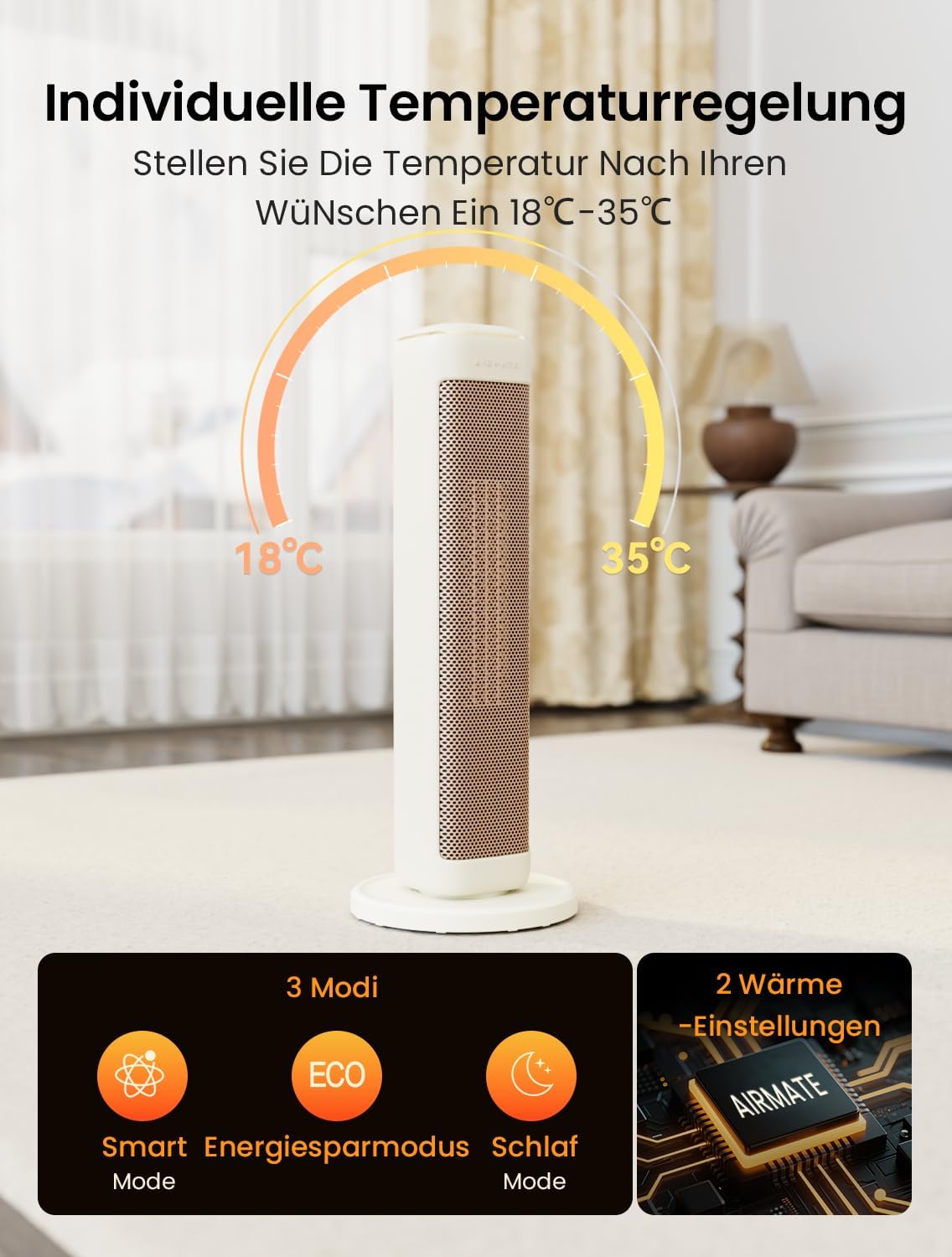
Image: The heater's display indicating the adjustable temperature range from 18°C to 35°C, along with icons for Smart Mode, Energy Saving Mode (ECO), and Sleep Mode, and two heat settings.
3.3 Operating Modes
Select from three distinct operating modes:
- Smart Mode: Automatically adjusts heating power based on the ambient temperature to reach and maintain the set temperature efficiently.
- Energy Saving Mode (ECO): Optimizes power consumption while providing comfortable warmth.
- Sleep Mode: Operates at a lower noise level and maintains a gentle warmth, ideal for use during sleep.
3.4 Heat Settings
The heater features two heat settings to suit your preference and room size.
- Press the Mode button to cycle through the available heat settings.
3.5 Oscillation Function
Activate the oscillation function for wider heat distribution across the room.
- Press the Oscillation button to start or stop the 80° oscillation.
- This feature helps to spread warmth evenly, ensuring a comfortable environment.
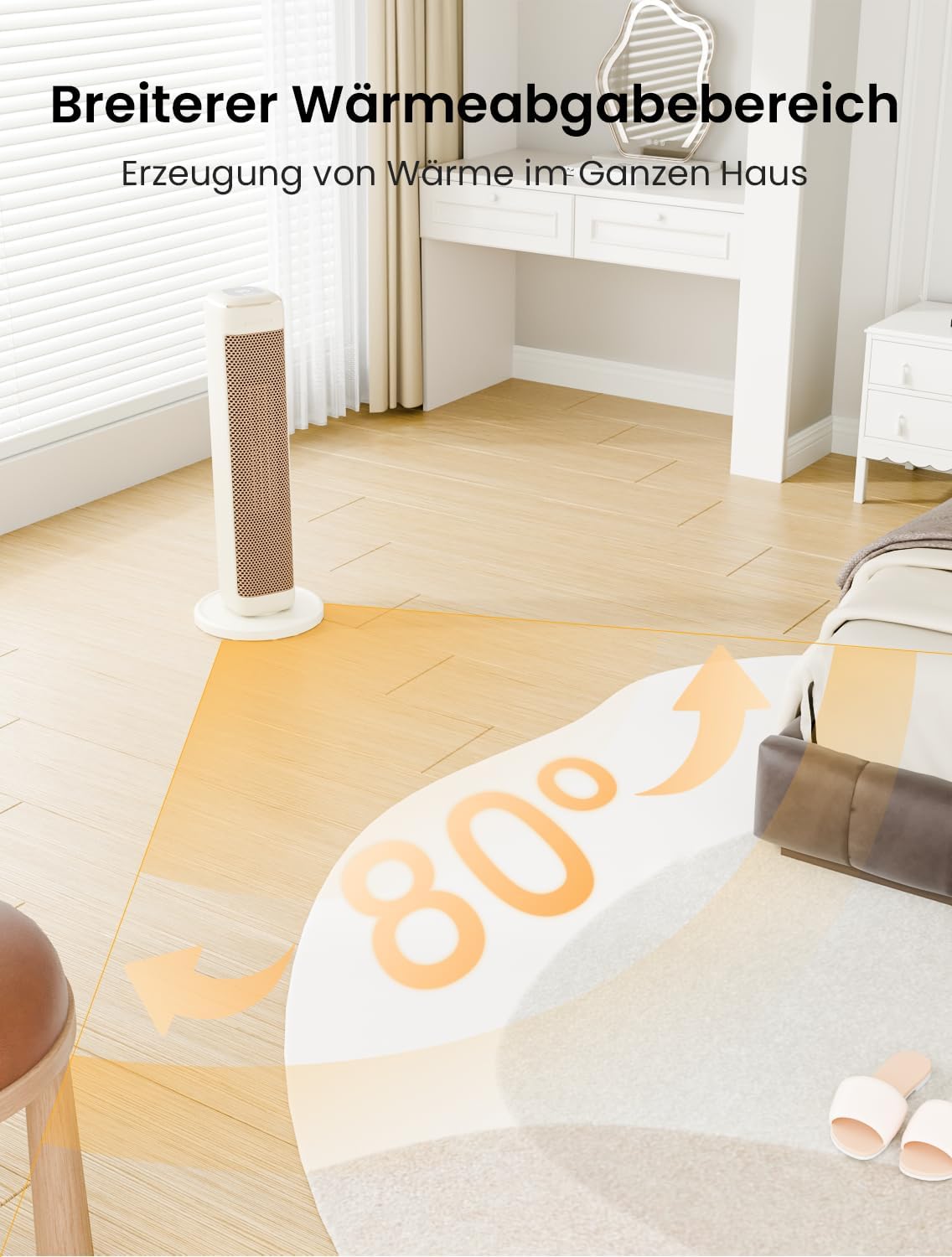
Image: The AIRMATE HP20242R heater in a room, illustrating its 80-degree oscillation capability for broad heat distribution, effectively warming a wider area.
3.6 Timer Function
Set the heater to operate for a specific duration using the 24-hour timer.
- Press the Timer button to set the desired operating time. Each press typically increases the time by one hour.
- The heater will automatically turn off once the set time has elapsed.
4. Maintenance
Regular cleaning and proper storage will ensure the longevity and efficient operation of your heater.
4.1 Cleaning
- Before Cleaning: Always unplug the heater from the power outlet and allow it to cool down completely before cleaning.
- Exterior Cleaning: Wipe the exterior surfaces of the heater with a soft, damp cloth. Do not use abrasive cleaners, waxes, or polishes as these may damage the finish.
- Air Inlet/Outlet: Use a vacuum cleaner with a brush attachment to gently remove dust and lint from the air inlet and outlet grilles. Ensure these areas are clear of obstructions for optimal performance.
- Do Not Immerse: Never immerse the heater in water or any other liquid.
4.2 Storage
- If storing the heater for an extended period, clean it thoroughly as described above.
- Store the heater in its original packaging in a cool, dry place, away from direct sunlight and moisture.
- Do not place heavy objects on top of the heater during storage.
5. Troubleshooting
If you encounter issues with your AIRMATE HP20242R heater, please refer to the following common problems and solutions:
| Problem | Possible Cause | Solution |
|---|---|---|
| Heater does not turn on. | No power supply. Tip-over switch activated. Overheat protection activated. |
Ensure the power cord is securely plugged in and the outlet is functional. Place the heater upright on a flat surface. Unplug the heater, let it cool for 30 minutes, then plug it back in. Clear any obstructions around the air inlets/outlets. |
| Heater is on but no heat is produced. | Low heat setting selected. Ambient temperature is higher than set temperature. |
Increase the heat setting. Adjust the target temperature to a higher value than the current room temperature. |
| Unusual noise during operation. | Dust or debris in fan. Heater not on a stable surface. |
Unplug and clean the air inlets/outlets. If noise persists, contact customer support. Ensure the heater is on a flat, stable surface. |
If the problem persists after trying these solutions, please contact AIRMATE customer support.
6. Product Specifications
| Feature | Detail |
|---|---|
| Model | HP20242R |
| Brand | AIRMATE |
| Type | Ceramic Heater |
| Power Output | 2000W |
| Dimensions (D x W x H) | 18D x 18W x 62H centimetres |
| Temperature Range | 18°C - 35°C |
| Oscillation Angle | 80° |
| Noise Level | Approximately 32dB (in Sleep Mode) |
| Safety Features | Tip-over protection, Overheat protection, V-0 flame-retardant material, Child lock |
| Batteries Required | No (for main unit) |

Image: The 2000W PTC fast heating element of the AIRMATE HP20242R, illustrating its quiet operation at 32dB and efficient heat output, providing 200% larger heating volume.
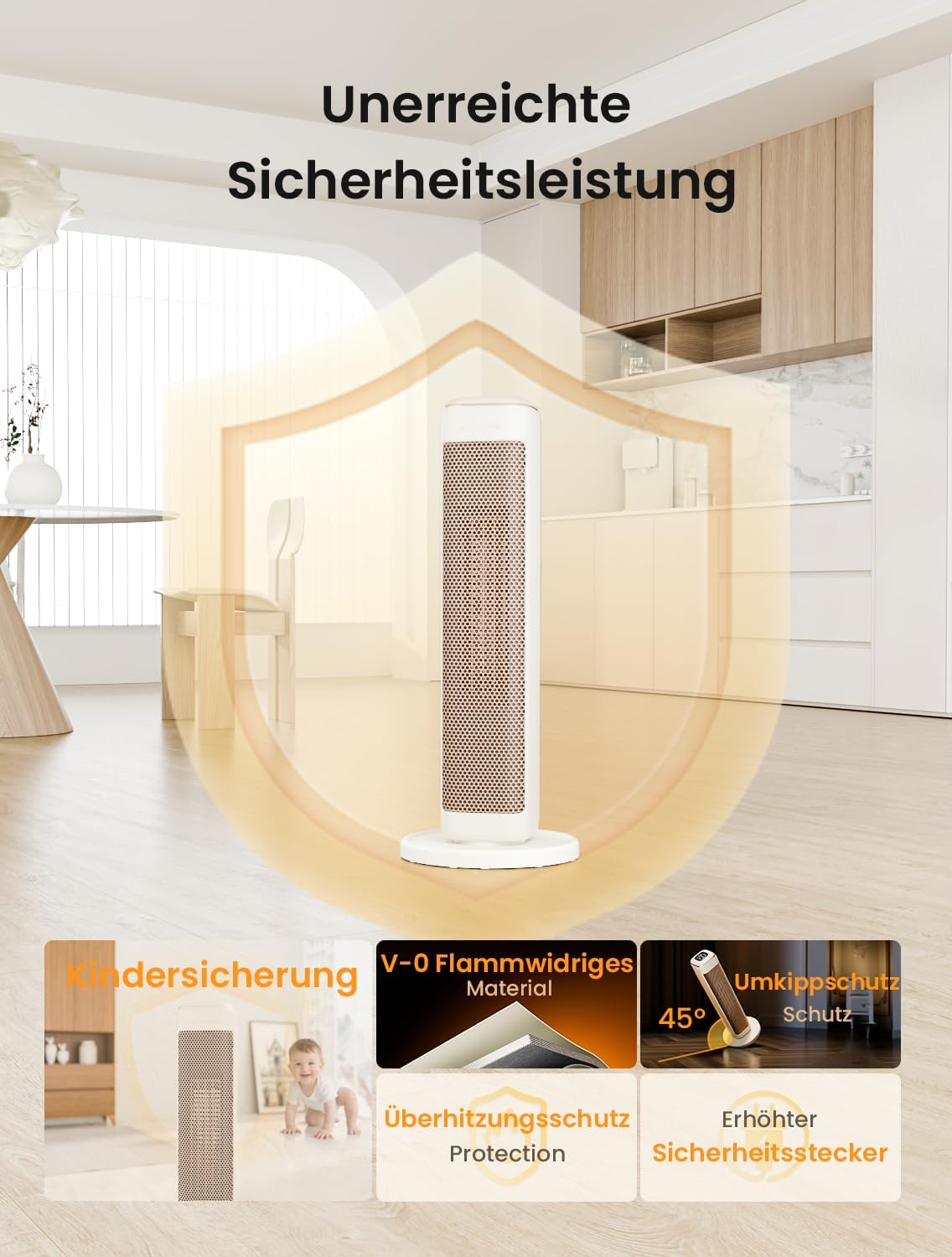
Image: A visual representation of the AIRMATE HP20242R's comprehensive safety features, including child lock, V-0 flame-retardant material, overheat protection, tip-over protection, and an enhanced safety plug.
7. Warranty and Customer Support
For warranty information or if you require assistance with your AIRMATE HP20242R heater, please refer to the warranty card included with your purchase or contact AIRMATE customer support.
Please have your model number (HP20242R) and purchase date ready when contacting support.
Related documentsHP20242R


Ask a question about this manual
Ask about setup, troubleshooting, compatibility, parts, safety, or missing instructions. Manuals+ will review the question and use this page’s manual context to help answer it.