
AMEIFU PC450A
AMEIFU Dehumidifier PC450A User Manual
Model: PC450A
1. Important Safety Instructions
Please read all instructions carefully before using the dehumidifier and retain this manual for future reference. Failure to follow these instructions may result in electric shock, fire, or serious injury.
- Ensure the power supply voltage matches the rating label on the dehumidifier.
- Do not operate the unit with a damaged cord or plug. If the cord is damaged, it must be replaced by the manufacturer or a qualified service agent.
- Always place the dehumidifier on a stable, level surface to prevent water spillage.
- Maintain at least 8 inches (20 cm) of clear space around the air intake and outlet for proper airflow.
- Do not insert objects into the air outlet or intake.
- Unplug the unit before cleaning, moving, or performing any maintenance.
- Do not use the dehumidifier in areas where flammable liquids or gases are stored.
- This appliance is not intended for use by persons (including children) with reduced physical, sensory or mental capabilities, or lack of experience and knowledge, unless they have been given supervision or instruction concerning use of the appliance by a person responsible for their safety.
- Children should be supervised to ensure that they do not play with the appliance.
2. Product Overview
The AMEIFU PC450A Dehumidifier is designed to efficiently remove excess moisture from your environment, improving air quality and comfort. It features a 135 oz (4000 ml) water tank and is suitable for areas up to 1000 sq. ft.
2.1 Package Contents
- AMEIFU Dehumidifier Unit (PC450A) x 1
- Water Tank x 1
- Power Adapter x 1
- User Manual x 1
2.2 Key Features
- High-Efficiency Dehumidification: Removes up to 40 ounces (1200 ml) of moisture per day.
- Large Water Tank: 135 oz (4000 ml) capacity minimizes emptying frequency.
- Auto Shut-off: Automatically turns off when the water tank is full to prevent overflow.
- Quiet Operation: Operates at approximately 35dB in sleep mode for minimal disturbance.
- 7-Color LED Light: Provides ambient lighting, selectable or switchable.
- 72-Hour Timer: Programmable operation for convenience.
- 3 Adjustable Fan Speeds: Customize dehumidification intensity.
- Automatic Defrost: Prevents frost accumulation for continuous operation.
- Portable Design: Lightweight and compact for easy placement in various rooms.
2.3 Product Diagram


3. Setup
- Unpack the Dehumidifier: Carefully remove the unit and all accessories from the packaging. Inspect for any damage.
- Choose a Location: Place the dehumidifier on a firm, level surface in the desired area (e.g., basement, bedroom, bathroom, closet, RV). Ensure there is at least 8 inches (20 cm) of space around the unit for optimal air circulation. Avoid placing it directly against walls or furniture that might obstruct airflow.
- Connect Power: Insert the power adapter into the DC input port on the back of the dehumidifier, then plug the adapter into a suitable electrical outlet.
- Initial Operation: The unit is now ready for operation.

4. Operating Instructions
The control panel is located on the top of the unit. Refer to the diagram below for button functions.

4.1 Power On/Off
- Press the Power Button () once to turn the unit on. The default mode will activate.
- Press the Power Button again to turn the unit off.
4.2 Fan Speed Adjustment
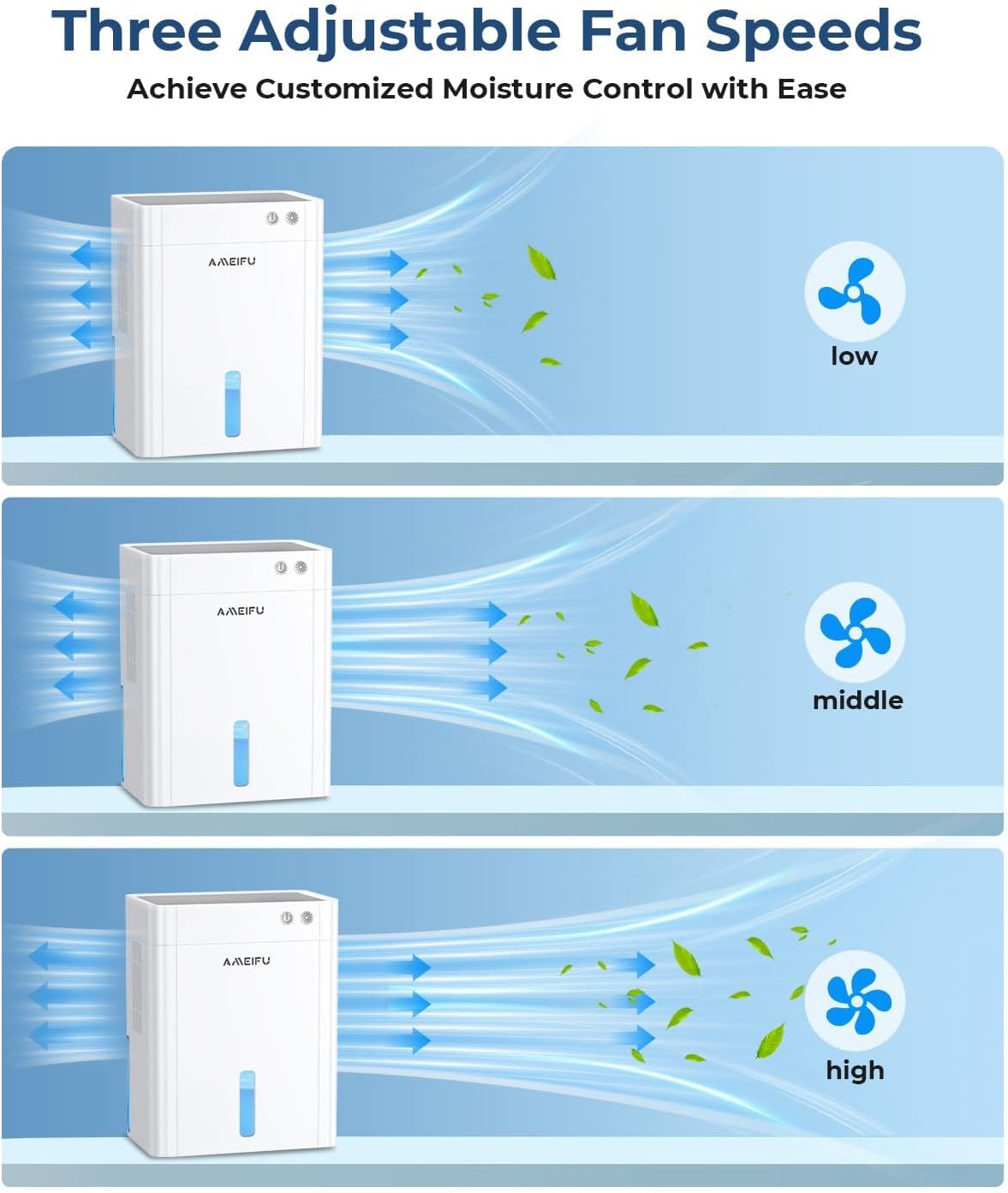
- Press the Speed Button () to cycle through three airflow levels: Low, Middle, and High.
- Adjust the speed based on the desired dehumidification rate and noise level.
4.3 Sleep Mode
- Press the Sleep Mode Button () to activate quiet operation. In this mode, the fan speed is set to low, and the LED lights are dimmed or turned off for minimal disturbance.
- Press the button again to exit Sleep Mode.

4.4 7-Color LED Light
- Press the Night Light Button () to cycle through the 7 available colors or to activate the automatic color-changing mode.
- Long press the Night Light Button to turn off the LED light.
4.5 Timer Function
- Press the Timer Button () repeatedly to set the desired operating duration: 1H, 2H, 4H, 8H, 12H, 24H, 48H, or 72H.
- The unit will automatically turn off after the set time has elapsed.

4.6 Auto Shut-off
The dehumidifier is equipped with an automatic shut-off feature. When the water tank reaches its maximum capacity, the unit will automatically stop operating, and a red indicator light will flash to alert you to empty the tank. This prevents water overflow and ensures safe operation.

5. Maintenance
5.1 Emptying the Water Tank
- When the water tank is full, the dehumidifier will automatically stop, and the full tank indicator will flash.
- Carefully pull out the water tank from the front of the unit.
- Pour out the collected water.
- Slide the empty water tank back into the dehumidifier until it clicks into place. The unit will resume operation automatically.
5.2 Cleaning the Dehumidifier
- Always unplug the dehumidifier from the power outlet before cleaning.
- Wipe the exterior of the unit with a soft, damp cloth. Do not use abrasive cleaners or solvents.
- Clean the air intake and outlet grilles regularly to prevent dust buildup, which can affect performance. Use a soft brush or vacuum cleaner.
- Clean the water tank with mild soap and water periodically to prevent mold or mildew growth. Rinse thoroughly and dry before reinserting.
5.3 Automatic Defrost Function
The dehumidifier is equipped with an automatic defrost function. If frost builds up on the internal components, the unit will temporarily stop dehumidifying and run the fan to melt the frost. This ensures efficient operation in cooler environments.
6. Troubleshooting
| Problem | Possible Cause | Solution |
|---|---|---|
| Dehumidifier does not turn on. |
|
|
| No water collected or low dehumidification. |
|
|
| Unit is noisy. |
|
|
| Red indicator light flashing. | Water tank is full. | Empty the water tank and reinsert it correctly. |
7. Specifications
| Brand | AMEIFU |
| Model Name | 135OZ Dehumidifier (PC450A) |
| Dehumidification Capacity | 2.5 Pints / 40 Ounces (1200 ml) per Day |
| Water Tank Capacity | 135 Fluid Ounces (4000 ml) |
| Coverage Area | Up to 1000 Square Feet |
| Product Dimensions | 6.3"D x 9.84"W x 12.6"H (16cm D x 25cm W x 32cm H) |
| Item Weight | 6.67 pounds (3.02 kg) |
| Color | White |
| Special Features | Quiet Operation, Sleep Mode, Automatic Shutoff, Automatic Defrost, Timing settings, 7 Color LED Light |
| Recommended Uses | Home, Bedroom, Basement, Bathroom, Closet, RV |
| Operation Mode | Intermittent |
| UPC | 607604926790 |
| ASIN | B0FM454P2D |
8. Warranty and Customer Support
AMEIFU products are designed and manufactured to the highest quality standards. For any questions, concerns, or technical assistance regarding your dehumidifier, please contact AMEIFU customer support. Please have your model number (PC450A) and purchase information ready when contacting support.
Contact information can typically be found on the product packaging or the official AMEIFU website.
Related documentsPC450A


Ask a question about this manual
Ask about setup, troubleshooting, compatibility, parts, safety, or missing instructions. Manuals+ will review the question and use this page’s manual context to help answer it.