
1. Introduction
Thank you for choosing the GNCC 2K Indoor Security Camera. This manual provides essential information for setting up, operating, and maintaining your device. Please read it thoroughly before use to ensure optimal performance and safety.
2. Product Overview
Key Features
- 2K FHD Resolution: Captures clear video and images for detailed monitoring.
- Night Vision: Provides super clear night vision for continuous 24/7 protection.
- Smart Pan/Tilt Rotation: Offers 355° horizontal and 90° vertical rotation for comprehensive coverage.
- Smart Motion Detection & Tracking: Detects movement and tracks subjects, sending instant notifications.
- Two-Way Audio: Built-in microphone and speaker for real-time communication.
- Multi-device Viewing: Share memorable moments with family on up to 3 devices simultaneously.
- Flexible Storage: Supports 24/7 SD card storage (up to 128GB, not included) and optional cloud storage (30-day trial available).
- Smart Home Compatibility: Works with Amazon Alexa and Google Assistant for voice control.
What's in the Box
- GNCC 2K Indoor Security Camera (Model P5W)
- Charging Cable
- Instruction Manual
- Power Adapter
- Mounting Bracket
- Screws and Wall Plugs
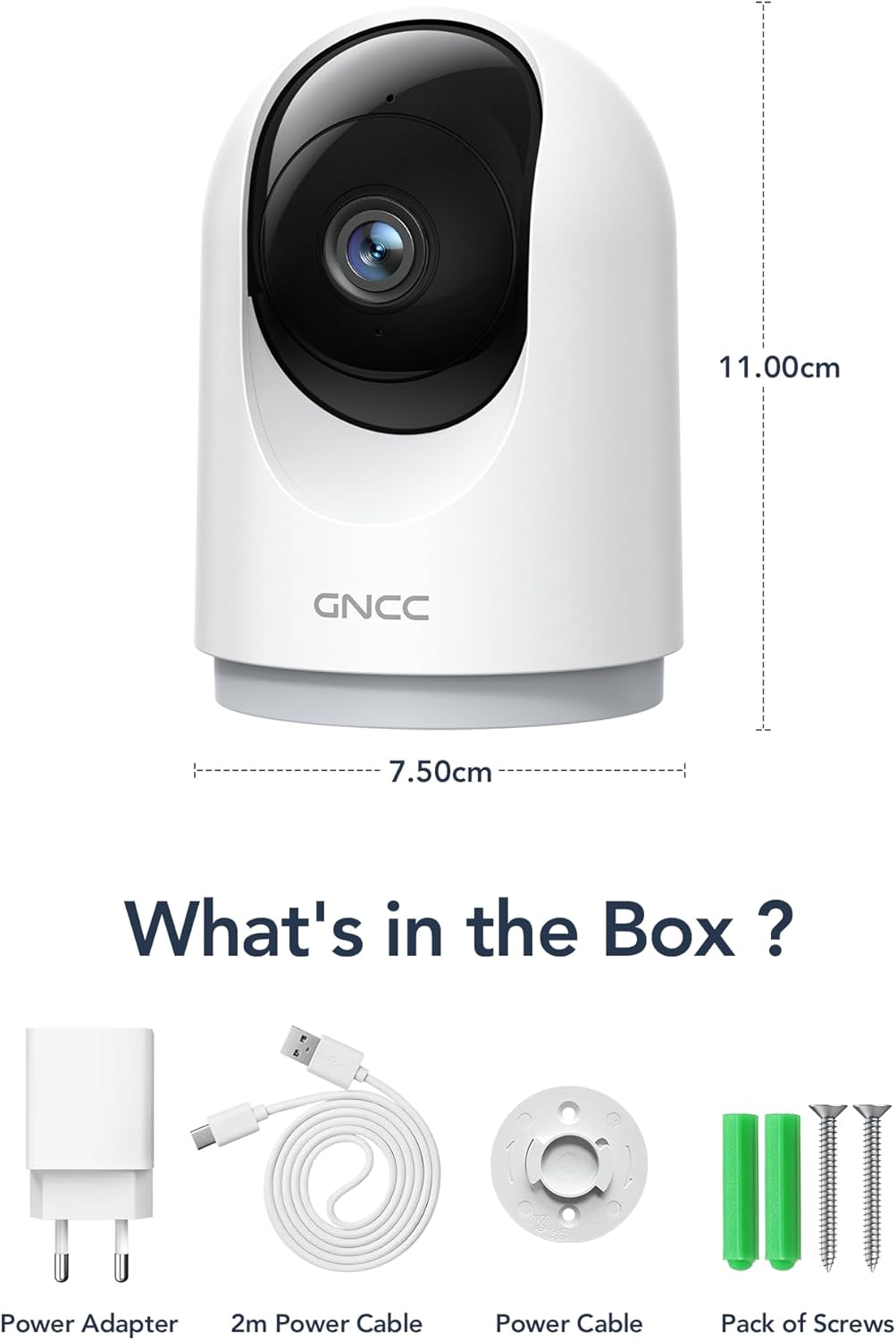
Image: Contents of the GNCC 2K Indoor Security Camera box, including camera, power adapter, USB cable, and mounting kit.
3. Setup
Follow these steps to set up your GNCC 2K Indoor Security Camera:
- Download the OSAIO App: Search for "OSAIO" in your smartphone's app store (available on Google Play and Apple App Store) and install it.
- Power On: Connect the camera to a power source using the provided USB cable and power adapter. The camera will power on and indicate readiness for setup.
- Add Device: Open the OSAIO app, create an account if you don't have one, and follow the on-screen instructions to add your new camera. Ensure your phone is connected to a 2.4GHz Wi-Fi network (5GHz Wi-Fi is not supported).
- Mounting (Optional): If desired, use the included mounting bracket and screws to secure the camera to a wall or ceiling.
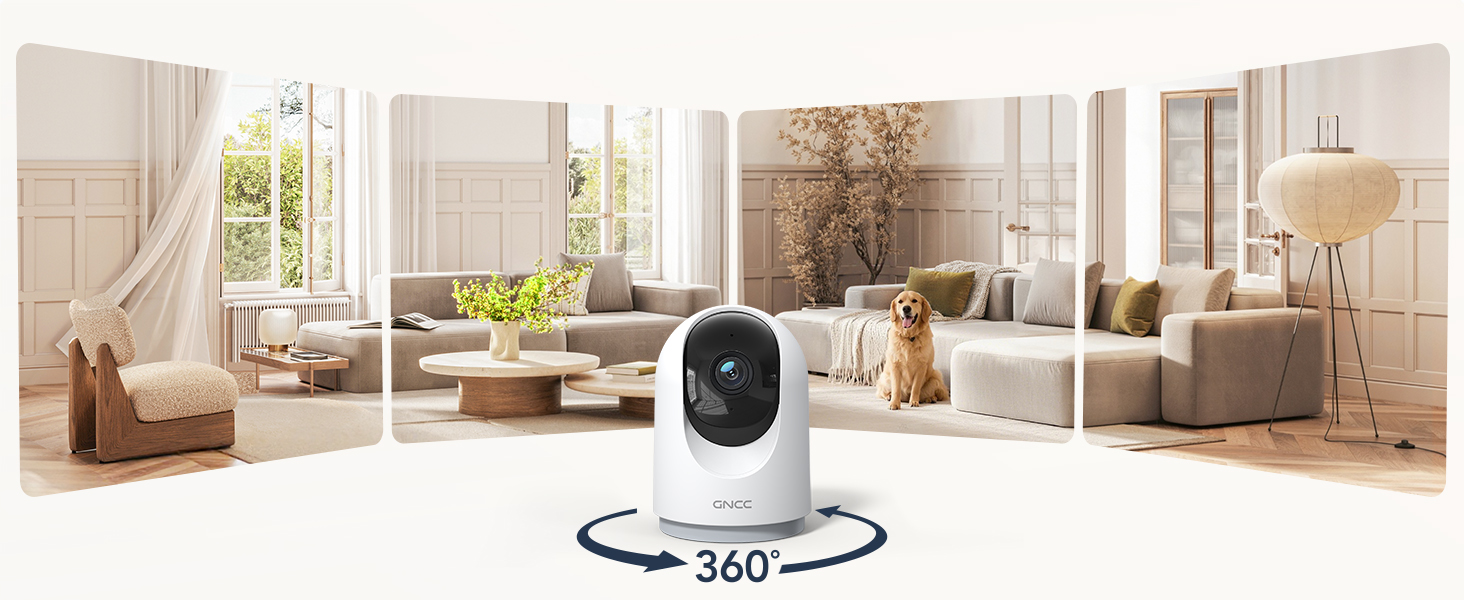
Image: GNCC 2K Indoor Security Camera providing a wide panoramic view of a living room, illustrating its broad coverage.
4. Operating Instructions
Live View and Pan/Tilt Control
Access the live feed of your camera through the OSAIO app. Use the on-screen controls to remotely pan (355° horizontally) and tilt (90° vertically) the camera lens to view different areas of your space.

Image: GNCC 2K Indoor Security Camera demonstrating its 360-degree coverage capability, showing a wide view of a room on a smartphone screen.
Two-Way Audio
The camera features a built-in microphone and speaker. In the live view, tap the microphone icon to speak through the camera and the speaker icon to listen to audio from the camera's location. This allows for real-time communication with family, pets, or to deter intruders.

Image: A person using a smartphone to communicate through the GNCC 2K Indoor Security Camera's two-way audio feature, with speech bubbles indicating conversation.
Motion Detection and Tracking
Enable motion detection in the app settings to receive instant notifications on your smartphone when movement is detected. The camera can also automatically track moving objects within its field of view.

Image: GNCC 2K Indoor Security Camera's smart motion tracking feature detecting movement of a child and a dog, with notification pop-ups on a smartphone.
Night Vision
The camera automatically switches to night vision mode in low-light conditions, providing clear black and white video up to 33 feet. This ensures continuous monitoring even in complete darkness.

Image: GNCC 2K Indoor Security Camera providing clear night vision of a baby sleeping in a crib, as seen on a smartphone screen.
Storage Options
- SD Card Storage: Insert a MicroSD card (up to 128GB, not included) into the designated slot for 24/7 continuous recording.
- Cloud Storage: The camera offers optional cloud storage for event recording. A 30-day free trial may be available. Refer to the OSAIO app for subscription details.
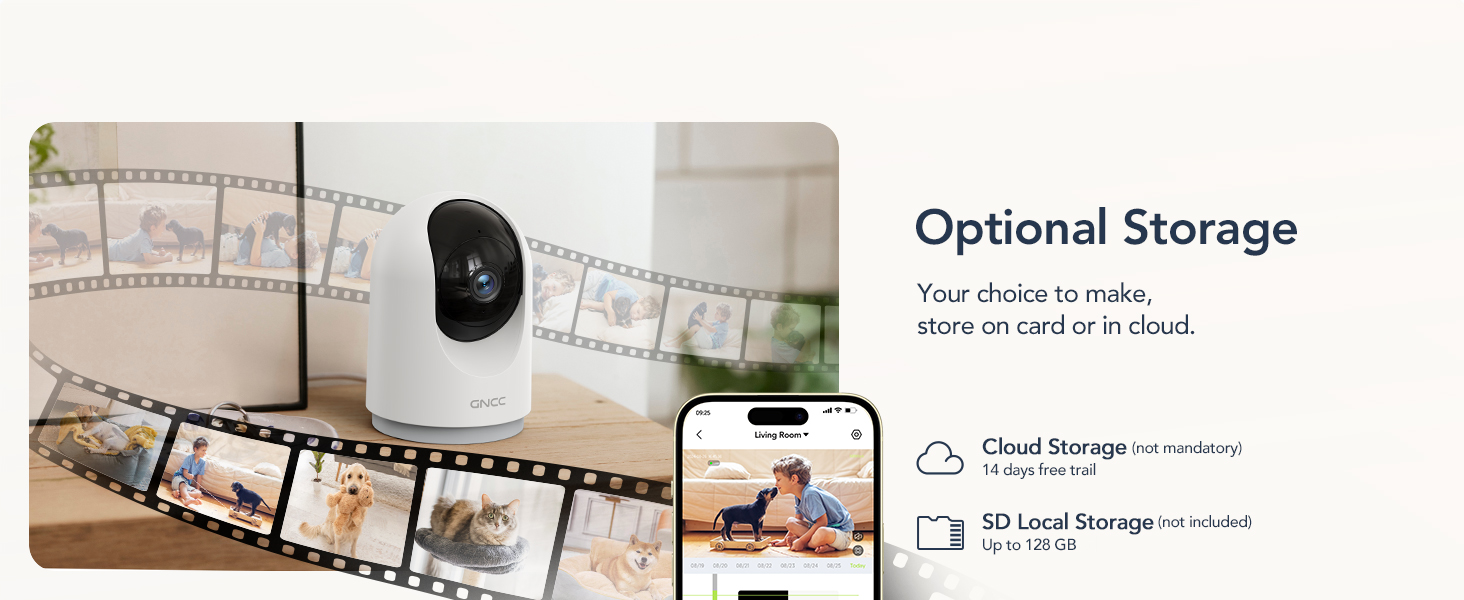
Image: GNCC 2K Indoor Security Camera illustrating its optional cloud and SD card storage capabilities, with images of recorded events.
5. Smart Home Integration
The GNCC 2K Indoor Security Camera is compatible with Amazon Alexa and Google Assistant, allowing for convenient voice control and live feed viewing on compatible smart displays.
Connecting with Amazon Alexa
- Open the Alexa app.
- Go to "More" > "Skills & Games".
- Search for the "OSAIO" skill and enable it.
- Log in to your OSAIO account and authorize the connection.
- Alexa will discover your camera. Once connected, you can use voice commands like, "Alexa, show me the indoor camera."
Video: Instructions on how to add the GNCC GP5 Camera to Alexa and Google Home, demonstrating the setup process and voice commands.
Connecting with Google Home
- Open the Google Home app.
- Tap the "+" icon to add a device.
- Select "Set up device" > "Works with Google Home".
- Search for the "OSAIO" app and link your account.
- Choose your camera and assign it to a room. You can then use voice commands like, "Hey Google, show me the indoor camera."

Image: GNCC 2K Indoor Security Camera integrated with Amazon Alexa, showing a user asking Alexa to display the camera feed on a smart display.
6. Specifications
| Feature | Detail |
|---|---|
| Indoor/Outdoor Usage | Indoor |
| Compatible Devices | Smartphone |
| Power Source | Corded Electric |
| Connectivity Protocol | Wi-Fi (2.4GHz only) |
| Controller Type | Amazon Alexa, Google Assistant |
| Mounting Type | Tabletop Mount |
| Video Capture Resolution | 2K |
| Number of Items | 4 (for 4-pack model) |
| Wireless Communication Technology | Wi-Fi |
| Viewing Angle | 355 Degrees (Pan), 90 Degrees (Tilt) |
| Night Vision Range | 33 Feet |
| Wattage | 3 watts |
| Item dimensions L x W x H | 2.95 x 2.95 x 5.87 inches |
| Batteries Required? | No |
| Alert Type | Audio and Motion |
| Flash Memory Supported Size Maximum | 128 GB (MicroSD) |
| Special Feature | 2-Way Audio |
| Model Name | 2K-4pack |
| Item model number | P5W-4 Pieces |
7. Maintenance
- Cleaning: Use a soft, dry cloth to clean the camera lens and body. Avoid using harsh chemicals or abrasive materials.
- Firmware Updates: Regularly check the OSAIO app for firmware updates to ensure your camera has the latest features and security enhancements.
- Placement: Ensure the camera is placed in a stable location, away from direct sunlight, heat sources, and moisture.
8. Troubleshooting
- Camera Offline: Check your Wi-Fi connection and ensure the camera is within range of your 2.4GHz router. Restart the camera and your router if necessary.
- No Notifications: Verify that motion detection is enabled in the app settings and that app notifications are allowed on your smartphone.
- Poor Video Quality: Ensure your Wi-Fi signal is strong. If using an SD card, check its condition and ensure it's not full.
- Two-Way Audio Issues: Check the volume settings on your phone and in the app. Ensure there is no obstruction to the camera's microphone or speaker.
- Alexa/Google Assistant Not Responding: Confirm that the OSAIO skill/app is linked correctly in your smart home app and that your voice commands are clear.
9. Warranty and Support
The GNCC 2K Indoor Security Camera comes with a 12-month warranty from the date of purchase. For technical support, troubleshooting assistance, or warranty claims, please contact GNCC customer service through the OSAIO app or visit the official GNCC website.
You can also refer to the contact information provided on the product packaging for further assistance.


