1. Introduction
Welcome to the SOUYIE H66 Smart Watch user manual. This guide provides essential information for setting up, operating, and maintaining your device. The SOUYIE H66 is equipped with advanced features including an AI smart assistant, comprehensive health monitoring, diverse sports modes, and convenient communication capabilities, designed to enhance your daily life.
2. What's in the Box
- 1 x SOUYIE H66 Smart Watch
- 1 x Steel Band (pre-installed or separate)
- 1 x USB Magnetic Charging Cable
- 1 x Strap Remover Tool
- 1 x User Manual

Image: SOUYIE H66 Smart Watch, charging cable, strap remover, and user manual in its packaging.
3. Setup Guide
3.1 Initial Charging
Before first use, fully charge your SOUYIE H66 Smart Watch. Connect the magnetic charging cable to the charging points on the back of the watch and plug the USB-A end into a compatible power source. The watch will automatically power on and display the charging status. A full charge takes approximately 2 hours.
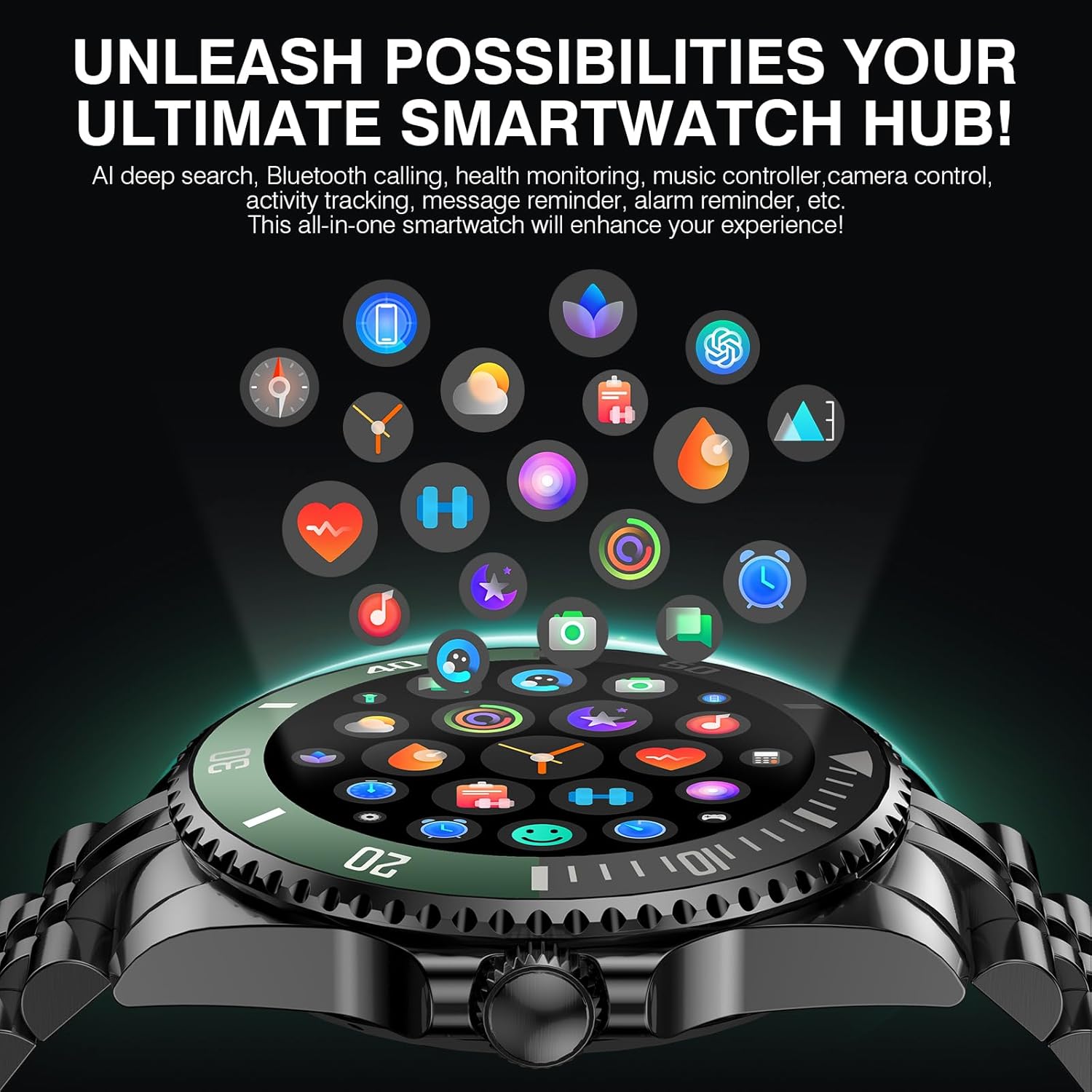
Image: The SOUYIE H66 Smart Watch being charged with its magnetic cable.
3.2 App Installation and Device Pairing
- Enable Bluetooth on your smartphone.
- Scan the QR code provided in the manual or search for "Da Fit" in your phone's app store (Google Play Store for Android, Apple App Store for iOS) and download the application.
- Open the Da Fit app and follow the on-screen instructions to add your device. Select "H66" from the list of available devices.
- Confirm the pairing request on both your smartphone and the smartwatch. Allow necessary permissions for notifications.

Image: Visual guide for connecting the SOUYIE H66 Smart Watch to a smartphone via the Da Fit app.
Video: This video demonstrates the process of removing and installing the watch strap, and also briefly shows the app pairing process.
4. Operating Instructions
4.1 Basic Navigation
- Touchscreen: Swipe left, right, up, or down to navigate through menus and features.
- Buttons: The watch features multiple physical buttons for quick access to functions. One button is typically for the main menu, another for quick access to sports modes, and a third for general settings or a back function.
- Rotary Crown: Rotate the crown to scroll through interfaces and lists, or press it to select items.

Image: The rotary encoder crown on the SOUYIE H66 Smart Watch for easy interface navigation.
4.2 AI Smart Assistant (DA GPT)
The SOUYIE H66 integrates a DA GPT AI system. Use voice commands to:
- Generate fitness plans.
- Summarize meetings.
- Create travel guides.
- Automatically generate personalized watch faces (e.g., "I want a starry sky theme").
- Activate your phone's voice assistant for navigation, calls, and more via Bluetooth 5.2.

Image: The SOUYIE H66 Smart Watch showcasing its AI assistant features with various voice command prompts.

Image: The SOUYIE H66 Smart Watch demonstrating its generative AI mode for creating personalized watch faces.
4.3 Health Monitoring
The watch utilizes AI-powered smart sensors and dynamic algorithms to provide precise health data:
- Heart Rate: Continuous 24/7 monitoring with alerts for abnormal rates.
- Blood Oxygen (SpO2): Monitors blood oxygen levels throughout the day.
- Blood Pressure: Displays real-time blood pressure values.
- Sleep Monitoring: Intelligent analysis of deep sleep, light sleep, and wakefulness, with improvement suggestions.
- Stress Monitoring: Easily track your stress levels anytime.
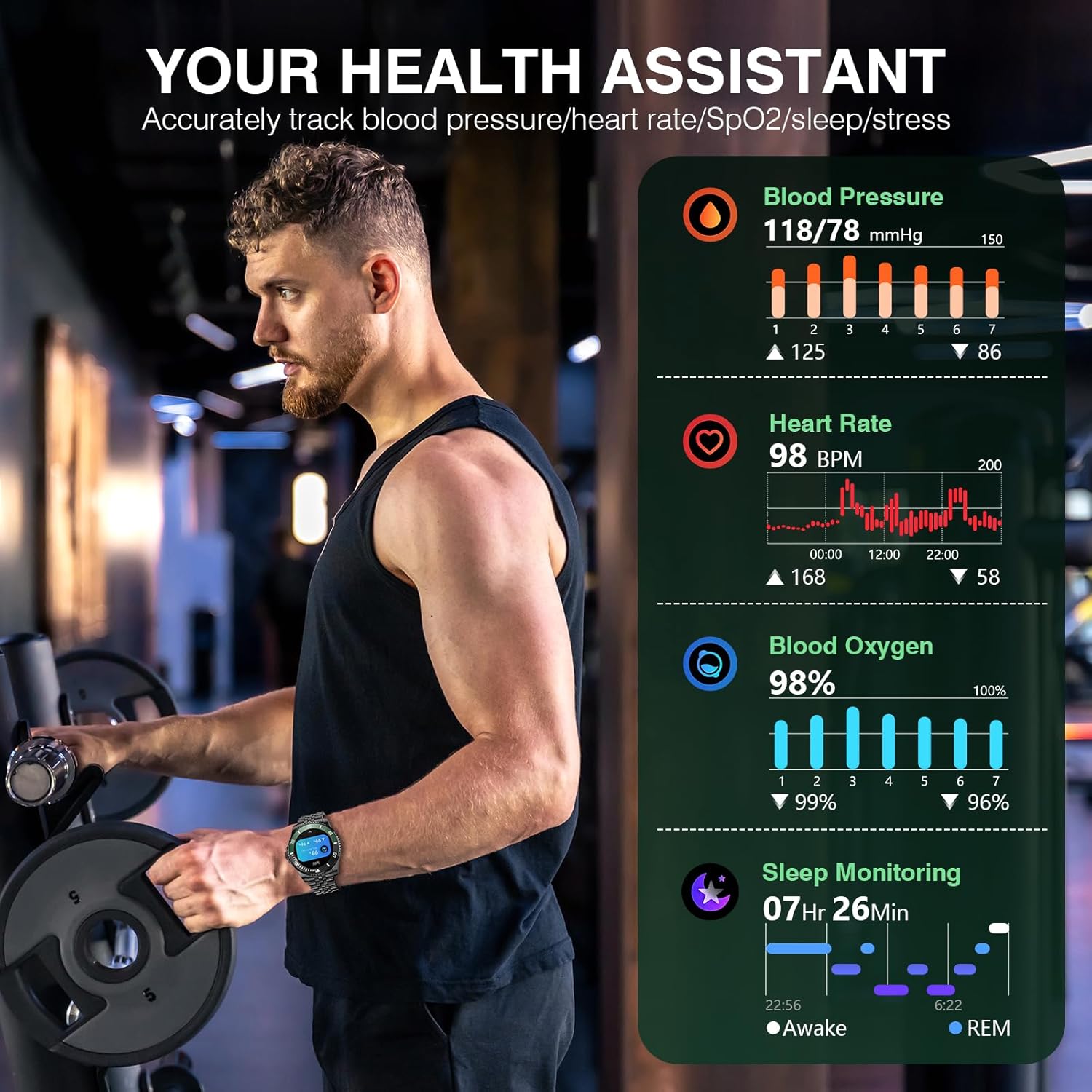
Image: The SOUYIE H66 Smart Watch showing its health assistant features with real-time data for blood pressure, heart rate, blood oxygen, and sleep monitoring.
4.4 Sports Modes
The SOUYIE H66 offers 107 built-in professional sports modes, catering to various fitness levels. It also includes a library of live coaching videos to guide your training. The watch tracks steps, distance, heart rate, and calories burned 24/7.
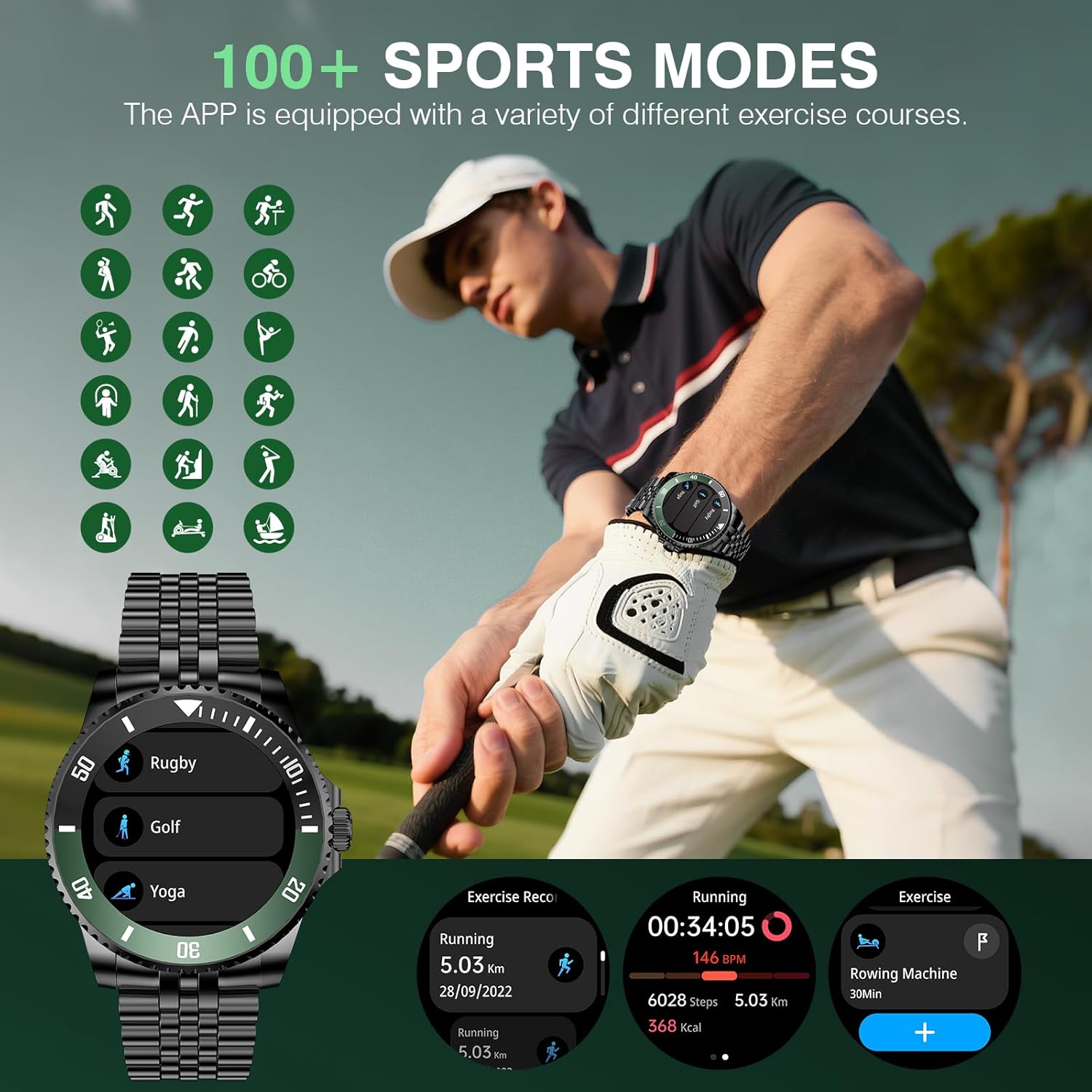
Image: The SOUYIE H66 Smart Watch interface showing various sports modes and workout data.
4.5 Communication Features
- Bluetooth Calls: Supports high-definition Bluetooth calls with a powerful noise-canceling microphone (-42dB) for clear conversations.
- Contact Management: Sync contacts and view call logs directly from your wrist.
- Message Reminders: Receive real-time notifications from multiple platforms like WhatsApp and text messages.

Image: The SOUYIE H66 Smart Watch demonstrating its Bluetooth calling capabilities.
4.6 Customization
Personalize your watch with hundreds of exquisite watch faces available. The AI smart watch face feature allows you to generate personalized designs using voice commands.

Image: A selection of AI custom watch faces available for the SOUYIE H66 Smart Watch.
5. Product Features
5.1 Display
The SOUYIE H66 features a 1.19-inch AMOLED screen with a 390x390 resolution and 600 nits of brightness, ensuring clear visibility even in direct sunlight. It supports a 60Hz refresh rate for smooth interactions and offers an Always-On Display (AOD) mode (note: AOD may increase battery consumption).

Image: Specifications of the SOUYIE H66 Smart Watch's 1.19-inch AMOLED display.
5.2 Battery Life
Equipped with a 250 mAh battery, the watch offers 5-7 days of working time and a standby time of 25-30 days. Magnetic fast charging allows for a full charge in 2 hours, with a 20-minute charge providing a full day of use.
5.3 Durability
The SOUYIE H66 features a zinc alloy body with 2.5D Corning glass for durability and a business-class aesthetic. Its IP67 waterproof and dustproof design protects against sweat and rain. It is recommended to remove the watch when swimming to maintain its integrity.

Image: The SOUYIE H66 Smart Watch highlighting its IP67 waterproof feature.
6. Maintenance
- Regularly clean the watch screen and strap with a soft, dry cloth.
- Avoid exposing the watch to extreme temperatures or harsh chemicals.
- Ensure the charging contacts are clean and dry before charging.
- While IP67 rated, avoid prolonged submersion or high-pressure water exposure to prevent damage.
7. Troubleshooting
- Watch not turning on: Ensure the watch is fully charged. Connect it to the charger for at least 15 minutes.
- Cannot pair with phone: Check that Bluetooth is enabled on your phone and the watch is within range. Restart both devices and try pairing again through the Da Fit app.
- Inaccurate health data: Ensure the watch is worn snugly on your wrist, not too tight or too loose. Keep the sensor clean.
- Notifications not received: Verify that app permissions are granted in the Da Fit app and your phone's settings. Ensure Bluetooth is connected.
- Short battery life: Disable Always-On Display (AOD) and reduce screen brightness. Limit continuous health monitoring if not needed.
8. Specifications
- Model Number: H66
- Screen Size: 1.19 Inches AMOLED
- Screen Resolution: 390x390
- Brightness: 600 nits
- Battery Capacity: 250 mAh
- Working Time: 5-7 Days
- Standby Time: 25-30 Days
- Charging Time: 2 Hours
- Waterproof Rating: IP67
- Connectivity: Bluetooth 5.2
- Operating System Compatibility: Android 5.1+ and iOS 9.0+
- Special Features: DA GPT AI, Activity Tracker, Alarm Clock, Blood Pressure Monitor, Calorie Tracker, Camera Remote, Heart Rate Monitor, Notifications, Oximeter (SpO2), Pedometer, Phone Call Function, Sleep Monitor, Text Messaging, Stress Monitor, Flashlight, Weather.
- Item Weight: 3.83 ounces (108.5 Grams)
- Package Dimensions: 7.17 x 3.78 x 1.34 inches
9. Warranty and Support
The SOUYIE H66 Smart Watch comes with a 30-day, no-questions-asked return and exchange service, and a 3-year warranty. We offer 24/7 dedicated customer service, ensuring all inquiries are resolved within 24 hours.
For support, please contact our customer service team.

Image: SOUYIE customer support details including warranty and service guarantees.


