
1. Introduction
Thank you for purchasing the SFOOEOJ Retro Bluetooth Speaker Clock Radio. This device seamlessly blends classic design with modern audio technology, offering a versatile solution for your audio and timekeeping needs. Enjoy features such as Bluetooth 5.3 connectivity, FM radio, dual alarm settings, and multiple playback options. Please read this manual carefully to ensure proper use and maintenance of your new device.
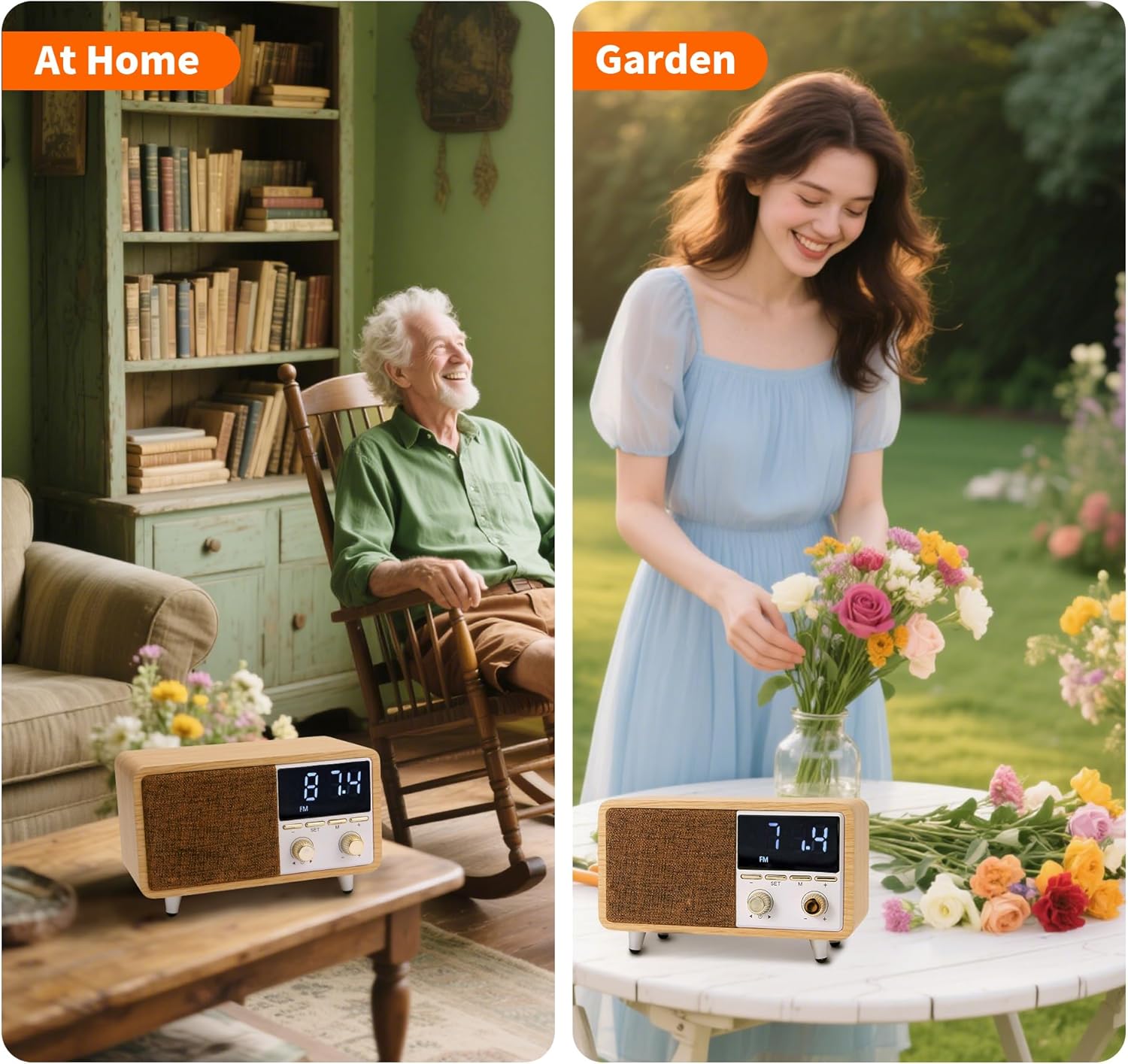
Image 1.1: The SFOOEOJ Retro Bluetooth Speaker Clock Radio fits well in various home environments, including a living room and a garden setting, highlighting its portability and aesthetic appeal.
2. Safety Information
To ensure safe operation and prevent damage, please observe the following precautions:
- Do not expose the device to extreme temperatures, direct sunlight, or high humidity.
- Avoid dropping or subjecting the device to strong impacts.
- Do not disassemble, repair, or modify the device yourself. Refer all servicing to qualified personnel.
- Keep the device away from water or other liquids. If liquid enters the device, discontinue use immediately.
- Use only the provided or approved charging cable.
- Clean the device with a soft, dry cloth. Do not use abrasive cleaners or solvents.
3. Package Contents
Please check the package for the following items:
- SFOOEOJ Retro Bluetooth Speaker Clock Radio (CM-608)
- USB-C Charging Cable
- User Manual
4. Product Overview
Familiarize yourself with the components and controls of your device.
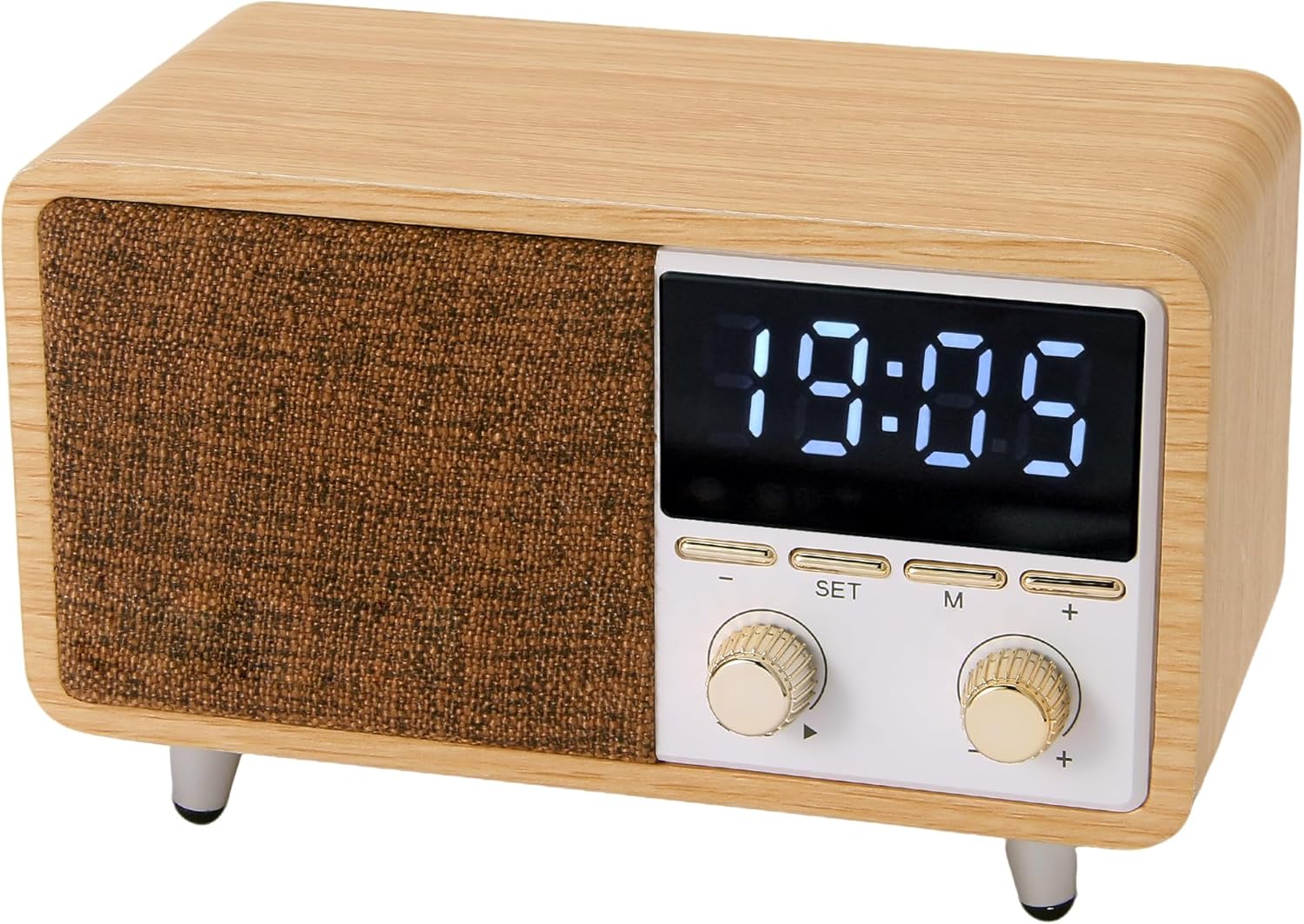
Image 4.1: Front view of the SFOOEOJ Retro Bluetooth Speaker Clock Radio, showing the fabric grille, LED display, and control knobs.
Front Panel Controls:
- LED Display: Shows time, alarm, mode, and frequency.
- SET Button: Used to enter time/alarm setting mode.
- M (Mode) Button: Switches between Bluetooth, FM, TF, and AUX modes.
- Left Knob (Volume/Tune): Rotate to adjust volume; press to play/pause or answer calls. In FM mode, rotate to tune frequency.
- Right Knob (Time/Alarm/Next): Rotate to adjust time/alarm values; press to confirm settings or skip tracks.
- +/- Buttons: Used for fine-tuning frequency in FM mode or navigating menus.
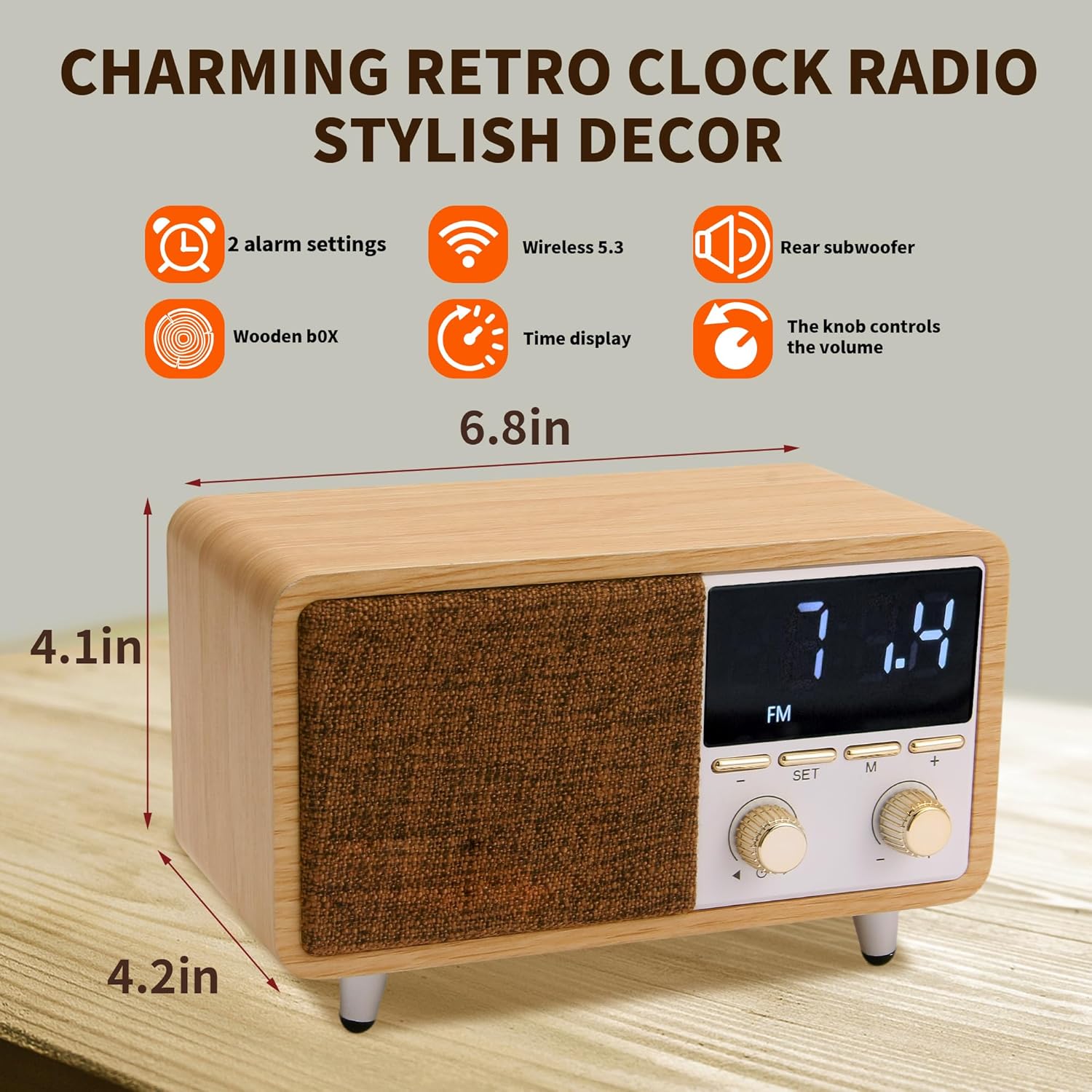
Image 4.2: The dimensions of the speaker are approximately 6.8 inches wide, 4.1 inches high, and 4.2 inches deep, showcasing its compact size.
5. Setup
5.1 Charging the Device
Before first use, fully charge the speaker. Connect the provided USB-C charging cable to the charging port on the back of the speaker and the other end to a USB power adapter (not included) or a computer USB port.
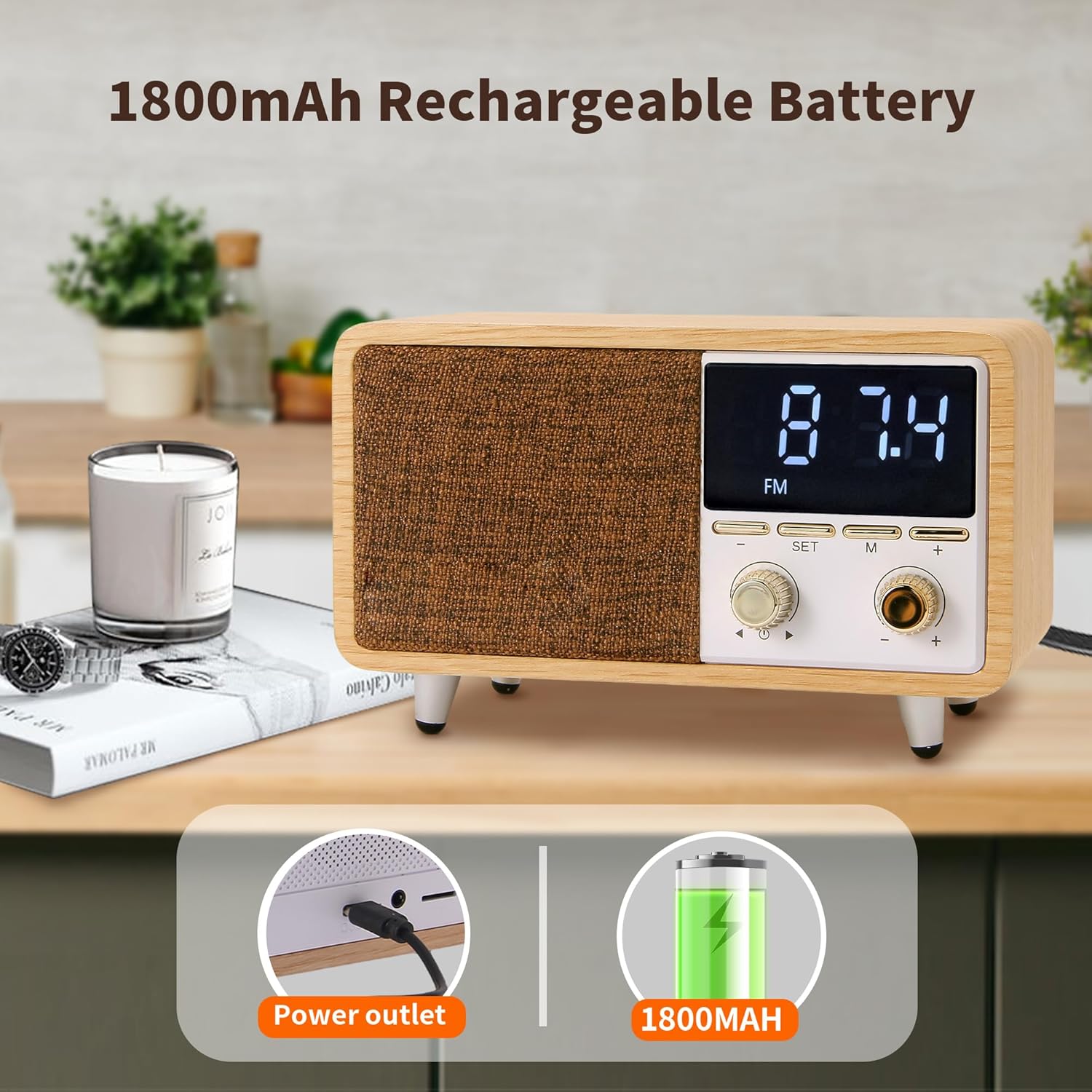
Image 5.1: The speaker features an 1800mAh rechargeable battery, charged via a USB-C port, providing portability.
The LED display will indicate charging status. Once fully charged, the charging indicator will change or turn off.
5.2 Initial Power On
Press and hold the Power button (usually integrated with the Left Knob) to turn on the device. The LED display will light up.
6. Operating Instructions
6.1 Setting Time and Alarms
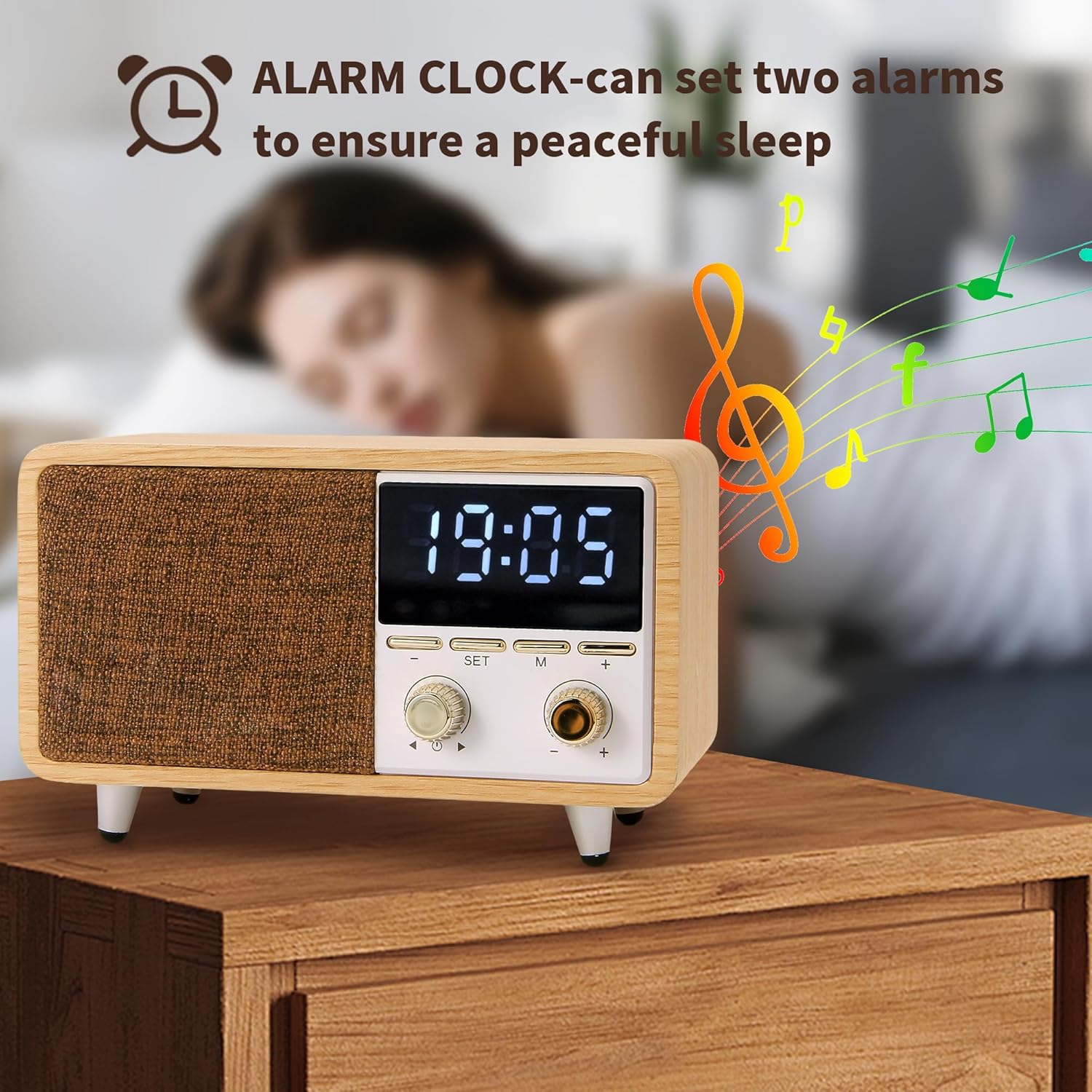
Image 6.1: The alarm clock function allows setting two independent alarms for personalized wake-up times.
- Setting Time: Press and hold the SET button. The hour digits will flash. Rotate the Right Knob to adjust the hour. Press SET again to confirm and move to minutes. Rotate the Right Knob to adjust minutes. Press SET to confirm.
- Setting Alarm 1: Briefly press the SET button. The alarm 1 icon will appear, and the hour digits will flash. Rotate the Right Knob to set the hour. Press SET to confirm and move to minutes. Rotate the Right Knob to set minutes. Press SET to confirm.
- Setting Alarm 2: Repeat the process for Alarm 2 by pressing SET again after setting Alarm 1.
- Activating/Deactivating Alarms: Briefly press the SET button repeatedly to cycle through Alarm 1 ON/OFF, Alarm 2 ON/OFF.
- Snooze Function: When the alarm sounds, briefly press any button (except Power) to activate snooze. The alarm will sound again after 9 minutes.
- Stopping Alarm: To stop the alarm completely, press and hold the Power button or wait for it to automatically turn off after 30 minutes.
6.2 Bluetooth Mode
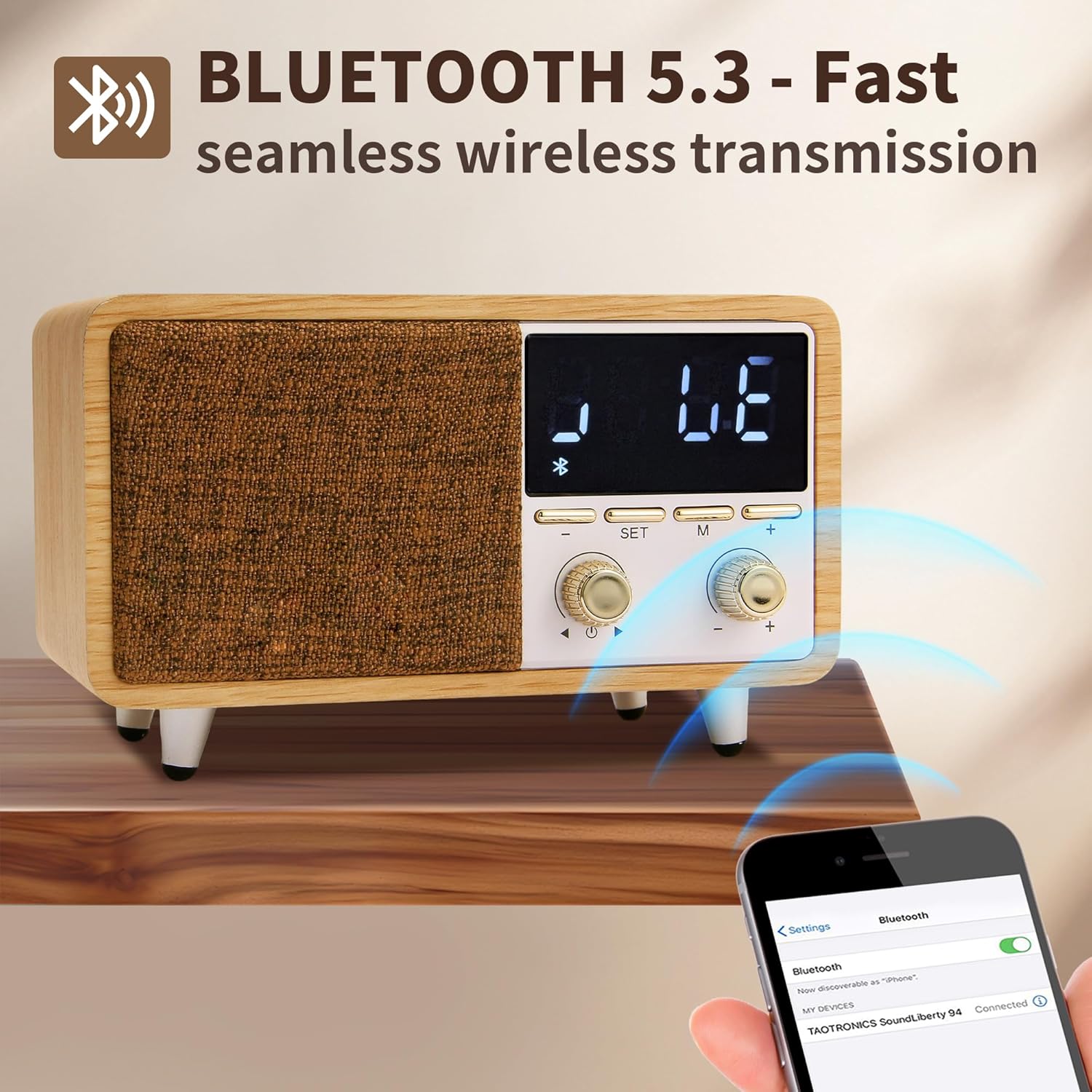
Image 6.2: The speaker features Bluetooth 5.3 for fast and seamless wireless audio transmission from compatible devices.
- Turn on the speaker.
- Press the M (Mode) button until "BT" or a Bluetooth icon appears on the display, indicating Bluetooth pairing mode.
- Enable Bluetooth on your smartphone or audio device and search for "CM-608" or "SFOOEOJ Speaker".
- Select the device to pair. Once connected, you will hear a confirmation sound.
- You can now play audio from your device through the speaker.
6.3 FM Radio Mode
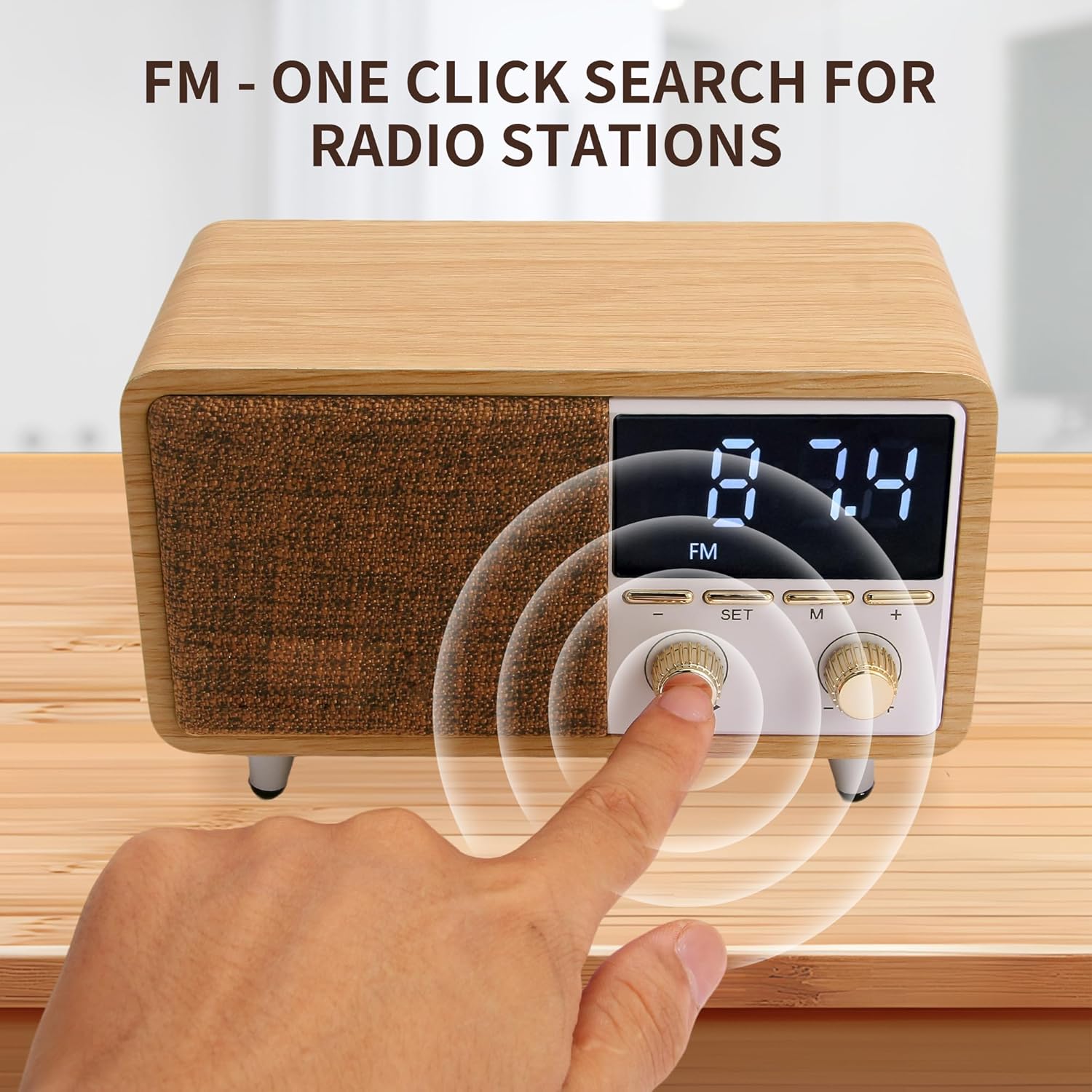
Image 6.3: The FM radio function allows for one-click search to find and save radio stations easily.
- Press the M (Mode) button until "FM" appears on the display.
- Auto Scan: Press and hold the Left Knob (Play/Pause button) to automatically scan and save available FM stations.
- Manual Tuning: Briefly rotate the Left Knob to fine-tune the frequency.
- Switching Stations: Use the +/- buttons or briefly press the Right Knob to switch between saved stations.
6.4 TF Card Playback
Insert a TF (Micro SD) card with MP3 audio files into the TF card slot on the back of the speaker. The speaker will automatically switch to TF card mode and begin playback.
- Press the Left Knob to play/pause.
- Rotate the Right Knob to skip to the next/previous track.
6.5 AUX Mode
Connect an external audio device (e.g., MP3 player, computer) to the speaker's AUX input port using a 3.5mm audio cable (not included). The speaker will automatically switch to AUX mode or you may need to press the M (Mode) button until "AUX" appears.
Audio playback is controlled from the connected external device.
6.6 Volume Control
Rotate the Left Knob clockwise to increase volume and counter-clockwise to decrease volume.
6.7 Display Brightness Adjustment
The LED display brightness is dimmable. Briefly press the Right Knob (or a dedicated dimming button if available) to cycle through different brightness levels.
7. Maintenance
- Cleaning: Use a soft, dry, lint-free cloth to clean the surface of the speaker. Do not use liquid cleaners, sprays, or solvents.
- Storage: When not in use for extended periods, store the speaker in a cool, dry place away from direct sunlight and extreme temperatures.
- Battery Care: To prolong battery life, avoid fully discharging the battery frequently. Charge the device regularly, even if not in use.
8. Troubleshooting
| Problem | Possible Cause | Solution |
|---|---|---|
| Device does not turn on. | Low battery. | Charge the device fully. |
| No sound. | Volume too low; incorrect mode; device not paired (Bluetooth). | Increase volume; switch to correct mode; ensure Bluetooth is paired. |
| Bluetooth pairing fails. | Device too far; Bluetooth not enabled on source; interference. | Ensure devices are within 10m; enable Bluetooth; restart both devices. |
| FM radio static. | Weak signal; interference. | Adjust position of speaker; try auto-scanning again. |
| Alarm does not sound. | Alarm not activated; volume too low. | Ensure alarm is set and activated; increase volume. |
9. Specifications
| Feature | Detail |
|---|---|
| Brand | SFOOEOJ |
| Model Number | CM-608 |
| Connectivity | Bluetooth 5.3, FM Radio, TF Card, AUX Input |
| Display Type | Digital LED (Dimmable) |
| Alarm Function | Dual Alarm Settings |
| Power Source | Rechargeable Battery (1800mAh) |
| Material | Wood Finish, Fabric Grille, Metal Knobs |
| Product Dimensions | 6.6"W x 3.5"H (approx. 6.8"W x 4.1"H x 4.2"D based on image) |
| Item Weight | 1.7 pounds |
| UPC | 719645931319 |
10. Warranty and Support
This product comes with a standard manufacturer's warranty. For detailed warranty information, please refer to the warranty card included in your package or contact SFOOEOJ customer support. If you encounter any issues or have questions not covered in this manual, please reach out to our customer service team for assistance.
Contact information for support can typically be found on the product packaging or the brand's official website.