
1. Introduction
Thank you for choosing the T&G TG117 Portable Bluetooth Speaker. This manual provides essential information for the proper setup, operation, and maintenance of your device. Please read it thoroughly before use.
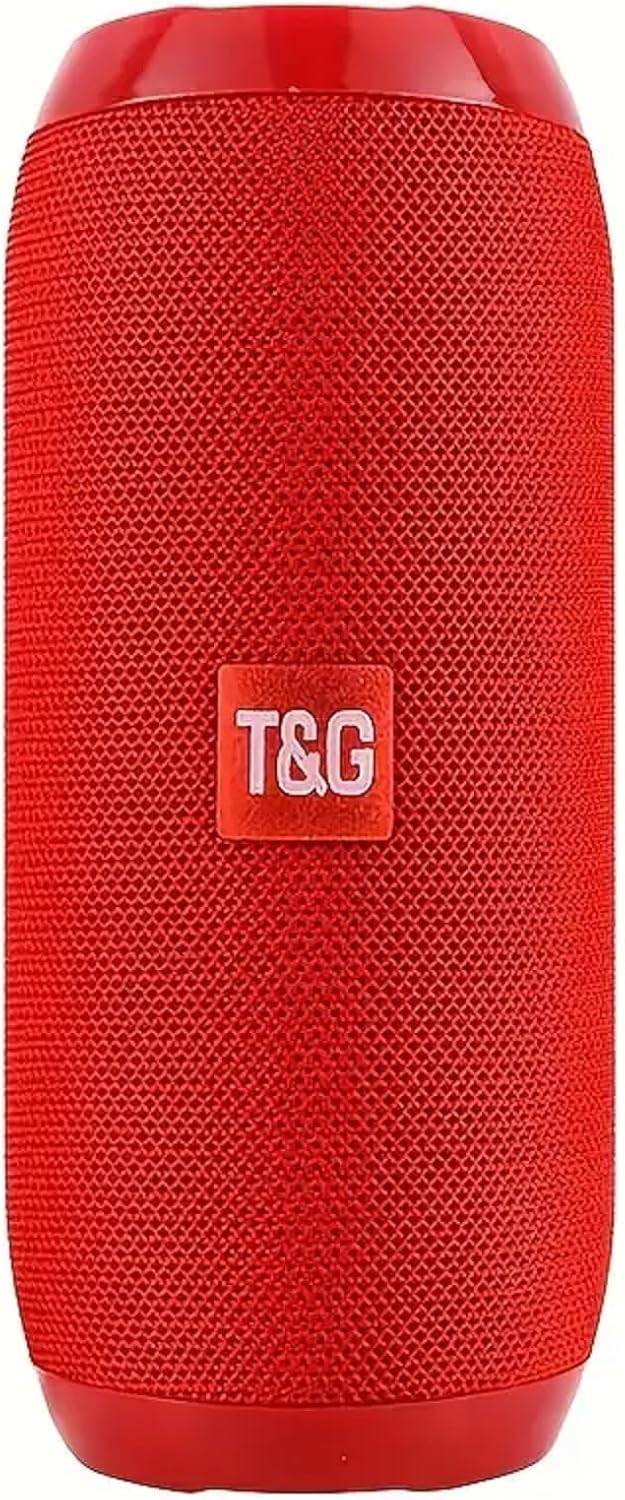
Image 1: The T&G TG117 Portable Bluetooth Speaker in Red. This cylindrical speaker features a mesh grille and the T&G logo prominently displayed on the front.
2. Package Contents
- T&G TG117 Portable Bluetooth Speaker
- USB Charging Cable
- AUX Audio Cable
- User Manual
3. Setup Guide
3.1 Charging the Speaker
- Connect the provided USB charging cable to the speaker's charging port.
- Connect the other end of the USB cable to a compatible USB power adapter (not included) or a computer's USB port.
- The charging indicator light will illuminate during charging and turn off when fully charged.
3.2 Powering On/Off
- To power on, press and hold the power button for approximately 3 seconds until you hear an audible prompt.
- To power off, press and hold the power button again for approximately 3 seconds until you hear an audible prompt.
4. Operating Instructions
4.1 Bluetooth Pairing
Follow these steps to connect your T&G TG117 speaker to a Bluetooth-enabled device:
- Ensure the speaker is powered on and in Bluetooth pairing mode (indicated by a flashing LED).
- On your device (smartphone, tablet, etc.), enable Bluetooth and search for available devices.
- Select "TG117" from the list of found devices.
- Once connected, the speaker will provide an audible confirmation, and the LED indicator will stop flashing.

Image 2: A close-up view of the T&G TG117 speaker's control panel and input ports, including power, volume, mode, AUX, USB, and TF card slots, protected by a rubber flap.
4.2 True Wireless Stereo (TWS) Pairing
To achieve immersive stereo sound, you can pair two TG117 speakers together:
- Ensure both TG117 speakers are powered on and not connected to any other Bluetooth device.
- On one of the speakers, press and hold the 'M' (Mode) button until you hear a pairing tone. This speaker will become the primary unit.
- The two speakers will automatically connect to each other. Once connected, you will hear a confirmation tone.
- Now, connect your Bluetooth device to the primary speaker as described in Section 4.1. Audio will play through both speakers in stereo.
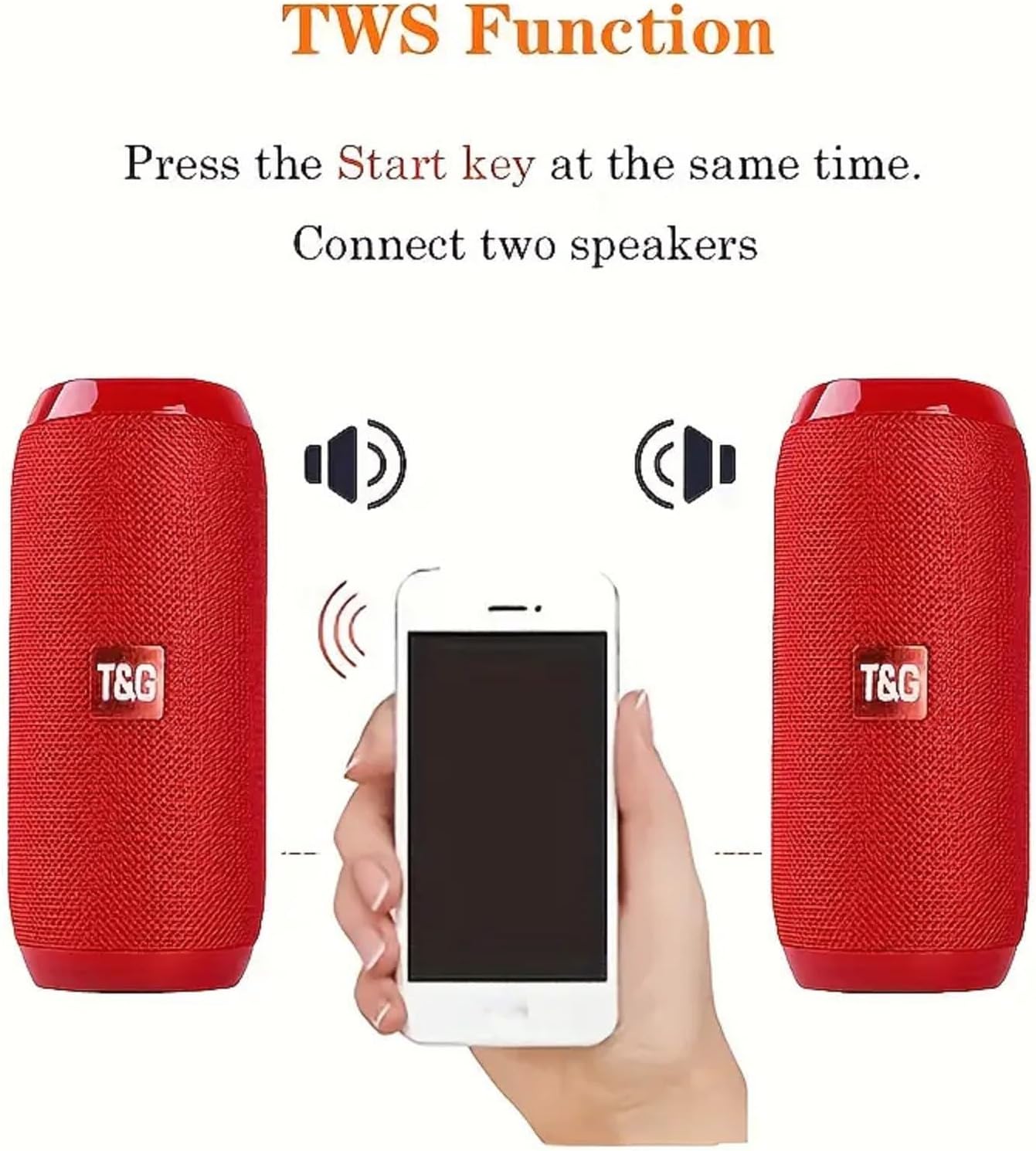
Image 3: A visual representation of the TWS function, illustrating two T&G TG117 speakers wirelessly connected to a smartphone, indicating stereo sound output.
4.3 Audio Input Modes
The TG117 speaker supports multiple audio input options:
- Bluetooth Mode: Wireless connection to Bluetooth-enabled devices.
- AUX Mode: Connect external audio devices using the 3.5mm AUX cable.
- USB Flash Drive: Insert a USB flash drive into the USB port to play audio files directly.
- TF Card (MicroSD): Insert a TF card into the designated slot to play audio files.
- FM Radio: Switch to FM mode to listen to local radio stations.
4.4 Call Management
When connected to a smartphone via Bluetooth, the speaker can manage calls:
- Answer Call: Press the Play/Pause button once to answer an incoming call.
- End Call: Press the Play/Pause button once during a call to end it.
- Reject Call: Press and hold the Play/Pause button to reject an incoming call.
Video 1: An official product video from T&G direct showcasing the features and usage of the TG117 Bluetooth Speaker.
5. Maintenance and Care
5.1 Cleaning
To clean your speaker, use a soft, dry cloth. Avoid using harsh chemicals or abrasive materials that could damage the surface.
5.2 Water Resistance (IPX4)
The T&G TG117 speaker features an IPX4 splashproof rating, meaning it is resistant to splashes of water from any direction. It is suitable for use in environments where it might encounter light rain or splashes, such as by a poolside or during outdoor activities. Do not submerge the speaker in water. Ensure the rubber flap covering the ports is securely closed to maintain water resistance.

Image 4: The T&G TG117 speaker shown with water splashing on it, demonstrating its IPX4 water resistance feature, suitable for outdoor and splash-prone environments.
6. Troubleshooting
| Issue | Possible Solution |
|---|---|
| Speaker does not power on | Ensure the speaker is fully charged. Connect to a power source and try again. |
| Unable to pair via Bluetooth | Ensure the speaker is in pairing mode. Turn off and on your device's Bluetooth. Move the speaker closer to your device. |
| No sound or low volume | Check the volume levels on both the speaker and your connected device. Ensure the correct audio input mode is selected. |
| TWS pairing fails | Ensure both speakers are not connected to any other Bluetooth device before initiating TWS pairing. Try restarting both speakers. |
7. Technical Specifications
| Feature | Specification |
|---|---|
| Model Name | TG117 |
| Brand | T&G |
| Wireless Communication Technology | Bluetooth 5.3 |
| Maximum Range | 66 Feet (20 Meters) |
| Speaker Maximum Output Power | 30 Watts |
| Water Resistance Rating | IPX4 (Splashproof) |
| Audio Output Mode | Stereo, Surround |
| Compatible Devices | Laptop, Smartphone, Tablet, Television |
| Control Method | Touch |
| Material | Plastic |
| Product Dimensions | 6.3"D x 2.72"W x 2.72"H (16.5cm x 6.4cm x 6.4cm) |
| Item Weight | 14.1 ounces |

Image 5: A diagram illustrating the physical dimensions of the T&G TG117 speaker, showing its length, width, and height in both centimeters and inches.
8. Warranty Information
The T&G TG117 Portable Bluetooth Speaker comes with a Limited Warranty. Please refer to the product packaging or contact customer support for specific details regarding warranty coverage and duration.
9. Customer Support
For any questions, technical assistance, or warranty claims, please contact your retailer or the manufacturer's customer support channels. Refer to the product packaging for contact information.