
Introduction
The FREEZE2TRIM Vital Smart Glasses W100 are advanced eyewear designed to integrate smart features into your daily life. These glasses offer open-ear Bluetooth audio, AI-powered translation across 164 languages, voice assistant control, and blue light blocking lenses. They are lightweight and designed for comfort and convenience, whether for work, travel, or leisure.
This manual provides essential information for setting up, operating, and maintaining your Vital Smart Glasses W100 to ensure optimal performance and longevity.
Video: Vital Smart Glasses Overview. This video provides a general overview of the product's features and design.
What's in the Box
Upon unboxing your Vital Smart Glasses W100, please ensure all the following items are present:
- Vital Smart Glasses W100
- Magnetic USB-C Charging Cable
- Cleaning Cloth
- Protective Hard Case
- Rear Temple Pieces (Grip Sleeves)

Image: Vital Smart Glasses W100 box contents. This image displays the smart glasses, magnetic charging cable, cleaning cloth, and protective hard case.
Setup Guide
- Charge the Glasses: Peel the protective film from the temples. Attach the magnetic USB-C cable to the charging ports on the inside of each temple. The hinge LED will glow red while charging and turn green when fully charged. A full charge typically takes about 1 hour and 30 minutes.
- Power On: Open the temples of the glasses. An infrared sensor will detect this action, and the glasses will power on automatically, entering pairing mode.
- Pair via Bluetooth: On your smartphone, enable Bluetooth. In the list of available devices, select "W100" to connect. Wait for the "Connected" voice prompt.
- Download the Ear Dance App: Scan the QR code provided in the manual or visit https://download.watchfun.cn/?code=eardance to download the free Ear Dance app from the Apple App Store or Google Play Store.
- Register and Connect in App: Launch the Ear Dance app. Tap "Register" on the welcome screen to create an account and set a password. Then, tap "Connect" to bind the glasses to the app.
Note: Following this sequence is crucial for stable pairing and enabling all smart glasses functions. Skipping steps may lead to pairing failures.
Image: Vital Smart Glasses W100 setup. This image illustrates the steps for charging, Bluetooth pairing, and connecting the glasses to the Ear Dance app.
Video: APP Usage Tutorial. This video provides a detailed tutorial on how to use the Ear Dance application with the smart glasses.
Operating Instructions
Audio & Call Control
- Answer/End Call: Single tap on either temple button.
- Reject Call: Press and hold either temple button for two seconds.
- Music Playback: Single tap to play/pause.
- Next Track: Double tap on either temple button.
- Previous Track: Triple tap on either temple button (requires app setting).
- Volume Control: Swipe forward on the temple for volume up, swipe backward for volume down.
The open-ear speakers allow you to listen to audio while remaining aware of your surroundings. Environmental Noise Cancellation (ENC) microphones help mute background noise during calls.

Image: Bluetooth Calling & Voice Assistant. This image shows the smart glasses connected to a phone, indicating their capability for calls and voice assistance.
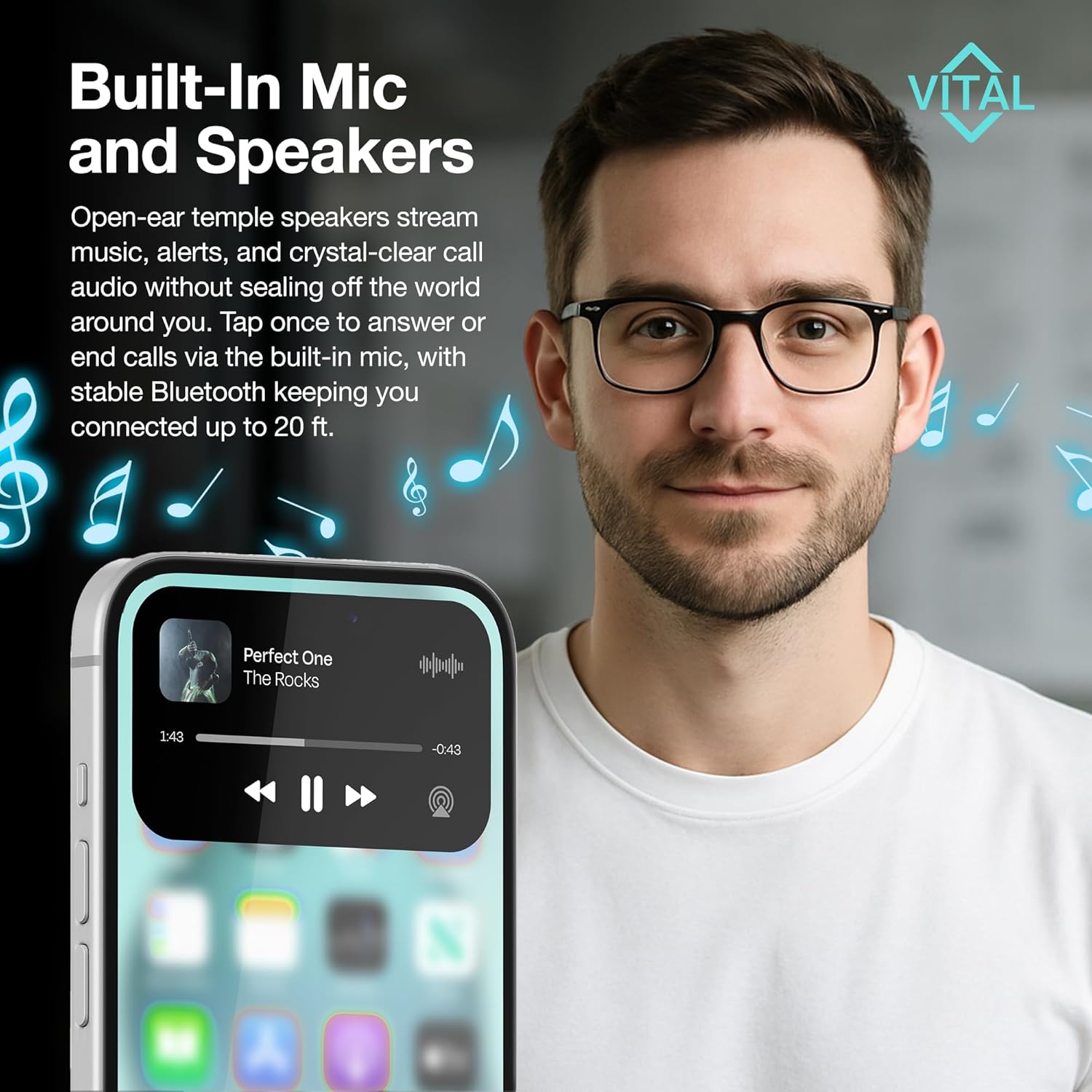
Image: Built-In Mic and Speakers. This image highlights the open-ear speakers and built-in microphone for music and calls, with a phone showing music playback.
AI Translation Modes (via Ear Dance App)
The Ear Dance app provides various AI-powered translation modes:
- AI Chat: Routes spoken questions through the glasses' microphone and replies through the speakers.
- Translation Machine: Translates conversations using the phone's microphone and speaker. Useful if glasses are charging.
- Glasses + Phone Mode: Sends what you hear through the glasses to the app, which instantly returns spoken and on-screen subtitles in your chosen language. Accuracy improves within the 20-foot Bluetooth range.
- Photo Translation: Captures printed text via your phone's camera and displays the translation in seconds.
- Audio & Video Call Translation: Adds real-time subtitles to any call by sharing an app-generated link with participants (they do not need the app).

Image: Break Language Barriers Effortlessly with The App. This image showcases the different translation features available through the Ear Dance app, including real-time translation, photo translation, and call translation.
Voice Notes
Tap the Recording button in the app, choose the recording language, speak, then tap the circle icon to save. Each note is automatically labeled by timestamp and accessible from the Recording List.
Camera Control
A remote-shutter button on the glasses controls your phone's camera, allowing for hands-free photo and video capture.
Voice Assistant
Press and hold either temple button for two seconds to activate your smartphone's voice assistant.
Battery and Charging
The Vital Smart Glasses W100 are powered by a 170 mAh lithium-polymer battery.
- Charging: Use the magnetic USB-C cable. The hinge LED glows red while charging and turns green when full.
- Battery Life: Up to seven hours of mixed use (translation, calls, music) or approximately thirty hours on standby.
- Quick Charge: Fifteen minutes on the charger typically restores about one hour of listening or translating.
- Power Management: Folding the temples triggers an infrared sensor that shuts down the electronics to conserve power.
Image: Bluetooth Calling & Voice Assistant with Battery Life. This image shows the smart glasses with an overlay indicating 170 mAh battery, 22h daily battery life, 10h music playback, 7h continuous calls, and 1 week standby time.
Maintenance and Care
- Cleaning: Wipe lenses with the included cleaning cloth.
- Storage: Store the frame in the protective hard case when not in use.
- Avoid: Solvents, high heat, or full submersion in water.
Troubleshooting
- Pairing Failures: Ensure the setup sequence (charge, power on, Bluetooth pair, then app connection) is followed exactly.
- Audio Drops: Confirm the distance between the glasses and your phone is under 6 meters (~20 feet).
- Microphone Issues: Verify that the Ear Dance app has microphone permission enabled in your phone's settings.
- Feature Dependency: All translation features rely on an active internet connection.
Specifications
| Brand | FREEZE2TRIM |
| Model Number | viture xr pro |
| Item Weight | 5.9 ounces |
| Battery Capacity | 170 Milliamp Hours (Lithium Polymer) |
| Connectivity Technology | Bluetooth 5.3 |
| Operating System | iOS (compatible with Android via app) |
| Special Features | Lightweight, Music Player, Phone Call, Voice Call, Voice Control, AI Translation, UV400, Blue-Light Blocker |
| Memory Storage Capacity | 0.1 GB |
Warranty and Support
For warranty information or technical support, please contact FREEZE2TRIM customer service directly through the Amazon messaging system. Our team is available to assist with any product-related inquiries or issues you may encounter.
Protection plans are available for purchase separately, including 2-Year and 3-Year options, as well as a Complete Protect plan covering eligible past and future purchases.