
1. Introduction
This manual provides essential information for setting up, operating, and maintaining your Tecno Pova Slim 5G smartphone. Please read this guide carefully to ensure proper use and to maximize the device's performance and longevity.
The Tecno Pova Slim 5G is a 5G-enabled smartphone featuring a slim design, a 3D curved display, and a large battery capacity. It incorporates advanced features such as a Dynamic Mood Light and Ella AI with regional language support.

Image 1.1: Front and back view of the Tecno Pova Slim 5G smartphone.
2. What's in the Box
Upon unboxing your Tecno Pova Slim 5G, verify that all the following items are included:
- Tecno Pova Slim 5G Smartphone
- Power Adapter
- USB Cable
- Phone Case
- Screen Protector (pre-applied or in box)
- SIM Tray Ejector
- Quick Start Guide (this manual)
3. Device Overview
Familiarize yourself with the physical components of your Tecno Pova Slim 5G smartphone.
3.1. Physical Layout
- Front: Curved AMOLED display, front camera, earpiece.
- Back: Dual rear cameras, LED flash, Dynamic Mood Light, Tecno branding.
- Right Side: Power button, Volume up/down buttons.
- Left Side: SIM card tray.
- Bottom: USB Type-C port, microphone, speaker grille.
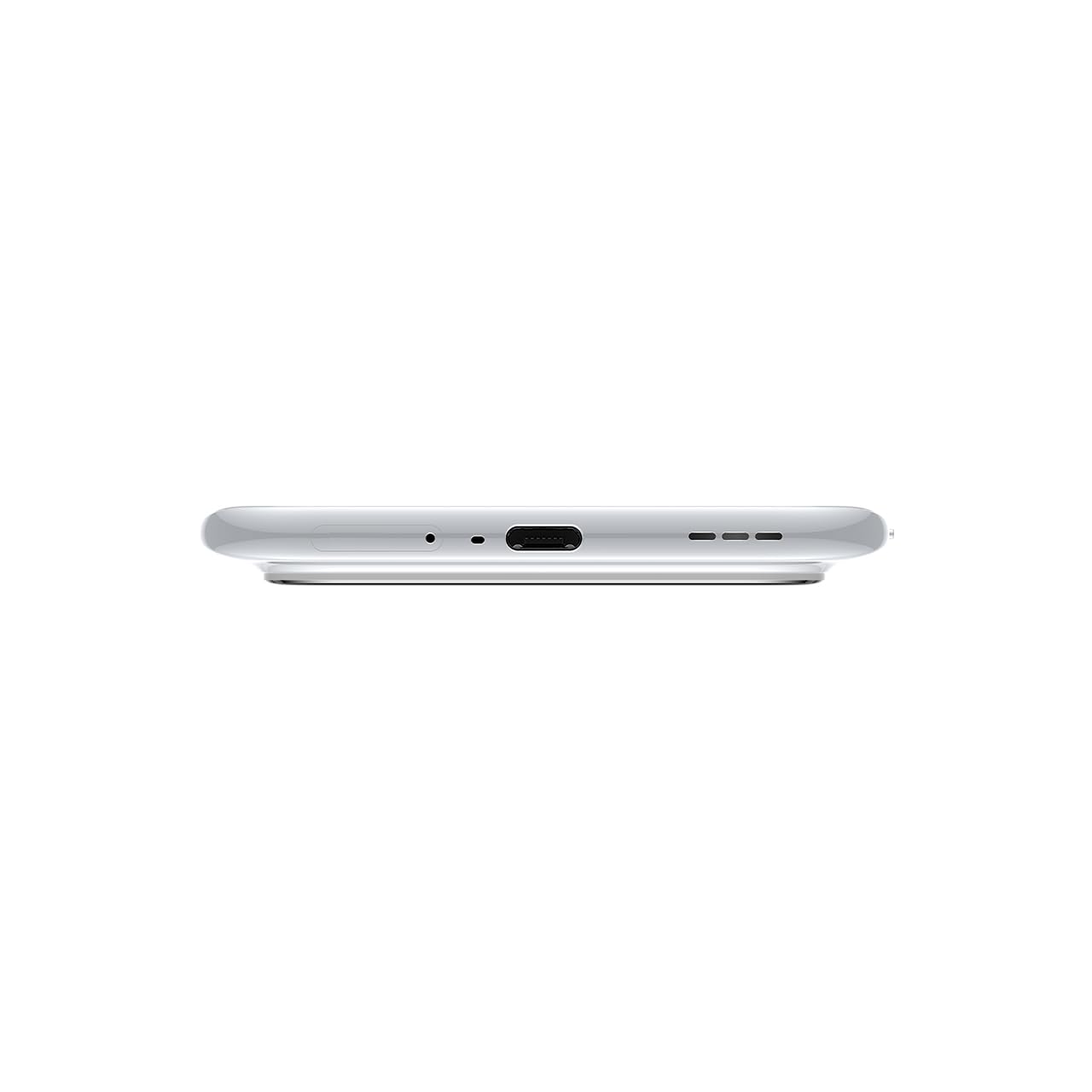
Image 3.1: Bottom view of the device, highlighting the USB-C port and speaker.
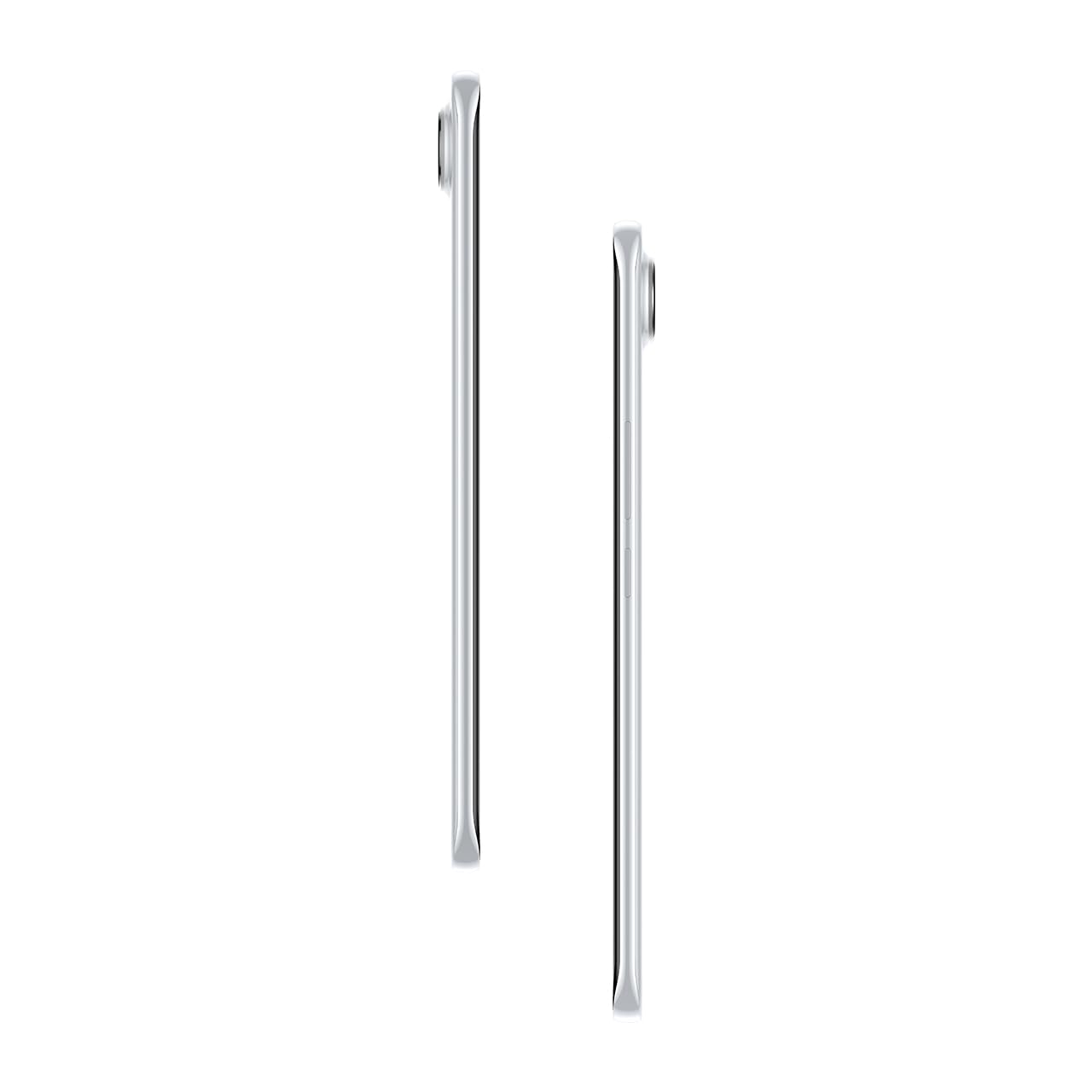
Image 3.2: Side view illustrating the slim profile of the smartphone.
4. Setup
4.1. Inserting the SIM Card
- Locate the SIM card tray on the left side of the device.
- Insert the SIM tray ejector tool into the small hole next to the tray and press gently until the tray pops out.
- Place your Nano-SIM card(s) into the designated slots on the tray. Ensure the gold contacts face downwards.
- Carefully push the tray back into the phone until it clicks into place.
4.2. Powering On/Off
- To Power On: Press and hold the Power button on the right side of the phone until the Tecno logo appears.
- To Power Off: Press and hold the Power button, then select 'Power off' from the options on the screen.
- To Restart: Press and hold the Power button, then select 'Restart' from the options.
4.3. Initial Configuration
Upon first power-on, follow the on-screen instructions to set up your device. This includes selecting your language, connecting to Wi-Fi, setting up your Google account, and configuring security features like fingerprint or face unlock.
5. Operating Your Device
5.1. Display Features
The Tecno Pova Slim 5G features a 1.5K Curved AMOLED display with a 144Hz refresh rate, providing smooth visuals. It offers up to 4500 nits peak brightness for clear visibility in various lighting conditions and is protected by Corning Gorilla Glass 7i.
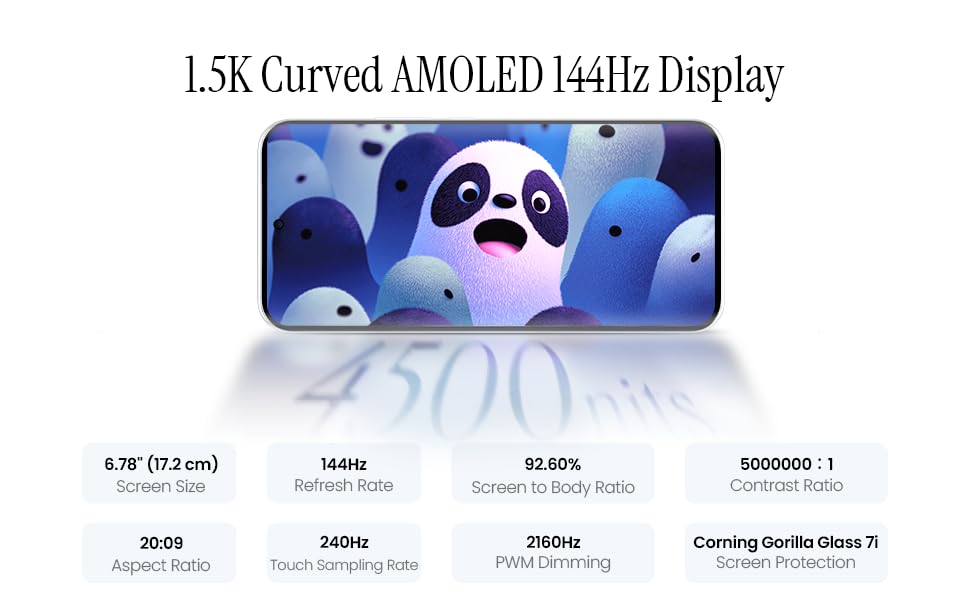
Image 5.1: Display specifications including screen size, refresh rate, and brightness.
5.2. Camera Usage
The device is equipped with a 50MP AI camera system. To take photos or record videos, open the Camera application. You can switch between different modes (Photo, Video, Portrait, Night, etc.) and adjust settings like zoom, flash, and filters.
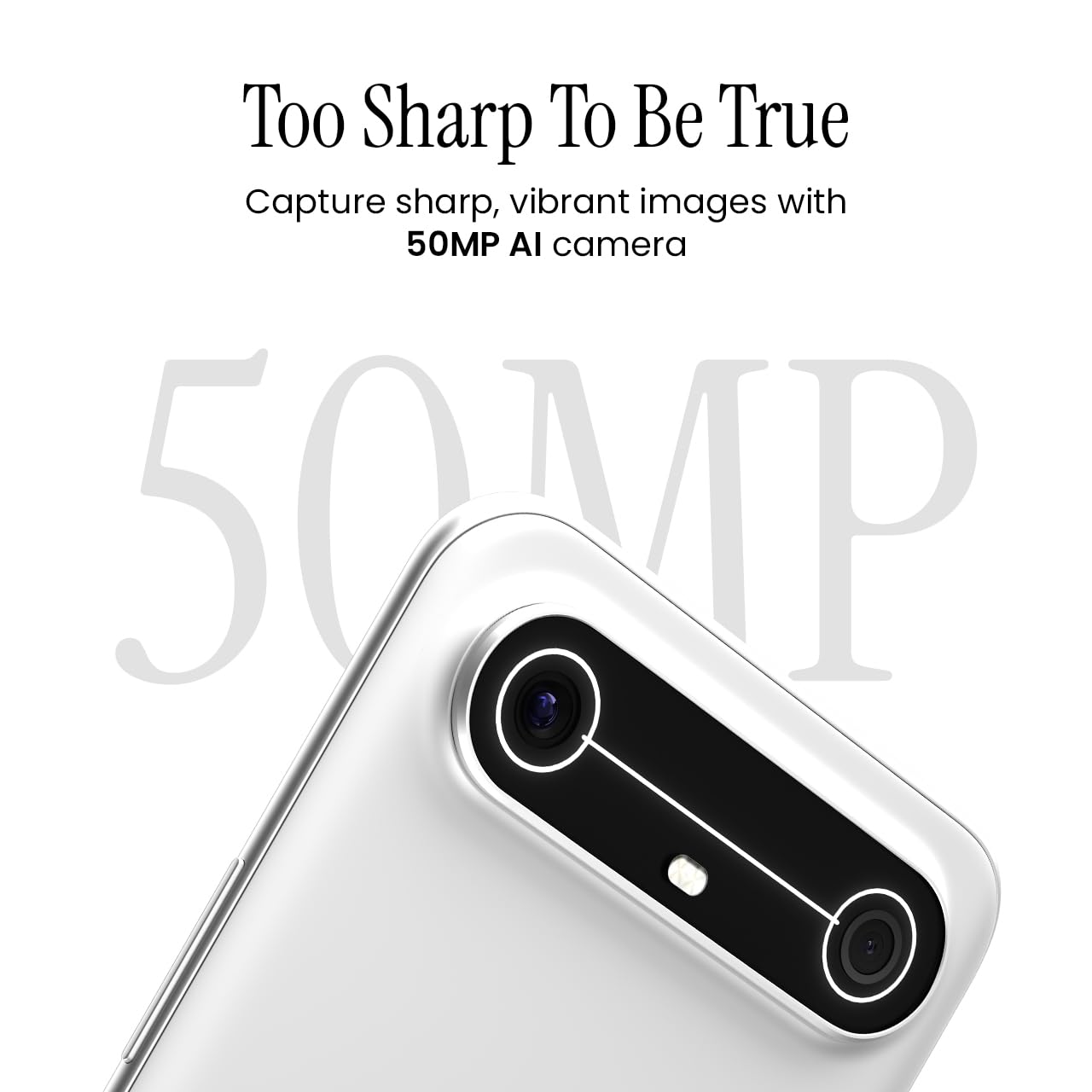
Image 5.2: Detail of the 50MP AI camera module.
5.3. Dynamic Mood Light
The Dynamic Mood Light is an integrated lighting feature on the back of the device that responds to various notifications, calls, and system events, providing visual cues.

Image 5.3: The Dynamic Mood Light design on the device's rear.
5.4. Ella AI Features
Ella AI provides intelligent assistance, including support for Indian regional languages. Key features include:
- AI Writing Assistant: Helps in drafting messages and content.
- Circle to Search: Allows users to search for information by circling objects on the screen.
- Language Understanding: Processes and responds to voice commands in various Indian languages.
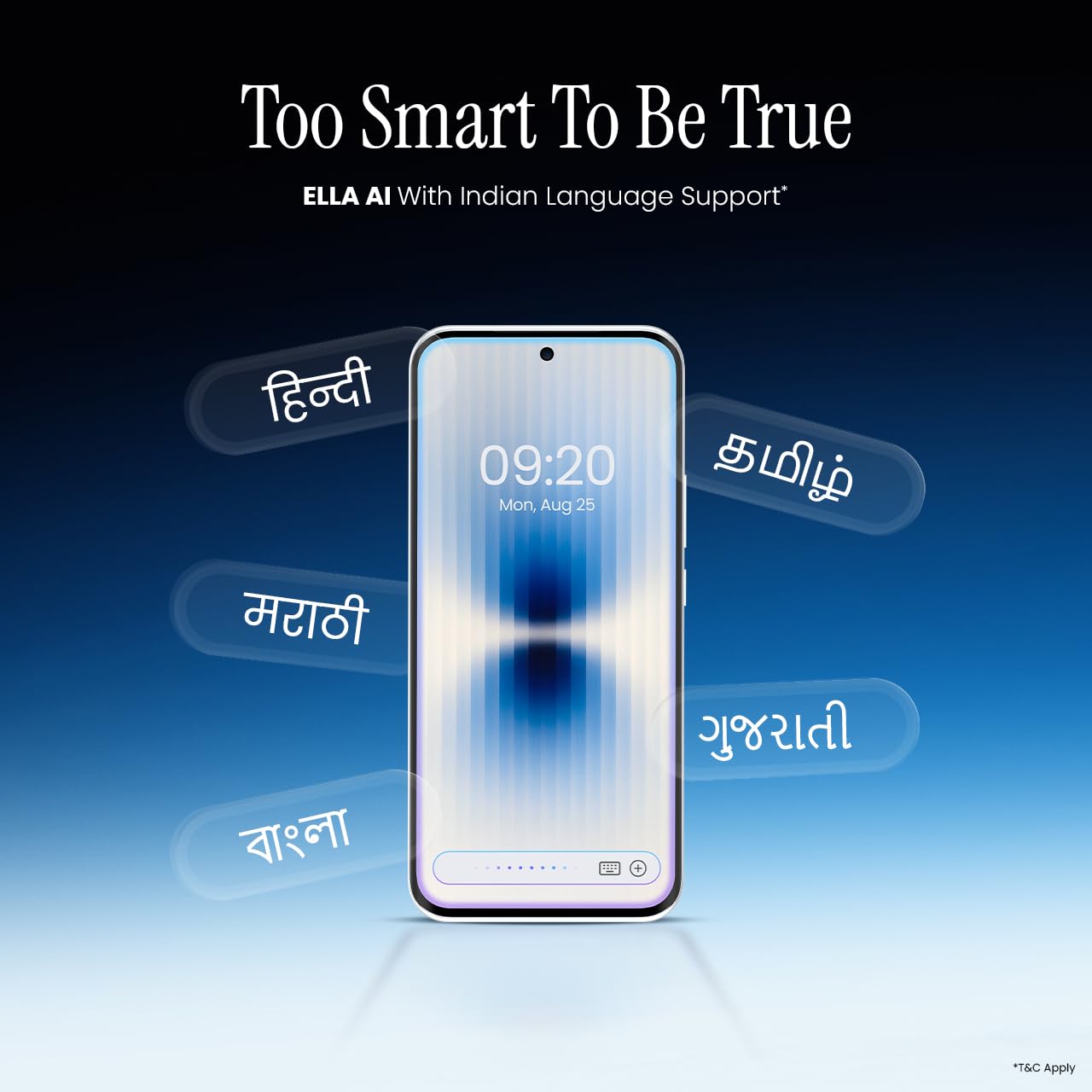
Image 5.4: Ella AI demonstrating Indian language support.
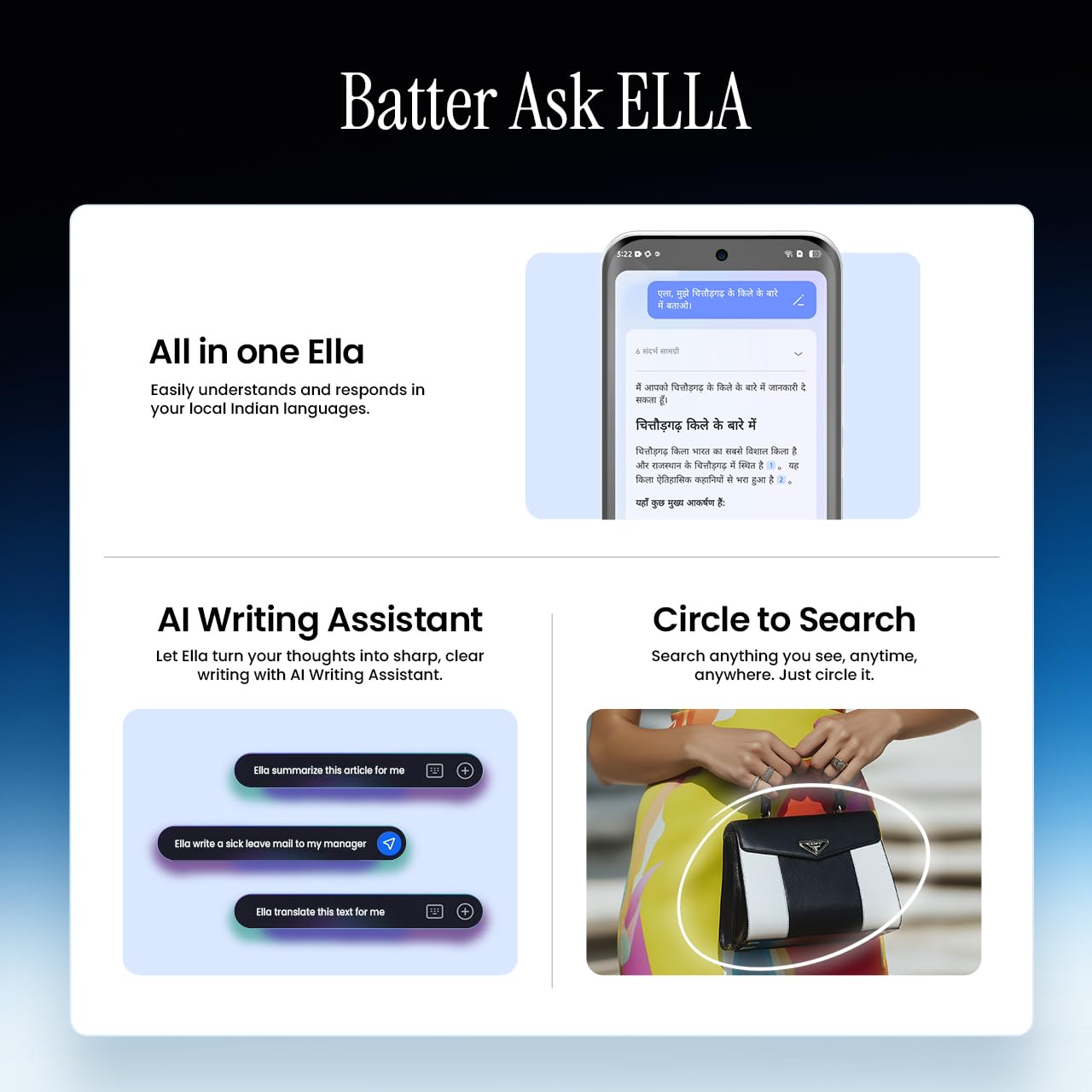
Image 5.5: Visual representation of Ella AI's writing assistant and circle to search functions.
5.5. Connectivity
The Pova Slim 5G supports 5G networks for high-speed data, Wi-Fi for local network access, and Bluetooth for connecting to accessories. It features an Intelligent Signal Hub System with 4x4 MIMO & N28 Band for enhanced network performance.
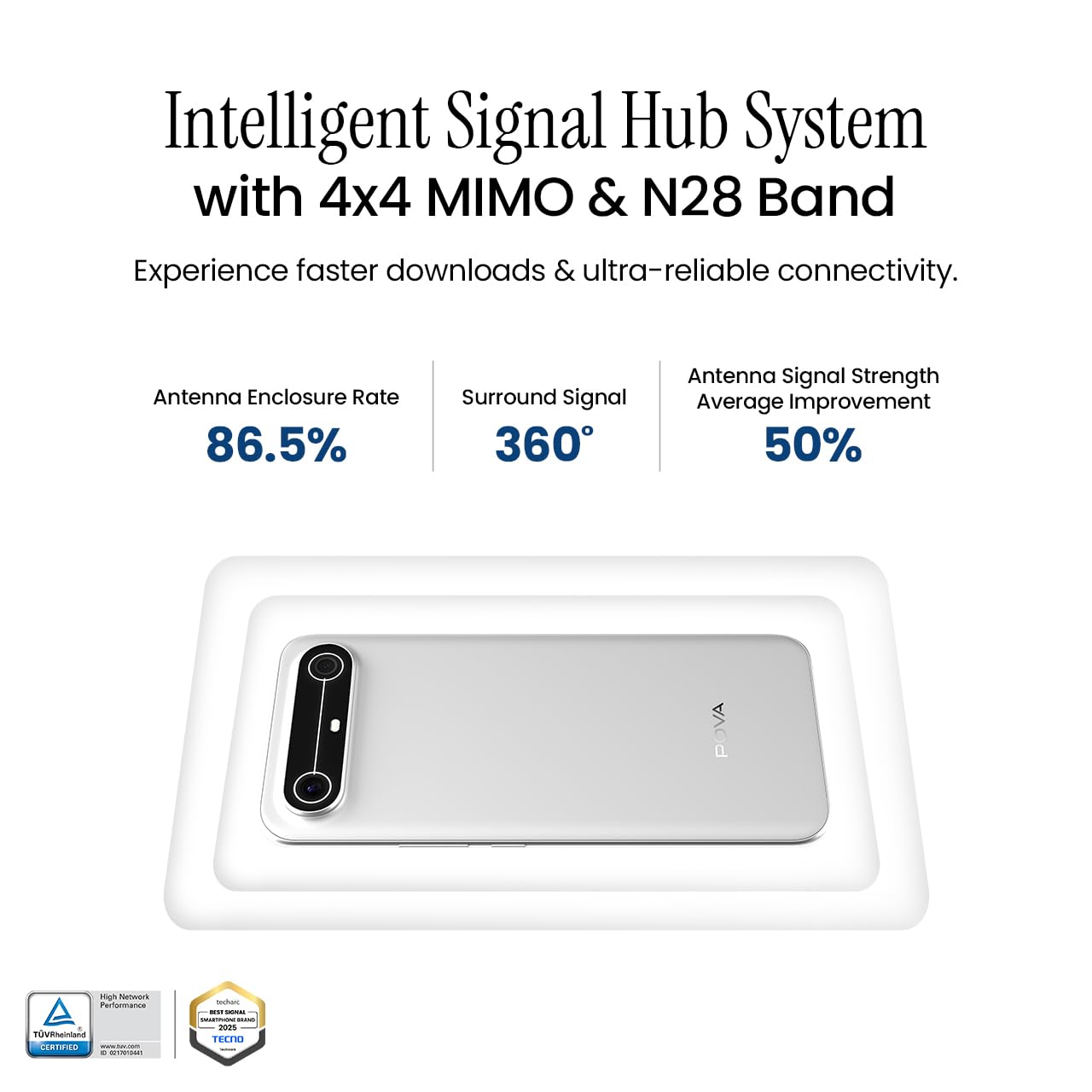
Image 5.6: Diagram illustrating the Intelligent Signal Hub System.
5.6. Battery and Charging
The device is powered by a 5160mAh battery and supports 45W fast charging. Use the provided power adapter and USB cable for optimal charging performance. Avoid using uncertified chargers or cables.

Image 5.7: Representation of the 5160mAh battery and 45W charging capability.
6. Maintenance
6.1. Battery Care
- Avoid extreme temperatures, as they can degrade battery life.
- Do not fully discharge the battery regularly; charge it before it drops too low.
- Unplug the charger once the battery is full to prevent overcharging.
6.2. Cleaning Your Device
Use a soft, lint-free cloth to clean the screen and body of your phone. Avoid using harsh chemicals or abrasive materials. For stubborn smudges, slightly dampen the cloth with water or a screen cleaner specifically designed for electronics.
6.3. Software Updates
Regularly check for and install software updates. Updates often include security patches, performance improvements, and new features. To check for updates, go to Settings > System > System Update.
6.4. Durability Features
The Pova Slim 5G is built with durability in mind, featuring MIL-STD-810H military-grade toughness, IP64 dust and splash resistance, and Corning Gorilla Glass 7i for screen protection.

Image 6.1: Indication of MIL-STD-810H military-grade protection.
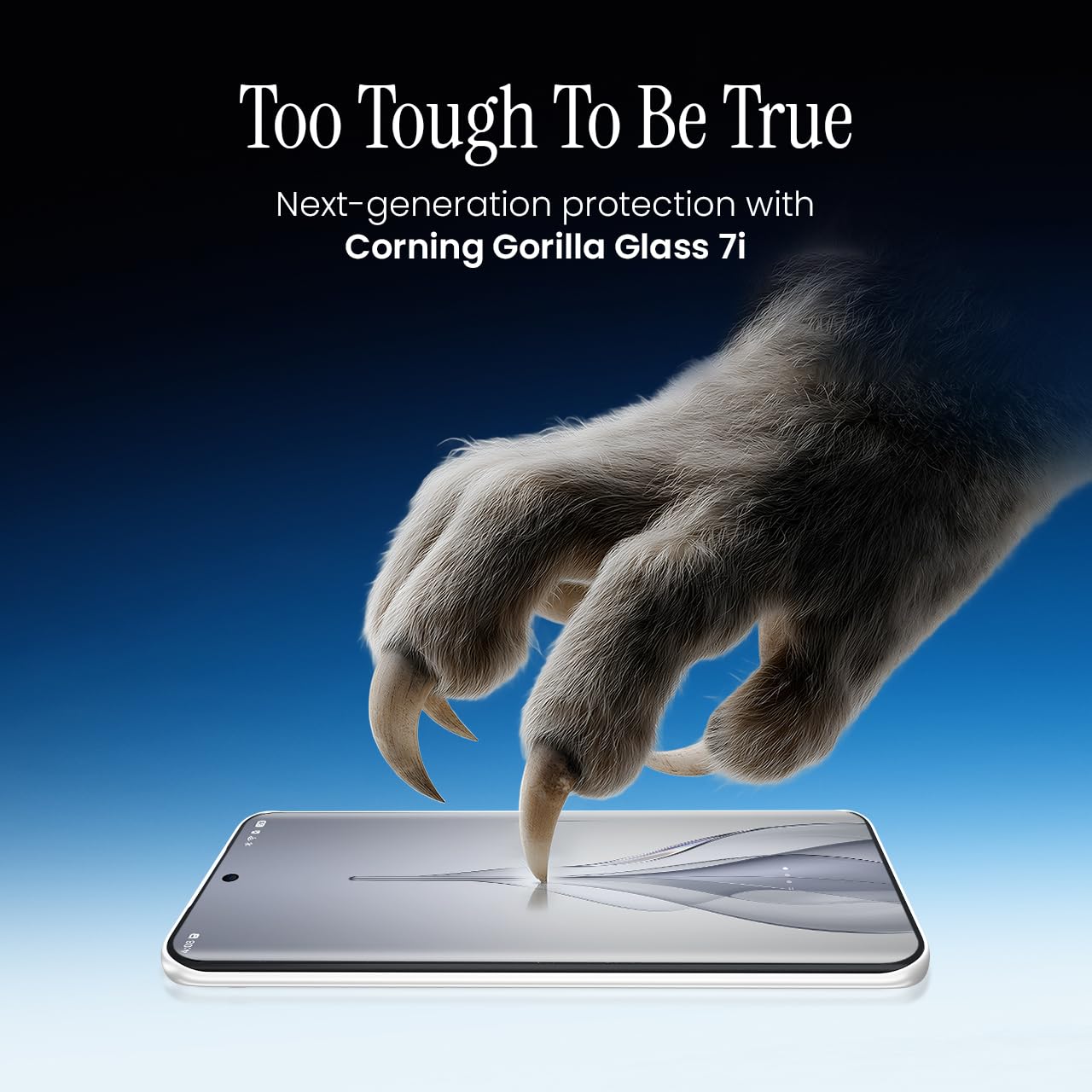
Image 6.2: Visual representation of Corning Gorilla Glass 7i protection.

Image 6.3: Device shown with IP64 dust and splash resistance.
7. Troubleshooting
If you encounter issues with your device, try the following solutions:
- Device Not Turning On: Ensure the battery is charged. Connect the charger and wait a few minutes before attempting to power on again.
- Network Connectivity Issues: Check if your SIM card is properly inserted. Try restarting the device. Verify that mobile data or Wi-Fi is enabled in settings.
- Slow Performance: Close unnecessary background applications. Clear cache from apps. Consider restarting the device. Ensure sufficient storage space is available.
- Battery Draining Quickly: Reduce screen brightness. Disable unused features like Bluetooth or GPS. Limit background app activity.
- Apps Crashing: Clear the app's cache and data (Settings > Apps > [App Name] > Storage > Clear Cache/Clear Data). If the issue persists, reinstall the app.
For persistent issues, contact customer support or visit an authorized service center.
8. Specifications
| Feature | Specification |
|---|---|
| Model Number | KM9 |
| Operating System | Android 15 |
| RAM Memory Installed Size | 8 GB |
| Storage (ROM) | 128 GB |
| CPU Speed | 2, 2.5 GHz |
| Product Dimensions | 16.4 x 7.6 x 0.6 cm |
| Item Weight | 156 g |
| Battery Power Rating | 5160 mAh |
| Resolution | 1224 x 2720 pixels |
| Connectivity Technologies | Bluetooth, Infrared, USB, Wi-Fi |
| Colour | Slim White |
| Country of Origin | India |
9. Warranty and Support
Your Tecno Pova Slim 5G smartphone comes with a limited manufacturer's warranty. Please refer to the warranty card included in your product packaging for specific terms and conditions, including coverage period and limitations.
For technical support, service inquiries, or to find authorized service centers, please visit the official Tecno website or contact their customer service helpline. Keep your purchase receipt and device's serial number handy when seeking support.
Online Support: Tecno India Support


