
Conyat X7
Conyat X7 Open Ear Headphones User Manual
Model: X7
Introduction
Welcome to the Conyat X7 Open Ear Headphones user manual. This guide provides detailed instructions for setting up, operating, maintaining, and troubleshooting your new headphones. Please read this manual carefully to ensure optimal performance and longevity of your device.

The Conyat X7 Open Ear Headphones are designed for comfort and situational awareness.
Setup
What's in the Box
- 2 x Conyat X7 Wireless Earbuds
- 1 x Fast Charging Case
- 1 x USB-C Charging Cable
- 1 x Instruction Manual

Ensure all components are present upon unboxing.
Charging the Headphones
Before first use, fully charge the headphones and the charging case. Connect the provided USB-C cable to the charging case and a power source. The digital display on the case will show the charging status and battery percentage.
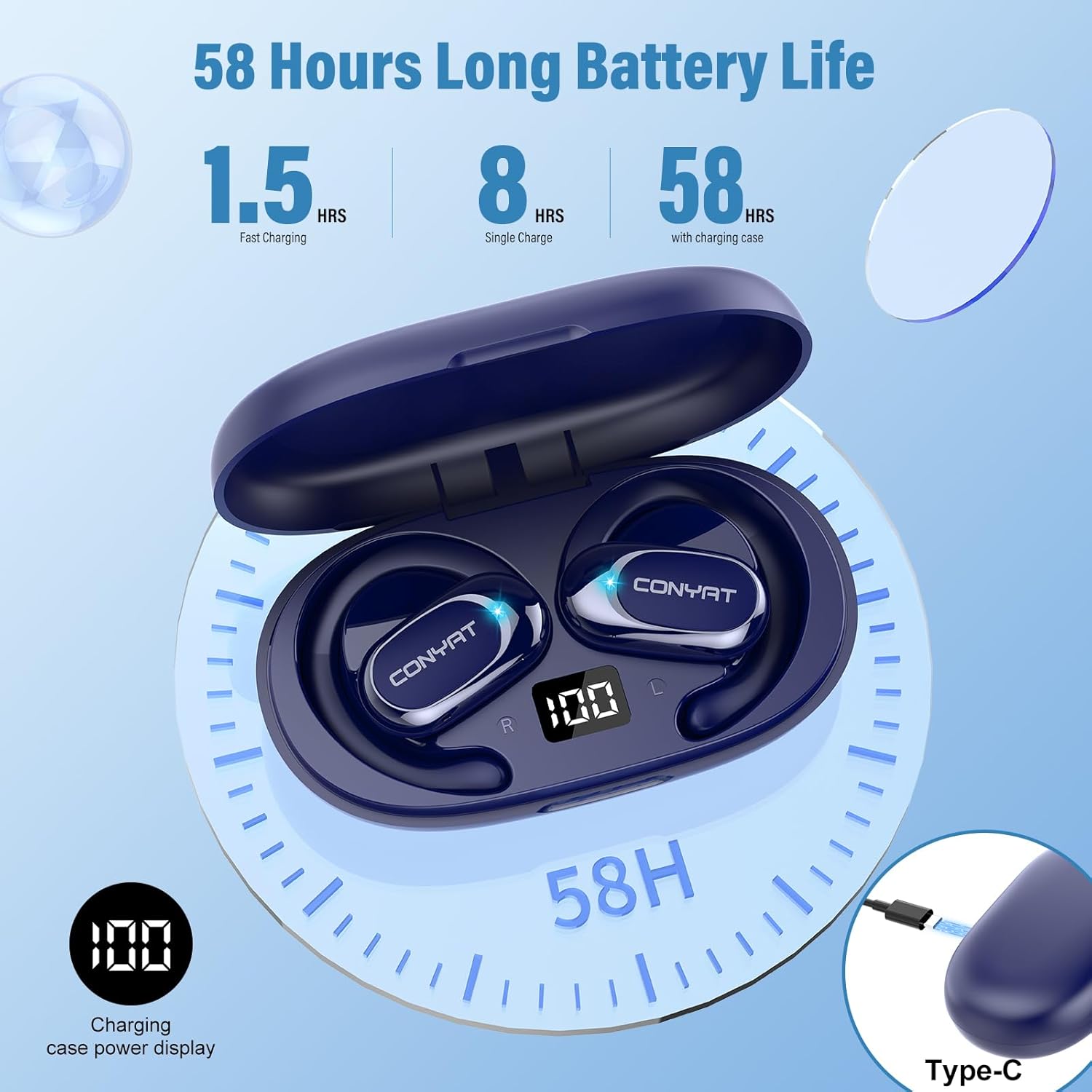
The charging case provides up to 50 hours of additional playtime, with 8 hours on a single earbud charge.

The LED display on the charging case indicates the battery level.
Pairing with a Device
- Open the charging case. The earbuds will automatically power on and enter pairing mode.
- On your device (smartphone, tablet, laptop), enable Bluetooth.
- Search for "X7" in the list of available Bluetooth devices and select it to connect.
- Once connected, the earbuds are ready for use. They will automatically reconnect to the last paired device when removed from the case.

The X7 headphones utilize Bluetooth 5.4 for stable and fast connections.
Wearing the Headphones
The Conyat X7 features an open-ear design with adjustable ear hooks for a secure and comfortable fit.
- Take out the headphones and unfold the ear hooks to the maximum angle.
- Slide the ear hook behind your ear.
- Adjust the earphones to sit firmly and comfortably in your ear, ensuring the sound outlet is positioned correctly.

Proper wearing ensures comfort and optimal sound delivery.

The ear hooks are 90° rotatable for a customized and stable fit.
Operation
Touch Controls
The Conyat X7 headphones feature intuitive touch controls on each earbud for managing calls and music playback.
- Answer Call: One-tap (L/R)
- Hang Up/Refuse Incoming Call: Long tap (2s) (L/R)
- Volume +: One-tap (R)
- Volume -: One-tap (L)
- Play/Pause: Twice-tap (L/R)
- Previous Track: Long tap (2s) (L)
- Next Track: Long tap (2s) (R)
- Voice Assistant: Triple-tap (L/R)

Easily manage your audio and calls with simple touch gestures.
Sound Quality
Equipped with 14.2mm dynamic drivers, the Conyat X7 delivers balanced audio with clear vocal details. The open-ear design allows for natural audio dispersion while maintaining environmental awareness.
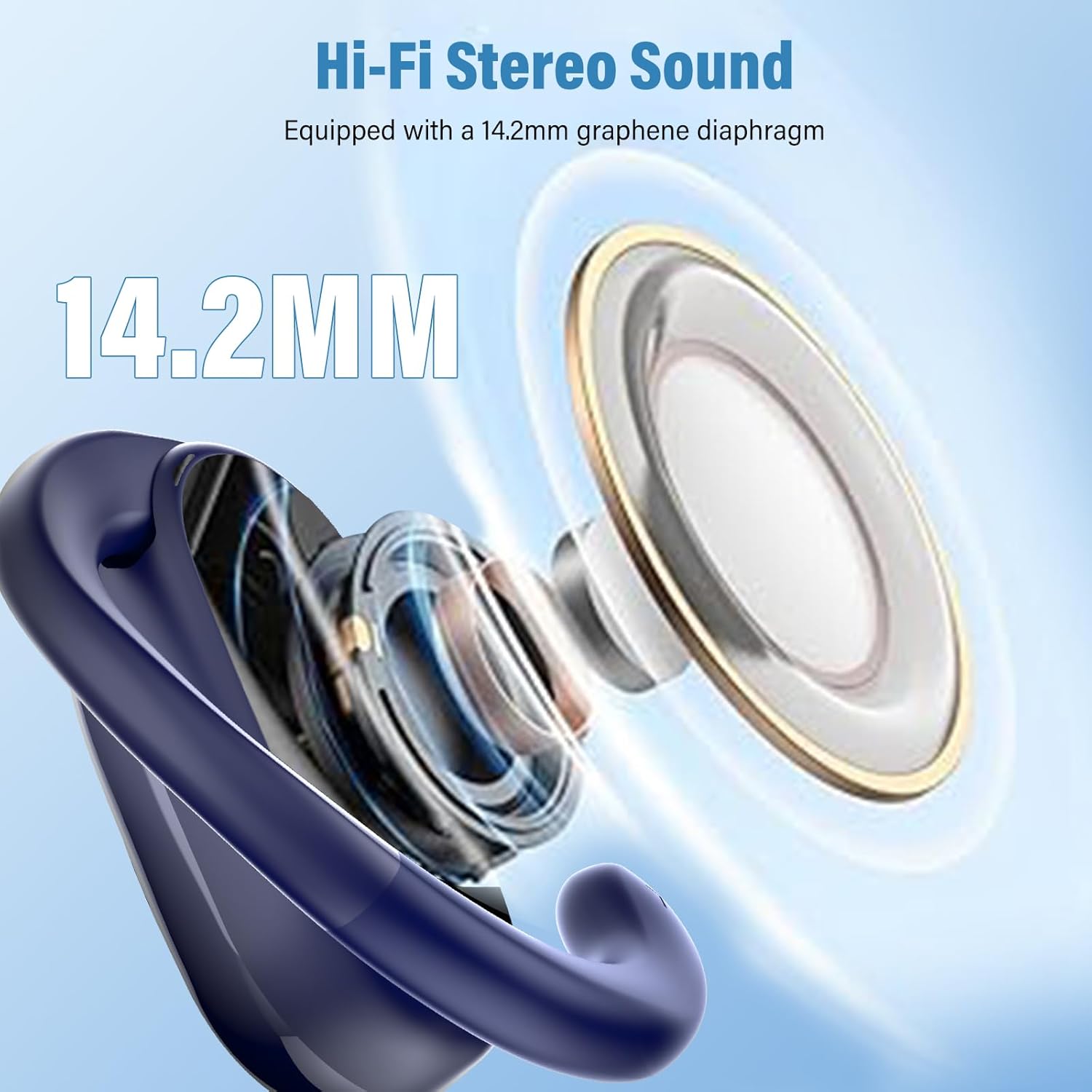
Experience high-fidelity stereo sound with powerful 14.2mm drivers.
Clear Calls
The built-in microphone with voice enhancement technology ensures clear call quality, even in outdoor environments, by filtering environmental noise.

Enjoy uninterrupted conversations with enhanced call clarity.
Maintenance
Water Resistance
The Conyat X7 headphones are IP7-rated waterproof, making them resistant to sweat and splashes. This protection is achieved through ultra-fine acoustic mesh and nano-coating technology, suitable for workouts and outdoor activities.

The IP7 rating ensures durability against sweat and water.
Cleaning
To clean your headphones, gently wipe them with a soft, dry cloth. Avoid using abrasive materials or harsh chemicals. Ensure the charging contacts on both the earbuds and the case are clean and dry before charging.
Troubleshooting
- No Sound: Ensure the headphones are charged and properly paired with your device. Check the volume levels on both the headphones and your device.
- Cannot Pair: Make sure Bluetooth is enabled on your device and the headphones are in pairing mode. Try turning Bluetooth off and on again on your device. If issues persist, reset the headphones (refer to manufacturer's specific reset instructions if available, otherwise place back in case and try again).
- Intermittent Connection: Ensure there are no obstructions between your device and the headphones. Move closer to your device. Avoid environments with strong electromagnetic interference.
- Charging Issues: Verify that the USB-C cable is securely connected to both the charging case and the power source. Clean the charging contacts on the earbuds and inside the case.
Specifications
| Feature | Detail |
|---|---|
| Brand | Conyat |
| Model Name | X7 |
| Color | Blue |
| Ear Placement | Over Ear (Open Ear Design) |
| Connectivity Technology | Wireless (Bluetooth 5.4) |
| Audio Driver Type | Dynamic Driver (14.2mm) |
| Impedance | 32 Ohms |
| Frequency Range | 20Hz - 20,000Hz |
| Control Type | Touch Control |
| Water Resistance Level | IP7 Waterproof |
| Battery Life (Earbuds) | Up to 8 Hours |
| Total Playtime (with Case) | Up to 58 Hours |
| Charging Time | Approx. 2 Hours (Case) |
| Item Weight | 1.2 Ounces |
| Compatible Devices | Cellphones, Tablets, Laptops |
Warranty and Support
Warranty Information
Conyat provides a 30-day unconditional refund and a 2-year warranty for this product. Please retain your proof of purchase for warranty claims.
Customer Support
For any questions, technical assistance, or warranty claims, please contact Conyat customer support through the retailer where you purchased the product or visit the official Conyat website for contact information.
Related documentsX7


Ask a question about this manual
Ask about setup, troubleshooting, compatibility, parts, safety, or missing instructions. Manuals+ will review the question and use this page’s manual context to help answer it.