
Introduction
The COOAU C5 PRO is an advanced solar-powered wireless outdoor security camera designed for comprehensive home surveillance. Featuring 5-megapixel high-resolution video, 360-degree automatic tracking, and IP66 weather resistance, this camera provides reliable monitoring day and night. It incorporates AI human detection, two-way audio communication, and flexible storage options to ensure your property is secure and accessible from anywhere.
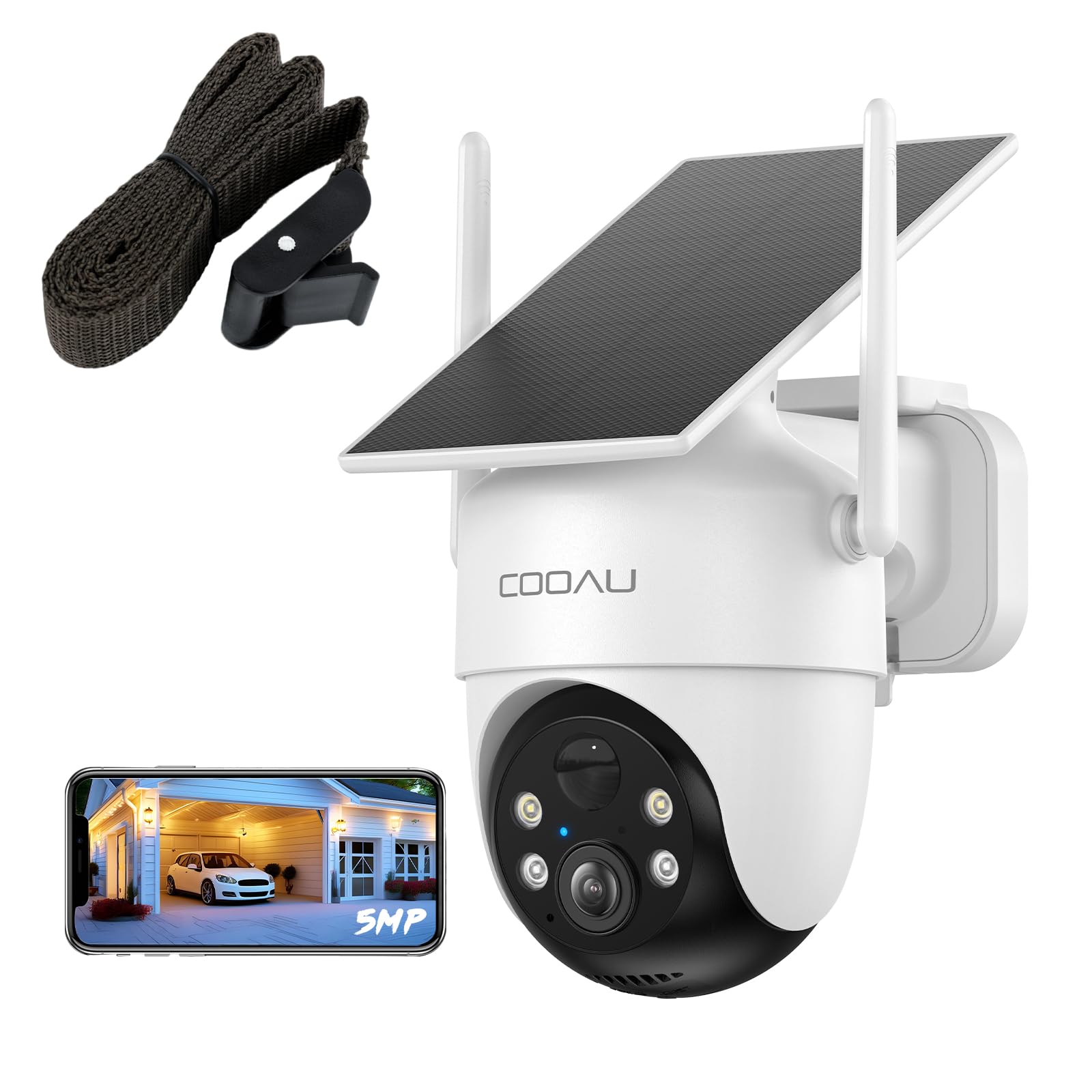
Image: The COOAU C5 PRO camera, a solar-powered wireless outdoor security device.
Setup
Package Contents
- COOAU C5 PRO Camera Unit x 1
- Rubber plugs, Screws x 3
- Japanese Instruction Manual x 1
Installation
The COOAU C5 PRO camera offers flexible installation options without the need for drilling. The integrated solar panel and camera design simplify the process. Use the included belt for easy mounting.
- Choose a Location: Select an outdoor area with ample sunlight for the solar panel and a clear view of the surveillance area. Ensure the location is within range of your 2.4GHz Wi-Fi network.
- Mounting with Belt: Wrap the provided belt around a rain gutter, balcony pillar, or similar structure. Secure the camera firmly to prevent movement. This method avoids drilling holes in walls.
- Wall Mounting (Optional): If preferred, use the included screws and rubber plugs to mount the camera directly to a wall.

Image: The camera securely mounted on a pole using the included strap, demonstrating drill-free installation.
Network Connection
The camera connects to your home network via 2.4GHz Wi-Fi. 5GHz Wi-Fi is not supported.
- Download the App: Download the 'Cloud Edge' or 'COOAU CAM' app from your smartphone's app store.
- Power On: Ensure the camera is sufficiently charged or receiving sunlight.
- Bluetooth One-Touch Pairing: The camera utilizes Bluetooth auto-identification for Wi-Fi connection. Open the app, and it will automatically search for nearby cameras. Follow the on-screen prompts for one-touch automatic pairing. This simplifies the connection process for first-time users.
- Complete Setup: Once connected, follow the app's instructions to complete the initial setup, including setting up detection zones and sensitivity.

Image: A visual representation of the Bluetooth connection technology used for easy camera pairing.
Operating Instructions
Live View and Pan-Tilt Control
- Open the app to view live footage from your camera.
- Use the pan-tilt controls within the app to remotely adjust the camera's viewing angle (355° horizontal, 90° vertical) for a 360-degree panoramic view.
Automatic Tracking
When a person is detected, the camera automatically tracks their movement, recording the entire process. This ensures comprehensive coverage of any activity within its field of view.

Image: The camera's AI human detection and auto-tracking feature, highlighting detected individuals.
AI Human Detection and Alerts
- The integrated PIR thermal sensor and human detection algorithm reduce false alarms from non-human movements.
- Receive instant notifications on your smartphone when a person is detected.
- Customize detection areas, time zones, and sensitivity (10 levels) to minimize unwanted alerts.
Night Vision Modes
The camera features four LED lights (two infrared, two white) for clear night vision up to 15 meters. Two night vision modes are available:
- Infrared Night Vision: Provides clear black and white images in low light.
- Color Night Vision: Activates white LEDs to capture full-color video in dark conditions when motion is detected.
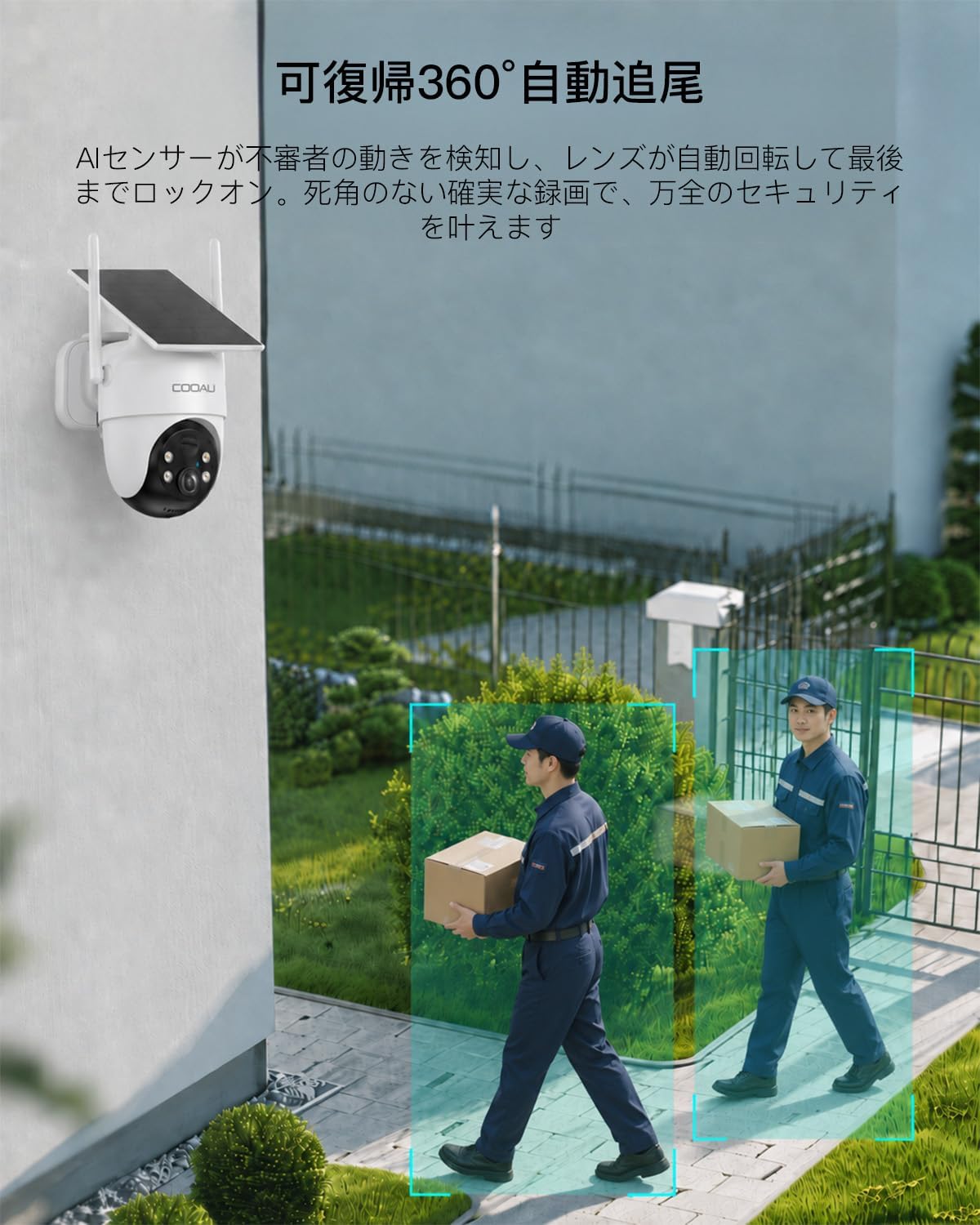
Image: A demonstration of the camera's night vision capabilities, capturing clear images in low-light conditions.
Two-Way Audio
With a built-in speaker and microphone, you can communicate remotely through the camera. This is useful for:
- Greeting visitors or delivery personnel.
- Warning intruders with your voice.
- Communicating with family members or pets.

Image: A person at a doorway, illustrating the two-way audio feature for remote communication.
Recording and Playback
- Motion-Activated Recording: The camera records only when motion detection is triggered, conserving power. It does not support 24-hour continuous recording.
- Storage Options: Supports local storage via a MicroSD card (up to 128GB, sold separately) and offers up to 7 days of free cloud storage for 6-second clips.
- 4x Speed Playback: Review recorded footage quickly with 4x playback speed to efficiently find important events.
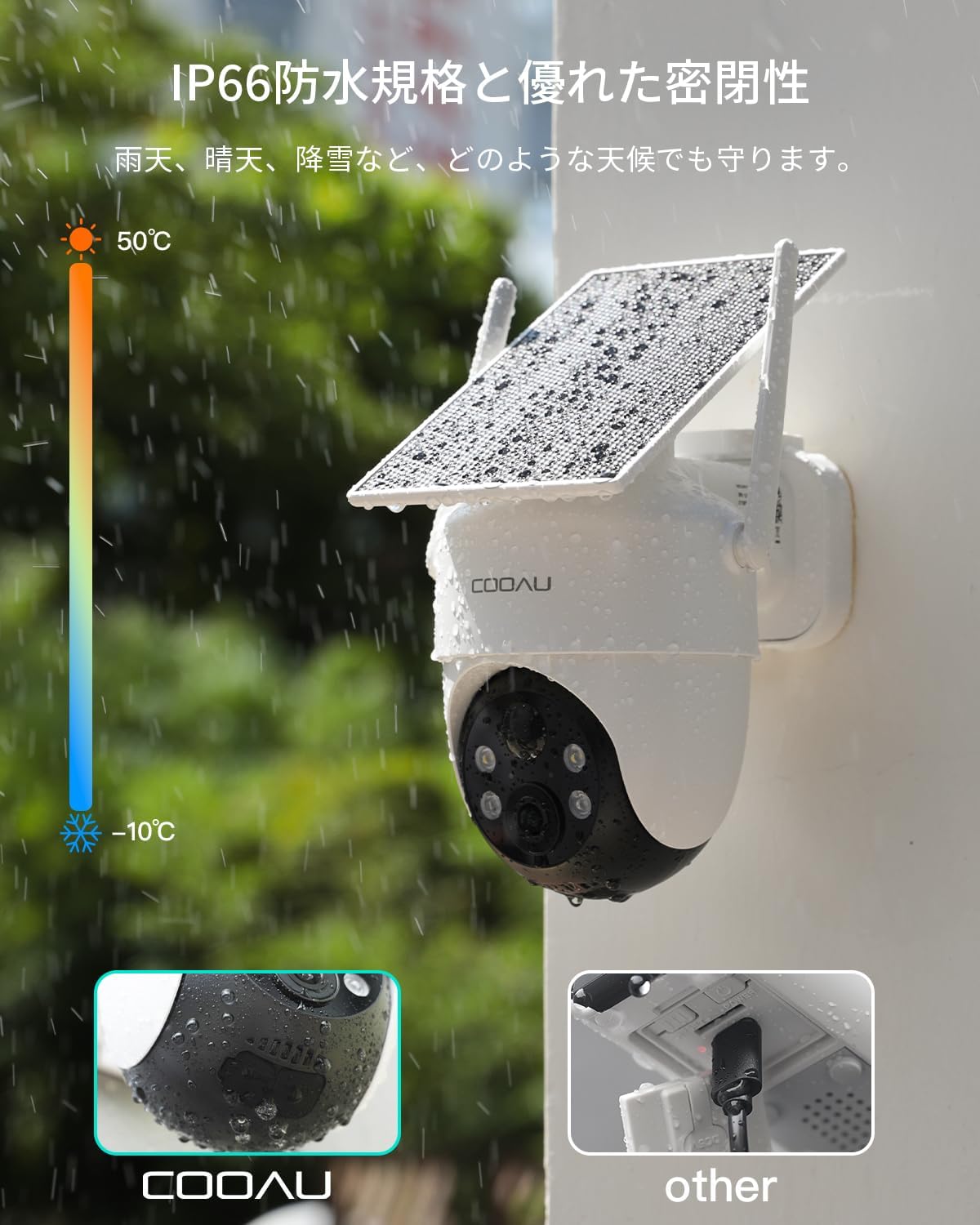
Image: A family enjoying their garden, symbolizing the important moments captured and stored by the camera.
Maintenance
Weather Resistance
The COOAU C5 PRO camera is IP66-rated for dust and water resistance, ensuring reliable operation in various weather conditions including wind, rain, and snow.

Image: The COOAU C5 PRO camera operating effectively in rainy conditions, highlighting its IP66 weather resistance.
Cleaning
- Periodically wipe the camera lens and solar panel with a soft, damp cloth to remove dust and debris.
- Avoid using harsh chemicals or abrasive materials that could damage the camera's surface or lens.
Battery and Solar Panel
- Ensure the solar panel is free from obstructions (e.g., leaves, snow) to maximize charging efficiency.
- The camera's built-in large-capacity battery is designed for long-lasting performance, even on cloudy days.
Troubleshooting
Camera Not Connecting to Wi-Fi
- Check Wi-Fi Band: Ensure your router is broadcasting a 2.4GHz Wi-Fi signal. The camera does not support 5GHz Wi-Fi.
- Signal Strength: Verify that the camera is within range of your Wi-Fi router. The 5DBI antenna provides enhanced range, but extreme distances or multiple obstacles can affect connectivity.
- Re-pair: Try the Bluetooth one-touch pairing process again through the app.
- Router Settings: Ensure your router's firewall or security settings are not blocking the camera's connection.
Frequent False Alarms
- Adjust Sensitivity: In the app, reduce the detection sensitivity (10 levels available) to prevent triggers from minor movements like falling leaves or small animals.
- Define Detection Zones: Set specific detection areas to exclude busy public pathways or areas where unwanted alerts might occur.
- Camera Placement: Ensure the camera is not pointed directly at moving objects like swaying branches or reflective surfaces that could cause false triggers.
Poor Night Vision Quality
- Clean Lens: Ensure the camera lens is clean and free from smudges or dirt.
- Obstructions: Check for any nearby objects (e.g., spiderwebs, eaves) that might be reflecting the infrared light back into the lens, causing glare.
- Power Level: Ensure the camera has sufficient battery charge for optimal LED performance.
Battery Not Charging
- Solar Panel Exposure: Ensure the solar panel receives direct sunlight for several hours a day. Clear any obstructions.
- Panel Cleanliness: Clean the solar panel surface regularly to remove dirt or dust that might hinder charging efficiency.
- Extreme Weather: In prolonged periods of cloudy or rainy weather, solar charging may be reduced.
Specifications
| Feature | Detail |
|---|---|
| Brand | COOAU |
| Model Number | C5 PRO |
| Connectivity Technology | Wireless (Wi-Fi 2.4GHz only) |
| Usage Environment | Outdoor |
| Compatible Devices | Smartphones, Tablets |
| Power Source | Battery-powered + Solar-powered |
| Controller Type | COOAU CAM, Cloud Edge App |
| Mounting Type | Wall Mount (with belt or screws) |
| Video Capture Resolution | 1920p (5 Megapixels) |
| Color | White |
| Form Factor | Dome |
| Video Encoding Format | H.265 |
| Video Capture Format | MP4 |
| Digital Zoom | 4x |
| Product Dimensions | 17 x 16 x 11 cm |
| Included Components | Camera body x1, Rubber plugs/screws x3, Japanese instruction manual x1 |
| GTIN/UPC | 790864718318 |
Warranty and Support
Warranty Information
COOAU is committed to 100% high quality and reliability. This product comes with a 24-month warranty period. Additionally, a special 12-month extended warranty plan is available.
In the unlikely event of a defect, new product replacement or a refund is possible. Please contact our support team for assistance.
Customer Support
For pre-purchase consultations, product questions, or any issues, please feel free to contact us:
- Official Email Address: support-jp@cooau.com
- Business Hours: Monday - Friday, 9:00 - 18:00 (Japan Standard Time)
- You can also contact the seller directly through your Amazon order history.
Reference videos for initial setup and installation are available to assist beginners.


