
1. Introduction
This manual provides instructions for the Futanwei screen protector designed for the Jugeman P131 and Donerton P131 smartwatches. This product is intended to protect your smartwatch screen from scratches, fingerprints, and minor impacts.
Package Contents:
- 3 x Smartwatch Screen Protectors
Compatibility:
This screen protector is compatible with Jugeman P131 and Donerton P131 (2.06 Inches) Smart Watches ONLY. It is not compatible with FITVII H56 (1.7 Inches) Smart Watches or other devices.

Image 1.1: The screen protector is specifically designed for the Jugeman P131 and Donerton P131 smartwatch models.
2. Installation Guide
Follow these steps carefully to ensure proper application of the screen protector.
- Step 1: Clean the Watch Surface. Use a dry and wet cloth to thoroughly wipe the surface of your smartwatch screen. Ensure all dust, smudges, and fingerprints are removed.
- Step 2: Remove Protective Layer. Gently pull down the label on the screen protector to remove the first protective layer. Avoid touching the adhesive side.
- Step 3: Align and Place. Carefully align the screen protector with your smartwatch screen. Once aligned, gently place it onto the watch screen.
- Step 4: Press and Secure. Press the screen protector film from one side to the other, smoothing it down to remove any air bubbles and ensure full adhesion.
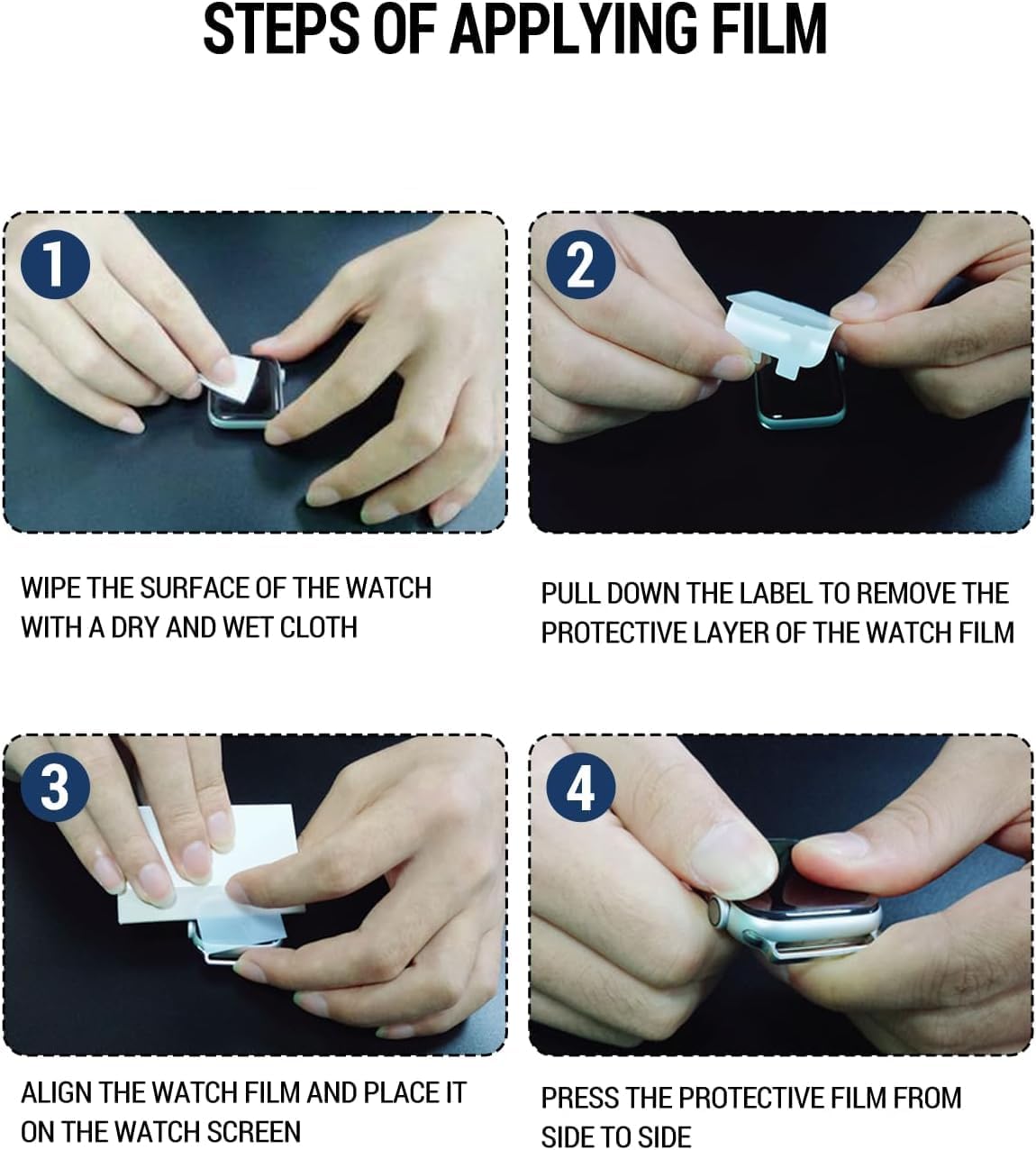
Image 2.1: Visual guide for the screen protector application process.
3. Features
3.1 Touch Sensitivity
The screen protector maintains the original touch sensitivity of your smartwatch screen, allowing for comfortable and responsive interaction.
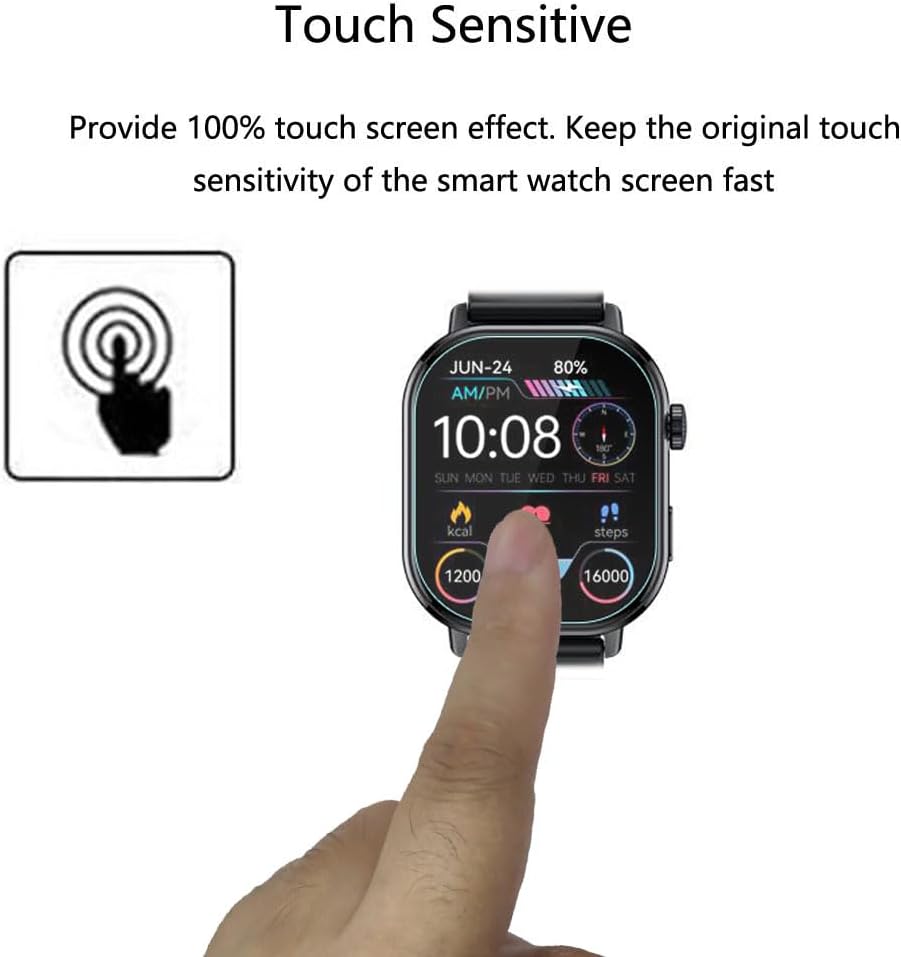
Image 3.1: The screen protector ensures 100% touch screen sensitivity.
3.2 Oleophobic & Hydrophobic Coating
A specialized coating protects the screen against sweat and oil residue, reducing fingerprints and keeping the screen clear.

Image 3.2: The screen protector features an oleophobic coating for a clean, responsive surface.
3.3 Maximum Coverage
The flexible material of the screen protector allows for maximum coverage, even on curved smartwatch screens, providing comprehensive protection.

Image 3.3: The screen protector is designed to provide maximum coverage for your smartwatch screen.
3.4 Self-Healing Protection
Utilizing nano slow rebound fusion technology, the screen protector can automatically repair minor daily scratches within 24 hours.

Image 3.4: The screen protector's self-healing technology repairs minor scratches over time.
4. Maintenance
To maintain the clarity and effectiveness of your screen protector, gently wipe the surface with a soft, lint-free cloth as needed. Avoid using harsh chemicals or abrasive materials, as these can damage the oleophobic coating.
5. Troubleshooting
5.1 Bubbles After Installation
Immediately after application, you may observe small air bubbles or wavy patterns on the surface. These are normal and will naturally disappear within a few hours as the film adheres completely.
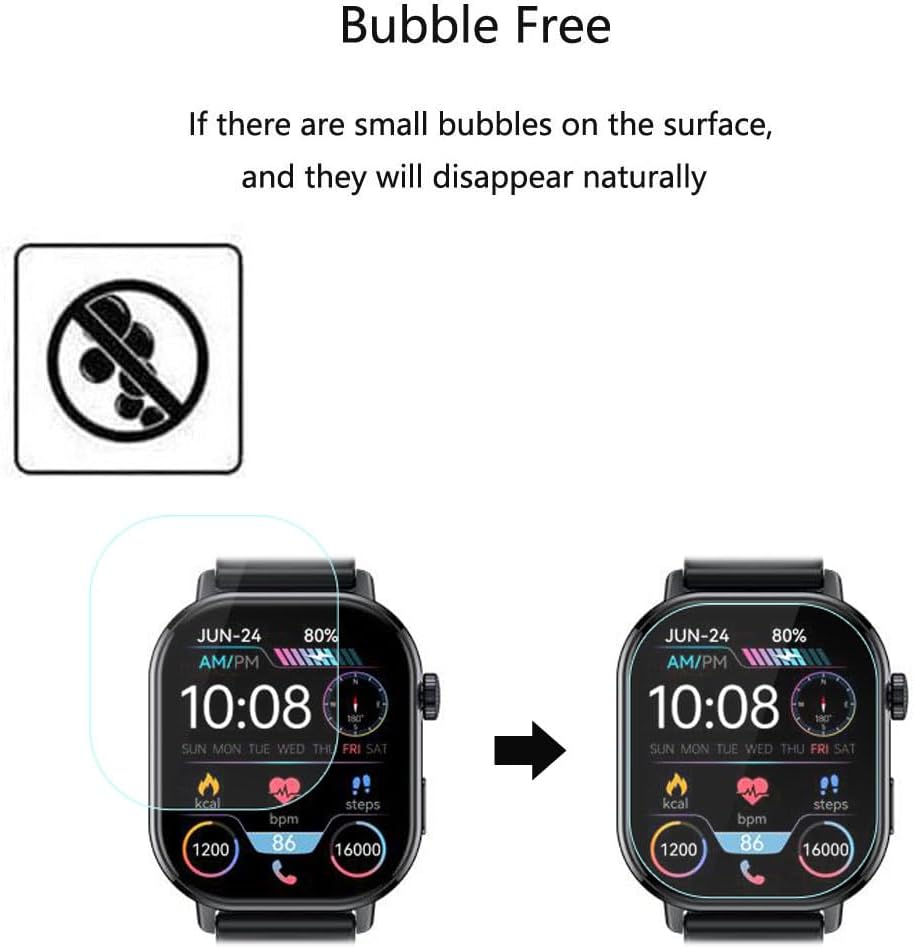
Image 5.1: Small bubbles are expected to disappear naturally after installation.
6. Specifications
| Product Dimensions | 3 x 2 x 0.5 inches (7.62 x 5.08 x 1.27 cm) |
| Item Weight | 0.32 ounces (9.07 grams) |
| Material | Thermoplastic Polyurethane (TPU) |
| Finish Type | Glossy |
| Compatible Devices | Jugeman P131 Smartwatch, Donerton P131 Smartwatch |
7. Support
If you encounter any issues with our product or require assistance, please contact us. We are committed to resolving your concerns quickly and efficiently.