
1. Introduction
The Superun Walking Pad BA05 is a compact and efficient home fitness device designed for walking and light exercise. It integrates advanced technology to provide a comfortable and engaging workout experience. This manual provides essential information for the safe and effective use, setup, operation, and maintenance of your Walking Pad.
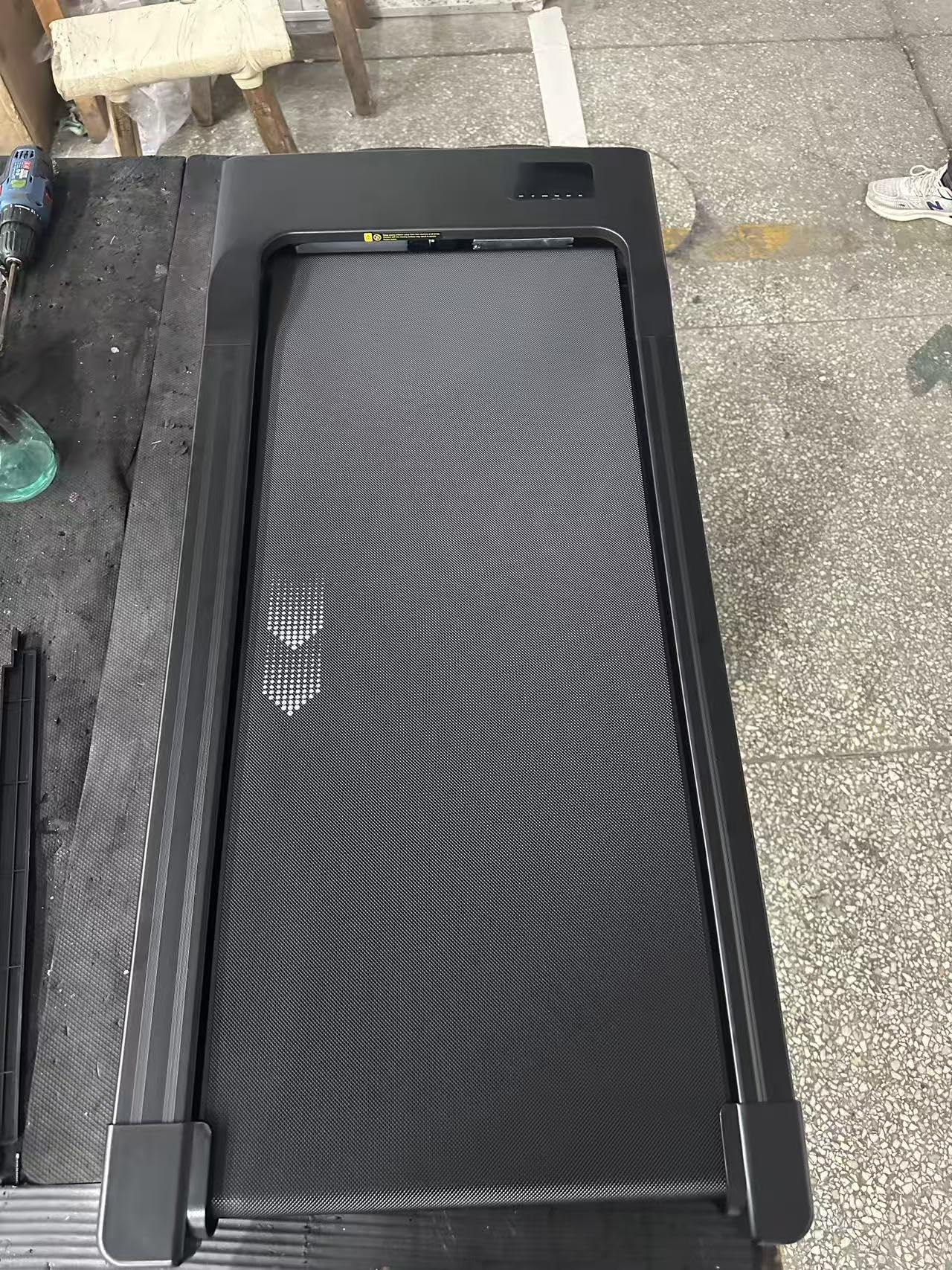
Image 1.1: Superun Walking Pad BA05. This image shows the overall design of the Superun Walking Pad BA05, a compact black treadmill suitable for home use.
Key features include a powerful 1864W motor, a maximum load capacity of 159 kg, and quiet operation at less than 55 dB. The device offers adjustable speeds from 1 to 6 km/h and is compatible with high-tech devices for an interactive training experience through its dedicated app.
2. Safety Information
Please read and understand all safety instructions before operating the Superun Walking Pad BA05. Failure to follow these instructions may result in injury or damage to the product.
- Always place the walking pad on a flat, stable, and non-slip surface.
- Ensure there is at least 1 meter (3.3 feet) of clear space behind the walking pad and 0.5 meters (1.6 feet) on each side.
- Keep children and pets away from the walking pad during operation.
- Do not use the walking pad if it is damaged or malfunctioning. Contact customer support immediately.
- Wear appropriate athletic footwear while using the device.
- Do not step on or off the walking pad while the belt is moving.
- Unplug the power cord from the outlet when not in use or before cleaning and maintenance.
- Consult a physician before starting any new exercise program, especially if you have pre-existing health conditions.
- The maximum user weight for this device is 159 kg (350 lbs). Do not exceed this limit.
3. Package Contents
Verify that all components are present and in good condition upon unpacking.
- Superun Walking Pad BA05 Main Unit
- Power Cord
- Remote Control
- User Manual (this document)
4. Setup
The Superun Walking Pad BA05 requires no assembly, making setup quick and easy.
- Unpack: Carefully remove the walking pad from its packaging.
- Placement: Choose a suitable location with a flat, stable surface. Ensure adequate clearance around the device as described in the Safety Information section.
- Power Connection: Plug the power cord into the walking pad's power input, then plug the other end into a grounded electrical outlet.
- Initial Check: Before first use, ensure the walking belt is centered and free from any obstructions.

Image 4.1: Superun Walking Pad BA05 in use. This image illustrates the compact and sleek design of the Superun Walking Pad BA05, suitable for various indoor environments and demonstrating its functionality during operation.
5. Operating Instructions
5.1 Power On/Off
- Power On: Press the power button on the remote control or the main unit. The display will illuminate.
- Power Off: Press and hold the power button on the remote control or the main unit until the display turns off.
5.2 Speed Adjustment
- Use the '+' and '-' buttons on the remote control to increase or decrease the walking speed.
- The speed can be adjusted incrementally from 1 km/h to 6 km/h.
- The current speed will be displayed on the unit's LED screen.
5.3 App Connectivity (PitPat App)
Enhance your workout experience by connecting your Superun Walking Pad BA05 to the dedicated PitPat mobile application.
- Download App: Download the 'PitPat' app from your device's app store.
- Pairing: Follow the in-app instructions to pair your walking pad via Bluetooth.
- Features: The app offers various features including:
- VR Immersive Training: Engage in virtual reality environments for a more dynamic workout.
- Real-time Sport Data Collection: Monitor your speed, distance, time, and calories burned.
- Multiplayer Online Running Competitions: Compete with other users globally.
- Free Sport Courses: Access a variety of guided exercise routines.

Image 5.1: PitPat App Interface. This image displays the key features of the Superun PitPat mobile application, including options for virtual reality training, real-time exercise data tracking, and competitive online multiplayer races.
6. Maintenance
Regular maintenance ensures the longevity and optimal performance of your Superun Walking Pad BA05.
- Cleaning: Wipe down the walking pad with a damp cloth after each use to remove sweat and dust. Do not use abrasive cleaners or solvents.
- Belt Lubrication: The walking belt may require lubrication periodically. Refer to the specific instructions provided with your lubrication kit (if included) or contact customer support for guidance.
- Belt Tension and Alignment: Periodically check the walking belt for proper tension and alignment. If the belt slips or drifts to one side, adjust it according to the instructions in the troubleshooting section or contact support.
- Storage: When not in use, store the walking pad in a dry, cool place away from direct sunlight and moisture. Its compact design allows for easy storage under furniture or against a wall.
7. Troubleshooting
If you encounter any issues with your Superun Walking Pad BA05, refer to the following common problems and solutions:
| Problem | Possible Cause | Solution |
|---|---|---|
| Walking pad does not power on. | Power cord not properly connected; power outlet malfunction. | Ensure the power cord is securely plugged into both the walking pad and a working electrical outlet. Test the outlet with another device. |
| Walking belt stops or slips during use. | Belt tension too loose; belt requires lubrication; user weight exceeds limit. | Check belt tension and adjust if necessary (refer to specific instructions for adjustment screws). Lubricate the belt if it feels dry. Ensure user weight is within the 159 kg limit. |
| Unusual noise from the walking pad. | Loose components; belt friction; foreign object under the belt. | Inspect the unit for any loose screws or parts and tighten them. Lubricate the belt. Carefully check for any objects trapped under the belt. |
| Remote control not responding. | Dead batteries; remote not paired. | Replace the batteries in the remote control. If the issue persists, try re-pairing the remote control with the walking pad (refer to app or main unit instructions). |
If the problem persists after attempting these solutions, please contact Superun customer support for further assistance.
8. Specifications
| Feature | Specification |
|---|---|
| Brand | Superun |
| Model Number | BA05 |
| Color | Black |
| Product Dimensions (L x W x H) | 119P x 53l x 11H cm |
| Item Weight | 12 Kilograms |
| Maximum Load Capacity | 159 kg |
| Motor Power | 1864 W |
| Noise Level | Less than 55 dB |
| Speed Range | 1 - 6 km/h |
| Assembly Required | No |
| UPC / GTIN | 743456534360 |
9. Warranty and Support
Superun is committed to providing high-quality products and excellent customer service.
- Customer Support: For any questions, technical assistance, or support inquiries regarding your Superun Walking Pad BA05, please contact Superun customer service. Our professional team is available 24/7 to assist you.
- Warranty Information: Specific warranty details may vary by region and purchase point. Please refer to the warranty card included with your product or contact Superun customer service for detailed warranty terms and conditions.


