1. Introduction
This manual provides detailed instructions for the VTech DECT ES2052 3-Handset Cordless Phone System. It covers setup, operation, maintenance, and troubleshooting to ensure optimal performance and user experience. The ES2052 system features DECT 6.0 technology for clear communication, an integrated digital answering machine, call blocking capabilities, and a range of convenient functions for home or office use.

Image 1.1: The VTech DECT ES2052 3-Handset Cordless Phone System, showing the base unit with one handset and two additional charging cradles with handsets.
2. Package Contents
Ensure all items are present in your package:
- 1 Base Unit
- 3 Cordless Handsets
- 2 Handset Chargers
- 3 AC Power Adapters
- 1 Telephone Line Cord
- 6 Rechargeable Batteries (2 per handset)
- 1 Quick Start Guide
3. Setup
3.1 Battery Installation
- Open the battery compartment cover on the back of each handset.
- Insert the two supplied rechargeable batteries, observing the polarity markings (+ and -).
- Close the battery compartment cover.
- Place each handset in its respective charging cradle (base unit or separate charger) to charge for at least 16 hours before first use.
3.2 Base Unit Connection
- Connect one end of the telephone line cord to the TEL LINE jack on the back of the base unit.
- Connect the other end of the telephone line cord to a telephone wall jack.
- Plug one AC power adapter into the POWER jack on the back of the base unit.
- Plug the other end of the AC power adapter into an electrical outlet not controlled by a wall switch.
- For the additional handsets, plug their respective AC power adapters into electrical outlets.
4. Operating Instructions
4.1 Making and Receiving Calls
- To Make a Call: Press TALK/FLASH or SPEAKER, then dial the number. Alternatively, dial the number first and then press TALK/FLASH or SPEAKER.
- To Answer a Call: When the phone rings, press TALK/FLASH or SPEAKER.
- To End a Call: Press OFF/CLEAR or place the handset back in the charging cradle.
4.2 Answering Machine
The integrated digital answering machine records up to 30 minutes of messages.

Image 4.1: The base unit with its automatic answering machine, capable of 30 minutes of recording.
- Playback Messages: Press the PLAY/STOP button on the base unit or access the answering machine menu from a handset.
- Record Greeting: Follow the instructions in the handset menu to record a personalized outgoing message.
4.3 Call Blocking
Block unwanted calls by adding numbers to the call block list, which can store up to 100 numbers.

Image 4.2: The call blocking feature, allowing users to block up to 100 unwanted numbers.
- To Block a Number: While on a call or from the Caller ID log, select the number and choose the 'Block' option from the handset menu.
4.4 Phonebook
Store up to 100 names and numbers in the phonebook for quick dialing.
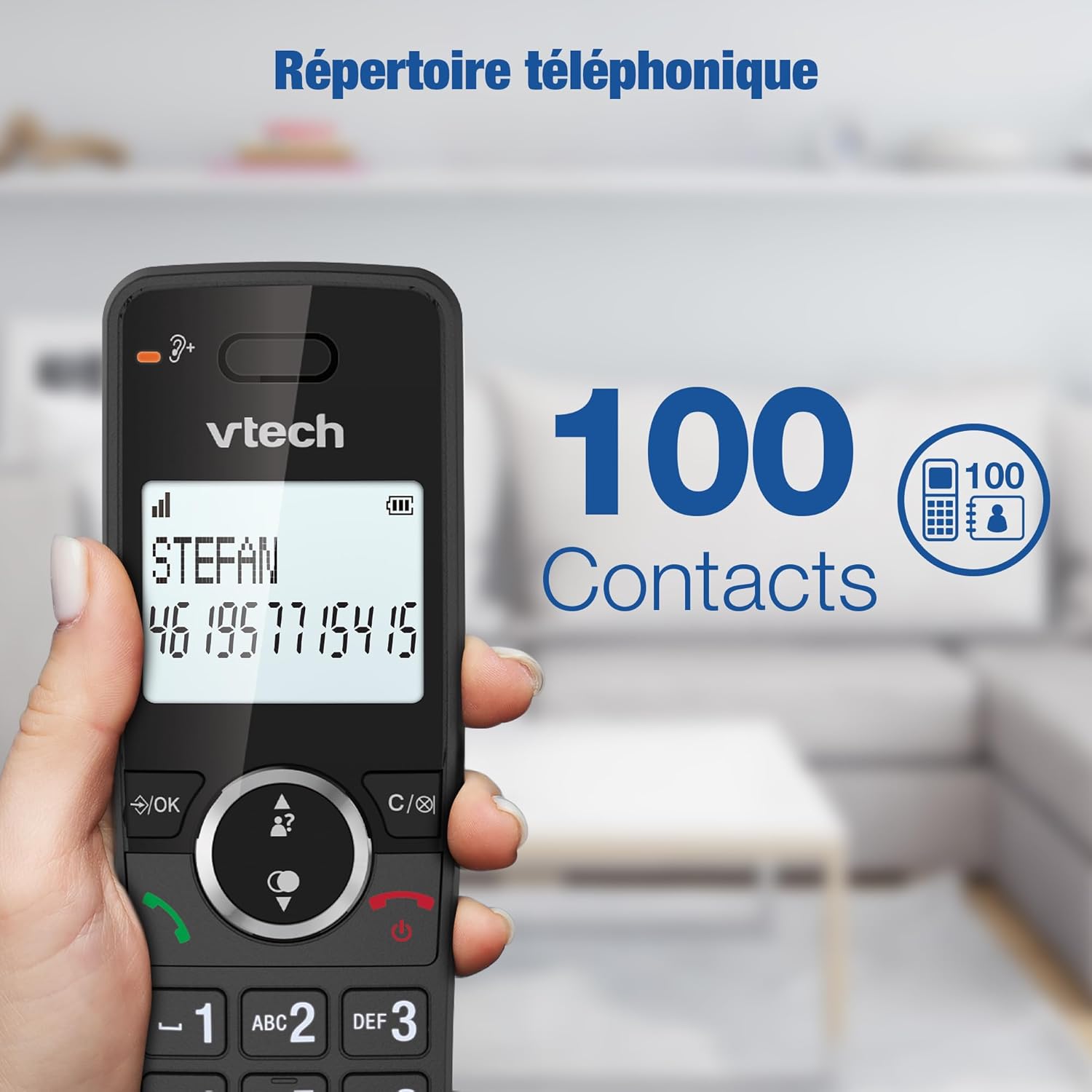
Image 4.3: The phonebook feature, capable of storing 100 contacts.
- Add Entry: Navigate to the phonebook menu on the handset and select 'Add New Entry'.
- Dial from Phonebook: Press the DIRECTORY button, scroll to the desired entry, and press TALK/FLASH.
4.5 Intercom
Communicate between handsets without using the external phone line.

Image 4.4: Intercom functionality between handsets, allowing communication from one room to another.
- To Initiate Intercom: Press the INT button on a handset and select the desired handset number.
4.6 Conference Calls
Conduct a three-way conference call involving an external line and two handsets.

Image 4.5: Three-way conference call feature, enabling collaboration between an external line and two cordless handsets.
- Refer to the detailed instructions in the full user guide for initiating and managing conference calls.
4.7 Volume Adjustment
Adjust the earpiece, speakerphone, and ringer volumes.
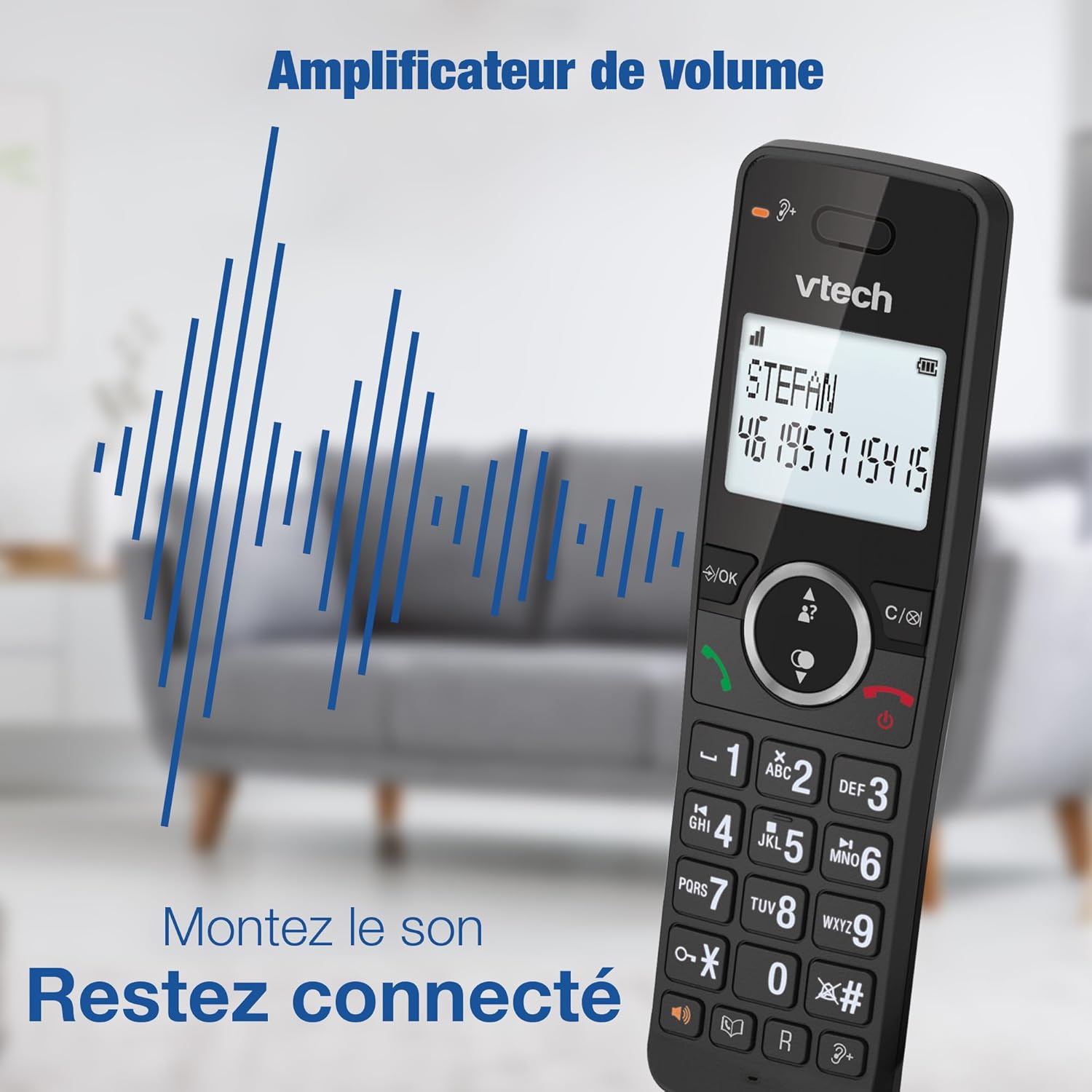
Image 4.6: The volume amplification feature, enhancing sound for clearer conversations.
- During a call, press the VOLUME UP/DOWN buttons on the handset to adjust the earpiece or speakerphone volume.
4.8 Redial
Quickly redial the last 10 numbers called.

Image 4.7: Redial function, showing the ability to redial the last 10 numbers.
- Press the REDIAL button on the handset, then scroll to the desired number and press TALK/FLASH.
4.9 Backlit Display and Keypad
The handset features a backlit display and keypad for easy visibility in low-light conditions.

Image 4.8: Backlit screen and keypad, ensuring visibility of every key in the dark.
4.10 ECO Mode
The ECO mode intelligently manages power consumption, extending battery life and reducing energy usage.

Image 4.9: ECO Mode, illustrating smart power management for longer talk times.
5. Features Overview
The VTech DECT ES2052 system offers a comprehensive set of features:

Image 5.1: An overview of the VTech DECT ES2052's key features.
- High-quality hands-free speakerphone on the handset
- Unwanted and nuisance call blocker*
- Multi-segment matrix display
- Backlight for screen and keypad
- Volume amplification function
- Directory of 100 names and numbers
- Caller ID display with a list of 20 call numbers*
- Last 10 numbers redialed
- 5 polyphonic ringtones and 5 simple ringtones for the handset
- Adjustable volume and ringtone melodies
- Alarm function
- Mute function
- Keypad lock
- Up to 18 hours talk time / 250 hours standby time
- Operating range up to 300m (outdoor) / 50m (indoor)
- Digital message counter
*This function only works if the user subscribes to a caller ID service from the network provider, which may be chargeable.
6. Maintenance
To ensure the longevity and proper functioning of your VTech DECT ES2052 phone system, follow these maintenance guidelines:
- Cleaning: Wipe the phone and base unit with a soft, damp cloth. Do not use cleaning sprays or harsh chemicals.
- Battery Care: Use only the supplied rechargeable batteries. If the phone will not be used for an extended period, remove the batteries to prevent leakage.
- Location: Avoid placing the phone in direct sunlight, near heat sources, or in areas with excessive moisture or dust.
7. Troubleshooting
If you encounter any issues with your phone system, try the following solutions:
- No Dial Tone: Ensure the telephone line cord is securely connected to both the base unit and the wall jack. Check if the AC power adapter is properly plugged in.
- Handset Not Charging: Make sure the handset is correctly seated in its charging cradle and the charging contacts are clean. Verify the charger's AC power adapter is plugged into a working electrical outlet.
- Poor Sound Quality: Move closer to the base unit. Check for interference from other electronic devices (e.g., Wi-Fi routers, microwaves).
- Cannot Make/Receive Calls: Ensure the phone line is active. If you have DSL internet, ensure a DSL filter is installed.
- Handset Displays 'Not Registered': Follow the registration procedure outlined in the full user guide to re-register the handset to the base unit.
8. Specifications
| Feature | Specification |
|---|---|
| Model Number | ES2052 |
| Technology | DECT 6.0 |
| Handsets Included | 3 |
| Answering Machine Recording Time | Up to 30 minutes |
| Phonebook Capacity | 100 entries |
| Call Block Capacity | 100 numbers |
| Talk Time | Up to 18 hours |
| Standby Time | Up to 250 hours |
| Base Unit Dimensions (L x W x H) | 13.69 x 8.33 x 17.93 cm (5.39 x 3.28 x 7.06 inches) |
| Handset Dimensions (L x W x H) | 7.19 x 7.6 x 17.95 cm (2.83 x 2.99 x 7.07 inches) |
| Weight (Product) | 1.01 Kilograms |
| Power Source | Electrical Cable |
| Batteries | 6 Non-standard batteries (included) |
Note: Dimensions are approximate and may vary slightly.

Image 8.1: Base unit dimensions (Height 7.06 Inches, Width 3.28 Inches, Length 5.39 Inches).

Image 8.2: Handset dimensions (Height 7.07 Inches, Width 2.99 Inches, Length 2.83 Inches).
9. Warranty and Support
For warranty information and technical support, please refer to the warranty card included in your product packaging or visit the official VTech website. Keep your purchase receipt as proof of purchase.


