
Introduction
Welcome to the user manual for your BIGGERFIVE Vigor 3 Kids Fitness Tracker Watch. This guide provides essential information on how to set up, operate, and maintain your device, ensuring a positive experience. Please read this manual thoroughly before using the product.
Getting Started
Package Contents
- BIGGERFIVE Vigor 3 Fitness Tracker
- Charging Cable
- User Manual
Device Overview
The BIGGERFIVE Vigor 3 features a vibrant AMOLED screen and a comfortable, adjustable strap. The device is designed for ease of use, with a single touch-sensitive button below the screen for navigation and selection.

Image: Front view of the BIGGERFIVE Vigor 3 Fitness Tracker.
Initial Charging
Before first use, fully charge your fitness tracker. Connect the provided charging cable to the magnetic charging port on the back of the device and plug the USB end into a power adapter (not included) or a computer's USB port. A full charge typically takes approximately 1-2 hours and provides up to 10 days of battery life.

Image: The BIGGERFIVE Vigor 3 Fitness Tracker showcasing its long battery life and AMOLED display.
Setup and Configuration
Powering On/Off
- Power On: The device will automatically power on when connected to the charger. If off, press and hold the touch-sensitive button below the screen for a few seconds.
- Power Off: Navigate to the 'Settings' menu on the watch, then select 'Power Off' and confirm.
Basic Settings (Time, Date)
The BIGGERFIVE Vigor 3 can be used without a smartphone app. Time and date can be set directly on the watch through the 'Settings' menu. Follow the on-screen prompts to adjust these parameters.
Optional App Connection
While the tracker functions independently, connecting to the companion app (available on Google Play and Apple App Store) unlocks additional features and insights. The app allows for deeper data analysis, habit building, family account management, and more watch face options.
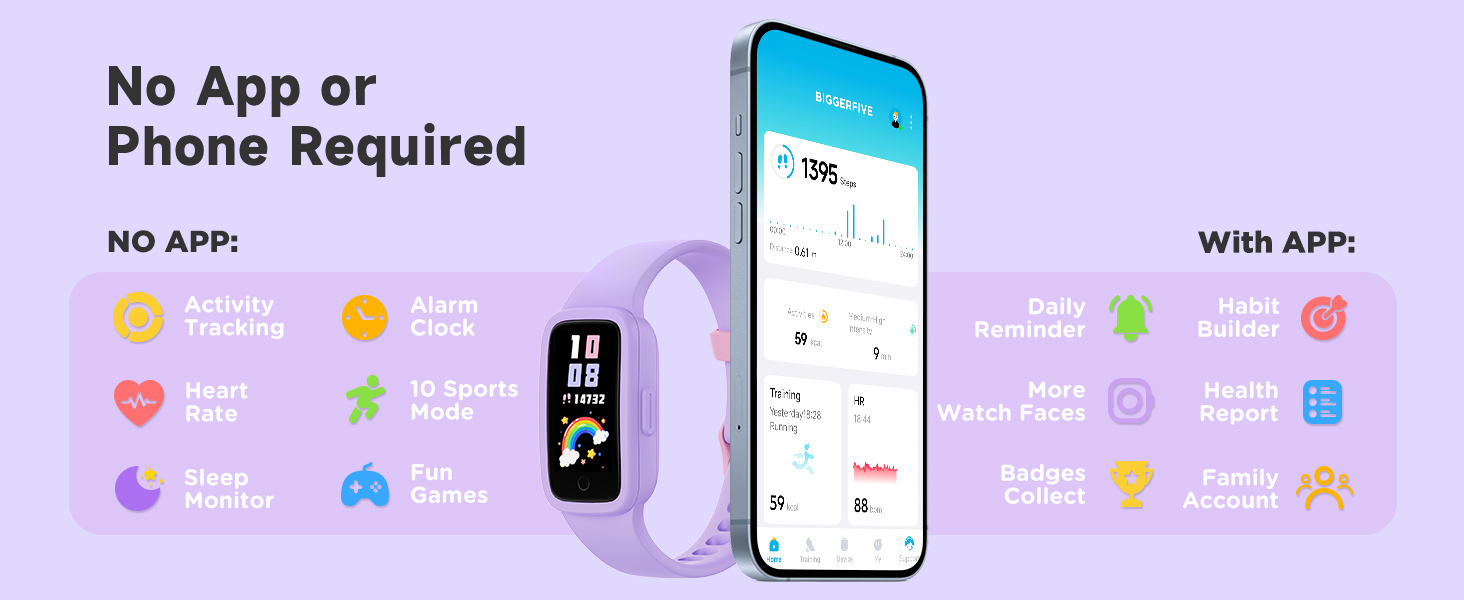
Image: Features available with and without the companion app.
To connect:
- Download the 'BIGGERFIVE' app from your smartphone's app store.
- Open the app and follow the instructions to pair your device via Bluetooth.
- Ensure Bluetooth is enabled on your smartphone.
For app download, scan the QR code found in the product packaging or visit the official BIGGERFIVE website.

Image: Packaging detail showing QR codes for app download and support information.
You can also find the app download link here: https://t.ido.ink/eMFrqm
Operating Your Fitness Tracker
Navigating the Interface
The Vigor 3 features a responsive touch screen and a single touch-sensitive button. Swipe up/down or left/right on the screen to navigate through menus and features. Tap the screen to select an option. The button below the screen typically acts as a 'back' or 'home' function, depending on the context.
Activity Tracking
The tracker automatically records daily steps, distance, and calories burned. View your progress directly on the watch face or in the dedicated activity section. The device encourages activity by displaying real-time data and virtual achievements.
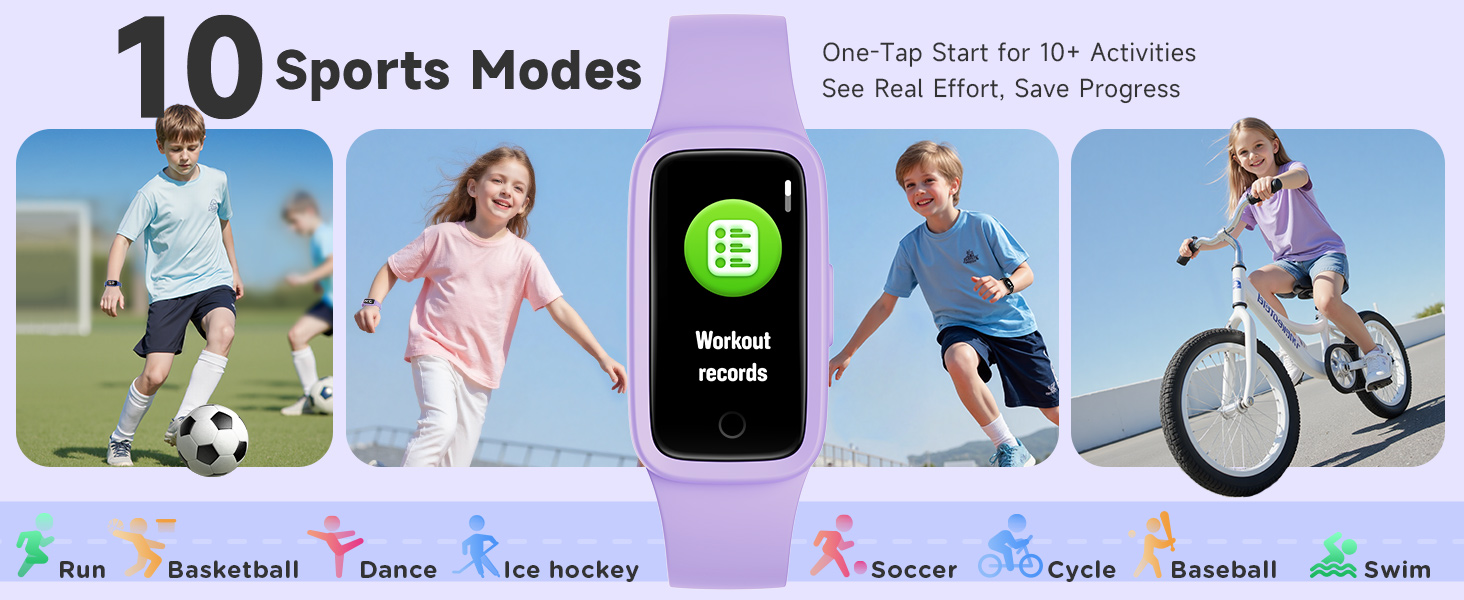
Image: Real-time activity tracking on the BIGGERFIVE Vigor 3.
Heart Rate Monitoring
The Vigor 3 provides continuous 24/7 heart rate monitoring. Access your current heart rate reading from the main menu. When connected to the app, you can view daily, weekly, and monthly heart rate trends.
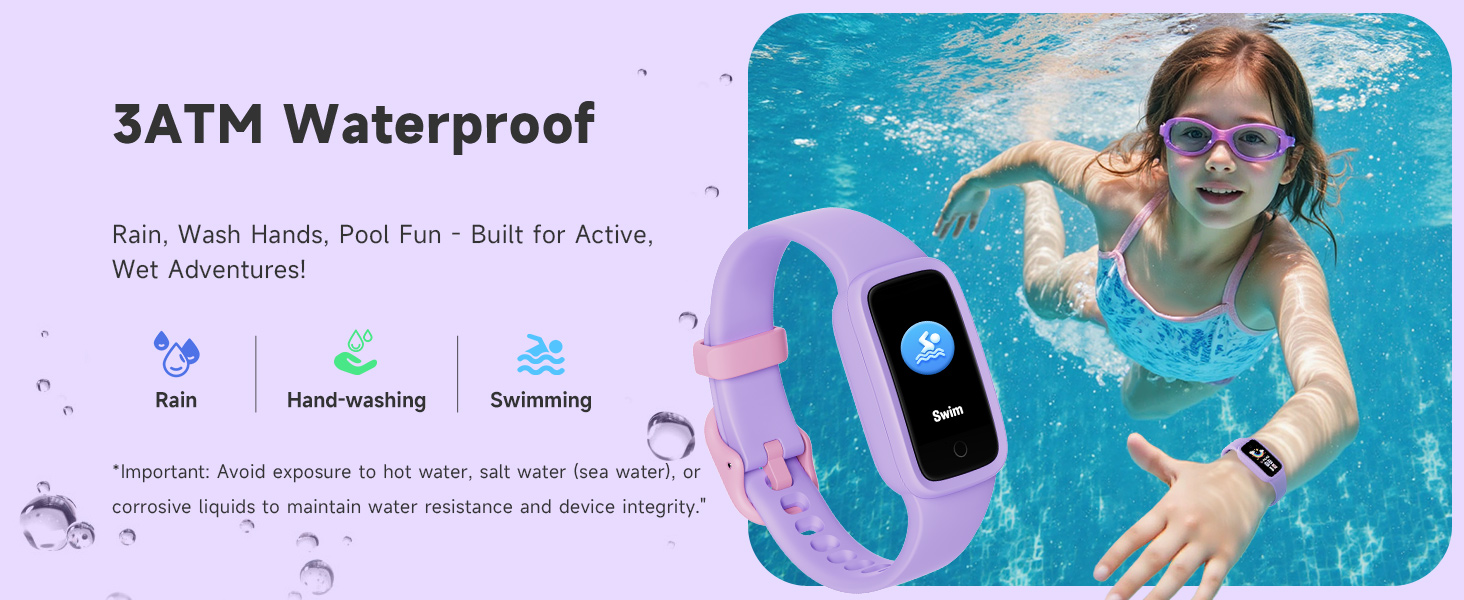
Image: Heart rate monitoring feature in action.
Sleep Monitoring
Wear the tracker to bed to monitor your sleep patterns. The device tracks deep sleep, light sleep, and awake hours. When synced with the app, you can receive a daily sleep score and tips for improving sleep quality.
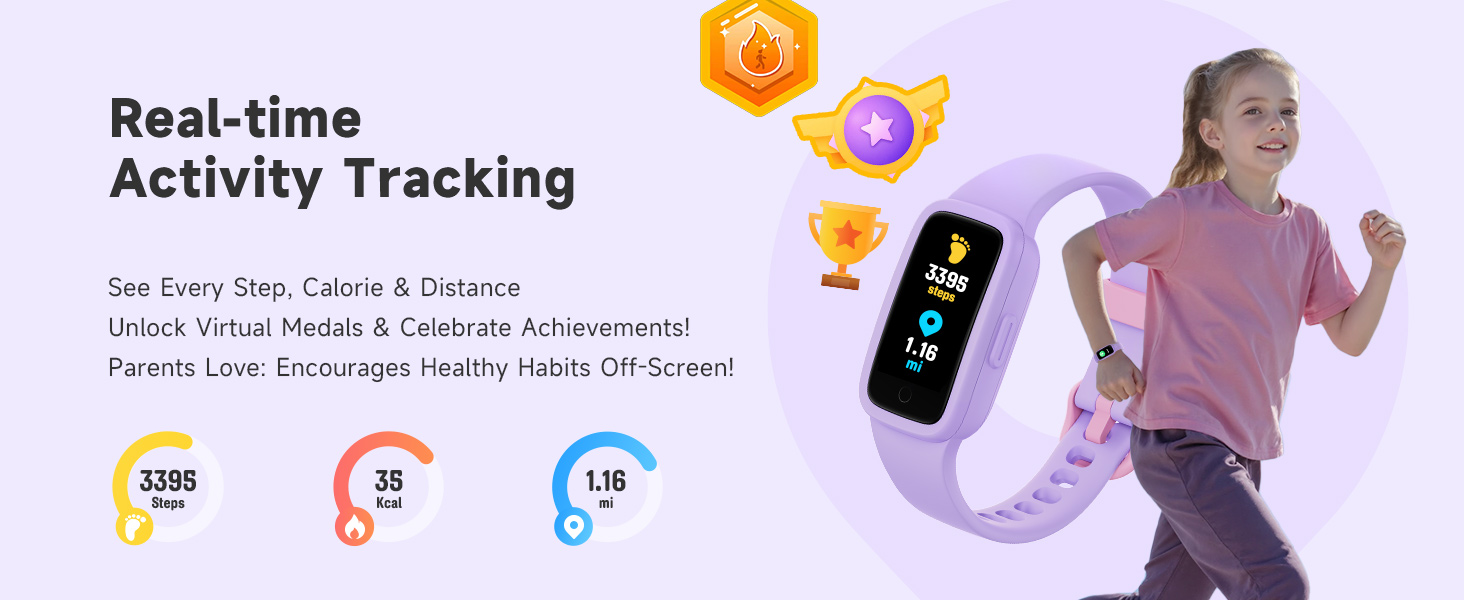
Image: Sleep monitoring and analysis on the BIGGERFIVE Vigor 3.
Sports Modes
The Vigor 3 supports 10 different sports modes, including running, cycling, swimming, basketball, soccer, and more. Select the appropriate mode before starting an activity to get more accurate tracking data. The watch will record duration, calories, and other relevant metrics for your chosen sport.
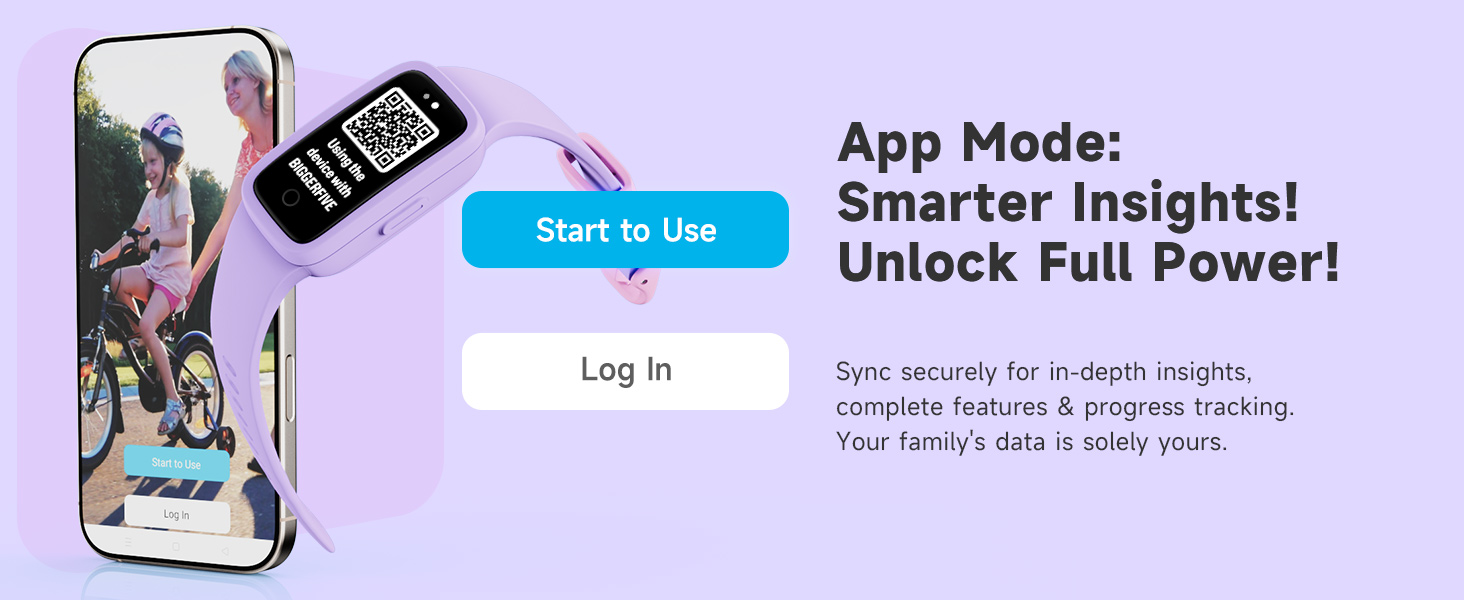
Image: Illustration of the 10 sports modes available.
Games and Virtual Pet
Engage with interactive mini-games and a virtual e-pet directly on the watch. The e-pet grows as the user stays active, providing motivation for physical activity.

Image: Games and virtual e-pet features.
Habit Reminders and Alarms
Set custom habit reminders (e.g., study time, meals, exercise) and silent vibration alarms directly on the watch or through the app to help establish routines.
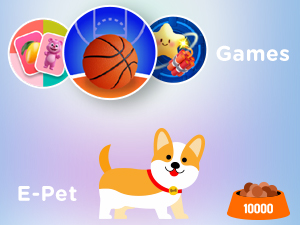
Image: Habit reminders for daily routines.
Customizing Watch Faces
Choose from a variety of pre-installed watch faces to personalize your device. Additional watch faces may be available through the companion app.
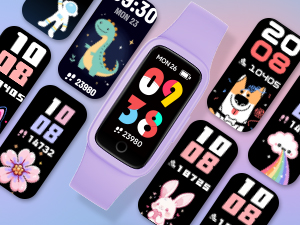
Image: Various customizable watch face designs.
Care and Maintenance
Water Resistance
The BIGGERFIVE Vigor 3 has a 3ATM water resistance rating, meaning it is suitable for hand-washing, rain, and swimming. It is not recommended for diving or high-pressure water activities. To maintain water resistance and device integrity, avoid exposure to hot water, salt water (sea water), or corrosive liquids.
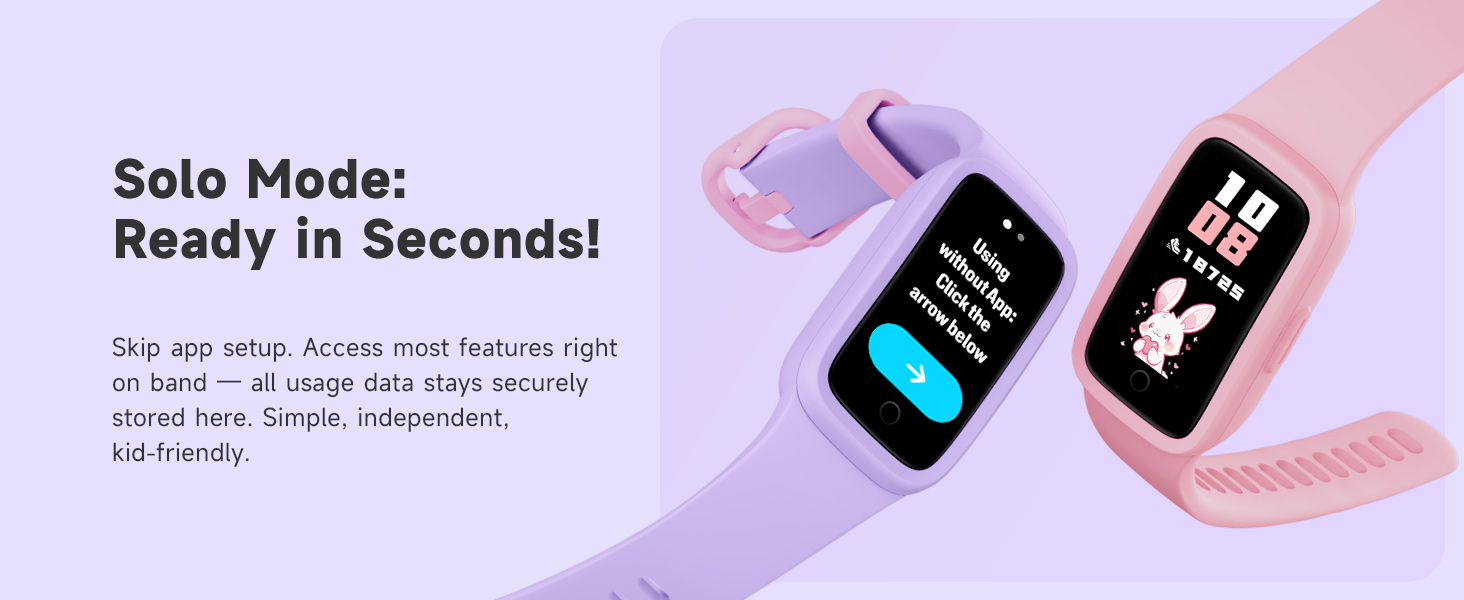
Image: The BIGGERFIVE Vigor 3 demonstrating its 3ATM waterproof capability.
Cleaning Instructions
Regularly clean your fitness tracker and strap with a soft, damp cloth. Avoid using harsh chemicals or abrasive materials, as these can damage the device. Ensure the charging contacts are clean and dry before charging.
Battery Life and Charging
The device offers up to 10 days of battery life on a single charge. When the battery is low, connect it to the charging cable as described in the 'Initial Charging' section. Avoid overcharging the device for extended periods.
Troubleshooting
Common Issues and Solutions
- Device not turning on: Ensure the device is fully charged. Connect it to the charger for at least 10 minutes.
- Inaccurate step count: Ensure the tracker is worn snugly on the wrist. Arm movements not associated with walking may sometimes be counted.
- Heart rate not displaying: Ensure the back of the tracker is in firm contact with your skin. Clean the sensor if necessary.
- Cannot connect to app: Ensure Bluetooth is enabled on your phone and the tracker is within range. Restart both the tracker and your phone, then try pairing again.
- Short battery life: Reduce screen brightness, disable continuous heart rate monitoring if not needed, and ensure the device is fully charged.
Specifications
| Feature | Specification |
|---|---|
| Model Number | KR05 |
| Screen Type | AMOLED |
| Water Resistance | 3ATM |
| Battery Life | Up to 10 days |
| Battery Capacity | 88 Milliamp Hours |
| Connectivity | Bluetooth |
| Memory Storage Capacity | 64 MB |
| Item Weight | 0.02 Kilograms (0.704 ounces) |
| Manufacturer | BIGGERFIVE |
Warranty and Support
Warranty Information
Your BIGGERFIVE Vigor 3 Kids Fitness Tracker Watch is covered by a standard manufacturer's warranty. Please refer to the product packaging or the official BIGGERFIVE website for specific warranty terms and conditions.
Customer Support
For further assistance, technical support, or inquiries, please contact BIGGERFIVE customer service:
- Website: www.biggerfive.com
- Email: support@biggerfive.com


