1. Overview
The SilisoundTek C8 Flip Phone is designed with ease of use in mind, particularly for seniors. It features a dual-screen display, large buttons, a spacious screen with large font, and amplified volume for clear communication. Key functionalities include an SOS emergency button, speed dial, and compatibility with 4G LTE networks.

Image: Overview of the SilisoundTek C8 Flip Phone highlighting features like dual-screen, large buttons, and SOS function.
2. Package Contents
Ensure all items are present in the package:
- SilisoundTek C8 Flip Phone
- USB Cable
- Charging Dock
- Battery (1400mAh Li-Ion)
- User Manual (this document)

Image: Contents of the SilisoundTek C8 package, showing the phone, charging dock, USB cable, and battery.
3. Setup
3.1. SIM Card Installation
The C8 Flip Phone supports 4G LTE networks. It is optimized for T-Mobile and compatible with other GSMT carriers such as MetroPCS, Panda, Tello Mobile, Ultra Mobile, SpeedTalk, Simple Mobile, and Mint Mobile. It is NOT compatible with CDMA carriers like AT&T, Verizon, Sprint, Boost, or PagePlus.
- Carefully remove the back cover of the phone.
- Insert your compatible SIM card into the designated SIM card slot. Ensure it is correctly oriented.
- (Optional) Insert a microSD card (up to 32GB) into the memory card slot for additional storage.
- Replace the back cover securely.

Image: The back of the SilisoundTek C8 phone with the cover removed, illustrating the location for SIM and microSD card insertion.
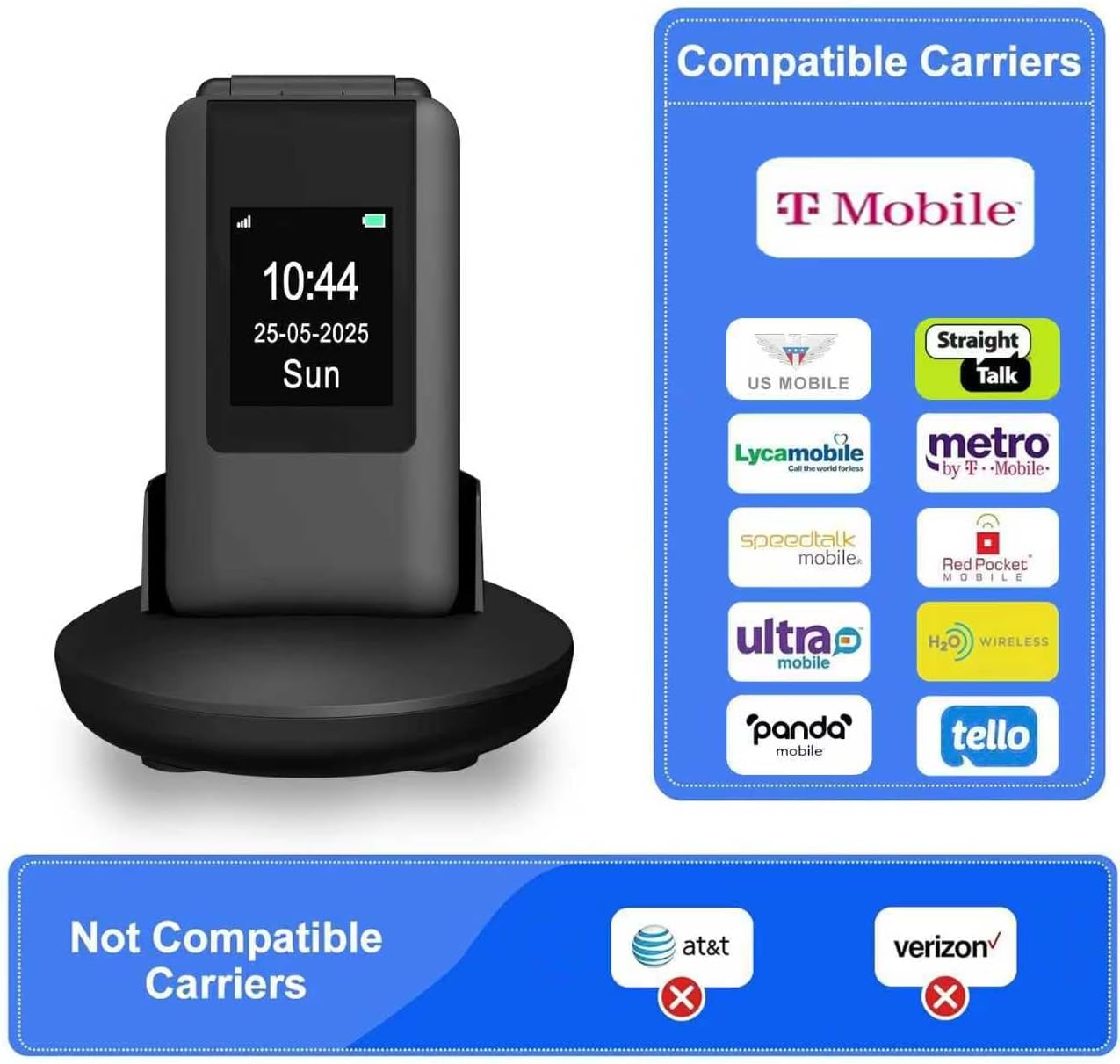
Image: A visual guide to compatible carriers (T-Mobile, MetroPCS, etc.) and non-compatible carriers (AT&T, Verizon) for the SilisoundTek C8 Flip Phone.
3.2. Battery Installation
- After installing the SIM card, insert the 1400mAh Li-Ion battery into its compartment, ensuring the gold contacts align with the phone's terminals.
- Gently press down on the battery until it is securely in place.
- Replace the back cover.
3.3. Charging the Phone
The phone can be charged using the included USB cable or the convenient charging dock.
- Using the USB Cable: Connect the USB cable to the phone's charging port and to a compatible USB power adapter or computer.
- Using the Charging Dock: Place the phone into the charging dock. Ensure the phone is properly seated and the charging indicator appears on the screen. The charging dock provides a stable and easy way to charge the phone.
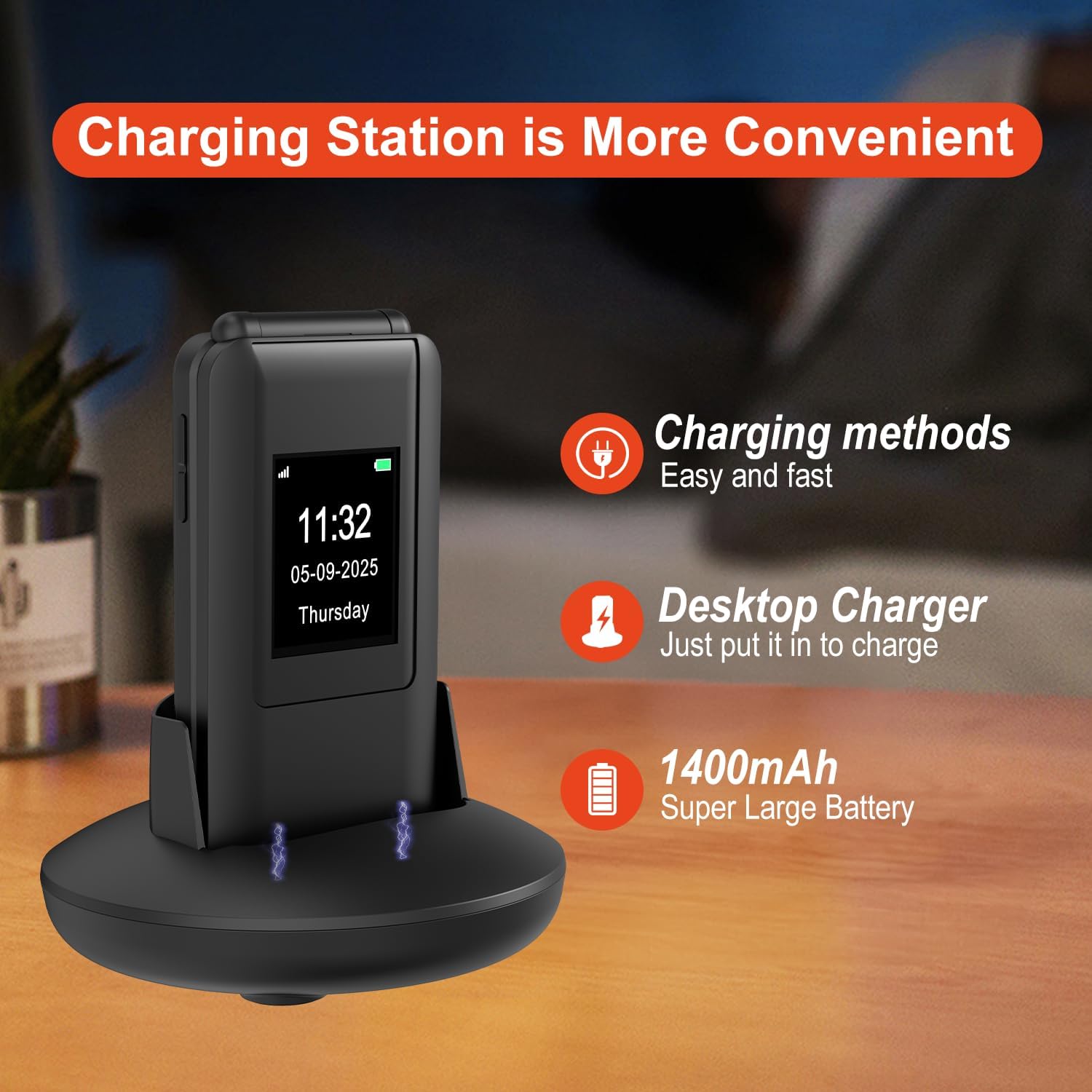
Image: The SilisoundTek C8 Flip Phone placed in its charging dock, showing the charging process.
Video: A demonstration of the SilisoundTek C8 Flip Phone's charging function using the desktop cradle.
4. Basic Operation
4.1. Power On/Off
- To Power On: Press and hold the Power/End Call button (red button) until the screen lights up.
- To Power Off: Press and hold the Power/End Call button until the power off options appear, then confirm.
4.2. Making Calls
- Open the flip phone.
- Dial the desired phone number using the large keypad buttons.
- Press the Call button (green button) to initiate the call.
4.3. Receiving Calls
- When the phone rings, open the flip to answer the call, or press the Call button.
- To end a call, press the Power/End Call button.
4.4. Sending Messages
- Navigate to the Messages menu using the navigation keys.
- Select New Message.
- Enter the recipient's number and type your message using the keypad.
- Press Send.
4.5. Adjusting Volume
The phone features loud volume for calls and ringtones. Use the dedicated volume buttons on the side of the phone to adjust the audio level during a call or when the phone is idle.

Image: The SilisoundTek C8 Flip Phone highlighting its loud volume capability for clear audio.
4.6. Speed Dial
Program frequently called numbers for quick access:
- Use the M1 and M2 keys for direct speed dial to two important contacts.
- Numbers 2-9 can also be assigned as speed dial contacts. To use, press and hold the assigned number key.
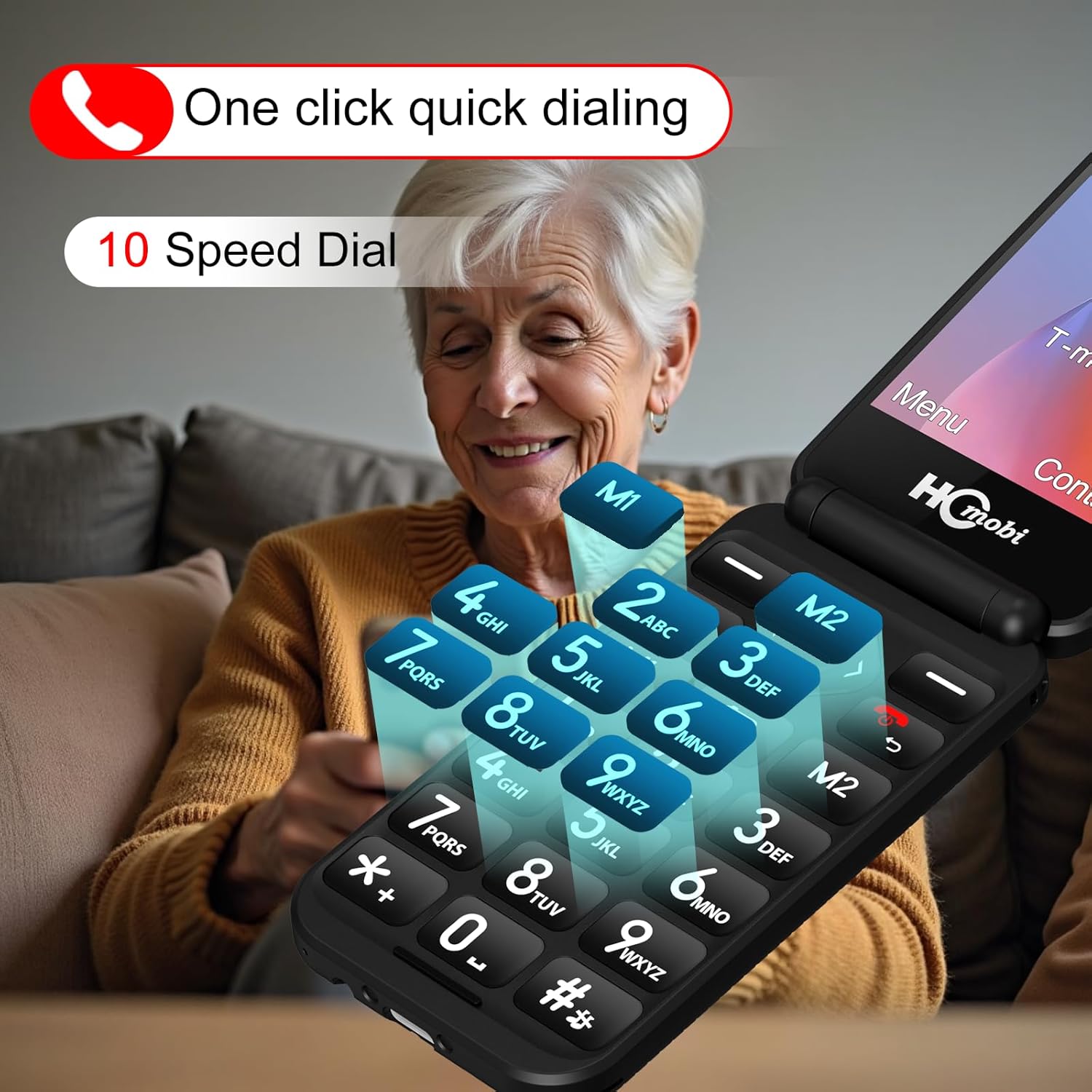
Image: The keypad of the SilisoundTek C8 Flip Phone, indicating the M1, M2, and number keys used for speed dial functions.
4.7. SOS Emergency Call
The SOS button provides a critical safety feature for emergencies.
- Setup: Up to 5 emergency contacts can be programmed into the SOS function. Refer to the phone's settings menu to configure these numbers.
- Activation: In an emergency, press and hold the SOS button on the back of the phone for 3 seconds.
- The phone will automatically dial the programmed emergency numbers in sequence and send a pre-set text message to these contacts.
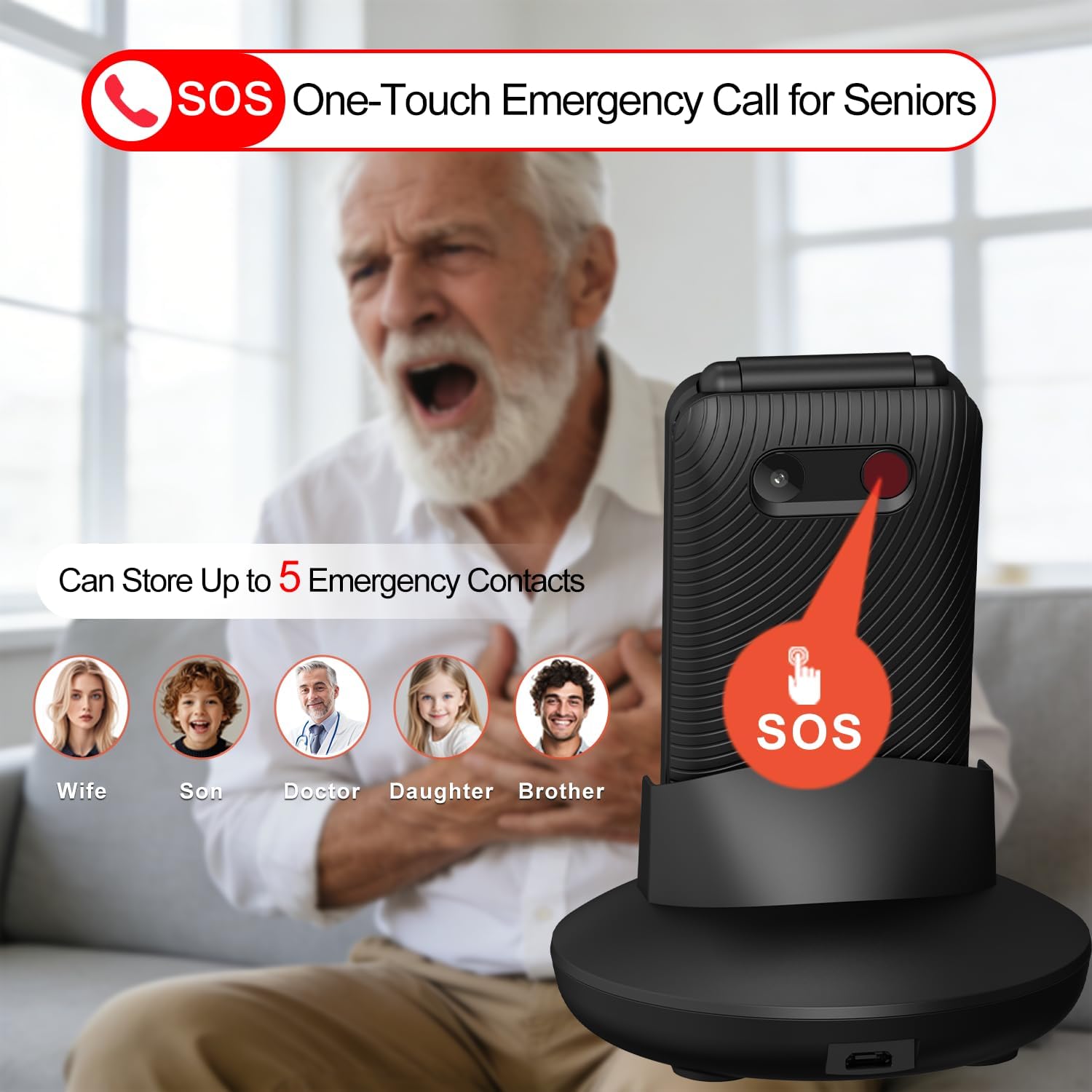
Image: The SilisoundTek C8 Flip Phone displaying the SOS button on its rear, along with an illustration of setting up emergency contacts.
5. Advanced Features
The C8 Flip Phone includes several additional features for convenience and entertainment:
- Bluetooth: Connect to Bluetooth headsets or other devices for hands-free communication.
- FM Radio: Enjoy local radio stations without needing an internet connection.
- Camera: Capture photos with the integrated camera.
- Multimedia: Play MP3 audio files and view images stored on the phone or microSD card.
- Alarm Clock, Calculator: Essential utility functions are included.
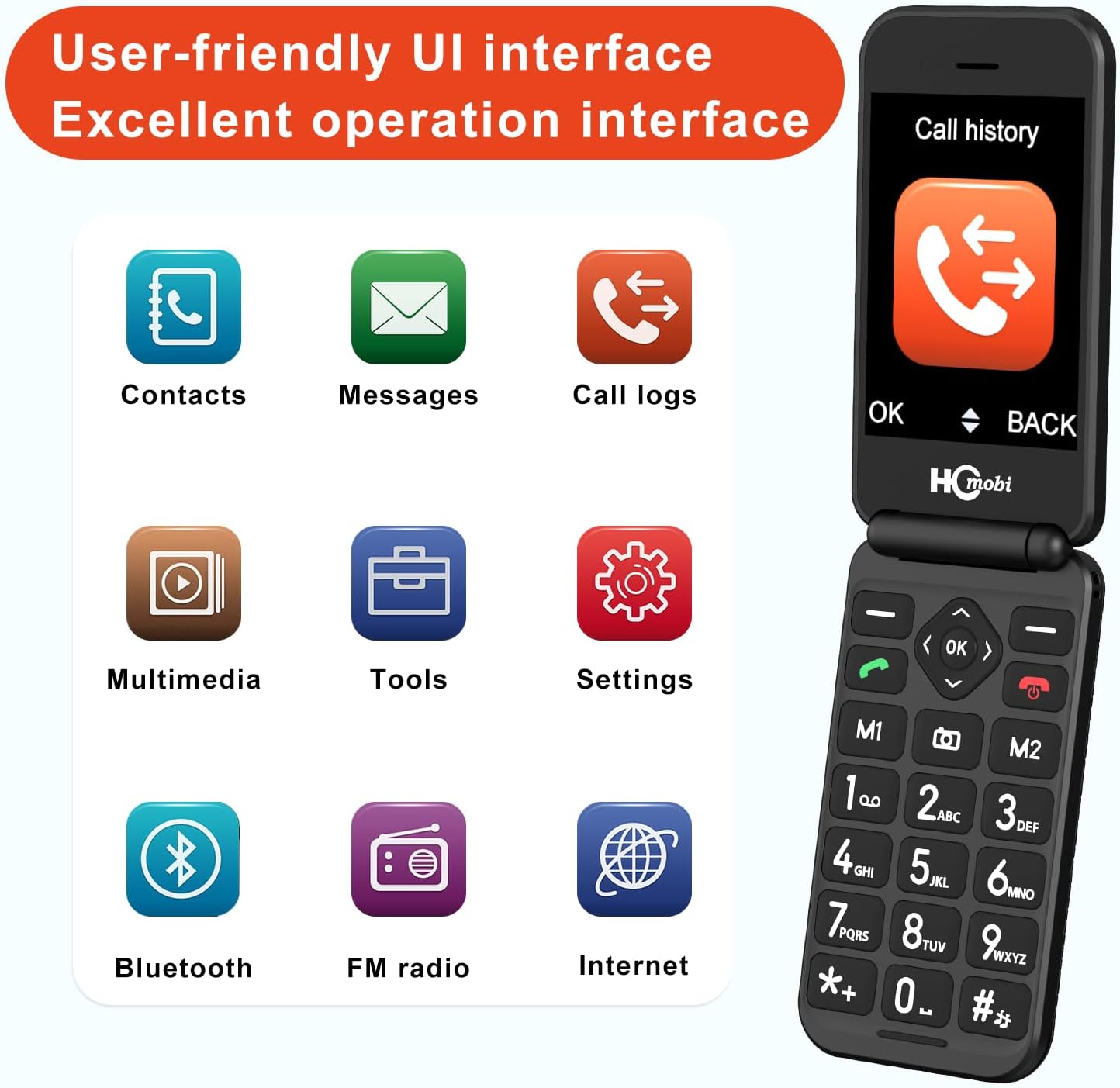
Image: The user-friendly interface of the SilisoundTek C8 Flip Phone, displaying icons for various functions including Bluetooth, FM Radio, and Multimedia.
Video: A showcase of various features and functions available on the SilisoundTek C8 Flip Phone.
6. Maintenance
- Keep the phone dry. Moisture can damage electronic circuits.
- Avoid extreme temperatures. High temperatures can shorten the life of electronic devices and warp or melt certain plastics.
- Do not use harsh chemicals, cleaning solvents, or strong detergents to clean the phone. Wipe it with a soft, damp cloth.
- Handle the phone gently. Dropping, knocking, or shaking the phone can damage internal circuit boards.
Video: A drop test demonstration of the SilisoundTek C8 Flip Phone, showcasing its durability.
7. Troubleshooting
| Problem | Possible Cause | Solution |
|---|---|---|
| Phone does not power on. | Battery is low or not installed correctly. | Charge the battery. Ensure the battery is correctly installed. |
| Cannot make or receive calls. | No SIM card, incorrect SIM card, or no network signal. | Ensure SIM card is installed correctly and is compatible. Check for network coverage. |
| Sound is too low or distorted. | Volume settings are low or speaker/microphone is obstructed. | Adjust the volume using the side buttons. Ensure speakers and microphone are clear. |
| Phone randomly turns off. | Low battery or software issue. | Ensure the battery is fully charged. If the issue persists, contact customer support. |
8. Specifications
- Model Name: C8
- Brand: SilisoundTek
- Operating System: MOCOR RT0S
- Connectivity Technology: 4G
- Wireless Carrier: T-Mobile (recommended), compatible with other GSMT carriers. Not compatible with CDMA carriers.
- Screen Size: 2.8 Inches (main display)
- Resolution: 720 x 1280 (inner), 480 x 360 (outer)
- Battery Capacity: 1400 mAh Li-Ion
- Talk Time: Up to 6-8 hours
- Standby Time: Up to 336 hours
- Memory Storage Capacity: 1 GB (expandable up to 32GB via microSD)
- Item Weight: 9.6 ounces
- Package Dimensions: 4.84 x 4.49 x 3.11 inches
- Form Factor: Flip
- Color: Dull Black
- Audio Jack: No headphone jack
- Features: Bluetooth, Camera, Alarm Clock, Calculator, MP3, FM Radio, Dual Display, SOS Button, Speed Dial.

Image: Dimensions and weight of the SilisoundTek C8 Flip Phone.
9. Warranty & Support
For warranty information, technical support, or customer service inquiries, please contact SilisoundTek directly through their official channels or the retailer where the product was purchased. Keep your purchase receipt as proof of purchase.
The product is subject to a 30-day return policy for refund or replacement, as per standard retail terms.