
1. Introduction
This manual provides detailed instructions for the Luoran M4Pro MP3 Player, a smart audio and media device designed for children and teenagers. It features a 4.0" IPS touchscreen, parental controls, and access to various streaming applications. Please read this manual thoroughly to ensure proper use and maintenance of your device.
2. What's in the Box
- Luoran M4Pro MP3 Player
- 64GB memory card (pre-installed)
- USB-C cable
- Wired earphone
- Silicone Case
- Instruction of use (this manual)
3. Product Overview
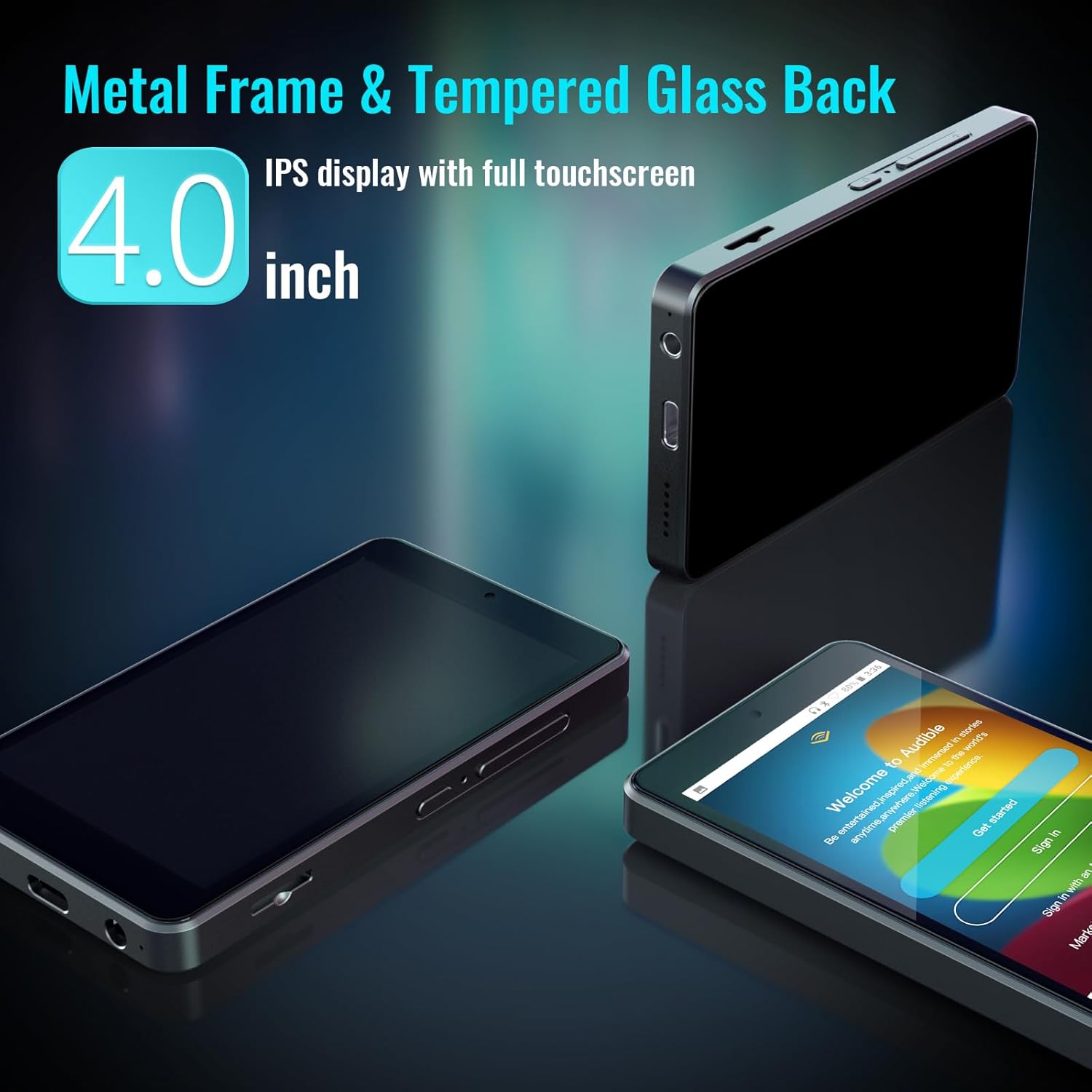
The Luoran M4Pro is a compact and durable MP3 player with a 4.0-inch IPS full-touchscreen display. It runs on Android 10, offering a smooth user experience.

The device features a metal frame and a tempered glass back for enhanced durability. It includes physical buttons for power and volume control, along with a USB-C charging port and a 3.5mm headphone jack.
4. Setup
- Initial Power On: Press and hold the power button located on the side of the device until the screen illuminates.
- Parental Management PIN: For first-time use, navigate to "Parental Management" in the settings. Set a PIN code and ensure you write it down and remember it. This PIN is crucial for accessing parental control functions and preventing unauthorized changes.
- Connect to Wi-Fi: Go to Settings > Network & Internet > Wi-Fi and connect to your preferred wireless network to enable streaming and app downloads.
- Insert Memory Card: The 64GB memory card is pre-installed. If you wish to expand storage further, insert a compatible micro SD card (up to 1TB) into the designated slot on the side of the device.
5. Operating Instructions
The Luoran M4Pro operates on an Android-based system, providing a familiar and intuitive interface. Navigate through applications by swiping the touchscreen and tapping on icons.
- Power Button: Press and hold to power on/off. Short press to wake/sleep the screen.
- Volume Buttons: Adjust audio volume using the dedicated buttons on the side.
- Navigation: Use the on-screen navigation buttons (Home, Back, Recent Apps) to move between screens and applications.
6. Parental Controls
The M4Pro includes a robust parental control system to manage your child's usage. Access these settings via the "Parental Management" app on the device's home screen.
- App Blocking: Block or unblock any application, including the Google Play Store, to control access to content.
- Time Limits: Set automatic ON/OFF times to control daily playing duration.
- Night Light Mode: Supported for eye care, adjustable in settings.


7. Media Integration
The M4Pro comes pre-installed with popular apps and supports various media formats.
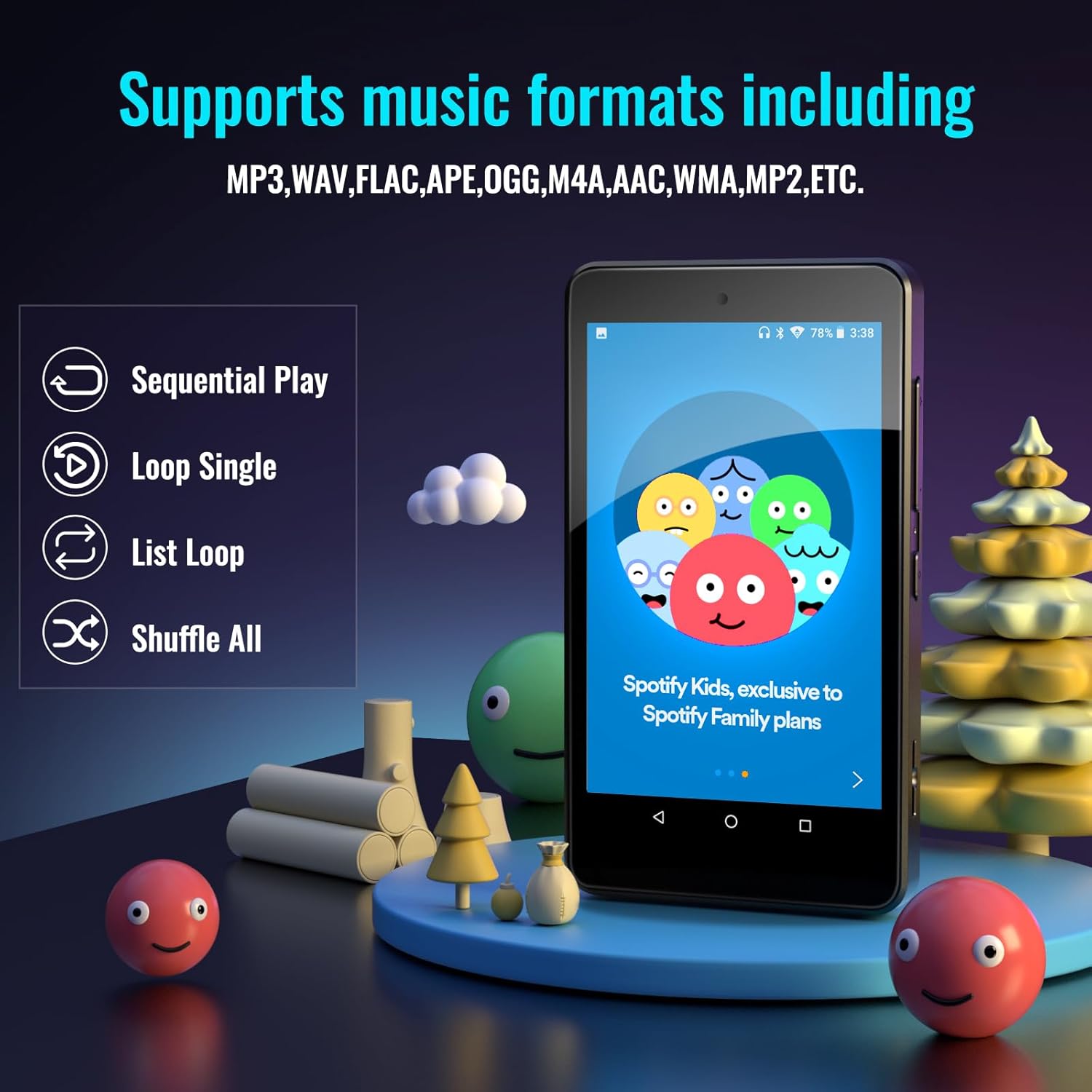
- Pre-installed Apps: Spotify Kids, Spotify, Amazon Music, Audible, Pandora, YouTube, Libby, and HiBy Music.
- Google Play Store: Download any additional music, audiobook, or entertainment apps.
- Supported Audio Formats: MP3, WAV, FLAC, APE, OGG, M4A, AAC, WMA, MP2, etc.

8. Storage and Connectivity
- Internal Storage: 32GB ROM with 3GB RAM.
- Expandable Storage: Comes with a 64GB memory card pre-installed (total 96GB). Supports external memory expansion up to 1TB via SDXC/SDHC cards.
- Dual-Band WiFi: Enjoy stable and fast wireless connections with 2.4GHz & 5GHz Wi-Fi.
- Bluetooth 5.0: Ensures seamless connectivity with headphones, speakers, and car stereos for a smooth audio experience.

9. Battery Life and Portability
- Battery: Built-in 2000mAh LCO battery.
- Music Playback: Up to 70 hours of continuous music playback on a 2-hour charge.
- Charging: USB-C charging port.
- Design: Lightweight and portable, ideal for travel, exercise, and on-the-go use.
10. Maintenance
- Cleaning: Use a soft, dry cloth to clean the screen and device body. Avoid abrasive cleaners or solvents.
- Protection: Always use the provided silicone case to protect the device from drops and impacts.
- Storage: Store the device in a cool, dry place away from direct sunlight and extreme temperatures.
- Battery Care: To prolong battery life, avoid fully discharging the device frequently. Charge regularly.
11. Troubleshooting
- Device Not Turning On: Ensure the device is charged. Connect to the USB-C charger and wait a few minutes before attempting to power on again.
- Forgotten Parental PIN: If you forget your parental management PIN, you may lose access to certain functions. Refer to the device's support documentation or contact Luoran customer service for assistance.
- App Issues (e.g., frequent updates, not opening): Ensure the device is connected to Wi-Fi. Check for system updates in Settings > System > System update. For specific app issues, try clearing the app's cache or reinstalling it via the Google Play Store.
- Sound Problems: Check headphone connection. Ensure volume is not muted or too low. Test with different headphones or Bluetooth speakers.
12. Specifications
| Feature | Detail |
|---|---|
| Product Dimensions | 4.25 x 2.4 x 0.39 inches |
| Item Weight | 4.9 ounces |
| Manufacturer | Luoran |
| Item Model Number | M4Pro-6750 |
| Battery | Built-in 2000mAh LCO battery |
| Brand | Luoran |
| Model Name | M4Pro-6750 |
| Special Feature | Bluetooth and WiFi, Google Play Store, Parental Controls |
| Connectivity Technology | Bluetooth, Wi-Fi |
| Memory Storage Capacity | 96 GB (32GB ROM + 64GB SD card) |
| Color | Black |
| Screen Size | 4 Inches |
| Compatible Devices | Earphone, Headphone |
| Media Type | Memory Card, SDHC, SDXC |
13. Warranty and Support
Luoran stands behind its products. If you encounter any unexpected issues or have questions, the Luoran support team is available 24/7 to assist you.
For support, please refer to the contact information provided in the "Instruction of use" booklet included in your product packaging or visit the official Luoran website.