
1. Introduction
Thank you for purchasing the ZZA 32 Inch 4K UHD Curved Monitor. This manual provides essential information for setting up, operating, and maintaining your monitor. Please read it thoroughly before use to ensure proper functionality and to prevent damage.
This monitor features a 32-inch 4K UHD (3840x2160) VA panel, a 60Hz refresh rate, 100% sRGB color gamut, and Adaptive Sync technology for a smooth visual experience. It is designed for various applications, including productivity, entertainment, and casual gaming.
2. Safety Information
Observe the following safety precautions to ensure safe operation and prolong the life of your monitor:
- Do not place the monitor near heat sources or in direct sunlight.
- Ensure proper ventilation around the monitor.
- Use only the power adapter supplied with the monitor.
- Avoid placing heavy objects on the power cord.
- Do not attempt to repair the monitor yourself. Refer all servicing to qualified personnel.
- Keep the monitor away from water or excessive moisture.
- Unplug the monitor from the power outlet before cleaning.
3. Package Contents
Verify that all items are present in the package:
- ZZA 32 Inch 4K UHD Curved Monitor
- Monitor Stand (Base and Neck)
- Power Adapter
- HDMI Cable
- DisplayPort Cable
- User Manual (This document)
- Screws for Stand Assembly
4. Setup
4.1 Assembling the Stand
Follow these steps to assemble the monitor stand:
- Carefully remove the monitor from its packaging, keeping it protected on a soft, flat surface.
- Attach the stand neck to the monitor panel using the provided screws.
- Connect the stand base to the stand neck and secure it with the remaining screws.
- Place the assembled monitor on a stable, level surface.
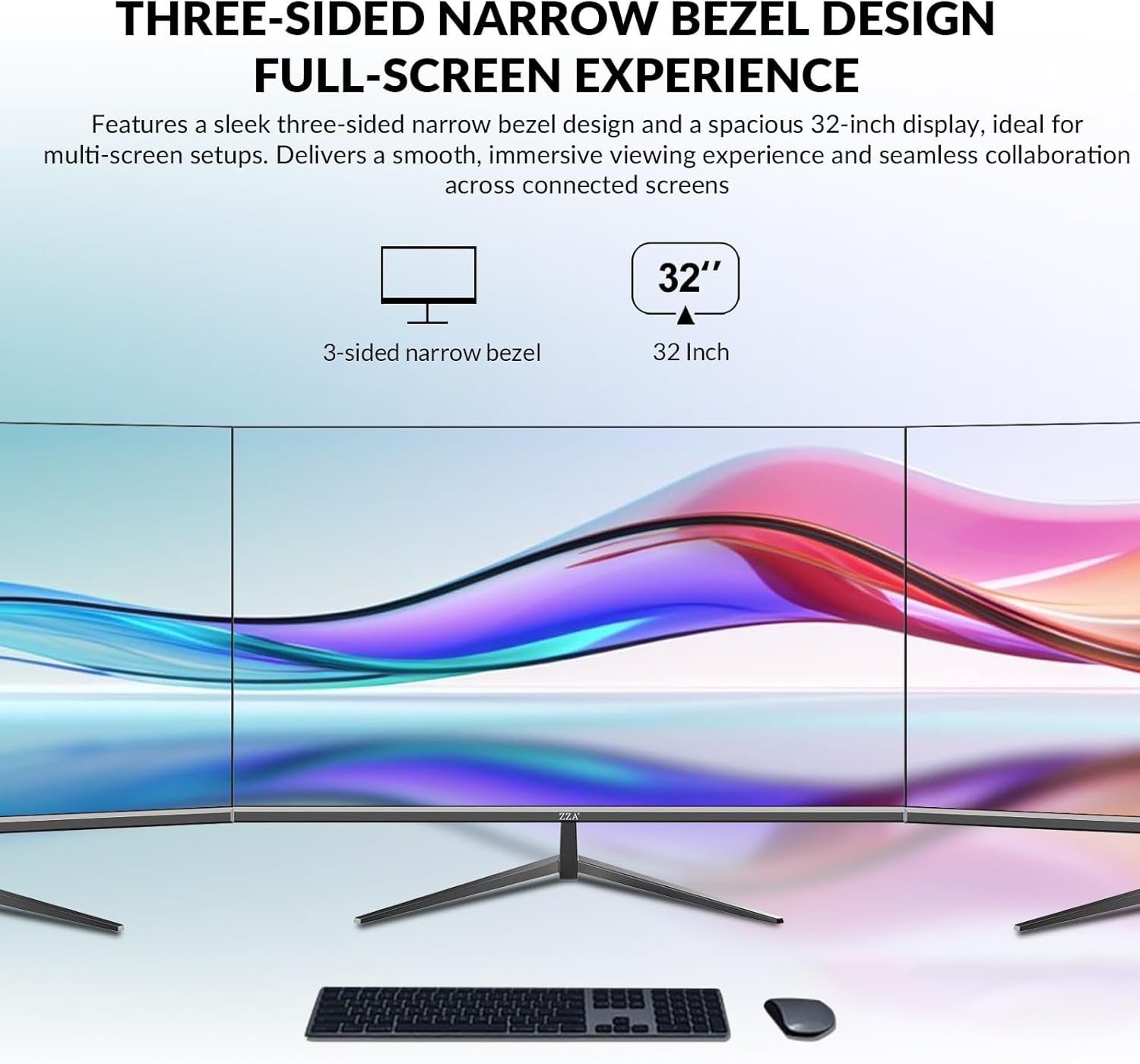
Image: Rear view of the monitor, illustrating the stand attachment and VESA mounting holes.

Image: Diagram illustrating the monitor stand assembly and its tilt adjustment capabilities (-5° to 15°).
4.2 VESA Wall Mounting
The monitor supports VESA 100x100mm mounting. If you plan to wall-mount or use a different monitor arm, remove the pre-assembled stand and attach your VESA-compatible mount. Ensure the mount can support the monitor's weight (approximately 6.01 kg).

Image: Illustration of the 100x100mm VESA wall mounting hole and a dual-monitor setup example.
4.3 Connecting to a Device
Connect your computer or other devices to the monitor using the appropriate cables:
- HDMI: Use an HDMI cable to connect your device's HDMI output to one of the monitor's HDMI 2.0 ports.
- DisplayPort: Use a DisplayPort cable to connect your device's DisplayPort output to one of the monitor's DisplayPort 1.2 ports.
- Audio Out: Connect headphones or external speakers to the 3.5mm audio jack for sound output.
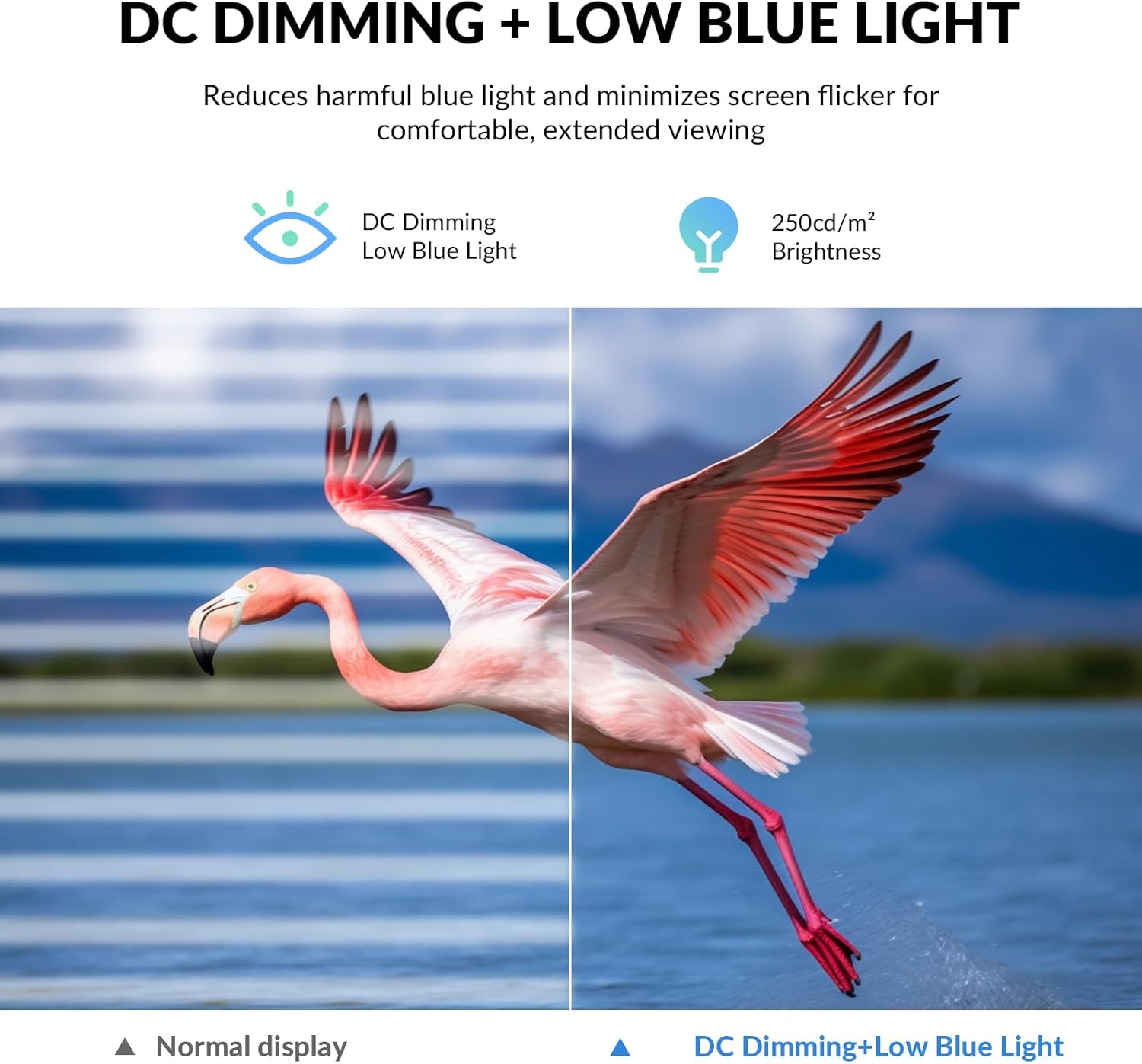
Image: Detailed view of the monitor's connectivity ports, including HDMI, DisplayPort, and 3.5mm audio jack.
Video: Instructions on how to set up 4K resolution on the monitor.
5. Operating Instructions
5.1 Power On/Off
Connect the power adapter to the monitor and a power outlet. Press the power button, usually located on the back or bottom of the monitor, to turn it on or off.
5.2 On-Screen Display (OSD) Menu
The OSD menu allows you to adjust various monitor settings. Use the control buttons (joystick or individual buttons) typically found on the back or bottom of the monitor to navigate the menu.
- Press a button to activate the OSD menu.
- Use the navigation buttons to move through options.
- Press a button to select an option or confirm a setting.
- Press an exit button to close the OSD menu.
5.3 Adjusting Display Settings
Key settings you can adjust include:
- Resolution: Set to 3840x2160 for optimal 4K UHD display.
- Refresh Rate: Configure to 60Hz for smooth visuals.
- Brightness/Contrast: Adjust to your preference for visual comfort.
- Color Settings: Fine-tune color temperature, gamma, and saturation.
- Adaptive Sync: Enable this feature for tear-free gaming and video playback if your graphics card supports it.
- Low Blue Light / DC Dimming: Activate these features to reduce eye strain during extended use.
Video: Guide on how to set the resolution and refresh rate for the 4K monitor.

Image: Visual representation of DC Dimming and Low Blue Light technology, showing reduced harmful blue light and minimized screen flicker.

Image: Demonstrates the clarity of 4K UHD resolution compared to Full HD, along with VA panel benefits and wide viewing angles.

Image: Illustrates the monitor's true-to-life color accuracy with 1.07 billion colors and 8-bit color depth.

Image: Shows the difference in smoothness between 60Hz and 30Hz refresh rates.
5.4 Multi-Monitor Setup
The monitor's ultra-thin bezels and multiple input ports make it suitable for multi-monitor configurations. Connect additional monitors using available HDMI or DisplayPort connections on your graphics card.

Image: Depicts the monitor's three-sided narrow bezel design in a multi-screen setup, enhancing the full-screen experience.
6. Maintenance
6.1 Cleaning the Monitor
To clean the monitor screen and casing:
- Turn off the monitor and unplug the power cord.
- Use a soft, lint-free cloth lightly dampened with water or a non-abrasive screen cleaner.
- Wipe the screen gently. Avoid applying direct pressure.
- Do not use alcohol, ammonia, or abrasive cleaners, as they can damage the screen.
6.2 Storage
If storing the monitor for an extended period, ensure it is powered off, unplugged, and stored in a cool, dry place, preferably in its original packaging to protect it from dust and physical damage.
7. Troubleshooting
If you encounter issues with your monitor, refer to the following common problems and solutions:
| Problem | Possible Solution |
|---|---|
| No image on screen |
|
| Image is blurry or distorted |
|
| No sound from audio jack |
|
| Screen flickering or tearing |
|
8. Specifications
Detailed technical specifications for the ZZA 32 Inch 4K UHD Curved Monitor (Model Z32B):
| Feature | Specification |
|---|---|
| Brand | ZZA |
| Model Number | Z32B |
| Screen Size | 32 Inches |
| Resolution | 4K UHD (3840x2160p) |
| Aspect Ratio | 16:9 |
| Panel Type | VA Panel |
| Refresh Rate | 60 Hz |
| Response Time | 1 Millisecond (MPRT) |
| Contrast Ratio | 4000:1 |
| Brightness | 250 cd/m² |
| Color Gamut | 100% sRGB |
| Viewing Angle | 178 Degrees |
| Adaptive Sync | FreeSync |
| Connectivity | 2x HDMI 2.0, 2x DisplayPort 1.2, 1x 3.5mm Audio Jack |
| VESA Mount | 100x100mm |
| Tilt Adjustment | -5° to 15° |
| Item Dimensions (D x W x H) | 7.44"D x 27.99"W x 19.99"H |
| Item Weight | 6.01 Kilograms |

Image: Summary of key display specifications including color gamut, color support, contrast ratio, and brightness.

Image: Illustrates the high 3000:1 contrast ratio for deeper blacks and brighter whites.
9. Warranty and Support
The ZZA 32 Inch 4K UHD Curved Monitor comes with a 1-year warranty from the date of purchase. This warranty covers manufacturing defects and ensures reliable performance.
For technical assistance, troubleshooting, or warranty claims, please contact ZZA customer support. You can reach us via email at zza-direct@outlook.com. Our dedicated support team is available to provide prompt and helpful assistance.
Please have your model number (Z32B) and purchase information ready when contacting support.