
1. Introduction
The Reyke K2 Wallet Tracker Card is a slim, rechargeable device designed to help you locate your belongings using the Apple Find My network. Its ultra-thin profile allows it to fit seamlessly into wallets, luggage, or other items you wish to track. This manual provides detailed instructions for setup, operation, maintenance, and troubleshooting to ensure optimal performance of your tracker card.

Image 1.1: The Reyke K2 Wallet Tracker Card, highlighting its slim design (1.6mm thickness).
2. Product Overview
The Reyke K2 Wallet Tracker Card integrates advanced tracking technology with a user-friendly design. Key features include:
- Ultra-Slim Design: At just 1.8mm thin, it fits easily into any wallet or card slot.
- Rechargeable Battery: Provides up to 5 months of continuous use on a single wireless charge.
- Apple Find My Compatibility: Seamlessly integrates with the Apple Find My app on your iPhone, iPad, Mac, or Apple Watch.
- IP68 Waterproof & Dust Resistant: Designed to withstand splashes, rain, and brief submersion.
- Privacy Protection: Ensures your location data remains anonymous and encrypted.
Video 2.1: An overview of the Reyke Wallet Tracker Card's features and applications.
3. Setup Guide
3.1 Charging the Device
Before initial use, fully charge your Reyke K2 Wallet Tracker Card. The device supports wireless charging.
- Place the Reyke K2 Wallet Tracker Card on a compatible wireless charger.
- Ensure the side with the power icon is facing downward on the charging pad for proper contact.
- An LED indicator on the card will illuminate to show charging status.
- A full charge typically takes approximately 2 hours and provides up to 5 months of battery life.

Image 3.1: The Reyke K2 Wallet Tracker Card being charged wirelessly.

Image 3.2: Correct and incorrect charging positions for the Reyke K2 Wallet Tracker Card.
3.2 Pairing with Apple Find My
The Reyke K2 Wallet Tracker Card is designed to work exclusively with Apple devices and the Apple Find My network. Android devices are not supported.
- Ensure your Apple device (iPhone, iPad, Mac) is running the latest iOS/iPadOS/macOS version.
- Open the Find My app on your Apple device.
- Tap the Items tab.
- Tap + Add Item, then select Other Supported Item.
- Follow the on-screen instructions to connect your Reyke K2 Wallet Tracker Card. This usually involves pressing a button on the card or bringing it close to your device.
- Once connected, you can name your item and assign an emoji.

Image 3.3: The Reyke K2 Wallet Tracker Card working with the Apple Find My app.
4. Operating Instructions
4.1 Finding Nearby Items
When your Reyke K2 Wallet Tracker Card is within Bluetooth range (up to 164 feet), you can trigger its built-in speaker to locate your item.
- Open the Find My app on your Apple device.
- Select the Reyke K2 Wallet Tracker Card from your Items list.
- Tap Play Sound. The tracker card will emit an audible alert, helping you pinpoint its location.

Image 4.1: Using the Find My app to play a sound on the Reyke K2 Wallet Tracker Card.
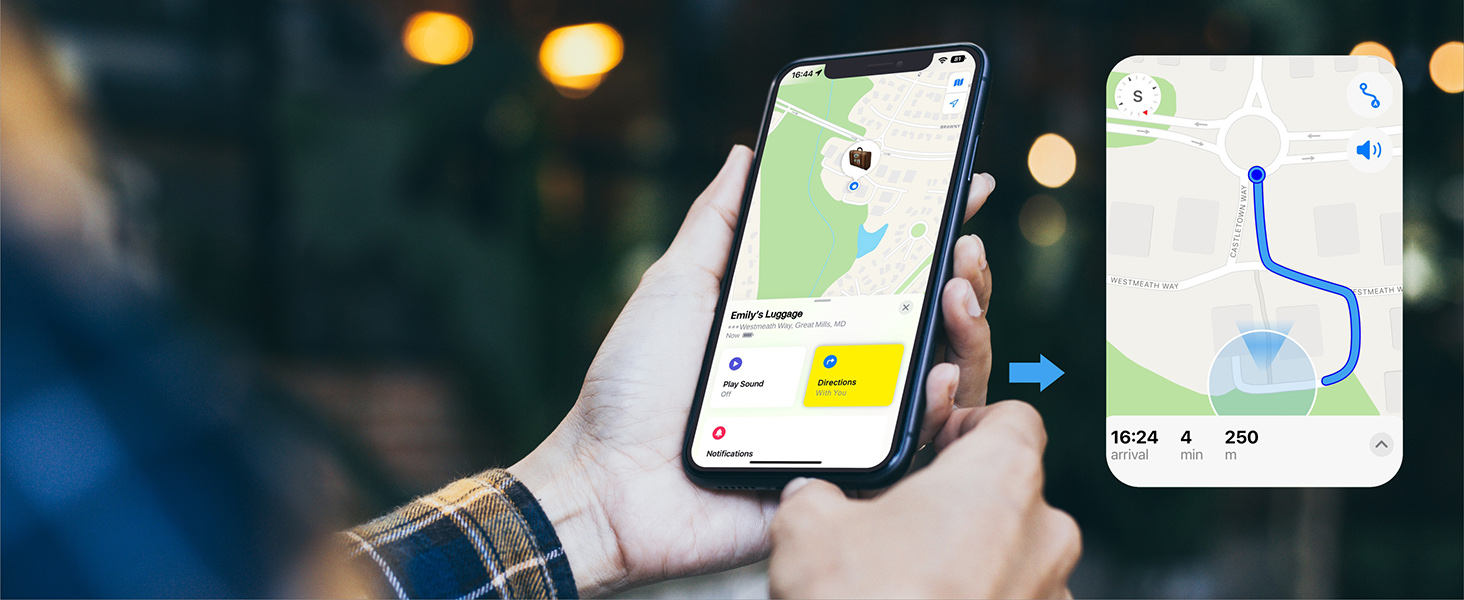
Image 4.2: Visual representation of the tracker card emitting a sound to aid in finding.
4.2 Left-Behind Remind
Receive instant notifications if you leave your tracked item behind.
- In the Find My app, select your Reyke K2 Wallet Tracker Card.
- Under Notifications, enable Notify When Left Behind.
- If the tracker card goes out of Bluetooth range from your iPhone, you will receive a notification with its last known location.

Image 4.3: An iPhone screen showing a 'Left Behind' notification for the tracker card.

Image 4.4: Illustrates the 'Left Behind' feature in action, showing a notification when the wallet is out of range.
4.3 Lost Mode
If your item is lost, activate Lost Mode to leverage the entire Apple Find My network.
- In the Find My app, select your Reyke K2 Wallet Tracker Card.
- Scroll down and enable Lost Mode.
- You can enter a contact phone number or email address. If someone finds your item, they can use an NFC-enabled iPhone or Android device to scan the tracker card and see your contact information.
- You will receive a notification when your item is detected by any Apple device in the Find My network.
4.4 Share This Item (iOS 17 and above)
With iOS 17 or later, you can share your Reyke K2 Wallet Tracker Card with up to 5 other Apple users.
- Ensure your iPhone, iPad, or Mac is updated to iOS 17 or a newer version.
- Open the Find My app and select your Reyke K2 Wallet Tracker Card.
- Tap Share This Item.
- Follow the prompts to invite up to 5 borrowers. They will be able to see the item's location on a map.
- Note that borrowers will not receive tracking notifications when the item moves with them.

Image 4.5: Instructions for sharing the tracker card's location with others via the Find My app.

Image 4.6: Visualizing the 'Share This Item' feature, allowing multiple users to track the card.
5. Maintenance
5.1 Charging
Recharge the Reyke K2 Wallet Tracker Card every 5 months or when the battery level is low. Use a standard wireless charging pad. Refer to Section 3.1 for detailed charging instructions.
5.2 Waterproof and Dust Resistance
The Reyke K2 Wallet Tracker Card has an IP68 rating, meaning it is resistant to dust and can withstand immersion in water up to 3 feet (1 meter) for 30 minutes. This makes it suitable for use in various environments and can handle splashes or rain.
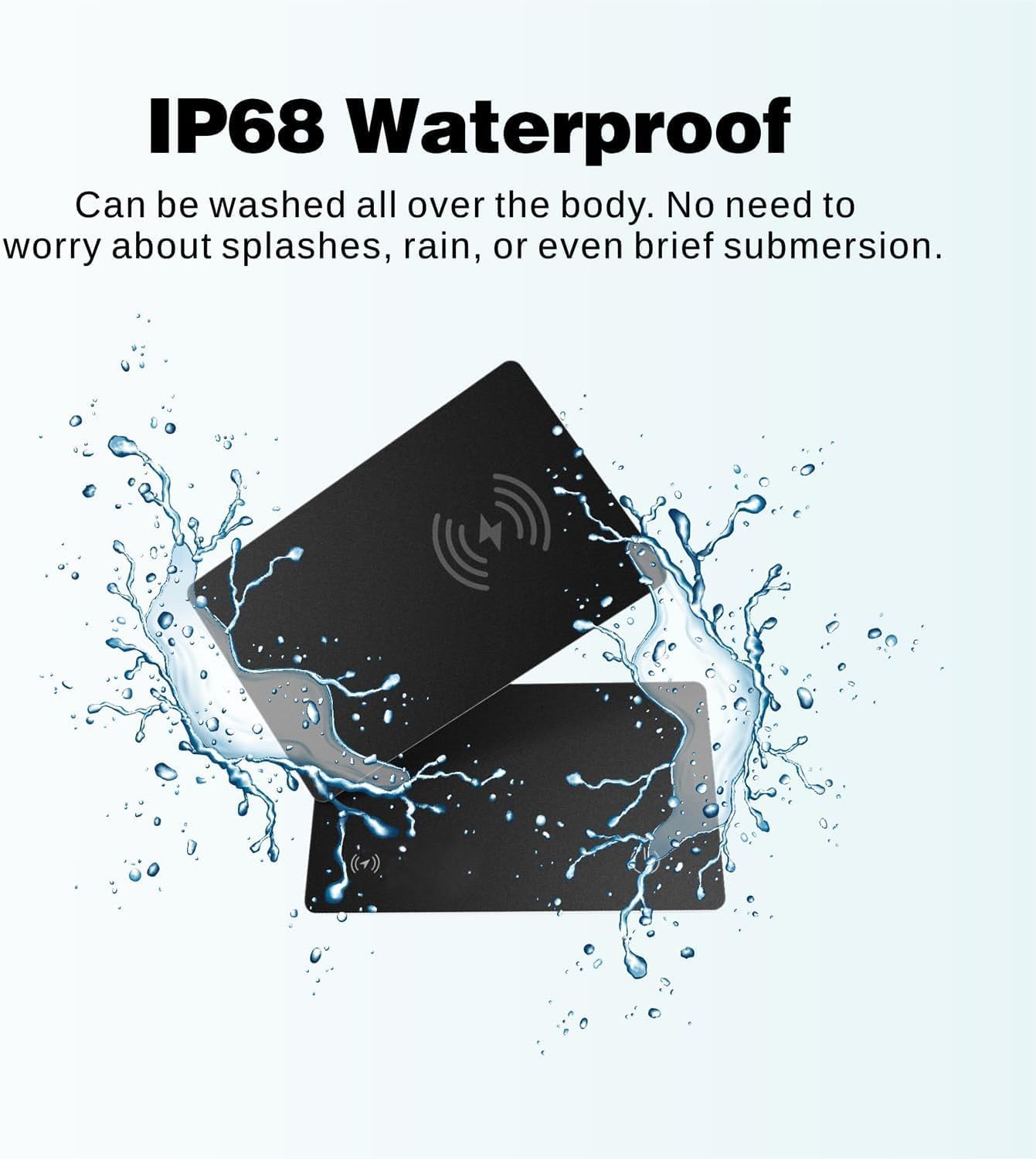
Image 5.1: The Reyke K2 Wallet Tracker Card demonstrating its IP68 waterproof capabilities.

Image 5.2: Visual confirmation of the tracker card's water resistance.
6. Troubleshooting
| Issue | Possible Cause | Solution |
|---|---|---|
| Tracker card not found in Find My app | Not paired, out of battery, or Bluetooth is off. | Ensure the card is charged. Check if Bluetooth is enabled on your Apple device. Re-attempt pairing as per Section 3.2. |
| No sound when 'Play Sound' is activated | Low battery, device out of Bluetooth range, or internal malfunction. | Charge the card fully. Ensure you are within 164 feet of the card. If the issue persists after charging and being in range, try resetting the card (if a reset button/procedure is available, otherwise contact support). |
| 'Left-Behind Remind' not working | Feature not enabled, or app permissions. | Verify 'Notify When Left Behind' is enabled in the Find My app settings for the card (Section 4.2). Check location services permissions for the Find My app. |
| Short battery life | Frequent use of 'Play Sound', or environmental factors. | Battery life is up to 5 months under typical usage. Frequent sound playing or extreme temperatures may reduce this. Ensure proper charging. |
| Cannot share item | iOS version is too old. | Ensure your Apple device is updated to iOS 17 or later. |
7. Specifications
| Feature | Detail |
|---|---|
| Brand | Reyke |
| Model Number | K2 |
| Material | Plastic |
| Product Dimensions | 0.07"L x 0.07"W x 0.07"Th (approximately 1.8mm thickness) |
| Compatible Devices | Apple iOS devices (iPhone, iPad, Mac, Apple Watch) |
| Connectivity Technology | Bluetooth |
| Control Method | App (Apple Find My) |
| Battery Type | 1 Lithium Ion battery (included) |
| Battery Serviceability | Rechargeable |
| Battery Average Life | Up to 5 months |
| Range | Up to 164 feet (Bluetooth) |
| Waterproof Rating | IP68 |
| UPC | 725414507609 |
8. Warranty and Support
For warranty information or technical support, please refer to the product packaging or contact Reyke customer service directly. Contact details are typically available on the manufacturer's official website or through the retailer where the product was purchased.
9. Important Notes
- Android Devices: The Reyke K2 Wallet Tracker Card is not compatible with Android devices. It works exclusively with Apple's Find My network.
- Privacy: Reyke ensures that your location data and history are never stored publicly. All information regarding your location is anonymous and encrypted to protect your privacy.
- iOS Version: To utilize all features, especially the 'Share This Item' function, ensure your Apple device is updated to iOS 17 or a later version.


