1. Introduction
Thank you for choosing KIM HOST BC3 PRO Bone Conduction Headphones. These headphones are designed to provide a unique audio experience by transmitting sound through your cheekbones, leaving your ears open to ambient sounds. This design enhances situational awareness, making them ideal for various activities such as sports, outdoor adventures, and daily commuting. With IP68 waterproofing and an integrated 32GB MP3 player, your music can accompany you anywhere, even underwater.
2. Product Features
- Advanced Bone Conduction Technology: Delivers sound through cheekbones, ensuring open-ear comfort and environmental awareness.
- Bluetooth 5.3 Connectivity: Provides a fast, stable, and efficient wireless connection to your devices.
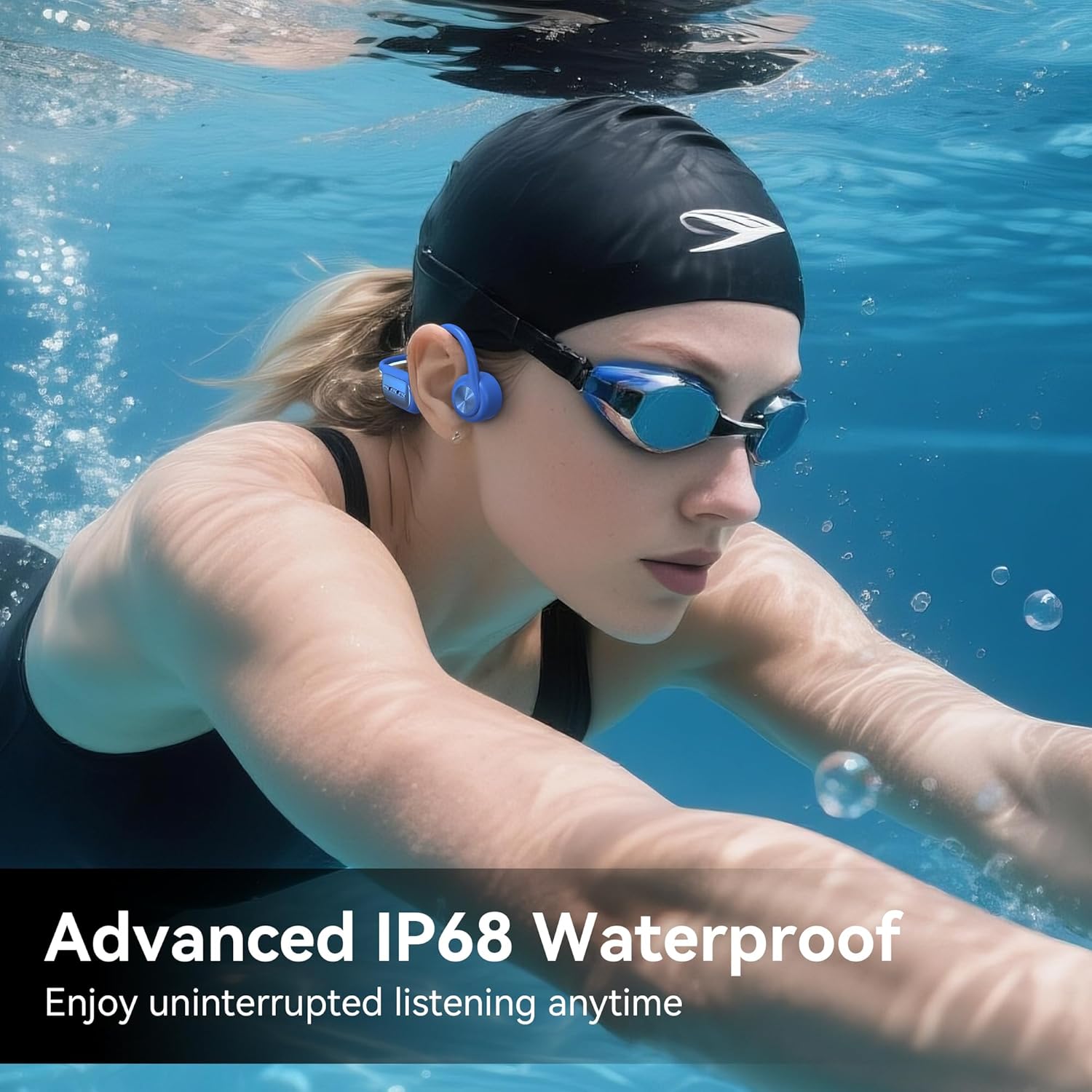
- IP68 Waterproof Rating: Fully submersible and resistant to dust, sweat, and water, making them suitable for swimming and harsh weather conditions.
- Integrated 32GB MP3 Player: Store up to 8,000 songs directly on the headphones for phone-free listening.
- Long Battery Life: Enjoy up to 8 hours of continuous playback on a single 1.5-hour charge.
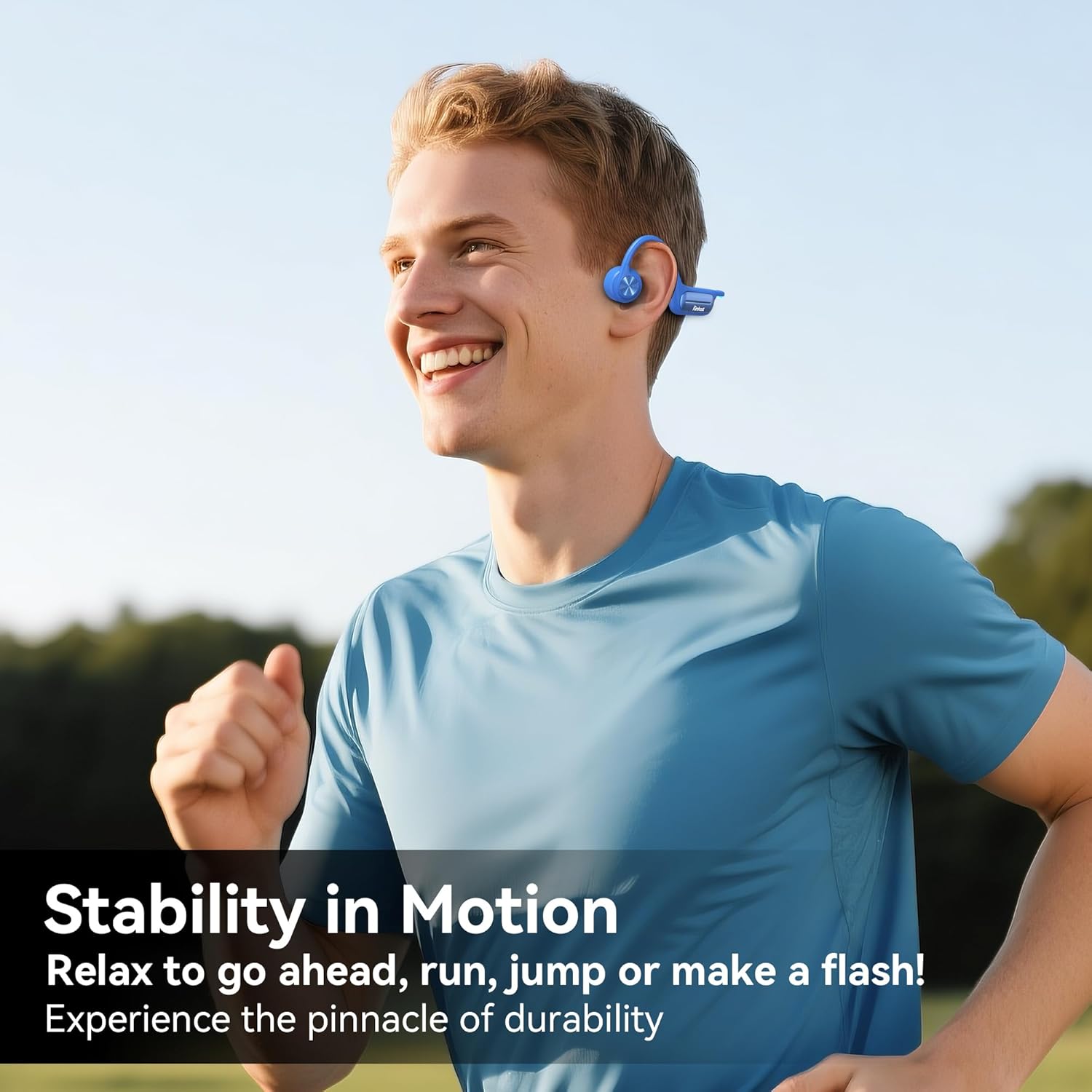
- Lightweight and Ergonomic Design: Weighing only 32 grams, they offer a comfortable and secure fit for extended wear.
- Multi-functional Controls: Easy access buttons for power, volume, track control, and call management.
3. Package Contents
- KIM HOST BC3 PRO Bone Conduction Headphones
- Magnetic Charging Cable
- User Manual
- Adjustment Strap
4. Setup
4.1 Charging the Headphones
Before first use, fully charge your headphones. Connect the magnetic charging cable to the charging port on the headphones and plug the USB-A end into a compatible power source. A full charge takes approximately 1.5 hours and provides up to 8 hours of playback time.
4.2 Wearing the Headphones
- Gently pull the headphones open with your hands.
- Position the ear hooks over your ears, ensuring the bone conduction pads rest comfortably on your cheekbones, just in front of your ears.
- Use the included adjustment strap to secure the fit if needed, ensuring stability during active use.

Detailed illustration of how to properly wear the KIM HOST BC3 PRO Bone Conduction Headphones, showing the ear hooks and bone conduction pads placement.
5. Operating Instructions
5.1 Power On/Off
- Power On: Press and hold the Power Button for 3 seconds.
- Power Off: Press and hold the Power Button for 5 seconds.
5.2 Bluetooth Pairing
- Ensure the headphones are powered off.
- Press and hold the Power Button until the LED indicator flashes blue and red, indicating pairing mode.
- On your device (smartphone, tablet, computer), enable Bluetooth and search for available devices.
- Select "BC3 Pro" from the list to connect. Once connected, the LED indicator will turn solid blue.
5.3 MP3 Mode Operation
- Switch to MP3 Mode: Double-click the Power Button. The headphones will switch from Bluetooth to MP3 mode.
- Transferring Music: Connect the headphones to your computer using the magnetic charging cable. The headphones will appear as a removable disk. Drag and drop your MP3/WAV files into the headphone's storage.
5.4 Music Playback Controls
- Volume Up: Click the "+" Button.
- Volume Down: Click the "-" Button.
- Next Track: Press and hold the "+" Button for 2 seconds.
- Previous Track: Press and hold the "-" Button for 2 seconds.
- Play/Pause: Click the Power Button.
5.5 Call Management
- Answer/End Call: Click the Power Button.
- Reject Call: Press and hold the Power Button for 2 seconds.

An overview of the control panel on the KIM HOST BC3 PRO headphones, illustrating the power, volume, and track control buttons.
6. Media Integration
6.1 Product Images





6.2 Official Product Videos
7. Maintenance
- Cleaning: Wipe the headphones with a soft, damp cloth after each use, especially after exposure to sweat or water. Ensure the charging contacts are dry before charging.
- Storage: Store the headphones in a cool, dry place away from direct sunlight and extreme temperatures.
- Avoid Damage: Do not bend or twist the headband excessively. Avoid dropping the headphones or exposing them to sharp objects.
8. Troubleshooting
- No Power: Ensure the headphones are fully charged.
- No Sound: Check the volume level on both the headphones and your connected device. Ensure the headphones are properly paired or in MP3 mode.
- Pairing Issues: Make sure the headphones are in pairing mode (flashing blue and red LED). Turn off and on your device's Bluetooth, then try pairing again.
- Water Damage: Although IP68 rated, prolonged exposure to saltwater or chemicals may affect performance. Rinse with fresh water after swimming in pools or oceans.
9. Specifications
| Brand | KIM HOST |
| Model Number | BC3 PRO |
| Connectivity Technology | Bluetooth 5.3, Wireless |
| Water Resistance Level | IP68 (Waterproof) |
| Internal Storage | 32GB MP3 Player |
| Battery Type | Lithium Metal |
| Charging Time | 1.5 hours |
| Playback Time | Up to 8 hours |
| Weight | 32 Grams |
| Material | Silicone |
| Ear Placement | Open Ear |
| Control Type | Button Control |
10. Warranty and Support
KIM HOST provides a 1-year manufacturer's warranty for this product. For any support inquiries, troubleshooting assistance, or warranty claims, please refer to the contact information provided on the product packaging or visit the official KIM HOST website. Please retain your proof of purchase for warranty validation.