
1. Introduction
Thank you for purchasing the T&G TG392 Portable Bluetooth Speaker. This speaker is designed for outdoor enthusiasts, offering robust sound, IPX5 water resistance, and versatile playback options. Please read this manual carefully to ensure proper use and maintenance of your device.
Key Features:
- Loud HD Sound with Enhanced Bass: Equipped with premium drivers for crisp highs and deep bass.
- Secure Bike Handlebar Mount: Reinforced, anti-slip mount for stable attachment during rides.
- IPX5 Waterproof & Shockproof Design: Resists rain, splashes, and dust, suitable for outdoor adventures.
- Long Battery Life: Extended playtime for prolonged use.
- Portable & Multi-Purpose: Detachable for use in various settings, compatible with Bluetooth-enabled devices.
2. Product Overview
Familiarize yourself with the components and controls of your T&G TG392 speaker.
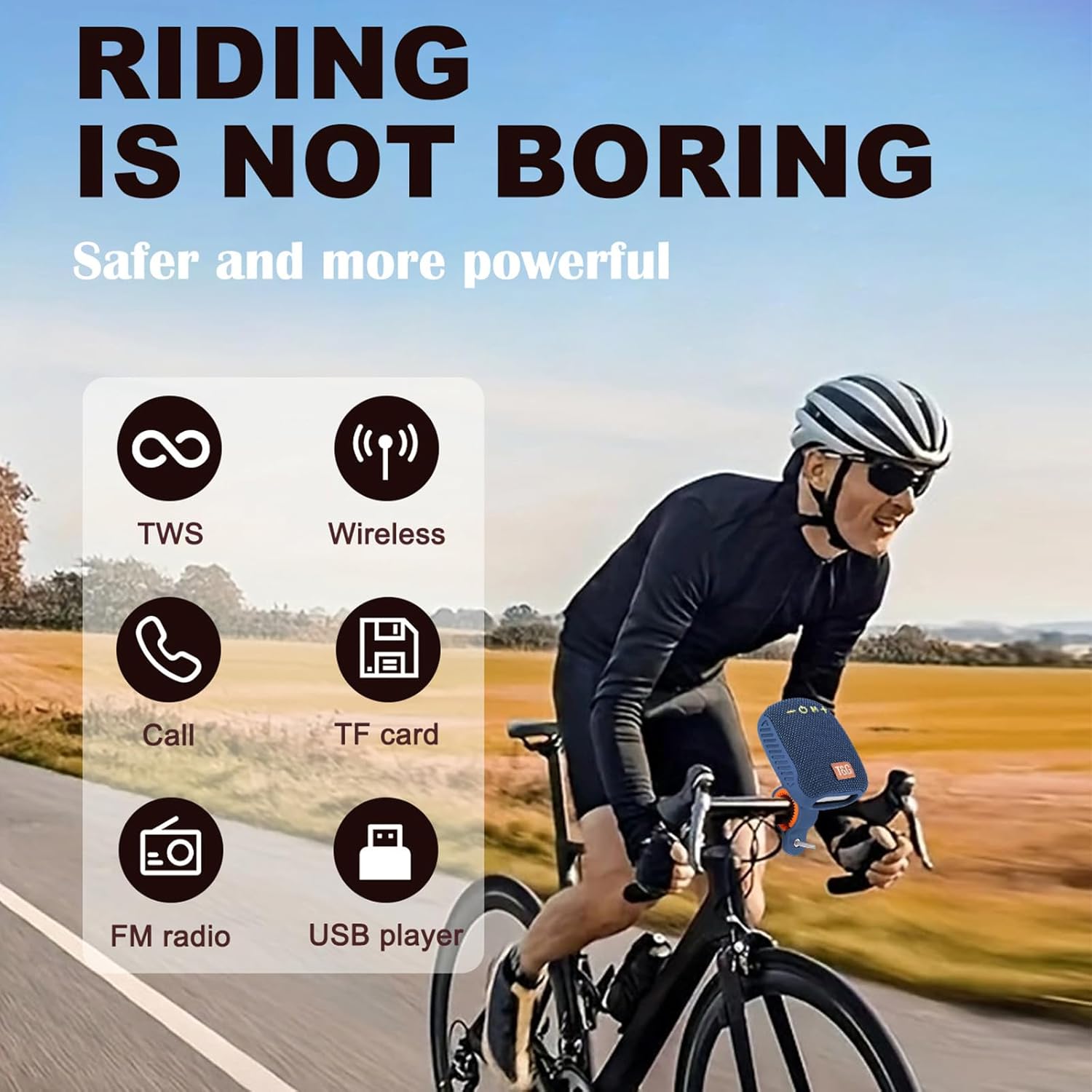
Image: Front view of the T&G TG392 speaker showing control buttons and dimensions. The speaker measures approximately 100mm (3.94in) in length and 72mm (2.84in) in width.
Control Buttons and Ports:
- - (Volume Down / Previous Track): Short press for previous track, long press for volume down.
- O (Power On/Off / Play/Pause / Mode): Long press to power on/off. Short press to play/pause music. In music mode, short press to switch between U disk, TF card, FM radio, and wireless (Bluetooth) modes.
- M (Mode): In music mode, tap to switch modes (U disk, TF card, FM radio, wireless).
- + (Volume Up / Next Track): Short press for next track, long press for volume up.
The speaker also features a Type-C USB charging port, a USB-A port for U disk playback, and a TF card slot for memory card playback.

Image: Side view of the T&G TG392 speaker revealing the Type-C charging port, USB-A port, and TF card slot.
3. Setup
3.1 Charging the Speaker
Before first use, fully charge the speaker. Connect the provided USB Type-C cable to the speaker's charging port and the other end to a 5V USB power adapter (not included). The charging indicator light will show charging status and turn off when fully charged.
3.2 Mounting on a Bicycle Handlebar
The T&G TG392 speaker comes with a dedicated handlebar mount for secure attachment to your bike.
- Attach the mounting bracket to your bicycle handlebar using the provided strap or clamp, ensuring it is tight and stable.
- Align the speaker with the mounting bracket.
- Slide the speaker into the bracket until it clicks securely into place. Ensure the speaker is firmly docked to prevent accidental detachment during rides.

Image: The T&G TG392 speaker securely attached to a motorcycle handlebar, demonstrating the docking mechanism.
Video: This video demonstrates the process of attaching the T&G TG392 speaker to a bicycle handlebar, highlighting its secure mounting system for outdoor activities.
4. Operating Instructions
4.1 Power On/Off
To power on, long press the O button until you hear an audible prompt. To power off, long press the O button again until the speaker shuts down.
4.2 Bluetooth Pairing
- Power on the speaker. It will automatically enter Bluetooth pairing mode, indicated by a flashing LED light.
- On your mobile device, enable Bluetooth and search for available devices.
- Select "TG392" from the list of devices.
- Once paired, the speaker will emit a confirmation tone, and the LED light will stop flashing.
4.3 Music Playback
- Play/Pause: Short press the O button.
- Next Track: Short press the + button.
- Previous Track: Short press the - button.
- Volume Up: Long press the + button.
- Volume Down: Long press the - button.
4.4 Hands-Free Calling
When connected via Bluetooth, the speaker supports hands-free calling.
- Answer Call: Short press the O button when an incoming call is received.
- End Call: Short press the O button during a call.
- Redial Last Number: Double-click the O button.

Image: A person demonstrating hands-free calling functionality with the T&G TG392 speaker, showing the speaker's built-in microphone for clear communication.
4.5 Other Playback Modes (TF Card, USB Disk, FM Radio)
The speaker supports playback from TF cards and USB flash drives. To switch between modes (Bluetooth, TF card, USB disk, FM radio), short press the M button.
- TF Card Playback: Insert a TF card with audio files into the TF card slot. The speaker will automatically switch to TF card mode.
- USB Disk Playback: Insert a USB flash drive with audio files into the USB-A port. The speaker will automatically switch to USB disk mode.
- FM Radio: In FM mode, the charging cable acts as an antenna. Connect the Type-C charging cable to the speaker for better reception. Use the + and - buttons to scan for stations.
4.6 TWS (True Wireless Stereo) Pairing
If you have two TG392 speakers, you can pair them together for a stereo sound experience.
- Ensure both speakers are powered off.
- Power on both speakers. They will enter Bluetooth pairing mode.
- On one speaker, double-click the M button. The speakers will attempt to pair with each other.
- Once successfully paired, you will hear a confirmation tone. The LED indicator on one speaker will flash (master), and the other will be solid (slave).
- Connect your device to the master speaker via Bluetooth as described in section 4.2.
5. Maintenance
5.1 Cleaning
Wipe the speaker with a soft, damp cloth. Do not use harsh chemicals or abrasive cleaners. Ensure all ports are dry before charging or using in wet conditions.
5.2 Water Resistance (IPX5)
The T&G TG392 speaker is IPX5 water-resistant, meaning it can withstand splashes and light rain. It is not designed for submersion in water. Ensure the charging port cover is securely closed when exposed to water.

Image: The T&G TG392 speaker with water droplets, illustrating its IPX5 water resistance for outdoor use.
5.3 Storage
Store the speaker in a cool, dry place away from direct sunlight and extreme temperatures. If storing for an extended period, charge the battery periodically to maintain its lifespan.
6. Troubleshooting
| Problem | Possible Cause | Solution |
|---|---|---|
| Speaker does not power on. | Low battery. | Charge the speaker fully. |
| Cannot pair via Bluetooth. | Speaker not in pairing mode; Bluetooth disabled on device; too far from device. | Ensure speaker is in pairing mode. Enable Bluetooth on your device. Move device closer to speaker (within 10 meters). |
| No sound. | Volume too low; incorrect mode selected; device not playing. | Increase speaker and device volume. Press 'M' to switch to correct playback mode. Ensure audio is playing on your device. |
| FM radio reception is poor. | No antenna connected. | Connect the Type-C charging cable to the speaker; it acts as an antenna. |
7. Specifications
| Feature | Detail |
|---|---|
| Brand | T&G |
| Model Name | TG392 |
| Speaker Maximum Output Power | 10 Watts |
| Frequency Response | 20 Hz (Lower limit, typical for full range) |
| Connectivity Technology | Wireless (Bluetooth) |
| Audio Output Mode | Surround |
| Mounting Type | Speaker (with included handlebar mount) |
| Speaker Type | Outdoor |
| Additional Features | Bass Boost, Hi Res Audio, Waterproof (IPX5), Auto EQ, Dolby TrueHD |
| Item Dimensions (D x W x H) | 6.3"D x 3.54"W x 2.76"H |
| Unit Count | 1.0 Count |
| Color | Blue (Current variant) |
8. Warranty Information
This T&G product is covered by a limited warranty. Please refer to the product packaging or contact customer support for specific warranty terms and conditions. Keep your purchase receipt as proof of purchase.
9. Customer Support
For any questions, technical assistance, or warranty claims, please contact T&G customer support through the retailer where the product was purchased or visit the official T&G website for contact information.


