
Introduction
This manual provides essential instructions for the safe operation, assembly, maintenance, and troubleshooting of your EWORK 20V 12-Inch Cordless String Trimmer and Edger. Please read this manual thoroughly before using the product and retain it for future reference.
Safety Information
Always wear appropriate personal protective equipment (PPE) including safety glasses, gloves, and sturdy footwear when operating the string trimmer. Keep bystanders, children, and pets at a safe distance from the work area. Ensure the battery is removed before performing any maintenance or adjustments. Do not operate the tool in wet conditions or near flammable liquids or gases. Inspect the tool for damage before each use.
Package Contents
Verify that all items are present in the package:
- EWORK 20V Cordless String Trimmer
- 2.0Ah Lithium-Ion Battery
- UL Certified Charger
- Protective Cover
- Auxiliary Handle
- Spacer Guard
- 6 Replacement Spools (2 pre-installed, 4 additional)
- User Manual
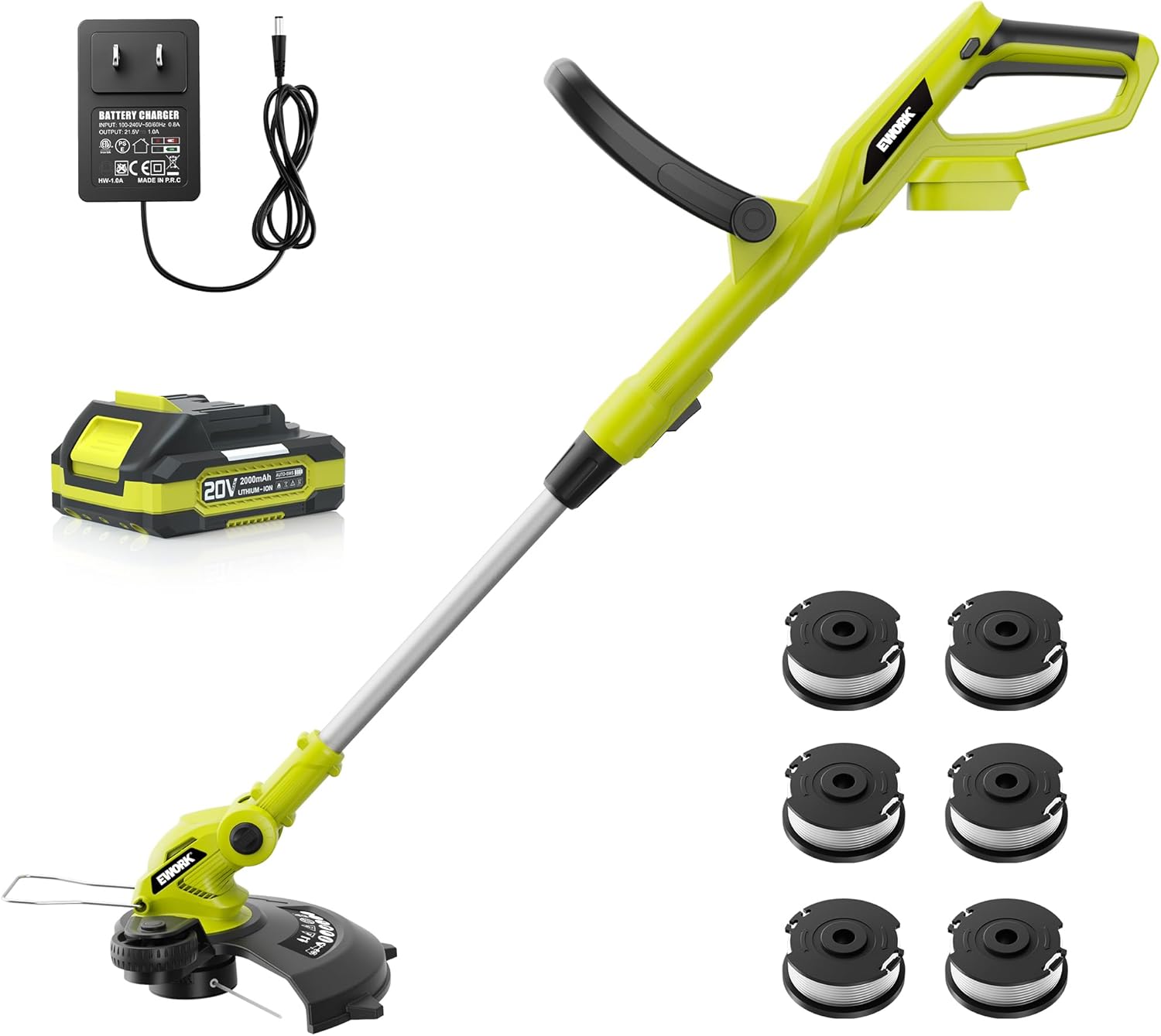
Image: The complete EWORK 20V Cordless String Trimmer kit, showing the main unit, battery, charger, and six spools of string.
Product Features
- 12-Inch Cutting Width: Provides efficient coverage for various trimming tasks.
- Auto-Feed Line Technology: Automatically advances the cutting line, eliminating manual adjustments during operation.
- 2-in-1 Trimmer & Edger: Easily converts between trimming and edging modes for versatile lawn care.
- 20V 2.0Ah Lithium-Ion Battery: Delivers up to 35 minutes of continuous working time on a full charge.
- High-Speed Motor: Operates at up to 8500 RPM for faster cutting and extended motor life.
- Integrated Support Wheels: Facilitate straighter and more precise edging.
- Multi-Angle Adjustment: Features a 180° adjustable body, 180° adjustable auxiliary handle, and a 60° adjustable cutting head for ergonomic use and access to difficult areas.
- Lightweight Design: The tool weighs only 3.6 lbs (tool only), reducing user fatigue.

Image: Detail of the trimmer head highlighting the upgraded high-speed motor, capable of up to 8500 RPM.
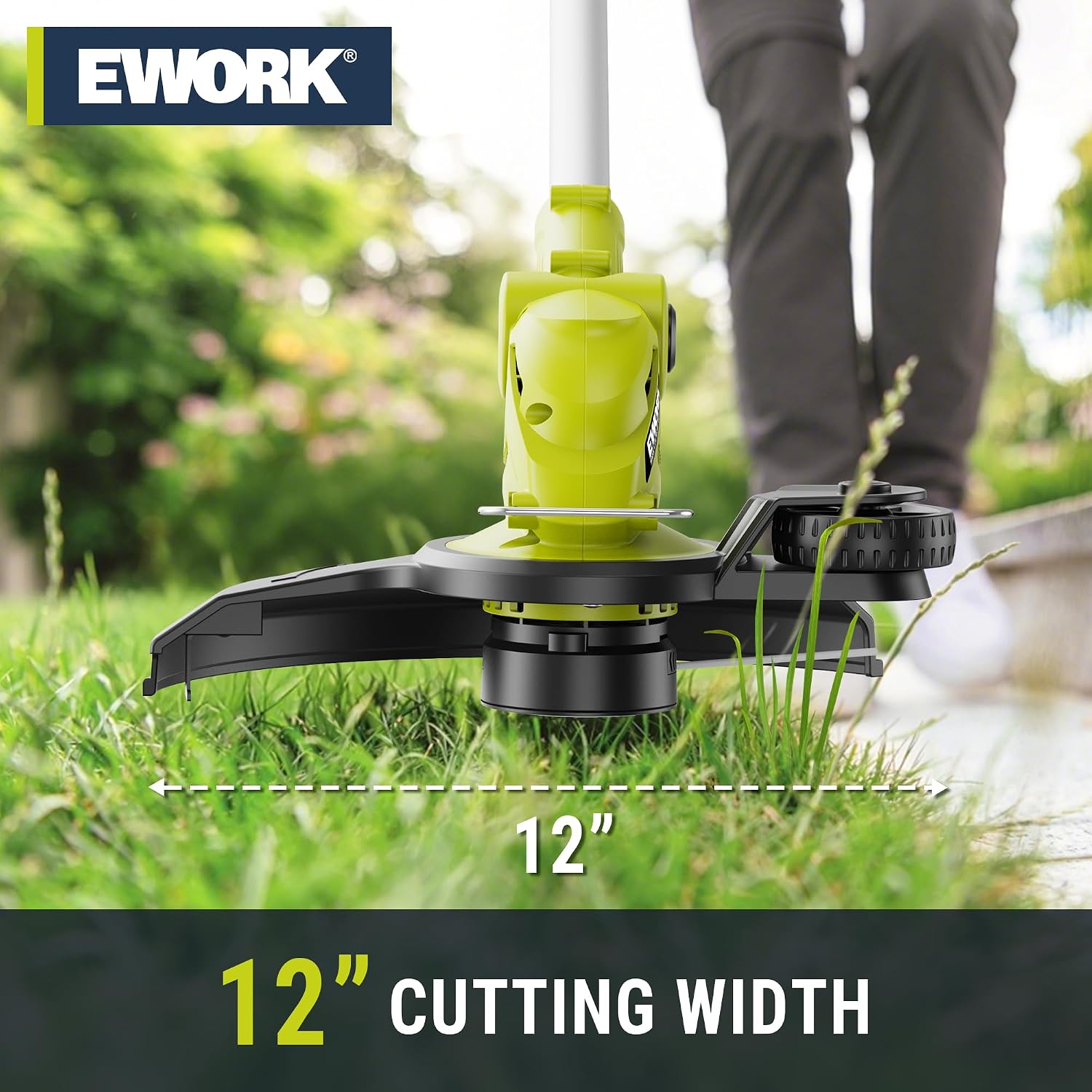
Image: The trimmer in operation, demonstrating its 12-inch cutting width.

Image: Visual representation of the tool's 2-in-1 functionality, switching between trimming and edging.

Image: Illustration of the multi-angle adjustment capabilities for the handle and cutting head.
Setup
- Attach Auxiliary Handle: Secure the auxiliary handle to the main shaft. Ensure it is tightened firmly for safe operation.
- Install Protective Cover: Slide the protective cover onto the trimmer head until it clicks into place. This guard helps protect against debris.
- Insert Battery: Align the 20V Lithium-Ion battery with the battery slot on the tool handle and slide it in until it locks. Ensure the battery is fully charged before first use.
- Adjust Length and Angle: Adjust the shaft length, auxiliary handle angle, and cutting head angle to a comfortable and effective position for your task. The tool features a 180° adjustable body, 180° adjustable auxiliary handle, and a 60° adjustable cutting head.
Operating Instructions
Starting the Trimmer
To start the trimmer, press and hold the safety switch, then squeeze the trigger. Release the safety switch once the trimmer is running. To stop, release the trigger.
Trimming
Hold the trimmer firmly with both hands. Swing the trimmer from side to side, keeping the cutting line parallel to the ground. The auto-feed line system will automatically advance the line as needed. Use the spacer guard to maintain distance from delicate objects or surfaces.
Edging
To switch to edging mode, rotate the trimmer head 90 degrees. Engage the integrated support wheels to guide the trimmer along the edge of sidewalks, driveways, or flowerbeds. This provides a clean, precise cut.
Video: Official EWORK demonstration of the 20V Cordless String Trimmer, showcasing its features and operation.
Maintenance
Battery Charging
Connect the UL certified charger to a power outlet and then to the battery. The indicator lights on the battery will show the charging status. A full charge provides up to 35 minutes of run time. Always charge the battery in a well-ventilated area.
Replacing the String Spool
Ensure the battery is removed before replacing the string spool. Press the tabs on the spool cover to remove it. Take out the old spool and insert a new EWORK replacement spool, ensuring the line is properly threaded through the eyelet. Replace the spool cover securely.

Image: Detailed view of the auto-feed spool, illustrating the mechanism for line advancement.
Cleaning and Storage
After each use, remove the battery and clean the trimmer head and protective cover of any grass clippings or debris. Use a damp cloth; do not use harsh chemicals. Store the trimmer in a dry, secure location away from children and direct sunlight.
Troubleshooting
| Problem | Possible Cause | Solution |
|---|---|---|
| Trimmer does not start | Battery not inserted correctly or discharged; Safety switch not engaged. | Ensure battery is fully charged and properly seated. Press safety switch before squeezing trigger. |
| Cutting line does not advance | Spool is empty or line is tangled; Debris in the auto-feed mechanism. | Replace spool with new line. Remove battery and clear any debris from the trimmer head. |
| Reduced run time | Battery not fully charged; Battery nearing end of life. | Ensure battery is fully charged. Consider replacing the battery if performance continues to degrade. |
Specifications
- Brand: EWORK
- Model Number: EK-2030TT-G
- Power Source: Battery Powered
- Battery Type: 20V Lithium-Ion (2.0Ah)
- Cutting Width: 12 Inches
- Item Weight: 3.6 Pounds (tool only)
- Product Dimensions: 44.5"L x 12.2"W
- Assembly Required: Yes
- Cordless: Yes
Warranty and Support
The EWORK 20V 12-Inch Cordless String Trimmer comes with a 12-month warranty. For any product-related issues, installation assistance, or usage questions, please contact EWORK customer service. Our support team is available 24/7 to help you.
For customer service inquiries, please refer to the contact information provided on the product packaging or the official EWORK website.