
Introduction
This manual provides essential instructions for the safe and efficient use of your boAt Airdopes 148 Gen 2 True Wireless Stereo (TWS) Earbuds. Please read this guide thoroughly before operating the device and retain it for future reference.
The boAt Airdopes 148 Gen 2 are designed for an immersive audio experience, featuring 10mm dynamic drivers, Quad Mics with ENx™ Technology for clear calls, and up to 48 hours of total playback. They also include Beast Mode for low-latency gaming, ASAP Charge for quick power-ups, Bluetooth v5.4 connectivity, Insta Wake N' Pair technology, IPX4 water resistance, and one-touch voice assistant support.

Image: boAt Airdopes 148 Gen 2 TWS Earbuds in their charging case.
What's in the Box
- boAt Airdopes 148 Gen 2 Earphones
- Charging Cable
- User Manual
Setup
1. Charging the Earbuds and Case
Before initial use, fully charge the Airdopes 148 Gen 2 and their charging case. Connect the provided charging cable to the charging port on the case and a compatible USB power source. The LED indicator on the case will show charging status.
- ASAP Charge: A 10-minute charge provides approximately 180 minutes of playback.
- Total Playback: The earbuds and case combined offer up to 48 hours of playback.

Image: The boAt Airdopes 148 Gen 2 charging case with earbuds, illustrating the 48-hour playback and ASAP Charge feature.
2. Pairing with Your Device
- Power On: Open the lid of the charging case. The earbuds will automatically power on and enter pairing mode (Insta Wake N' Pair).
- Activate Bluetooth: On your smartphone, tablet, or other Bluetooth-enabled device, go to the Bluetooth settings and turn Bluetooth on.
- Select Device: Look for "Airdopes 148 Gen 2" in the list of available devices and select it to connect.
- Confirmation: Once connected, you will hear an audio prompt, and the LED indicator on the earbuds will change.
The Airdopes 148 Gen 2 utilize Bluetooth v5.4 for stable and efficient wireless connectivity.
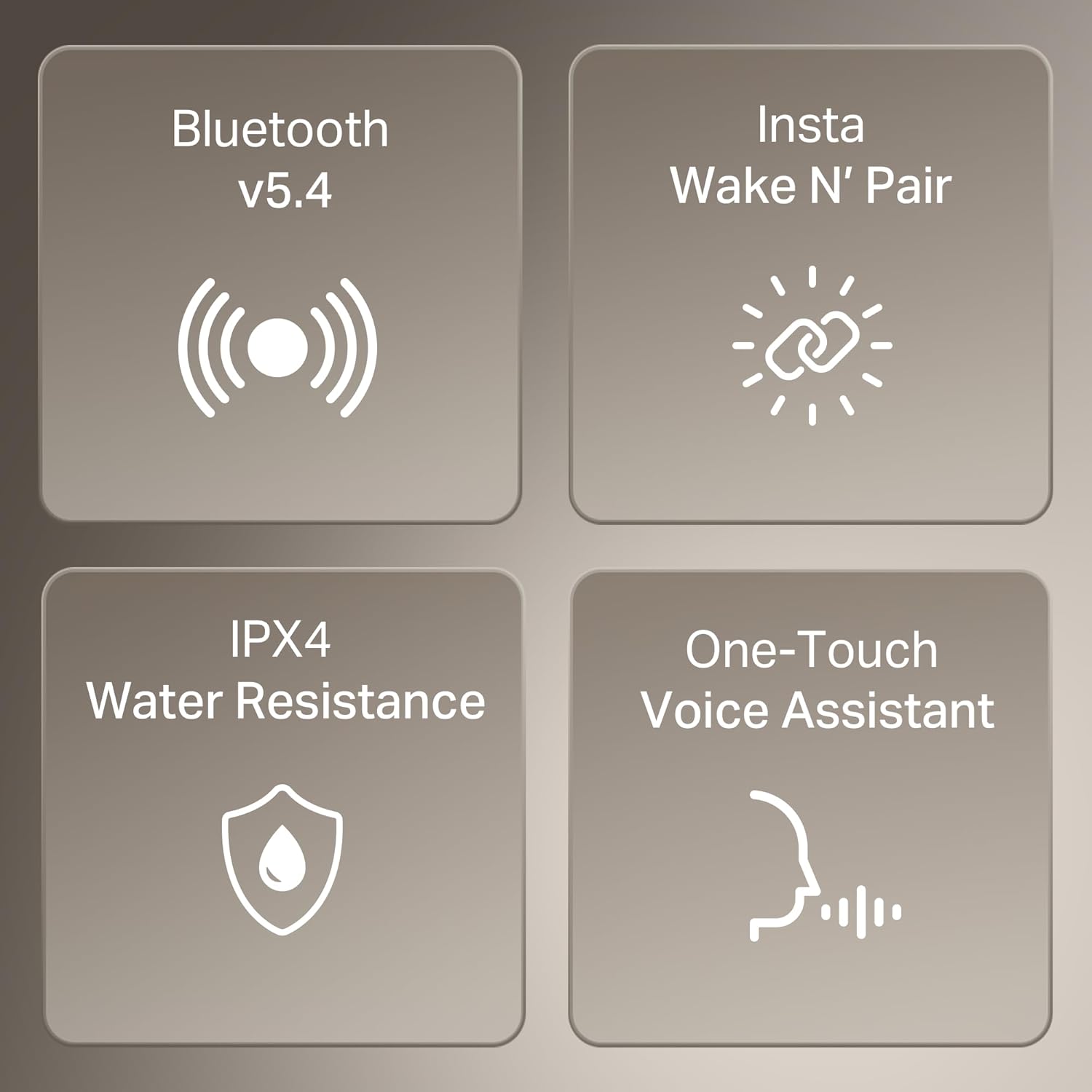
Image: A collage highlighting key features including Bluetooth v5.4 for connectivity and Insta Wake N' Pair for automatic pairing.
Operating Instructions
Touch Controls
The Airdopes 148 Gen 2 feature intuitive touch controls on each earbud for managing calls, music, and other functions.
| Function | Action |
|---|---|
| Play/Pause Music | Single tap on either earbud |
| Next Track | Double tap on the right earbud |
| Previous Track | Double tap on the left earbud |
| Answer/End Call | Single tap on either earbud |
| Reject Call | Long press on either earbud |
| Activate Voice Assistant | Triple tap on either earbud |
| Toggle Beast Mode | Long press on the right earbud (specific gesture may vary, refer to quick start guide) |
Beast Mode (Low Latency)
Activate Beast Mode for a low-latency audio experience, ideal for gaming. Refer to the touch control table for activation. This mode minimizes audio delay, providing a more synchronized experience between audio and video.

Image: A close-up of a boAt Airdopes 148 Gen 2 earbud, illustrating the BEAST Mode feature for low-latency audio.
Quad Mics with ENx™ Technology
The earbuds are equipped with four microphones and ENx™ Technology to enhance call clarity by reducing environmental noise, ensuring your voice is heard clearly during calls.

Image: A person wearing boAt Airdopes 148 Gen 2 earbuds, with visual representation of sound waves, highlighting the Quad Mics with ENx Technology for clear communication.
Maintenance
Cleaning
- Gently wipe the earbuds and charging case with a soft, dry, lint-free cloth.
- Do not use harsh chemicals, cleaning solvents, or strong detergents.
- Ensure charging contacts are clean and free of debris.
Storage
- Store the earbuds in their charging case when not in use to protect them and keep them charged.
- Avoid storing in extreme temperatures or high humidity.
Water Resistance (IPX4)
The Airdopes 148 Gen 2 are IPX4 water resistant, meaning they are protected against splashing water from any direction. This makes them suitable for workouts and light rain. However, they are not designed for submersion in water or exposure to pressurized water jets.
- Do not intentionally submerge the earbuds in water.
- Dry the earbuds completely before placing them back in the charging case if they get wet.
Troubleshooting
No Sound or Intermittent Connection
- Ensure both earbuds are charged.
- Check if Bluetooth is enabled on your device and the earbuds are connected.
- Try unpairing and re-pairing the earbuds with your device.
- Move closer to your device to avoid interference.
Earbuds Not Charging
- Ensure the charging cable is securely connected to both the case and the power source.
- Check if the charging contacts on the earbuds and inside the case are clean.
- Try a different charging cable or power adapter.
Voice Assistant Not Responding
- Ensure the earbuds are connected to your device.
- Verify that the voice assistant is enabled on your connected device.
- Confirm the correct touch gesture for activating the voice assistant (triple tap).
Specifications
| Feature | Detail |
|---|---|
| Brand | boAt |
| Model Name | Airdopes 148 Gen 2 |
| Ear Placement | In Ear |
| Form Factor | In Ear |
| Bluetooth Version | 5.4 |
| Battery Life | Up to 48 Hours (with charging case) |
| Audio Driver Type | Dynamic Driver |
| Driver Size | 10mm |
| Microphones | Quad Mics with ENx™ Technology |
| Water Resistance | IPX4 (Sweat Resistant) |
| Control Method | Touch |
| Special Features | Beast Mode, ASAP Charge, Insta Wake N' Pair |
| Compatible Devices | Smartphones, Tablets, Laptops, Desktops, Gaming Consoles, Smart TVs, Car Audio Systems |
| Item Weight | 60 Grams |
| Enclosure Material | Plastic |

Image: A detailed view of the boAt Airdopes 148 Gen 2 earbud's internal structure, highlighting the 10mm drivers responsible for boAt Signature Sound.
Warranty & Support
Warranty Information
The boAt Airdopes 148 Gen 2 comes with a 1-year warranty from the date of purchase. Please retain your proof of purchase for warranty claims.
Customer Support
For any product-related queries, technical assistance, or warranty claims, please contact boAt customer support:
- Email: info@imaginemarketingindia.com
- Manufacturer: Imagine Marketing Ltd


