Introduction
Thank you for choosing the SHIDU SD-M2 Wireless Voice Amplifier. This device is designed to provide clear and powerful voice amplification for various settings, including teaching, presentations, and public speaking. It features a 30W output, wireless lavalier microphone, Bluetooth connectivity, and multiple media playback options. Please read this manual carefully to ensure proper use and maintenance of your device.
Package Contents
Verify that all items listed below are included in your package:
- SHIDU SD-M2 Voice Amplifier
- Wireless Lavalier Microphone
- USB-C Charging Cable
- Adjustable Belt
- User Manual
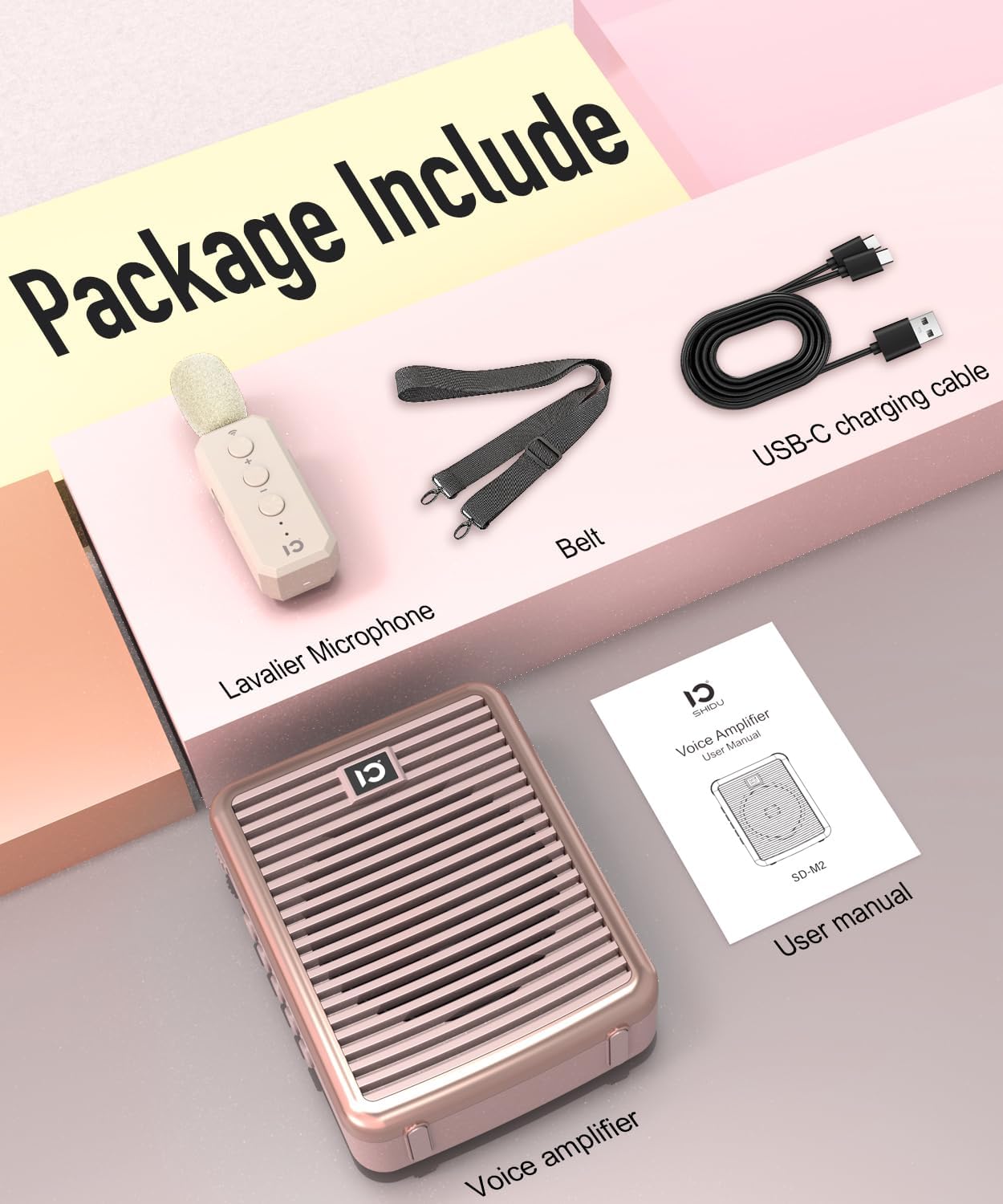
Figure 1: Package Contents. This image displays the voice amplifier, wireless lavalier microphone, USB-C charging cable, belt, and the user manual included in the product package.
Product Overview
Voice Amplifier Unit

Figure 2: Voice Amplifier Unit. This image shows the front of the voice amplifier with its speaker grille and LED trim. The side features control buttons for power, volume, and mode selection.
The main amplifier unit features a powerful 30W speaker for clear audio output. On the side, you will find controls for power, volume adjustment, mode selection (Bluetooth, TF card, USB, AUX), and a recording function. It also includes various input ports for connectivity.
Wireless Lavalier Microphone
Figure 3: Wireless Lavalier Microphone. This image shows the compact wireless microphone with its power button, volume controls, and a pairing indicator light.
The wireless lavalier microphone provides hands-free operation with a range of up to 30 meters (100 feet). It includes its own power button, volume controls, and a charging port. The microphone is designed for clear voice pickup and features anti-feedback technology.
Setup
1. Charging the Devices
Before first use, fully charge both the voice amplifier and the wireless lavalier microphone.
- Connect the USB-C charging cable to the charging port on the voice amplifier and to a USB power adapter (not included). The charging indicator will illuminate.
- Connect the USB-C charging cable to the charging port on the wireless microphone and to a USB power adapter. The charging indicator will illuminate.
- Charging typically takes 3-5 hours for a full charge. The indicator light will change or turn off once charging is complete.
Note: A full charge provides up to 15 hours of operation for the amplifier.
2. Wearing the Amplifier
Attach the adjustable belt to the voice amplifier. Wear the amplifier around your waist or shoulder, ensuring the speaker faces the audience for optimal sound projection.
3. Wearing the Microphone
Clip the lavalier microphone to your collar or clothing, approximately 15-20 cm (6-8 inches) from your mouth, for best voice pickup. Ensure there are no obstructions between the microphone and the amplifier for stable wireless connection.
Operating Instructions
1. Power On/Off
- Voice Amplifier: Press and hold the power button on the side of the amplifier for 2-3 seconds to turn it on or off.
- Wireless Microphone: Press and hold the power button on the microphone for 2-3 seconds to turn it on or off.
2. Pairing the Wireless Microphone
The microphone and amplifier are usually pre-paired. If they do not connect automatically:
- Ensure both the amplifier and microphone are powered on.
- On the amplifier, switch to microphone mode (if applicable, usually automatic when mic is connected).
- On the microphone, press and hold the pairing button (often the volume up or a dedicated button) until the indicator light flashes rapidly, indicating pairing mode.
- The devices should connect automatically. The microphone indicator light will become solid when paired.
3. Voice Amplification
- Once the microphone is paired and both devices are on, speak into the microphone. Your voice will be amplified through the speaker.
- Adjust the volume using the volume buttons on both the amplifier and the microphone for optimal sound level.
- To minimize feedback, avoid pointing the microphone directly at the speaker and maintain a reasonable distance.
4. Bluetooth Connectivity

Figure 4: Bluetooth Connectivity. This image demonstrates how to connect a smartphone via Bluetooth to the voice amplifier for audio playback.
- Turn on the voice amplifier.
- Press the 'M' (Mode) button on the amplifier until you hear "Bluetooth Mode" or see a Bluetooth icon on the display (if available).
- On your smartphone or other Bluetooth device, enable Bluetooth and search for "SHIDU SD-M2" or a similar device name.
- Select the device to pair. Once connected, you can play audio from your device through the amplifier.
5. TF Card / USB Flash Drive Playback
- Insert a TF card or USB flash drive (with MP3 audio files) into the corresponding slot on the amplifier.
- The amplifier will automatically switch to TF card or USB mode and begin playing audio. If not, press the 'M' (Mode) button to select the correct mode.
- Use the amplifier's control buttons to play, pause, skip tracks, and adjust volume.
6. AUX Input
- Connect an external audio device (e.g., laptop, MP3 player) to the amplifier's AUX input port using a 3.5mm audio cable (not included).
- Press the 'M' (Mode) button until you select AUX mode.
- Play audio from your external device. The sound will be output through the amplifier.
7. Echo Effect Adjustment
The amplifier features an adjustable echo effect. Refer to the specific controls on your amplifier model (usually a dedicated knob or button) to increase or decrease the echo intensity. This feature adds depth to your voice.
Maintenance
- Cleaning: Wipe the device with a soft, dry cloth. Do not use abrasive cleaners or solvents.
- Storage: Store the amplifier and microphone in a cool, dry place away from direct sunlight and extreme temperatures.
- Battery Care: To prolong battery life, charge the device regularly, even if not in frequent use. Avoid fully discharging the battery for extended periods.
- Avoid Water: Keep the device away from water and moisture. It is not waterproof.
Troubleshooting
| Problem | Possible Cause | Solution |
|---|---|---|
| No sound from amplifier. |
|
|
| Feedback/Screeching sound. |
|
|
| Bluetooth device won't connect. |
|
|
| Short battery life. |
|
|
Specifications
| Model | SD-M2 |
| Output Power | 30W |
| Sound Coverage | Up to 21,000 sq.ft (2000 m²) |
| Amplifier Battery Capacity | 3000mAh |
| Playtime (Amplifier) | Up to 15 hours (depending on volume and usage) |
| Wireless Microphone Range | Up to 30 meters (100 feet) |
| Bluetooth Version | 5.0 |
| Input Options | Bluetooth, TF Card, USB Flash Drive, MIC Jack, AUX Jack |
| Special Features | Adjustable Echo Effect, Anti-Feedback Technology, AI Speech Intelligibility Improvement |
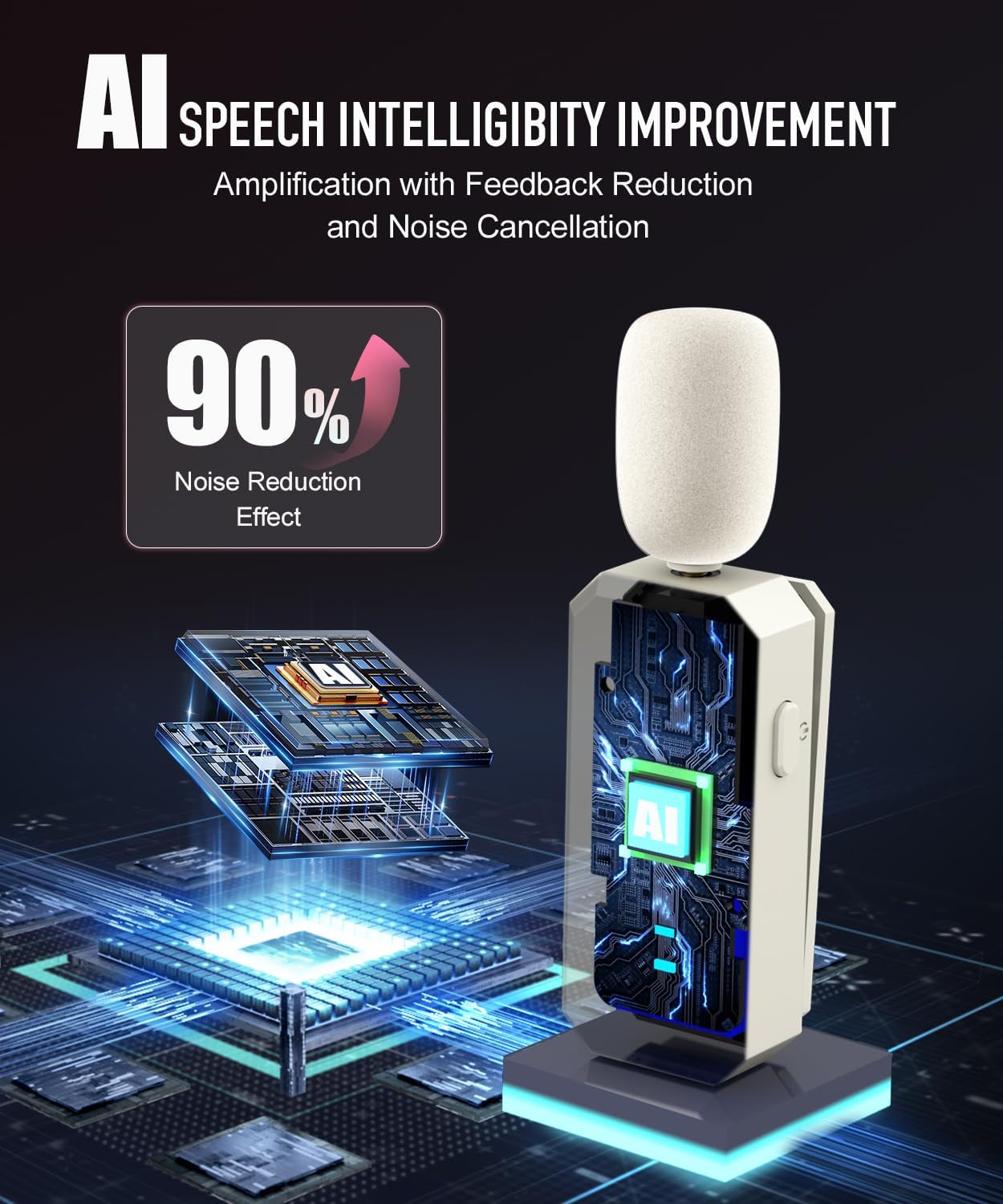
Figure 5: AI Speech Intelligibility Improvement. This image illustrates the advanced noise reduction and feedback cancellation technology integrated into the microphone for clearer sound.
Warranty and Support
SHIDU products are manufactured to high-quality standards. For warranty information, technical support, or customer service inquiries, please refer to the contact details provided on the product packaging or visit the official SHIDU website.
Please retain your proof of purchase for warranty claims.


