
Introduction
The JBL Grip is a compact, portable Bluetooth speaker designed to deliver bold JBL Pro Sound. It features an integrated ambient light, a durable IP68 waterproof and dustproof rating, and is drop-proof. The speaker supports multi-speaker connection via Auracast™ for an enhanced audio experience. This manual provides essential information for setting up, operating, and maintaining your JBL Grip speaker.
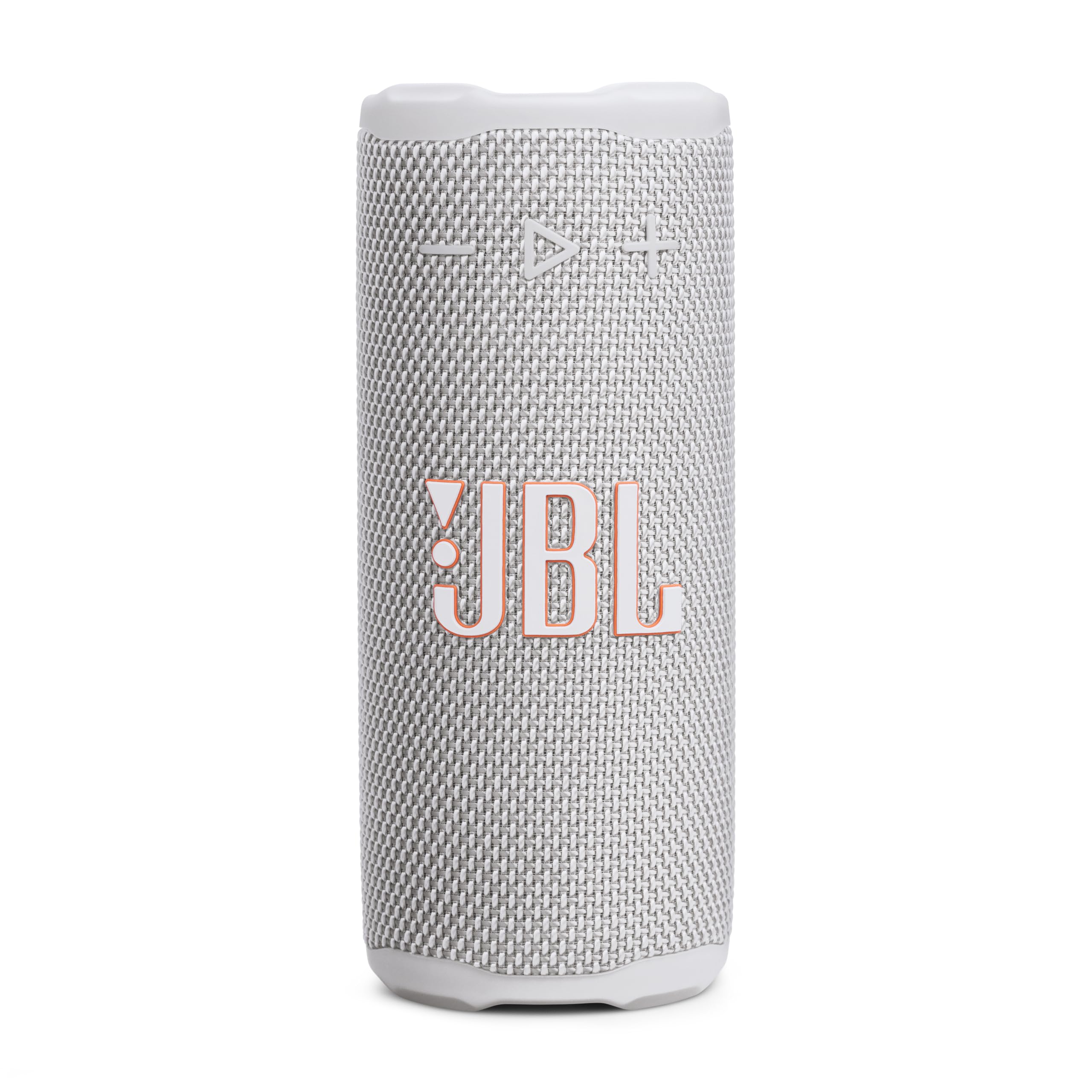
Image: JBL Grip Compact Bluetooth Speaker in White, showcasing its sleek design.
What's in the Box
Ensure all items are present upon unboxing:
- 1 x JBL Grip Speaker
- 1 x Quick Start Guide (QSG)
- 1 x Safety Sheet
- 1 x Warranty Card
Product Overview and Controls
Familiarize yourself with the buttons and features of your JBL Grip speaker.

Image: Top view of the JBL Grip speaker, highlighting the power, Bluetooth pairing, and Auracast connection buttons.
- Power Button: Press to turn the speaker on or off.
- Bluetooth Button: Press to enter Bluetooth pairing mode.
- Auracast Button: Press to connect with other Auracast-enabled JBL speakers.
- Volume Buttons (+/-): Adjust the playback volume.
- Play/Pause Button: Press once to play/pause, twice for next track, three times for previous track.
- Ambient Light Button: Located on the back panel, press to cycle through light themes and colors.
- USB-C Charging Port: For charging the speaker.
Video: Official JBL "How to" guide for the JBL Grip speaker, demonstrating basic controls and features.
Setup
1. Power On/Off
To power on your JBL Grip, press and hold the Power button located on the top panel until the indicator light illuminates. To power off, press and hold the Power button again until the light turns off.
2. Bluetooth Connection
- Ensure your JBL Grip speaker is powered on.
- The speaker will automatically enter Bluetooth pairing mode if it's the first time using it, or if no device is currently connected. The Bluetooth indicator light will flash.
- On your mobile device (smartphone, tablet, etc.), enable Bluetooth and search for available devices.
- Select "JBL Grip" from the list of devices to connect. Once connected, the Bluetooth indicator light will become solid.
- To connect a new device, press the Bluetooth button on the speaker to enter pairing mode again.
3. JBL Portable App
Enhance your experience by downloading the JBL Portable app. The app allows you to:
- Customize ambient light themes and colors.
- Adjust the equalizer (EQ) settings for personalized sound.
- Set up multi-speaker connections (Auracast).
- Check battery status and receive firmware updates.
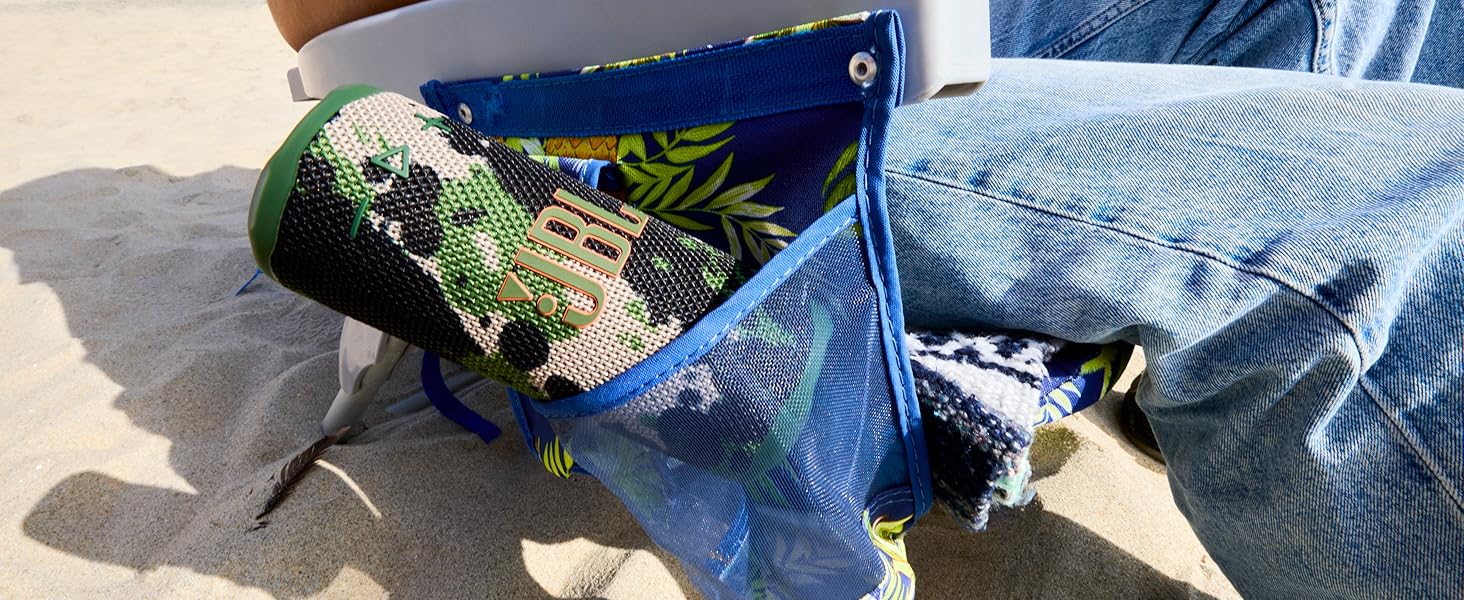
Image: Screenshot of the JBL Portable app interface, demonstrating options for light show customization and equalizer adjustments.
Operating
1. Music Playback
- Play/Pause: Press the Play/Pause button once.
- Next Track: Press the Play/Pause button twice.
- Previous Track: Press the Play/Pause button three times.
- Volume Adjustment: Use the '+' button to increase volume and '-' button to decrease volume.
2. Ambient Light Control
The JBL Grip features an ambient light on its back panel. Press the dedicated Ambient Light button to cycle through various light themes and colors. Further customization is available via the JBL Portable app.

Image: The JBL Grip speaker displaying its ambient light feature, which can be customized to various colors and themes.
3. Multi-Speaker Connection (Auracast™)
To create a wider soundstage or fill a larger space with music, connect multiple JBL Auracast™-enabled speakers:
- Ensure all JBL Auracast™-enabled speakers are powered on.
- On the primary speaker (the one connected to your device), press the Auracast button.
- On all other speakers you wish to connect, press their respective Auracast buttons.
- The speakers will automatically connect, creating a synchronized audio experience. You can manage these connections and stereo pairing options through the JBL Portable app.
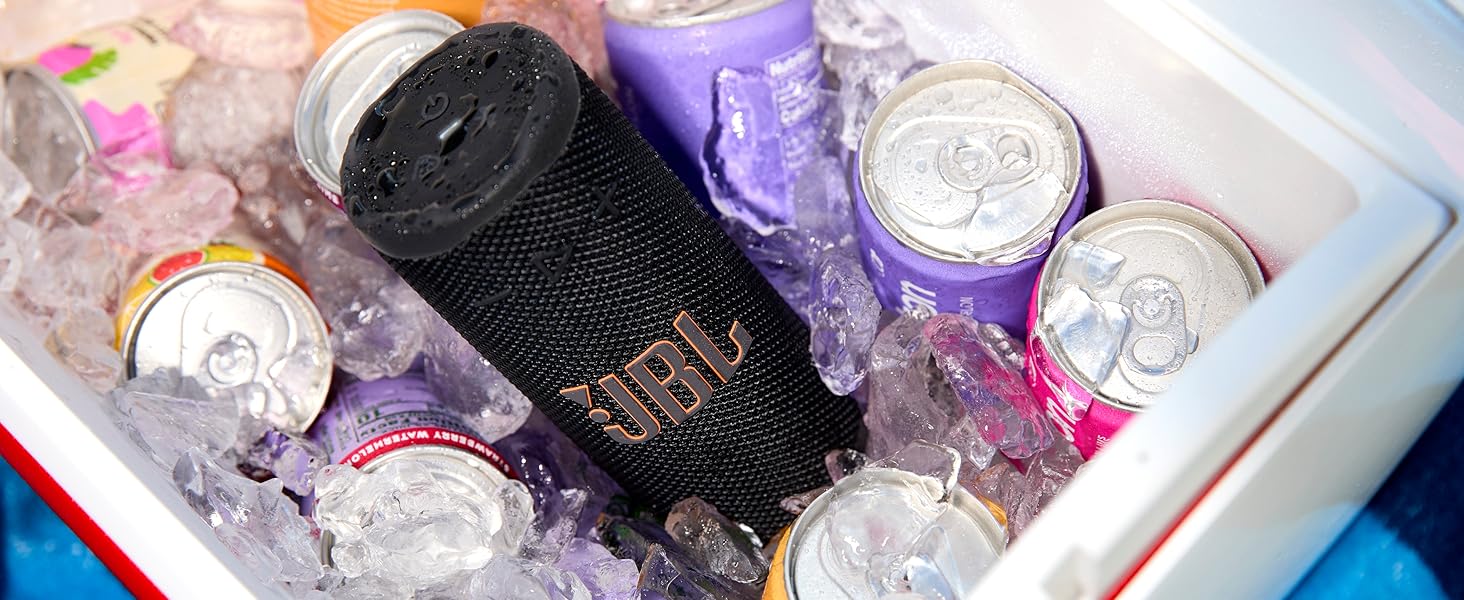
Image: Multiple JBL Grip speakers connected wirelessly, demonstrating the Auracast multi-speaker connection feature for expanded sound.
Charging
The JBL Grip speaker is equipped with a built-in rechargeable Lithium Polymer battery, offering up to 14 hours of playtime (12 hours plus an extra 2 hours with Playtime Boost).
- Connect a USB-C charging cable (not included) to the USB-C port on the speaker and to a compatible power source.
- The charging indicator light will turn red while charging and turn off once fully charged.
- Water Detection Warning: If you attempt to charge the speaker while water, salt, or other substances are present in the USB-C port, a warning sound will activate. Ensure the port is dry before charging to prevent damage.
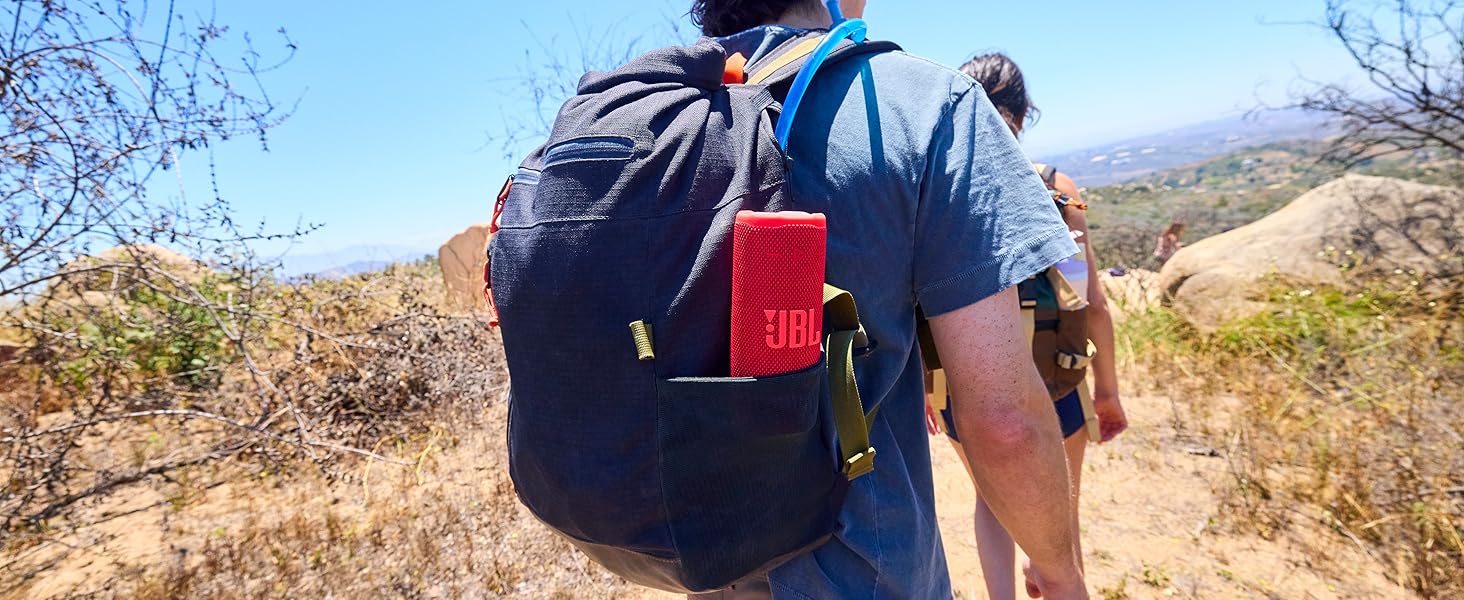
Image: The JBL Grip speaker connected to a USB-C cable for charging, indicating its power input method.
Maintenance
To ensure the longevity and optimal performance of your JBL Grip speaker, follow these maintenance guidelines:
- Cleaning: The speaker is IP68 rated, meaning it is waterproof and dustproof. You can rinse it with fresh water to clean off dirt or sand. Do not use harsh chemicals or abrasive materials.
- Drying: Always ensure the USB-C charging port is completely dry before connecting a charging cable.
- Storage: Store the speaker in a cool, dry place away from direct sunlight and extreme temperatures when not in use for extended periods.

Image: A JBL Grip speaker submerged in ice within a cooler, demonstrating its waterproof capabilities.
Troubleshooting
| Problem | Possible Cause | Solution |
|---|---|---|
| No Power | Battery is depleted. | Charge the speaker using a USB-C cable. |
| Cannot Pair via Bluetooth | Speaker not in pairing mode; device Bluetooth off; too many devices connected. | Press the Bluetooth button to enter pairing mode. Ensure Bluetooth is enabled on your device. Disconnect other Bluetooth devices. |
| No Sound | Volume too low; speaker muted; device not connected. | Increase volume on speaker and device. Check Bluetooth connection. |
| Auracast Connection Fails | Speakers are not Auracast-enabled; incorrect pairing sequence. | Ensure all speakers support Auracast. Follow the multi-speaker connection steps carefully. |
Specifications
- Model Name: JBL Grip
- Item Model Number: JBLGRIPWHTAM
- Dimensions (D x W x H): 2.56" x 2.52" x 6"
- Item Weight: 13.6 ounces
- Speaker Maximum Output Power: 16 Watts
- Frequency Response: 20000 Hz
- Signal-to-Noise Ratio: 80 dB
- Power Source: Battery Powered (1 Lithium Polymer battery required)
- Playtime: Up to 14 hours
- Wireless Communication Technology: Bluetooth 5.4
- Water Resistance Level: IP68 (Waterproof, Dustproof, Drop-proof)
- Control Method: App (JBL Portable App)
- Material: Plastic, Silicone

Image: Diagram illustrating the dimensions of the JBL Grip speaker in both millimeters and inches.
Warranty and Support
Your JBL Grip speaker comes with a limited warranty. Please refer to the included Warranty Card for detailed terms and conditions. For technical support, product registration, or further assistance, visit the official JBL website or contact JBL customer service.
Online Support: www.jbl.com/support


