
Introduction
This manual provides essential information for setting up, operating, maintaining, and troubleshooting your XIAOMI Redmi 15C smartphone. Please read this guide thoroughly to ensure optimal performance and longevity of your device.

Image: The XIAOMI Redmi 15C smartphone, highlighting its sleek design and available color options.
The Redmi 15C features a durable and attractive design, measuring 8.2mm thin. Its robust construction ensures reliability for daily use.

Image: Side view of the Redmi 15C, illustrating its ultra-thin 8.2mm body.
Setup
1. SIM Card Installation
The Redmi 15C supports Dual SIM functionality with Nano SIM cards. To install your SIM cards:
- Locate the SIM card tray on the side of your device.
- Insert the SIM ejector tool (usually found in the box) into the small hole next to the tray and push gently until the tray pops out.
- Place your Nano SIM card(s) into the designated slots on the tray. Ensure the gold contacts face downwards.
- Carefully reinsert the tray into the phone until it clicks into place.
2. Initial Power On and Configuration
To power on your device for the first time:
- Press and hold the Power button until the XIAOMI logo appears.
- Follow the on-screen instructions to select your language, connect to a Wi-Fi network, and set up your Google account.
- Configure biometric identification features such as fingerprint recognition for enhanced security.
Operating Your Device
Display and User Interface
The Redmi 15C features a large 6.9-inch HD LCD screen with a resolution of 720x1600 pixels and a 120Hz refresh rate, providing an impressive visual experience for all your content.

Image: The 6.9-inch eye-friendly display of the Redmi 15C, highlighting its size, 120Hz refresh rate, 720x1600 resolution, and 33W fast charging capability.
Camera Functions
Capture detailed and brilliant photos with the 50-megapixel AI dual camera system. The rear camera features an f/1.8 large aperture, and the front camera has an 8MP sensor. Utilize various modes for optimal results:
- AI Portrait Mode: For professional-looking portraits with blurred backgrounds.
- Night Mode: Enhances photos taken in low-light conditions.
- HDR Mode: Improves dynamic range for balanced exposure in challenging lighting.

Image: The 50MP high-definition camera system of the Redmi 15C, detailing its features like AI Portrait Mode and Night Mode.
Battery Management and Charging
Your Redmi 15C is equipped with a massive 6000 mAh high-capacity battery, providing ultra-long battery life. It supports 33W fast charging to quickly replenish power.

Image: Visual representation of the Redmi 15C's 6000mAh ultra-long battery life.
To charge your device, connect the USB-C cable to the charging port and a compatible 33W fast charger. Avoid using non-certified chargers to prevent damage.
Performance
The device is powered by a MediaTek Helio G81-Ultra octa-core processor, ensuring smooth performance for daily multitasking, popular applications, and mainstream gaming. With 4GB of RAM and 256GB of storage, you can enjoy a fluid and efficient user experience.
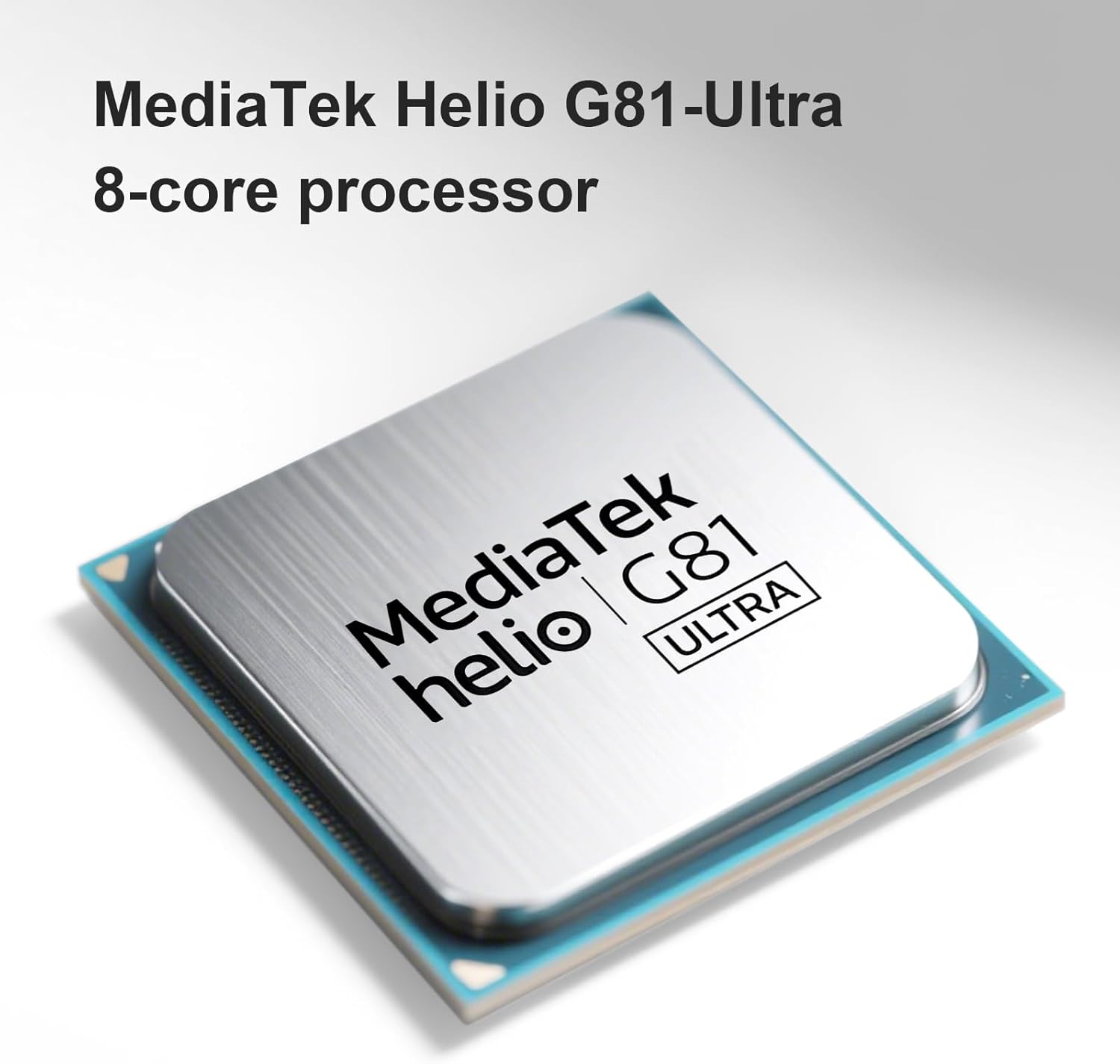
Image: The MediaTek Helio G81-Ultra 8-core processor, which powers the Redmi 15C for smooth performance.
Maintenance
Cleaning Your Device
To clean your Redmi 15C, use a soft, lint-free cloth. Avoid using harsh chemicals, abrasive materials, or excessive moisture, as the device is not water-resistant.
Software Updates
Regularly check for and install software updates to ensure your device has the latest features, security patches, and performance improvements. You can usually find this option in the device's settings under "About phone" or "System updates."
Battery Care
To prolong battery life, avoid exposing your phone to extreme temperatures. It is recommended to keep the battery charge between 20% and 80% for optimal long-term health, though occasional full charges/discharges are acceptable.
Troubleshooting
If you encounter issues with your Redmi 15C, consider the following common solutions:
- Device Unresponsive: Press and hold the Power button for about 10-15 seconds to force a restart.
- Slow Performance:
- Close unused applications running in the background.
- Clear cache data for apps that are frequently used.
- Ensure sufficient storage space is available (at least 10-15% free).
- Perform a software update if available.
- Battery Draining Quickly:
- Check battery usage in settings to identify power-hungry apps.
- Reduce screen brightness and shorten screen timeout.
- Disable unnecessary features like GPS, Bluetooth, or Wi-Fi when not in use.
- Network Connectivity Issues:
- Toggle Airplane Mode on and off.
- Restart your device.
- Verify SIM card installation and contact your service provider if issues persist.
- Factory Reset: As a last resort for persistent software issues, you may perform a factory reset. Warning: This will erase all data on your device. Back up important data before proceeding. This option is typically found in Settings > System > Reset options.
Specifications
| Brand | XIAOMI |
| Model Name | 15C |
| Operating System | Android 14 |
| RAM Size | 4 GB |
| Storage Capacity | 256 GB |
| Screen Size | 6.9 Inches |
| Resolution | 720x1600 pixels |
| Refresh Rate | 120 Hz |
| Cellular Technology | 4G |
| Connectivity Technology | 4G, LTE |
| Color | Black |
| Number of SIM Card Slots | Dual SIM |
| Charging Port Type | USB-C |
| Biometric Identification | Fingerprint Recognition |
| SIM Card Format | Nano |
| Water Resistance Level | Not water-resistant |
| Headphone Jack | Unknown |
| Front Camera Sensor Resolution | 8 MP |
| Rear Camera Sensor Resolution | 50 MP |
| Number of Rear Cameras | 1 |
| Number of Front Cameras | 1 |
| Maximum Battery Power | 6000 Milliamper-hour (mAh) |
| Effective Video Resolution | 1080 Pixels |
| Video Capture Resolution | 1080p |
| Frame Rate | 30fps or 60fps |
| Screen Type | LCD |
| Item Dimensions | 17 x 8 x 0.8 cm |
| GPS and Georeferencing | False |
| Package Contents | Smartphone |

Image: EU Energy Label for Redmi, indicating energy efficiency, battery life, durability, and IP64 rating. For more details, visit the official EPREL database.
Warranty Information
Your XIAOMI Redmi 15C smartphone is covered by a standard manufacturer's warranty. The specific terms and duration of the warranty may vary by region and point of purchase. Please refer to the warranty card included in your product packaging or visit the official XIAOMI website for detailed information.
Keep your proof of purchase (receipt or invoice) as it will be required for any warranty claims.
Support
For further assistance, technical support, or service inquiries, please contact XIAOMI customer support through one of the following channels:
- Official Website: Visit the XIAOMI Global Support page for FAQs, user guides, and contact options.
- Service Centers: Locate authorized XIAOMI service centers in your region via the official website.
- Online Community: Join the XIAOMI Community to find solutions and interact with other users.
Before contacting support, please have your device's model number and serial number ready. This information can usually be found in Settings > About phone.


