
Introduction
This manual provides essential information for using your Samsung Galaxy A54 5G SM-A546V smartphone. It covers device setup, operation, maintenance, and troubleshooting.
The Samsung Galaxy A54 5G SM-A546V features a 6.4-inch Super AMOLED 120Hz display, a versatile triple rear camera system with Optical Image Stabilization (OIS), a 32 MP front camera, 6 GB RAM, 128 GB internal storage (expandable), and a 5000 mAh battery. It is designed to work with major GSM and CDMA U.S. networks.
What's in the Box
- Samsung Galaxy A54 5G Unlocked SM-A546V
- 20W Fast Power Adapter
- USB-C Cable
- SIM Tray Ejector
- Microfiber Cleaning Cloth
- User Manual (this document)
Initial Setup
1. Insert SIM Card
Locate the SIM card tray on the side of the device. Use the included SIM tray ejector tool to open the tray. Insert your Nano-SIM card into the tray with the gold contacts facing down. Ensure the card is correctly seated, then reinsert the tray into the phone.

Image showing the side profile of the Samsung Galaxy A54 5G, highlighting the location of the SIM card tray and volume/power buttons.
2. Power On
Press and hold the Power/Side key located on the right side of the device until the Samsung logo appears.
3. Initial Configuration
Follow the on-screen prompts to complete the initial setup, including language selection, Wi-Fi connection, Google account setup, and security settings.
4. Charging the Device
Connect the USB-C cable to the phone's charging port and the other end to the included 20W Fast Power Adapter. Plug the adapter into a wall outlet. The device supports 25W fast charging.

Image depicting the Samsung Galaxy A54 5G being charged, illustrating the battery icon with a charging indicator.
Operating Your Device
Display
The device features a 6.4-inch Super AMOLED display with a 120Hz refresh rate for smooth scrolling and vibrant visuals.

Image showcasing the vibrant display of the Samsung Galaxy A54 5G, emphasizing its clarity and detail.
Cameras
The rear camera system includes a 50 MP main lens with Optical Image Stabilization (OIS), a 12 MP ultra-wide lens, and a 5 MP macro lens. The front camera is 32 MP for high-quality selfies and video calls.

Image of the back of the Samsung Galaxy A54 5G, clearly showing the triple camera array and LED flash.
Performance
Powered by the Exynos 1380 chipset and 6 GB of RAM, the Galaxy A54 5G delivers efficient performance for multitasking, gaming, and streaming.
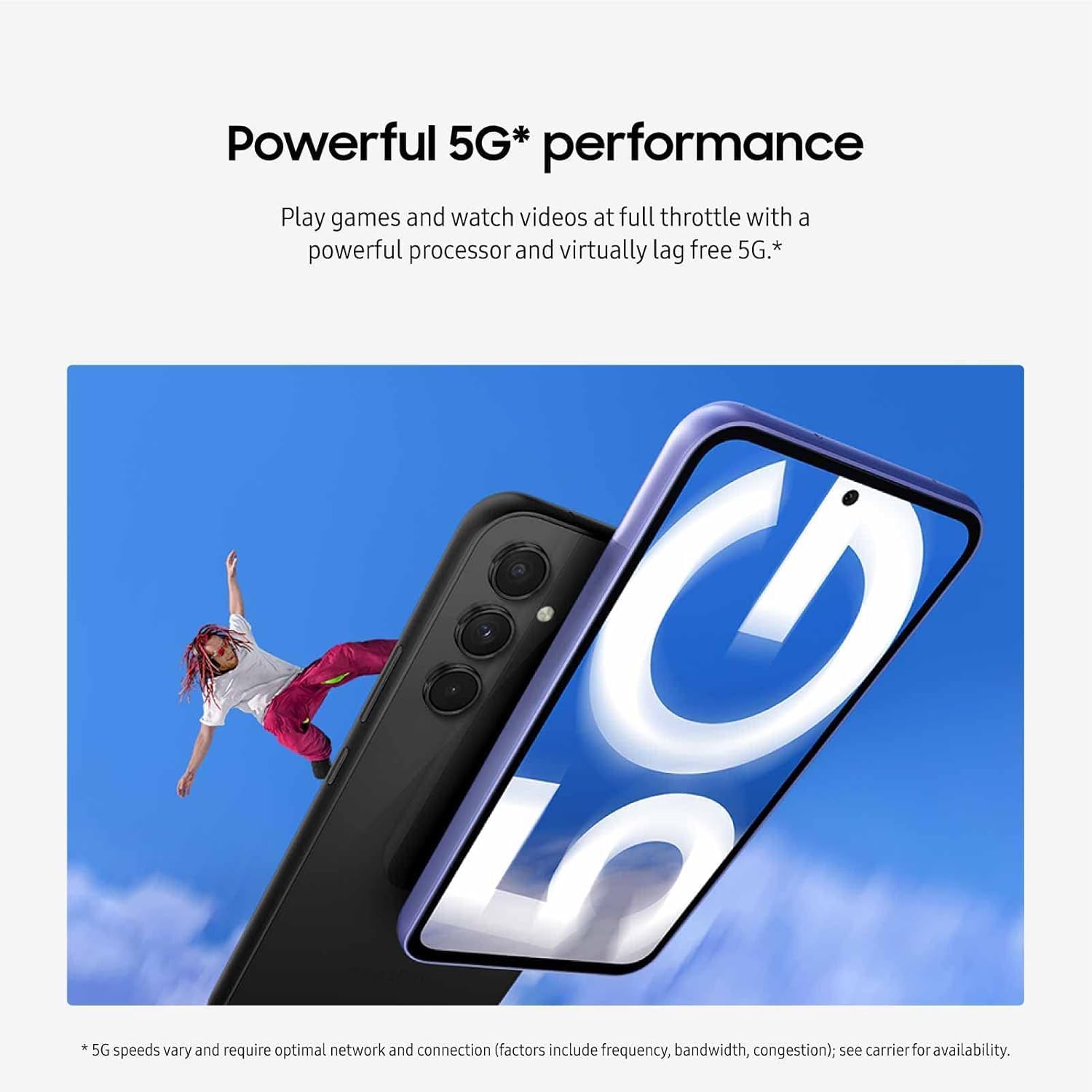
Image illustrating the Samsung Galaxy A54 5G with a 5G network symbol, representing its powerful 5G performance capabilities.
Storage
The device comes with 128 GB of internal storage, expandable up to 1 TB via a microSD card (sold separately).
Connectivity
Supports 5G cellular networks, Wi-Fi 6, Bluetooth, and NFC for various wireless connections.
Device Maintenance
Water and Dust Resistance
The Samsung Galaxy A54 5G has an IP67 rating, meaning it is resistant to dust and can withstand immersion in up to 1 meter of freshwater for up to 30 minutes.
Important: This resistance is not permanent and may decrease over time. Avoid exposing the device to saltwater, chlorinated water, or other liquids. If the device gets wet, rinse it with clean water and dry it thoroughly before use or charging.
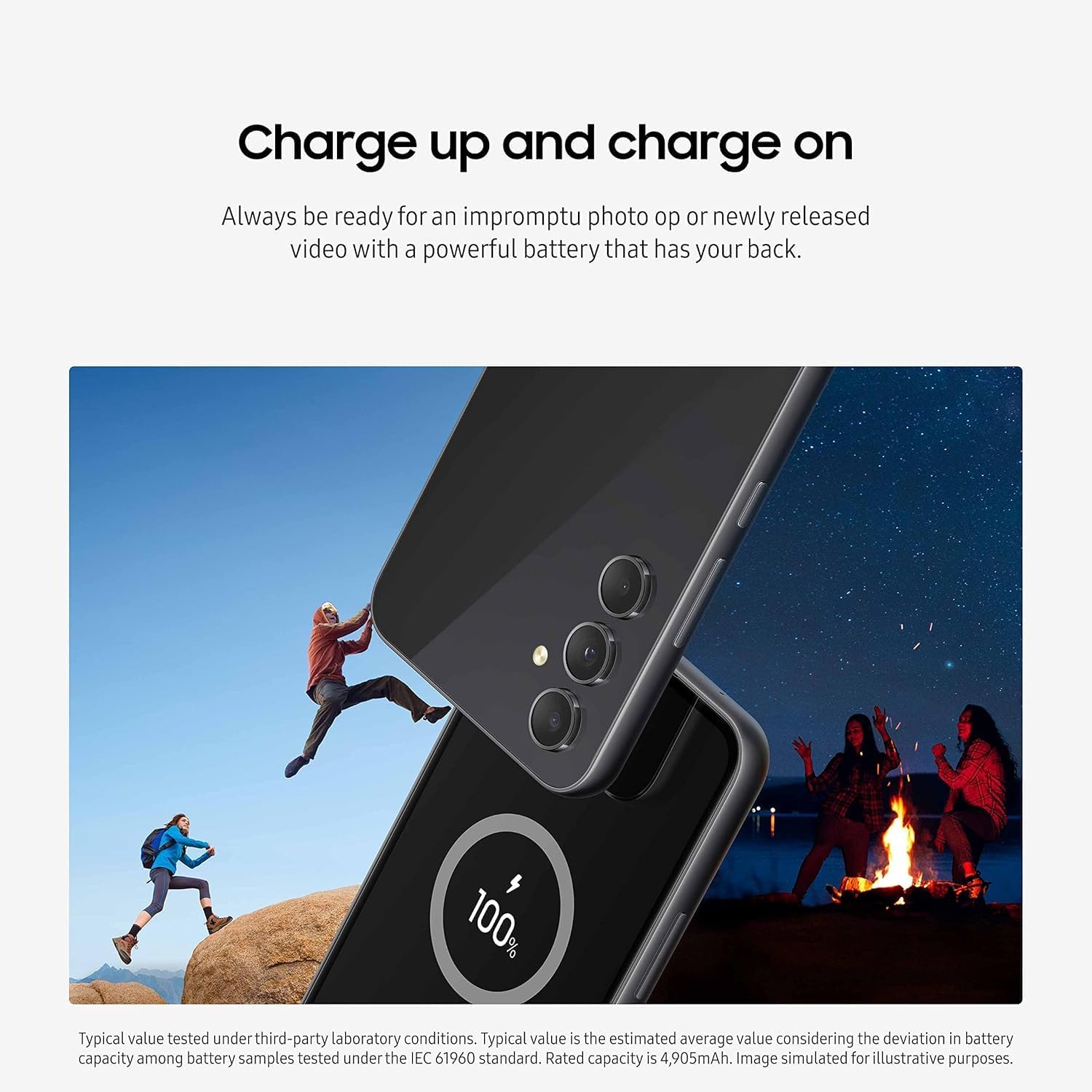
Image highlighting the durable design of the Samsung Galaxy A54 5G, emphasizing its water and dust resistance features.
Cleaning
Use the included microfiber cleaning cloth to gently wipe the screen and body of the device. Avoid harsh chemicals or abrasive materials.
Troubleshooting Common Issues
Call or Text Issues
If you experience dropped calls or issues sending/receiving texts, ensure your SIM card is properly inserted and your device has a strong network signal. Try restarting your device. If problems persist, contact your wireless carrier for assistance.
Charging Problems
If your device is not fast charging, verify that you are using the original 20W Fast Power Adapter and USB-C cable provided with the phone. Ensure the charging port is clean and free of debris.
Device Unresponsive
If the device becomes unresponsive, press and hold the Power/Side key and Volume Down key simultaneously for more than 7 seconds to force restart the device.
Wi-Fi or Bluetooth Connectivity
If you encounter issues with Wi-Fi or Bluetooth, try toggling the respective settings off and on. Restarting your device or resetting network settings can also resolve many connectivity problems.
Technical Specifications
| Feature | Specification |
|---|---|
| Brand | Samsung |
| Model Name | Galaxy A54 5G (SM-A546V) |
| Operating System | Android 13.0 |
| Processor | Exynos 1380 S5E8835 |
| RAM | 6 GB |
| Internal Storage | 128 GB |
| Expandable Storage | Up to 1 TB via microSD |
| Screen Size | 6.4 Inches |
| Display Type | Super AMOLED |
| Resolution | 2340 x 1080 (FHD+) |
| Refresh Rate | 120 Hz |
| Rear Camera | 50 MP (Main, OIS) + 12 MP (Ultra-Wide) + 5 MP (Macro) |
| Front Camera | 32 MP |
| Battery Capacity | 5000 mAh |
| Fast Charging | 25W |
| Water Resistance | IP67 |
| Connectivity | 5G, Wi-Fi 6, Bluetooth, NFC, USB Type C |
| SIM Card | Single Nano SIM |
| Biometric Security | Face Recognition |
| GTIN | 887276747873 |
Warranty and Support
Warranty Information
This product is covered by a Manufacturer Warranty. Please refer to the warranty card included with your purchase or visit the official Samsung website for detailed terms and conditions.
Customer Support
For further assistance, technical support, or service inquiries, please visit the official Samsung support website or contact their customer service hotline. Keep your device's model number (SM-A546V) and serial number readily available when seeking support.