
Introduction
This manual provides essential information for setting up, operating, maintaining, and troubleshooting your Lenovo Legion 5 15AHP10 gaming laptop. Please read this guide thoroughly to ensure optimal performance and longevity of your device.
1. Getting Started (Setup)
1.1 Unboxing and Initial Inspection
Carefully remove all components from the packaging. Verify that all items listed in the 'What's in the Box' section are present and undamaged. If any items are missing or damaged, contact your retailer.
1.2 Connecting Power
- Connect the power adapter to the laptop's power input port.
- Plug the power cable into a grounded electrical outlet.
- The laptop will begin charging. It is recommended to fully charge the battery before first use.
1.3 Initial Windows 11 Pro Setup
Upon first power-on, you will be guided through the Windows 11 Pro setup process. Follow the on-screen instructions to configure your language, region, network connection, and user account. An active internet connection is required for initial setup and updates.
1.4 Bundled PCO Laptop Cooler Setup
The PCO Notebook Folding Radiator Laptop Cooler is designed to enhance cooling performance. Place your laptop securely on the cooler. Connect the cooler's USB cable to an available USB port on your laptop to power its fans.
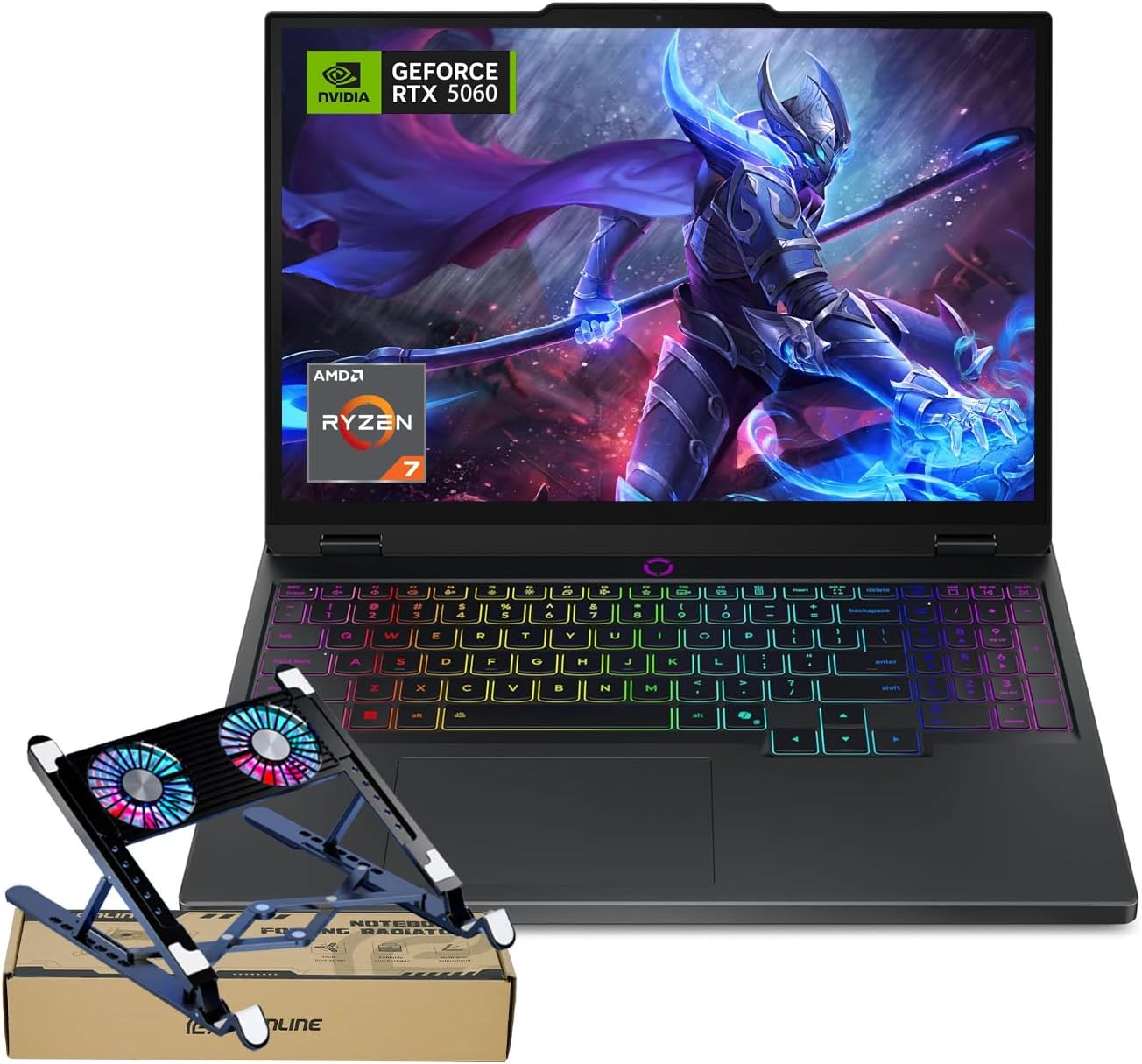
Image: The Lenovo Legion 5 15AHP10 laptop shown with the included PCO laptop cooler, ready for setup.
2. Operating Your Laptop
2.1 Power Management
- Power On: Press the power button located on the laptop.
- Sleep Mode: Close the lid or select 'Sleep' from the Windows Start menu.
- Shut Down: Select 'Shut down' from the Windows Start menu.
2.2 Keyboard and Touchpad
The laptop features an RGB backlit keyboard with a numeric keypad. You can adjust the backlight settings through the system's control panel or dedicated function keys. The precision touchpad supports multi-touch gestures for navigation.
2.3 Display Features
Your laptop is equipped with a 15.1-inch OLED WQXGA (2560 x 1600) display, offering a 165Hz refresh rate, 500 nits peak brightness, and 100% DCI-P3 color accuracy for vibrant visuals and smooth motion.
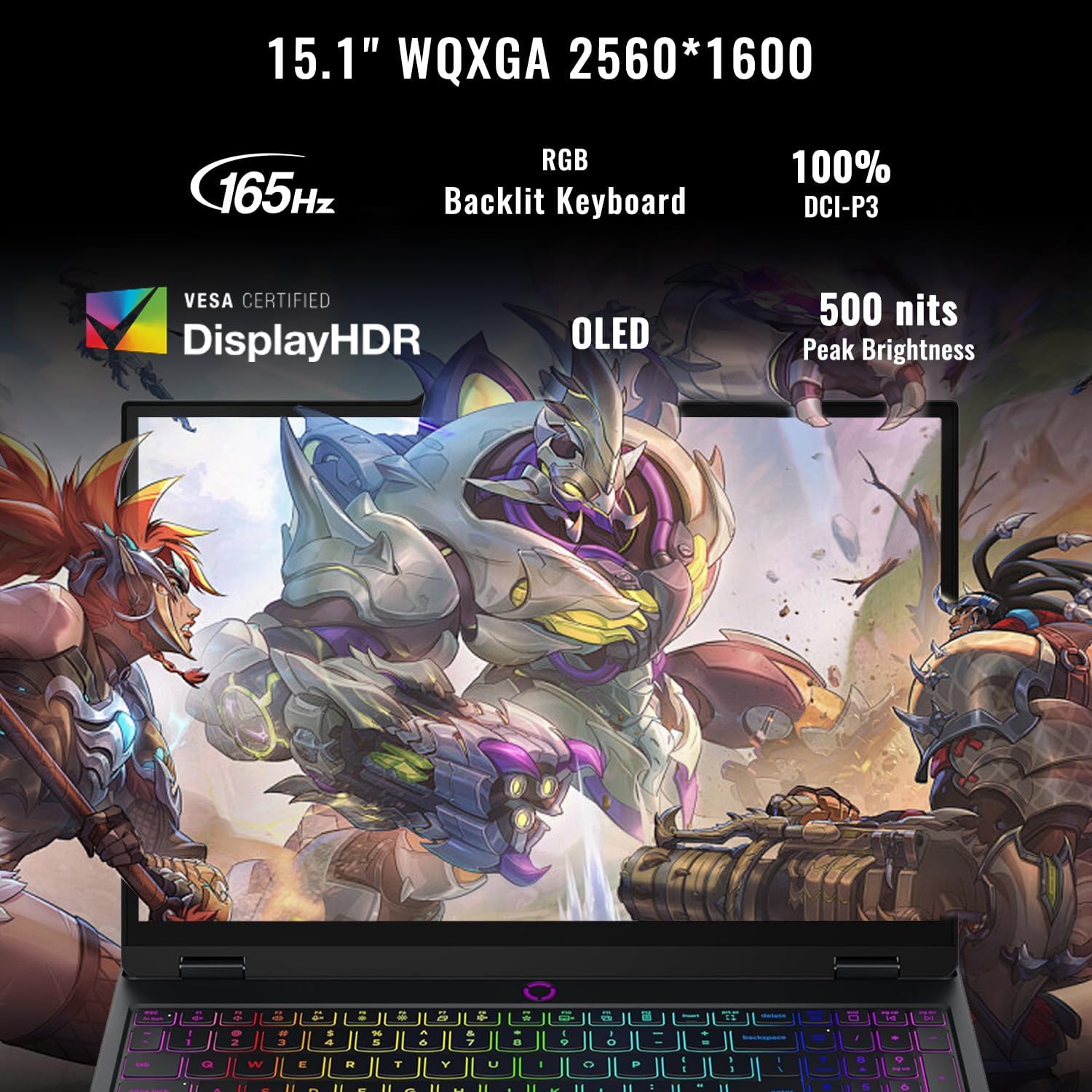
Image: A detailed view of the laptop's OLED WQXGA display, emphasizing its high refresh rate, color accuracy, and brightness.
2.4 Connecting Peripherals (Ports Overview)
The Legion 5 15AHP10 offers a variety of ports for connectivity:
- USB-C Ports: Two USB-C ports are available. One supports USB4 40Gbps with DisplayPort 1.4, and the other supports USB 10Gbps with Power Delivery 3.0 and DisplayPort 2.1.
- USB-A Ports: Three USB-A (USB 5Gbps) ports are provided for standard USB devices.
- HDMI 2.1: Connect to external displays, supporting up to 8K@60Hz.
- Ethernet (RJ45): For wired network connections.
- Headphone / Microphone Combo Jack: For audio input and output.
- Power In: Dedicated port for the power adapter.
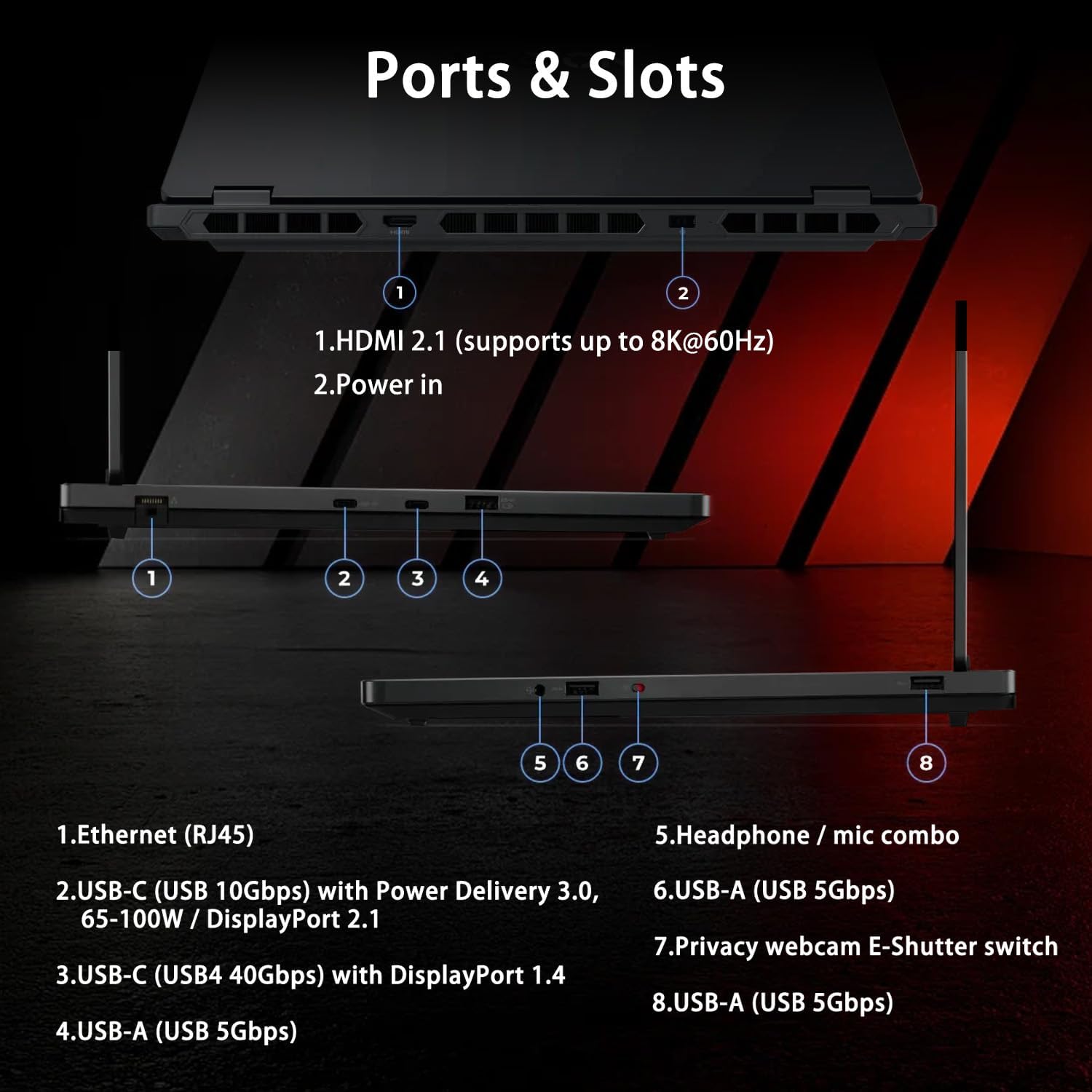
Image: A visual guide to the laptop's ports and slots, including HDMI, USB-C, USB-A, Ethernet, and audio jack.
2.5 Wireless Connectivity
The laptop supports Wi-Fi 7 for high-speed wireless internet access and Bluetooth for connecting wireless peripherals such as headphones or mice.
2.6 Webcam Usage
The integrated 5MP webcam includes an E-shutter for privacy. You can physically slide the E-shutter to block the camera lens when not in use.
2.7 Gaming Performance
Equipped with an AMD Ryzen 7 260 processor and NVIDIA GeForce RTX 5060 graphics, this laptop is designed for demanding gaming and creative tasks. Ensure drivers are updated for optimal performance.
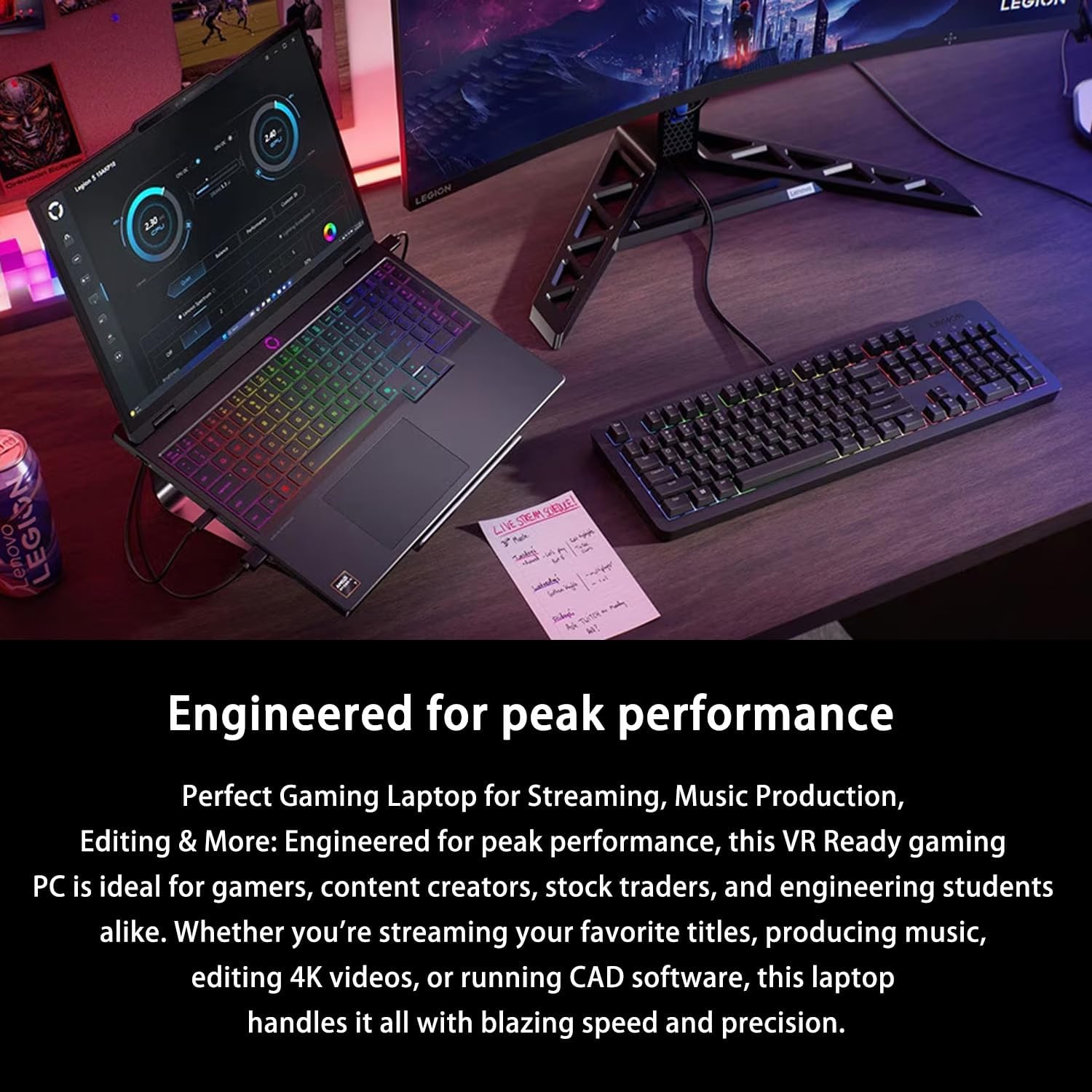
Image: The Lenovo Legion 5 15AHP10 laptop displayed in a high-performance computing environment, indicating its suitability for intensive applications.
3. Maintenance and Care
3.1 Cleaning Your Laptop
- Use a soft, lint-free cloth slightly dampened with water or a screen cleaner for the display.
- For the keyboard and chassis, use a soft cloth. Avoid harsh chemicals.
- Use compressed air to clear dust from vents and keyboard crevices.
3.2 Battery Optimization
To prolong battery life, avoid extreme temperatures and allow the battery to discharge partially before recharging. For extended periods of storage, charge the battery to approximately 50-60%.
3.3 Software Updates
Regularly update your Windows operating system, graphics drivers (NVIDIA), and other system drivers to ensure stability, security, and optimal performance. These updates often include performance enhancements and bug fixes.
3.4 Cooling System Care
The Legion Coldfront: Hyper cooling system utilizes turbo-charged fans and copper heat pipes. Ensure the laptop's vents are unobstructed. The bundled PCO laptop cooler further aids in heat dissipation, especially during intensive use.

Image: An internal diagram showcasing the advanced cooling components of the Legion Coldfront Hyper system, including fans and heat pipes.
4. Troubleshooting
This section addresses common issues you might encounter. For more complex problems, refer to Lenovo's official support resources.
4.1 Power Issues
- Laptop not turning on: Ensure the power adapter is securely connected and the outlet is functional. Check the battery charge level.
- Battery not charging: Verify the power adapter and cable are not damaged. Try a different outlet.
4.2 Display Problems
- No display: Connect an external monitor to check if the issue is with the laptop's internal display. Restart the laptop.
- Flickering screen: Update graphics drivers. Adjust display refresh rate settings.
4.3 Connectivity Issues
- Wi-Fi not connecting: Ensure Wi-Fi is enabled. Restart your router and laptop. Check network settings in Windows.
- Bluetooth device not pairing: Ensure Bluetooth is enabled on both devices. Check device compatibility and drivers.
4.4 General Performance Issues
- Slow performance: Close unnecessary applications. Check for background processes. Ensure sufficient free storage space.
- Overheating: Ensure vents are clear. Use the bundled laptop cooler. Monitor system temperatures with diagnostic software.
5. Product Specifications
Detailed technical specifications for the Lenovo Legion 5 15AHP10 laptop:

Image: An infographic presenting the core specifications of the Lenovo Legion 5 15AHP10, including CPU, GPU, RAM, storage, and display details.
| Feature | Specification |
|---|---|
| Model Name | Legion 5 15AHP10 |
| Processor | AMD Ryzen 7 260 (8 Cores, 16 Threads, 16MB L3 Cache, up to 5.1 GHz) |
| Graphics | NVIDIA GeForce RTX 5060 (8GB GDDR6) |
| RAM | 32GB DDR5 (4800 MHz, expandable up to 64GB) |
| Storage | 1TB PCIe M.2 SSD (expandable up to 4TB) |
| Display | 15.1" OLED WQXGA (2560 x 1600), 165Hz, 500 Nits, 100% DCI-P3 |
| Operating System | Windows 11 Pro |
| Ports | 2x USB-C (1x USB4 40Gbps DP 1.4, 1x USB 10Gbps PD 3.0), 3x USB-A (USB 5Gbps), 1x HDMI 2.1, 1x Headphone/mic combo, 1x Ethernet (RJ45), 1x Power in |
| Wireless Connectivity | Wi-Fi 7, Bluetooth |
| Webcam | 5MP with E-shutter |
| Keyboard | RGB Backlit Keyboard, Numeric Keypad |
| Dimensions (LxWxH) | 0.85 x 13.85 x 10.05 inches |
| Weight | 4.1 pounds |
| Color | Black |
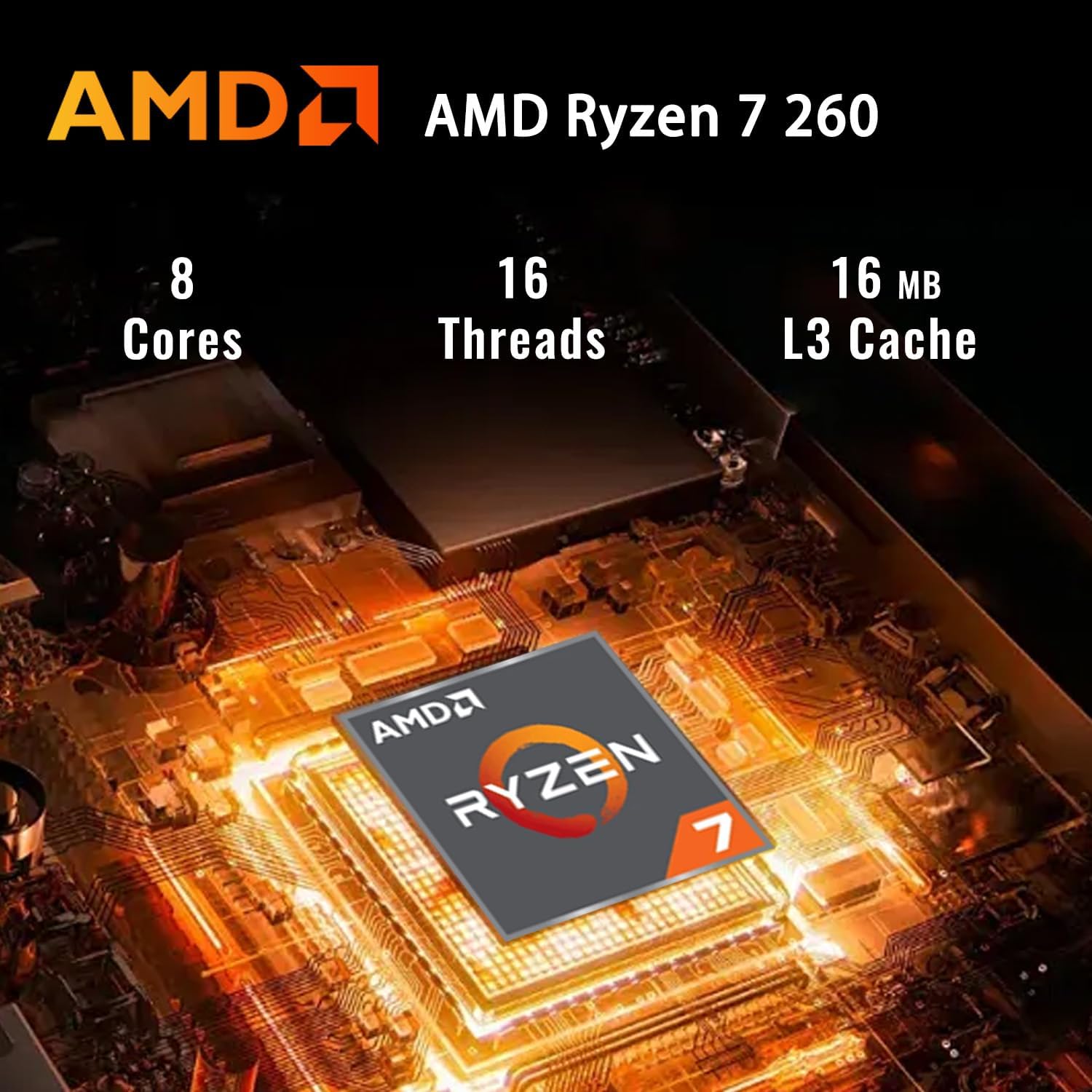
Image: A close-up of the AMD Ryzen 7 260 processor, highlighting its core specifications.
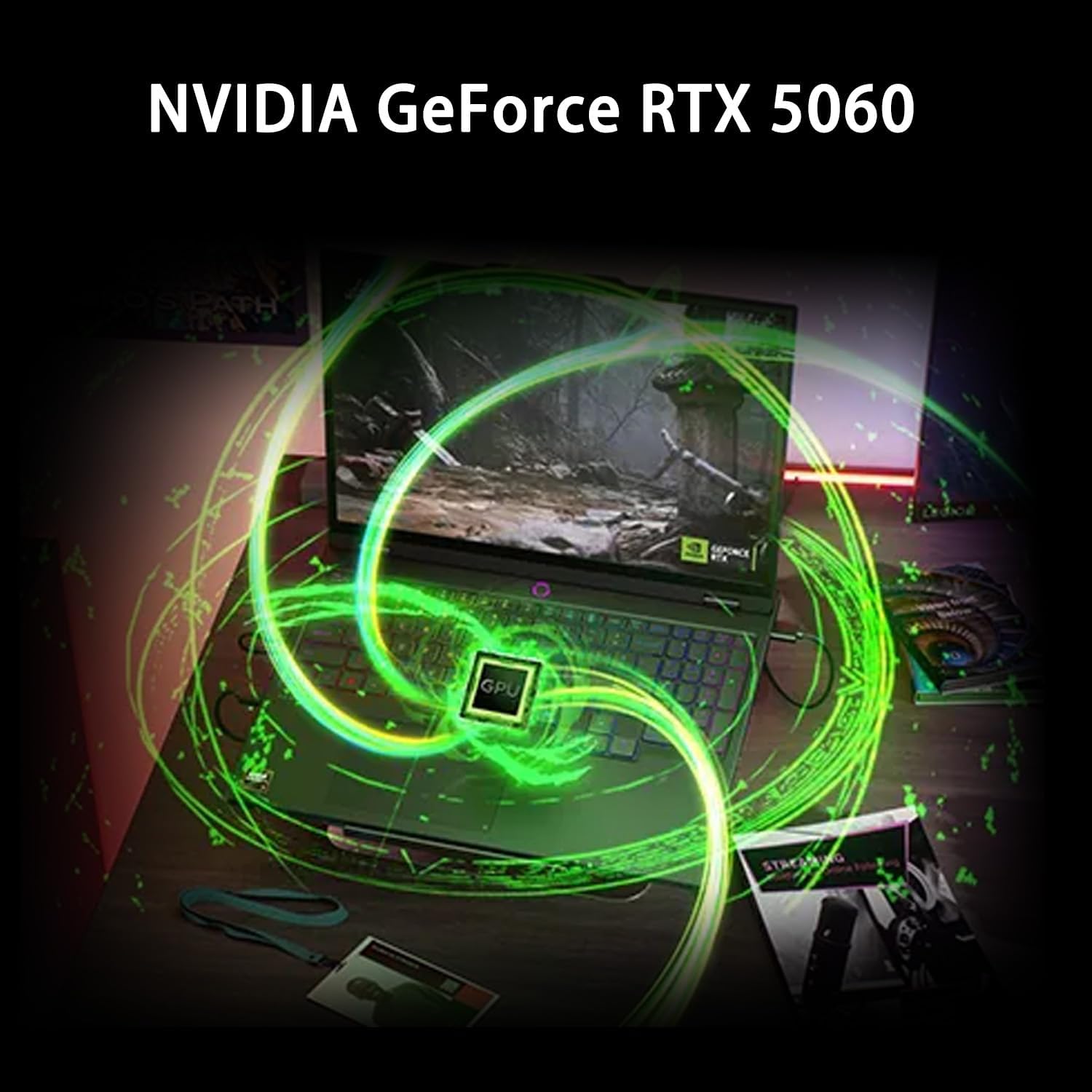
Image: A visual representation of the NVIDIA GeForce RTX 5060 graphics card, indicating its presence and function.
6. Warranty and Support
6.1 Warranty Information
Your Lenovo Legion 5 15AHP10 laptop comes with a standard manufacturer's warranty. Please refer to the warranty card included with your product or visit the official Lenovo support website for detailed terms and conditions, including coverage period and service options.
6.2 Contacting Support
For technical assistance, warranty claims, or service inquiries, please visit the official Lenovo Support website or contact their customer service directly. Have your product's serial number ready when contacting support.
7. What's in the Box
The following items are included with your Lenovo Legion 5 15AHP10 Gaming Laptop:
- LENOVO Legion 5 Gaming Laptop
- Power Adapter and Cable
- PCO Notebook Folding Radiator Laptop Cooler
- Documentation (Quick Start Guide, Warranty Information)


