
HUAWEI Conch-T010
HUAWEI FreeBuds 7i (Conch-T010) User Manual
Wireless Bluetooth Earphones with Active Noise Cancelling
1. Introduction
This manual provides essential instructions for the proper use, setup, and maintenance of your HUAWEI FreeBuds 7i wireless Bluetooth earphones. Please read this manual thoroughly before using the product to ensure optimal performance and longevity.

Image 1.1: HUAWEI FreeBuds 7i charging case open with both earbuds inside, showing the green indicator light.
2. Package Contents
Verify that all items are present in your product package:
- HUAWEI FreeBuds 7i Earbuds (Left and Right)
- Wireless Charging Case
- Ear tips (4 pairs: L, M, S, and XS sizes; M size ear tips are pre-installed on the earbuds)
- Quick Start Guide & Safety Information
- Warranty Card
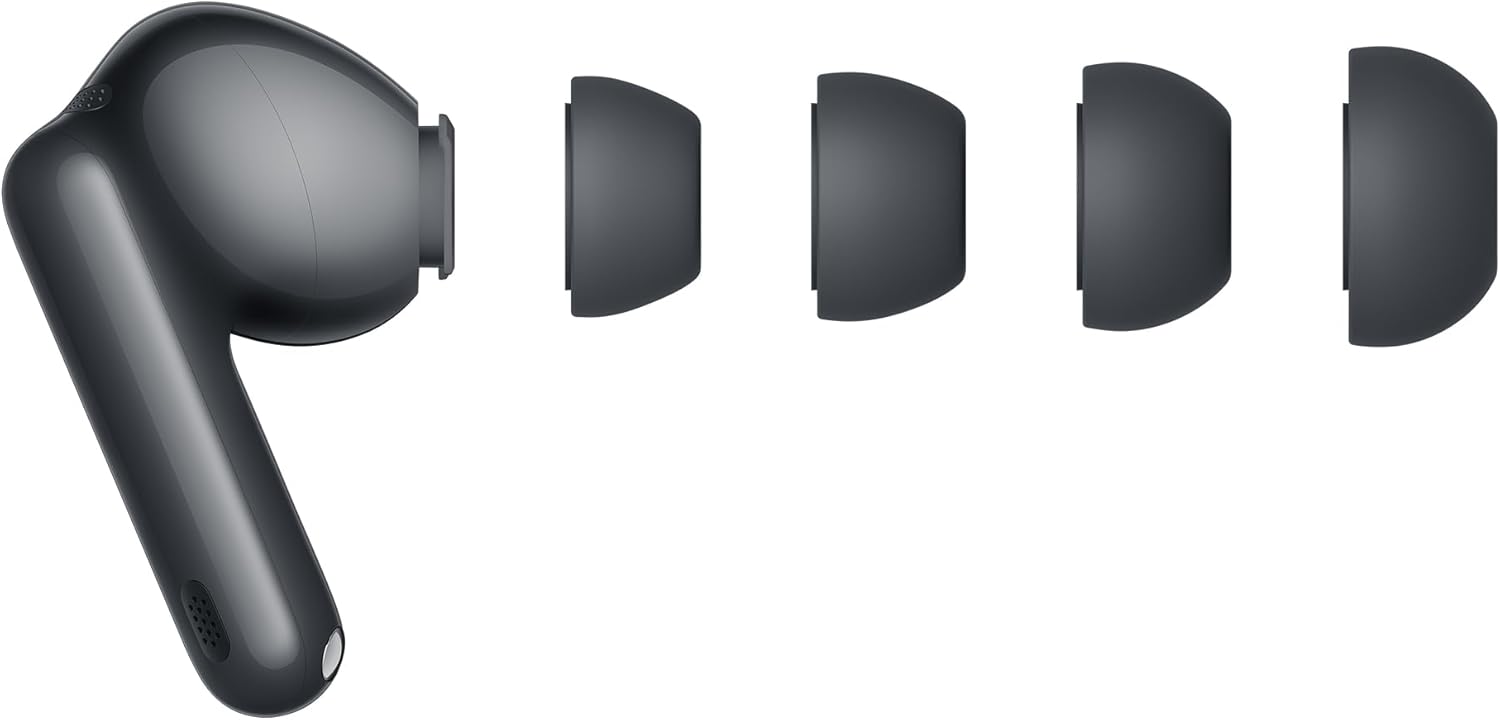
Image 2.1: HUAWEI FreeBuds 7i earbud with various ear tip sizes.
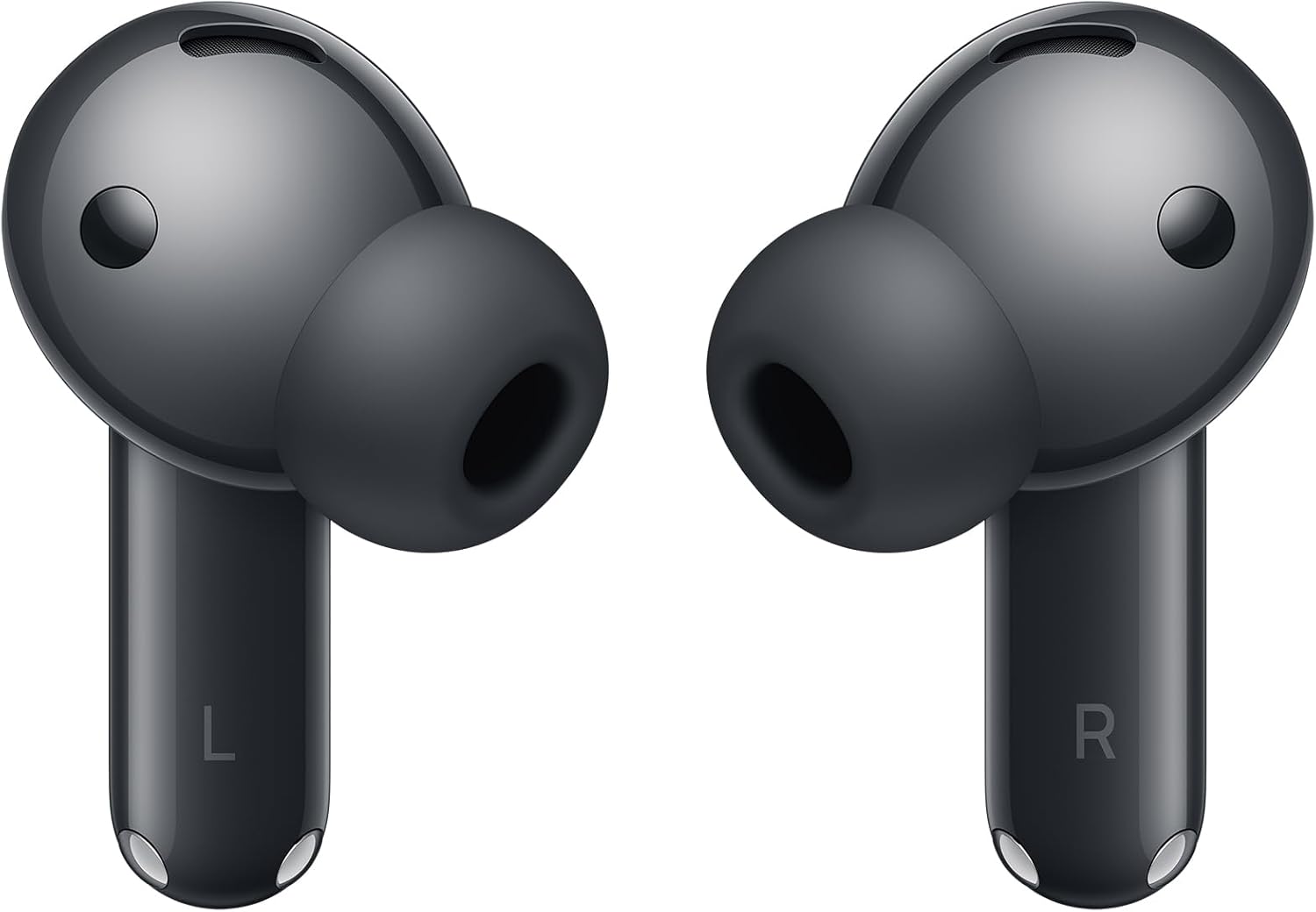
Image 2.2: Front view of the HUAWEI FreeBuds 7i earbuds.
3. Setup
3.1. Charging the Earbuds and Case
Before first use, fully charge the HUAWEI FreeBuds 7i and their charging case. Place the earbuds into the charging case and close the lid. Connect the charging case to a power source using a USB-C cable (not included). The indicator light on the case will show charging status.
- Green Light: Fully charged or high battery level.
- Yellow Light: Medium battery level.
- Red Light: Low battery level, requires charging.
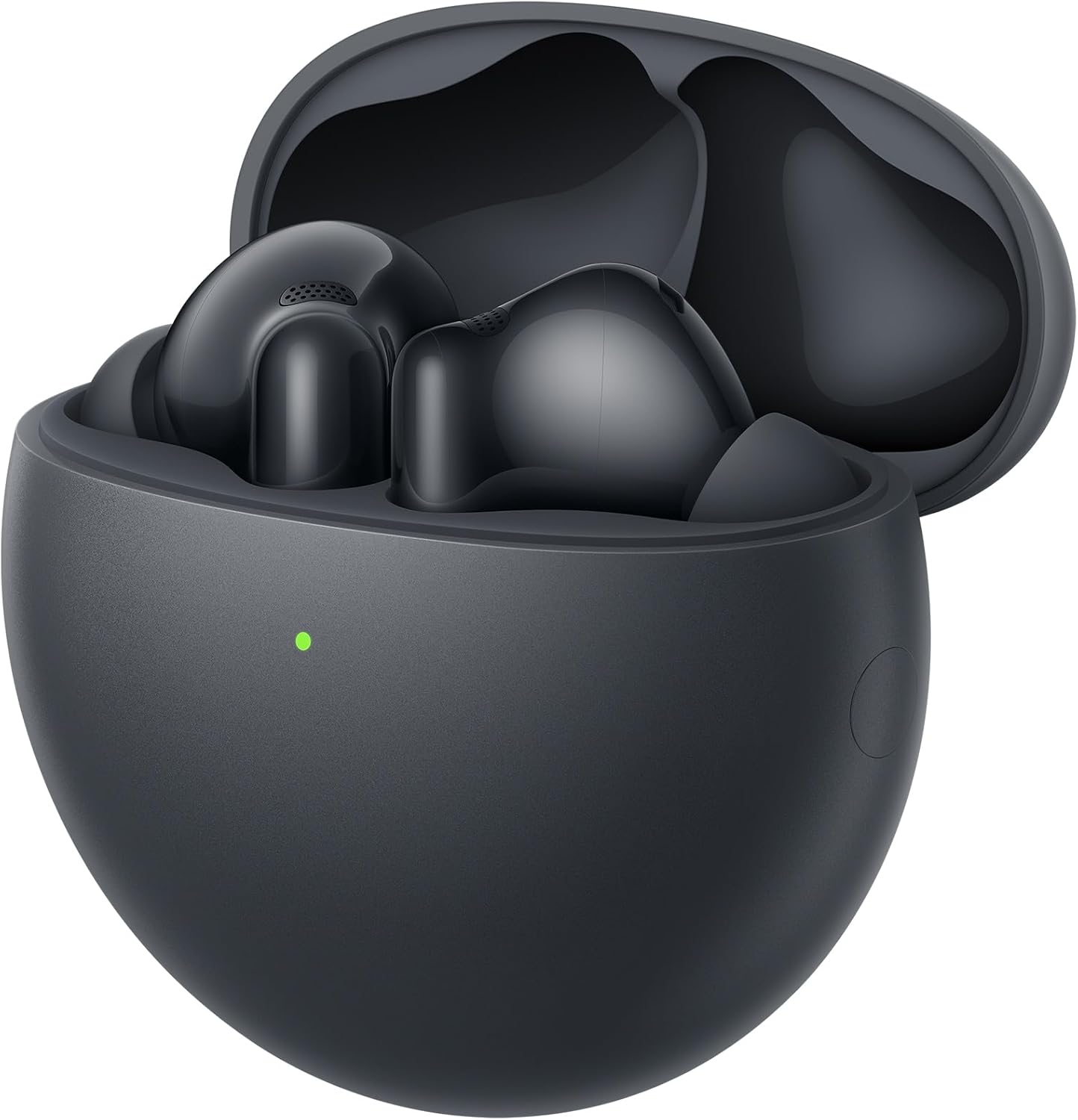
Image 3.1: Earbuds inside the charging case.
3.2. Pairing with a Device
- Ensure the earbuds are in the charging case and the lid is open.
- Press and hold the Function button on the charging case for 2 seconds until the indicator light flashes white. This indicates the earbuds are in pairing mode.
- On your Bluetooth-enabled device (smartphone, tablet, etc.), go to the Bluetooth settings.
- Select "HUAWEI FreeBuds 7i" from the list of available devices.
- Once connected, the indicator light on the charging case will turn off.
For Huawei EMUI devices, a pop-up window will appear for easy pairing when the case is opened near the device.

Image 3.2: Earbuds in charging case, ready for pairing.
3.3. Selecting Ear Tips
Choose the ear tips that provide the best seal and comfort for your ears. A good seal is crucial for optimal sound quality and Active Noise Cancellation performance. Experiment with the included L, M, S, and XS sizes.
4. Operating Instructions
4.1. Touch Controls
The HUAWEI FreeBuds 7i feature intuitive touch controls on the earbud stems:
| Gesture | Function |
|---|---|
| Double-tap | Play/Pause music, Answer/End call |
| Long press | Switch Noise Control modes (Active Noise Cancellation, Awareness, Off) |
| Swipe up/down | Adjust volume |

Image 4.1: Rear view of earbuds showing touch-sensitive areas.
4.2. Active Noise Cancellation (ANC)
The FreeBuds 7i feature Adaptive Active Noise Cancellation (ANC 4.0) to reduce ambient noise. You can switch between modes by long-pressing an earbud:
- Active Noise Cancellation: Reduces external noise for an immersive audio experience.
- Awareness Mode: Allows you to hear your surroundings and conversations without removing the earbuds.
- Off: Disables noise control features.
4.3. Making Calls
The earbuds utilize AI Clear Call Technology to ensure clear voice transmission during calls, even in noisy environments. Double-tap an earbud to answer or end a call.
5. Maintenance
5.1. Cleaning
- Regularly clean the earbuds and charging case with a soft, dry, lint-free cloth.
- Remove ear tips and clean them with water and mild soap if necessary. Ensure they are completely dry before reattaching.
- Gently clean the charging contacts on both the earbuds and inside the case with a dry cotton swab to ensure proper charging.
- Avoid using abrasive materials, solvents, or harsh chemicals.
5.2. Storage
- When not in use, store the earbuds in their charging case to protect them and keep them charged.
- Store the product in a cool, dry place, away from extreme temperatures and direct sunlight.
6. Troubleshooting
If you encounter issues with your HUAWEI FreeBuds 7i, refer to the following common solutions:
| Problem | Possible Solution |
|---|---|
| Earbuds not pairing | Ensure earbuds are charged. Place them in the case, open the lid, and long-press the Function button until the indicator flashes white. Re-attempt pairing from your device's Bluetooth settings. |
| No sound or low volume | Check device volume. Ensure earbuds are properly seated in your ears and ear tips provide a good seal. Clean earbud mesh if obstructed. |
| Charging issues | Ensure charging cable is securely connected. Clean charging contacts on earbuds and case. Try a different USB-C cable and power adapter. |
| ANC not effective | Ensure ear tips provide a tight seal. Switch between ANC modes to confirm it's active. |
| Intermittent connection | Move closer to your connected device. Avoid environments with strong electromagnetic interference. Disconnect and reconnect Bluetooth. |
7. Specifications
| Feature | Detail |
|---|---|
| Model Name | Conch-T010 |
| Brand | HUAWEI |
| Connectivity Technology | Bluetooth, Wireless |
| Wireless Communication Technology | Bluetooth |
| Noise Control | Active Noise Cancellation |
| Headphones Form Factor | In Ear |
| Headphones Ear Placement | In Ear |
| Product Dimensions | 2.78 x 5.78 x 5.78 cm; 41 g |
| Batteries | 1 12V batteries required (included) |
| Manufacturer | HUAWEI |
| Country of Origin | China |
8. Warranty and Support
8.1. Warranty Information
Your HUAWEI FreeBuds 7i are covered by a limited warranty. Please refer to the included Warranty Card for detailed terms and conditions, including warranty period and coverage. Keep your proof of purchase for warranty claims.
8.2. Customer Support
For technical assistance, troubleshooting beyond this manual, or warranty service, please contact HUAWEI customer support through their official website or the contact information provided on your Warranty Card.
Related documentsConch-T010


Ask a question about this manual
Ask about setup, troubleshooting, compatibility, parts, safety, or missing instructions. Manuals+ will review the question and use this page’s manual context to help answer it.