
radtel RT-920
Radtel RT-920 Walkie Talkie User Manual
Comprehensive Guide for Your RT-920 Two-Way Handheld Radio
Introduction
This user manual provides detailed instructions for the operation, maintenance, and troubleshooting of your Radtel RT-920 Walkie Talkie. The RT-920 is an 8W long-range programmable Bluetooth two-way handheld radio featuring SW, MW, LW, CB, 27MHz -126dBm receive, SSB, AM, FM, Noise-Reduction, and NOAA capabilities. Please read this manual thoroughly before using the device to ensure proper and safe operation.

Figure 1: Radtel RT-920 Walkie Talkie main unit.
What's in the Box
Upon unboxing, please verify that all the following items are included:
- 1x RT-920 Main unit
- 1x 2200mAh Li-ion Battery
- 1x Dual band antenna
- 1x Belt Clip
- 1x Type C charging Cable
- 1x Power supply with USB port
- 1x English User Manual
Key Features
The Radtel RT-920 is equipped with advanced features for superior communication:
- 27MHz CB -126dBm Ultra-High Sensitivity: Industry-leading -126dBm 27MHz CB band reception ensures exceptional signal pickup even in weak environments—your strongest shortwave reception yet.
- SW MW LW CB Multi-Band Receive: Covers shortwave (SW), medium wave (MW), long wave (LW), and CB reception for unmatched frequency coverage and reliable signal tracking.
- 8W High Power Transmission: Delivers powerful and stable communication with adjustable Hi/Mid/Low modes—8W output supports long-distance performance across multiple bands.
- Bluetooth Phone Programming: Connect wirelessly to your phone for quick programming—no cable, no PC, fully mobile setup in seconds.
- DSP Noise Reduction & NOAA Alert: Intelligent noise filtering plus built-in NOAA weather alert function keeps your communication clear and your safety protected.

Figure 2: Display showing 10W power output and various frequency ranges supported by the RT-920.

Figure 3: Mobile application interface for programming the RT-920 radio wirelessly.

Figure 4: Illustration of the frequency replication function, allowing radios to seek and match nearby frequencies.
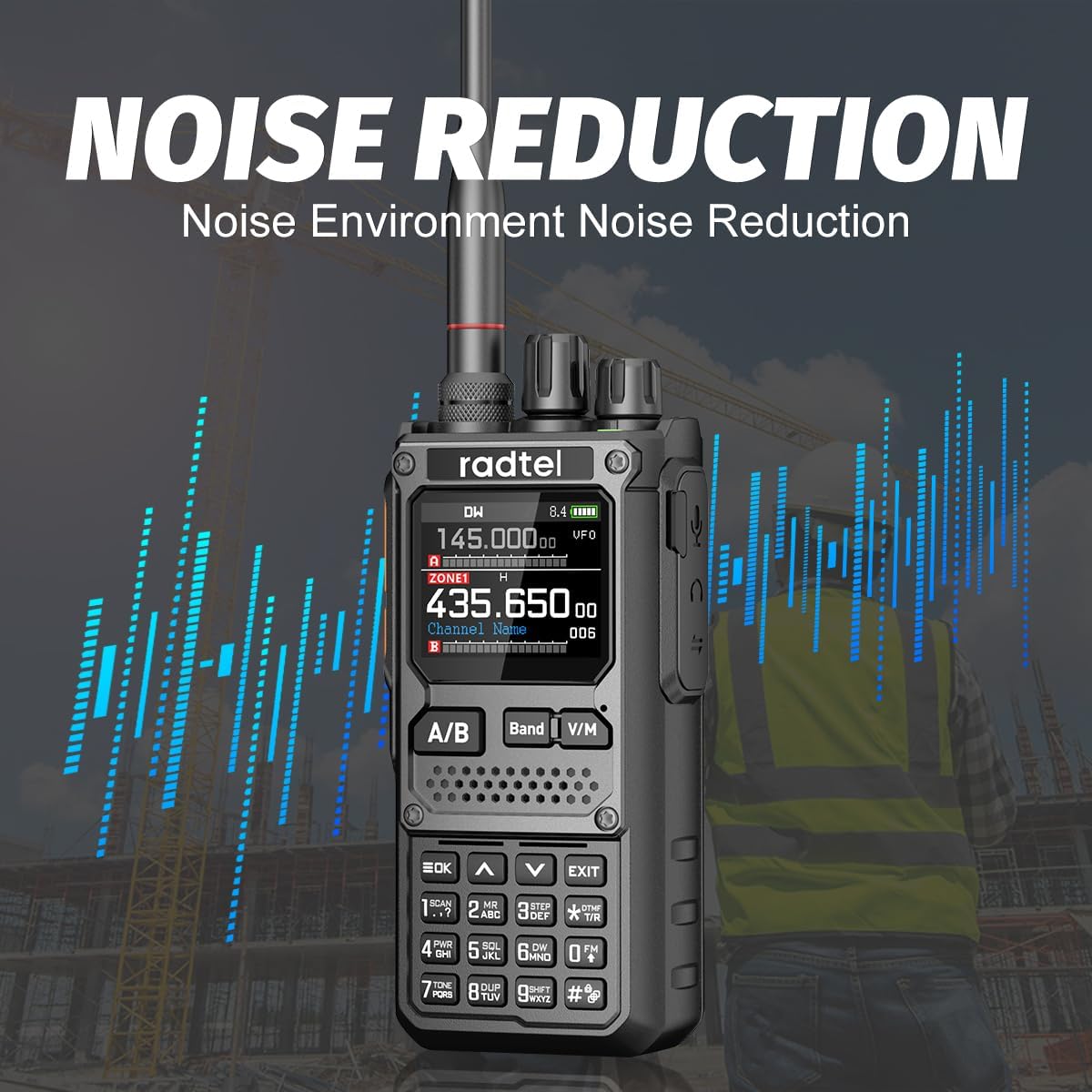
Figure 5: Visual representation of the DSP noise reduction feature, enhancing audio clarity in noisy environments.
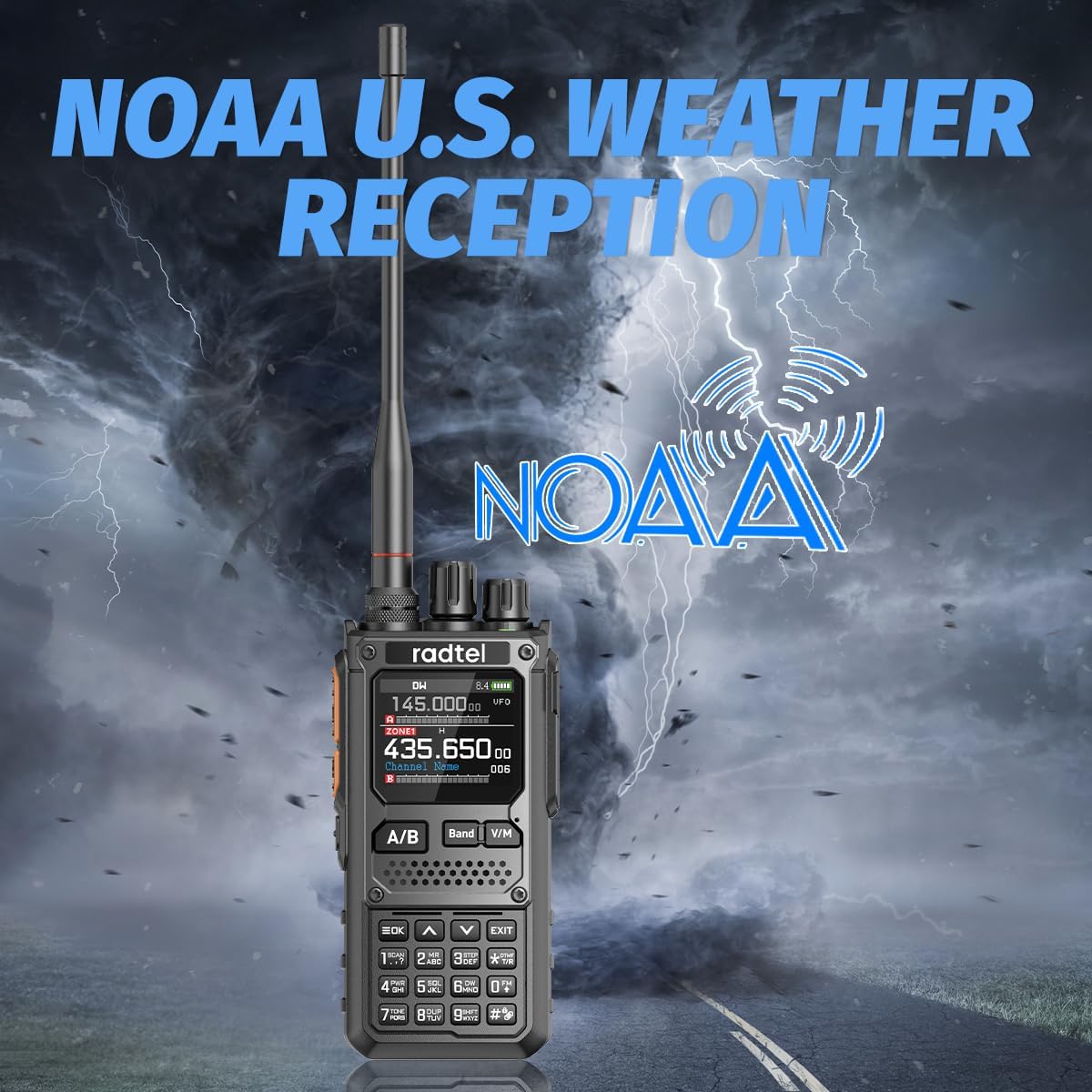
Figure 6: The RT-920 displaying the NOAA weather alert function, providing critical weather updates.

Figure 7: The RT-920's capability for air band reception, allowing real-time access to tower commands.
Setup
- Battery Installation: Insert the 2200mAh Li-ion battery into the compartment on the back of the radio. Ensure it clicks securely into place.
- Antenna Attachment: Screw the dual band antenna clockwise onto the antenna connector at the top of the radio until it is finger-tight. Do not overtighten.
- Charging: Connect the Type-C charging cable to the radio's charging port and the other end to the provided power supply with a USB port. Plug the power supply into a standard electrical outlet. The charging indicator will illuminate.
- Initial Power On: Rotate the power/volume knob clockwise to turn on the radio. Adjust the volume to a comfortable level.
- Programming (CPS Software): For advanced channel and feature configuration, use the CPS (Customer Programming Software).
Video 1: This video demonstrates how to use the CPS programming function for the Radtel RT-920, including connecting the radio to a computer and reading/writing data.
- Programming (Bluetooth Mobile App): The RT-920 supports wireless programming via a mobile application. Download the official Radtel app from your smartphone's app store (App Store for iOS, Google Play for Android). Follow the in-app instructions to connect and program your radio.
Operating Instructions
Basic Operation
- Power On/Off and Volume: Rotate the top-left knob clockwise to power on and increase volume, counter-clockwise to decrease volume and power off.
- Channel/Frequency Selection: Use the up/down arrow buttons or the numeric keypad to select desired channels or input frequencies directly.
- Transmit (PTT): Press and hold the PTT (Push-To-Talk) button on the side of the radio to transmit. Release to receive.
- Band Switching: Press the "Band" button to switch between different frequency bands (VHF/UHF).
- VFO/Memory Mode: Press the "V/M" button to toggle between VFO (Variable Frequency Oscillator) mode for direct frequency input and Memory mode for stored channels.
Advanced Functions
- Multi-Band Receive: The RT-920 supports SW, MW, LW, CB, and Air Band reception. Navigate through the menu to select the desired band for listening.
- DSP Noise Reduction: This feature is automatically active to filter out background noise, providing clearer audio. No user configuration is typically required for basic operation.
- NOAA Weather Alert: Access the NOAA weather channels through the radio's menu to receive real-time weather alerts and forecasts.
- Frequency Replication: Utilize this function to quickly find and match frequencies and sub-tones of other nearby radios for immediate communication. Refer to Menu 24-26 to define PF2/PF3 buttons as SEARCH.
- SSB/AM/FM Reception: The radio supports various modulation types. Select the appropriate mode (SSB, AM, FM) from the menu based on the signal you wish to receive.
Maintenance
- Cleaning: Use a soft, damp cloth to clean the radio's exterior. Do not use harsh chemicals or abrasive cleaners.
- Battery Care: To prolong battery life, avoid overcharging or completely discharging the battery. Store the radio and battery in a cool, dry place when not in use for extended periods.
- Antenna Inspection: Regularly check the antenna for any damage or loose connections. A damaged antenna can affect performance.
- Storage: Store the radio in a dry environment, away from direct sunlight and extreme temperatures.
Troubleshooting
| Problem | Possible Cause | Solution |
|---|---|---|
| Radio does not power on. | Battery is low or not installed correctly. | Charge the battery or re-install it properly. |
| Cannot transmit or receive. | Incorrect frequency/channel, antenna not connected, or out of range. | Verify frequency/channel, check antenna connection, move closer to the other radio. |
| Poor audio quality. | Low signal strength, interference, or volume too low. | Adjust volume, check antenna, move to an area with better signal, or enable DSP Noise Reduction if not already active. |
| Programming issues via Bluetooth. | Bluetooth not enabled on radio/phone, app not updated, or incorrect pairing. | Ensure Bluetooth is active on both devices, update the mobile app, and re-pair if necessary. |
Specifications
| Attribute | Detail |
|---|---|
| Brand | radtel |
| Model Number | RT-920 |
| Item Weight | 1.21 pounds |
| Product Dimensions | 1.57 x 2 x 10.62 inches |
| Batteries | 1 9V batteries required. (included) |
| Number of Channels | 960 |
| Special Feature | Bluetooth programming, noise reduction, Type-C, AM/FM Reception, Spectrum |
| Frequency Range | 144-148Mhz/420-450Mhz |
| Talking Range Maximum | 6 Kilometer |
| Tuner Technology | UHF/VHF |
| Voltage | 7.4 Volts |
| Water Resistance Level | Not Water Resistant |
| Manufacturer | Xiamen Radtel Electronics Co.,Ltd |
Warranty
The Radtel RT-920 Walkie Talkie comes with a 1-Year Warranty from the date of purchase. This warranty covers manufacturing defects and malfunctions under normal use. Please retain your proof of purchase for warranty claims. For detailed warranty terms and conditions, please refer to the official Radtel website or contact customer support.
Support
For further assistance, technical support, or inquiries regarding your Radtel RT-920, please contact the manufacturer:
- Manufacturer: Xiamen Radtel Electronics Co.,Ltd
- Brand Store: Visit the Radtel Store on Amazon
- For the most up-to-date support information, please visit the official Radtel website.
Related documentsRT-920


Ask a question about this manual
Ask about setup, troubleshooting, compatibility, parts, safety, or missing instructions. Manuals+ will review the question and use this page’s manual context to help answer it.