
NUISK MZXJ-4K
NUISK 4K Thumb Action Camera MZXJ-4K User Manual
Model: MZXJ-4K | Brand: NUISK
Introduction
This manual provides essential instructions for the safe and efficient operation of your NUISK 4K Thumb Action Camera. Please read this manual thoroughly before using the device and retain it for future reference.
Safety Information
- Do not expose the camera to extreme temperatures or direct sunlight for prolonged periods.
- Ensure the waterproof case is properly sealed before submerging the camera in water.
- Keep the device away from strong magnetic fields to prevent data corruption.
- Use only approved charging cables and power adapters.
- Avoid dropping or subjecting the camera to severe impacts.
Package Contents
Verify that all items are present in your package:
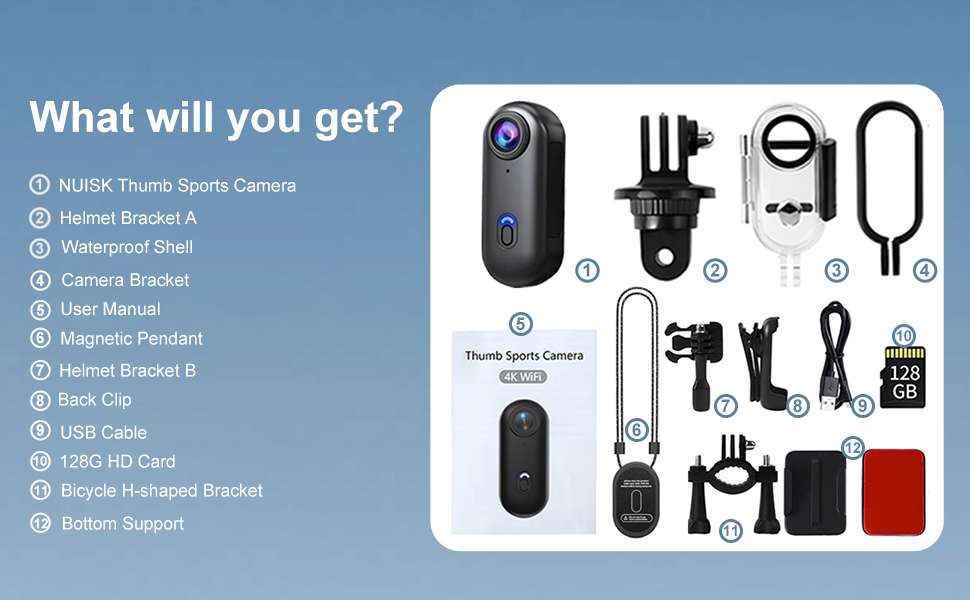
- NUISK 4K Thumb Action Camera
- 128GB Micro SD Card (pre-installed)
- Waterproof Case
- Magnetic Pendant
- Back Clip
- USB Charging Cable (Type-C)
- Helmet Bracket A
- Helmet Bracket B
- Bicycle H-shaped Bracket
- Camera Bracket
- Bottom Support
- User Manual

Product Overview
The NUISK 4K Thumb Action Camera is a compact device designed for capturing high-quality video and photos in various environments. Its small size and versatile mounting options make it suitable for a wide range of activities.

- Anti-collision Lens: Protects the camera optics.
- Power Button: Used for powering on/off and initiating recording.
- 128G High-speed SD Card Interface: Slot for the included Micro SD card.
- Type-C Charging Port: For charging the internal battery.
Setup
1. Charging the Camera
Before first use, fully charge the camera. Connect the supplied USB Type-C cable to the camera's charging port and a compatible USB power adapter (not included). The charging indicator light will show the charging status.
2. Powering On/Off
- To power on: Press and hold the Power Button for approximately 3 seconds until the indicator light illuminates.
- To power off: Press and hold the Power Button for approximately 3 seconds until the indicator light turns off.
3. Inserting/Removing SD Card
The camera comes with a 128GB Micro SD card pre-installed. To access or replace the card, gently open the protective flap on the side of the camera. Insert the Micro SD card with the gold contacts facing down until it clicks into place. To remove, push the card in slightly until it springs out.
4. App Installation & Wi-Fi Connection
Download the official NUISK app from your smartphone's app store. Once installed, enable Wi-Fi on your camera and smartphone. Connect to the camera's Wi-Fi network (SSID and password typically found in the camera's settings or quick start guide). The app allows for remote control, live view, and file transfer.

Operating Instructions
1. Recording Video
With the camera powered on, press the Power Button once to start video recording. The indicator light will change to confirm recording is in progress. Press the Power Button again to stop recording. Videos are saved to the Micro SD card in 4K resolution.
2. Taking Photos
While in standby mode, a quick double-press of the Power Button will capture a still image. Photos are saved to the Micro SD card.
3. Using Attachments
The NUISK camera includes various attachments for diverse usage scenarios:
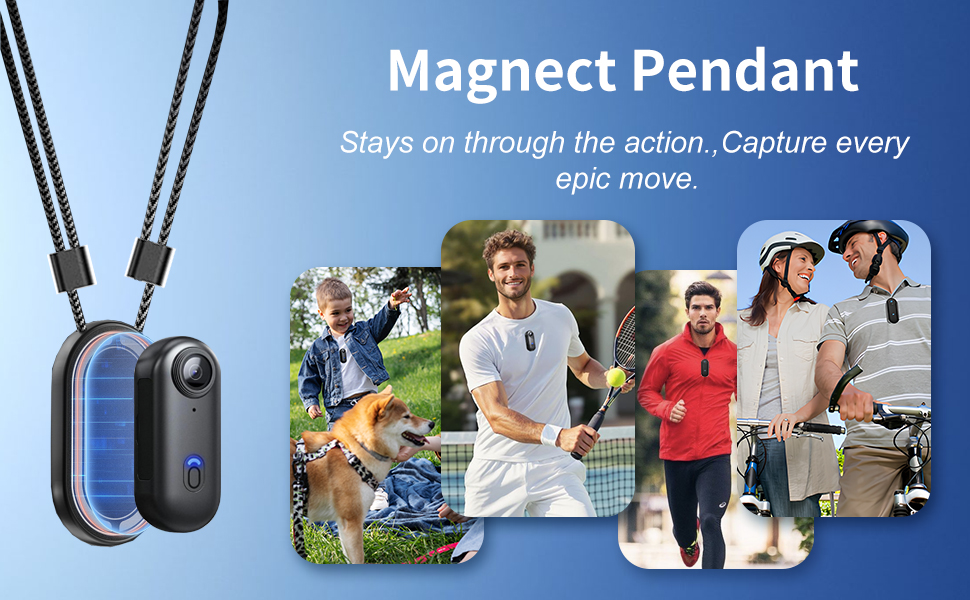
- Magnetic Pendant: Attach the camera to the magnetic pendant and wear it around your neck for hands-free, first-person perspective (POV) recording.
- Back Clip: Insert the camera into the back clip for attaching to clothing, backpack straps, or other surfaces.
- Waterproof Case: For underwater activities up to 40 meters (131 feet), place the camera inside the waterproof case. Ensure the case is securely latched before submersion.
- Helmet & Bicycle Mounts: Use the provided helmet brackets (A and B) and the bicycle H-shaped bracket to securely attach the camera to helmets or bicycle handlebars for action-oriented footage.

4. Loop Recording
The camera supports loop recording, which automatically overwrites the oldest files when the memory card is full. This feature is ideal for continuous recording without manual file management.
Maintenance
- Cleaning: Use a soft, dry cloth to clean the camera body. For the lens, use a specialized lens cleaning cloth and solution.
- Storage: Store the camera in a cool, dry place away from direct sunlight and moisture.
- Battery Care: To prolong battery life, avoid fully discharging the battery frequently. Charge the camera regularly, even when not in use, to maintain battery health.
Troubleshooting
| Problem | Possible Cause | Solution |
|---|---|---|
| Camera does not power on. | Low battery. | Charge the camera fully. |
| Cannot record video. | SD card full or not inserted correctly. | Check SD card insertion, delete old files, or replace card. |
| Wi-Fi connection issues. | Incorrect password or camera too far from phone. | Ensure correct password, move closer to camera, restart both devices. |
| Poor video quality. | Dirty lens, low light, or incorrect settings. | Clean the lens, ensure adequate lighting, check resolution settings in the app. |
Specifications
| Feature | Detail |
|---|---|
| Brand | NUISK |
| Model Number | MZXJ-4K |
| Video Capture Resolution | 4K |
| Video Capture Format | MP4 |
| Flash Memory Type | Micro SD (128GB included) |
| Connectivity Technology | Wi-Fi |
| Waterproof Depth (with case) | Up to 40 meters (131 feet) |
| Item Weight | 1.27 ounces |
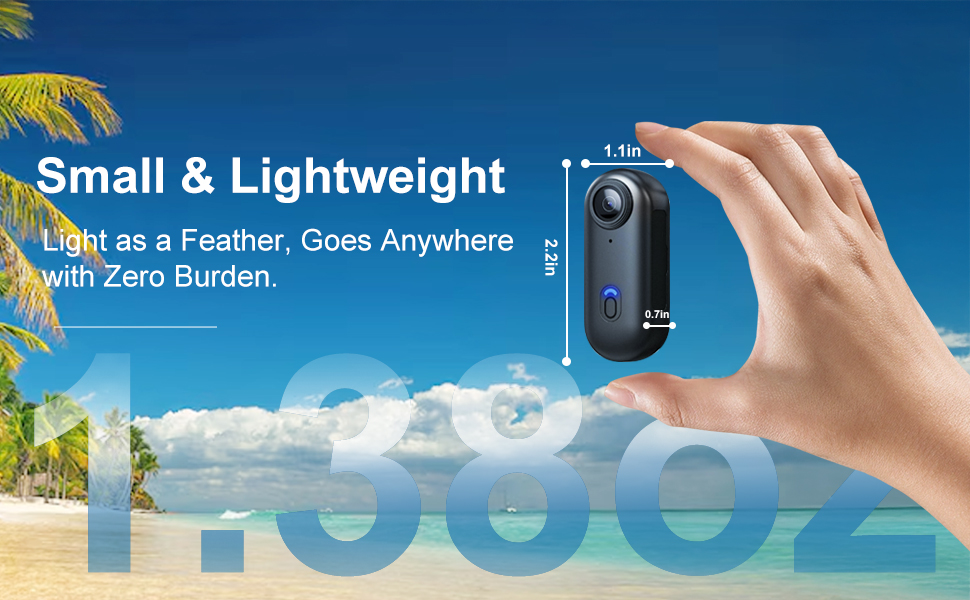
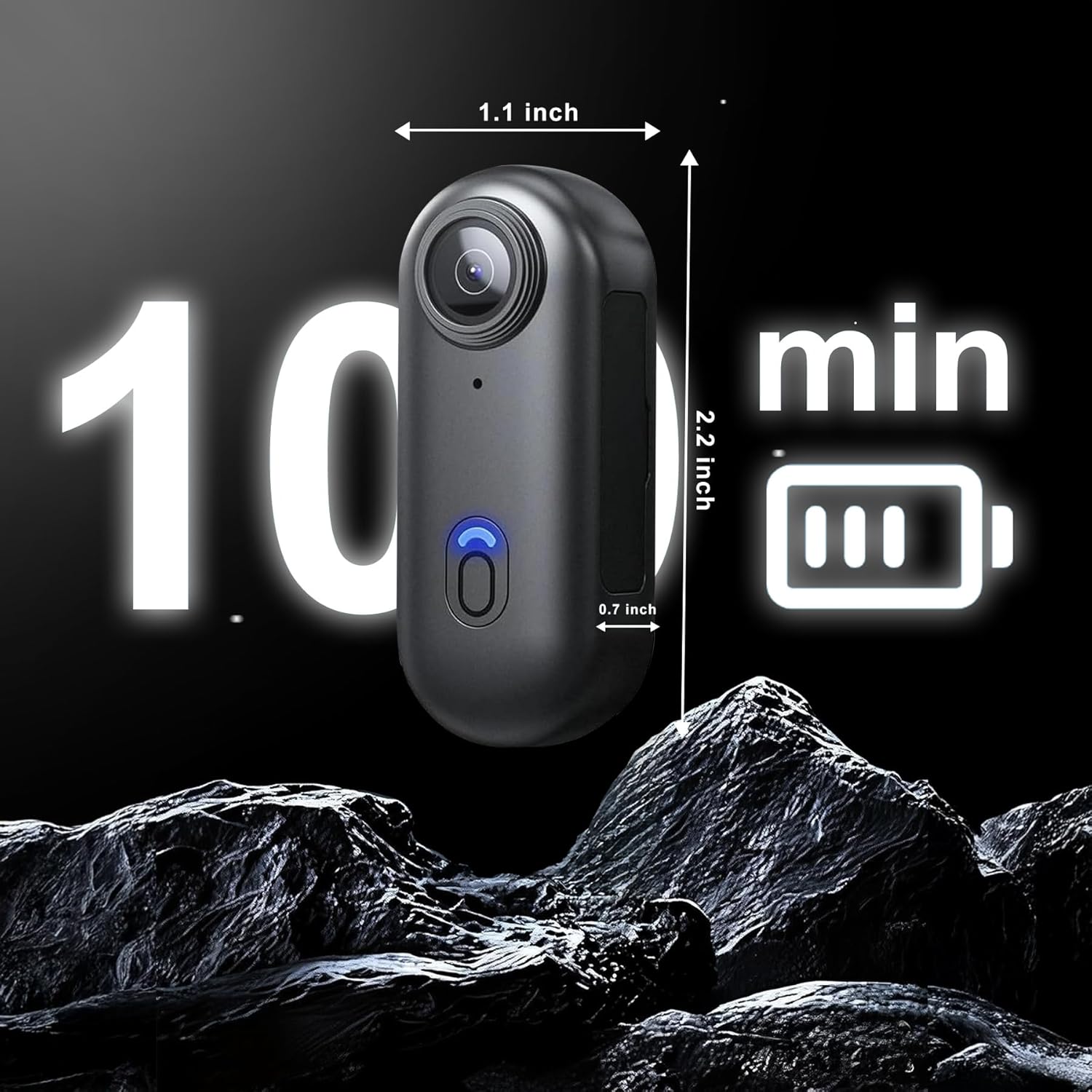
| Product Dimensions | 0.7 x 1.1 x 2.2 inches |
| Battery | 1 Nonstandard Battery (included) |

Warranty and Support
For warranty information and technical support, please refer to the contact details provided on the product packaging or visit the official NUISK website. Our 24/7 support team is available to assist with any inquiries.
Ask a question about this manual
Ask about setup, troubleshooting, compatibility, parts, safety, or missing instructions. Manuals+ will review the question and use this page’s manual context to help answer it.