
Introduction
Welcome to the user manual for your WholeFire WF1562 LED Torch. This manual provides detailed instructions for the safe and effective operation, maintenance, and troubleshooting of your device. Please read this manual thoroughly before use and retain it for future reference.
Package Contents
- 1 x WholeFire WF1562 LED Torch
- 1 x USB Charging Cable
Product Overview
The WholeFire WF1562 is a high-performance LED torch designed for various applications, including camping, hiking, emergencies, and general outdoor use. It features a powerful LED, multiple lighting modes, a zoomable beam, a magnetic base, and USB charging capabilities.
Key Features
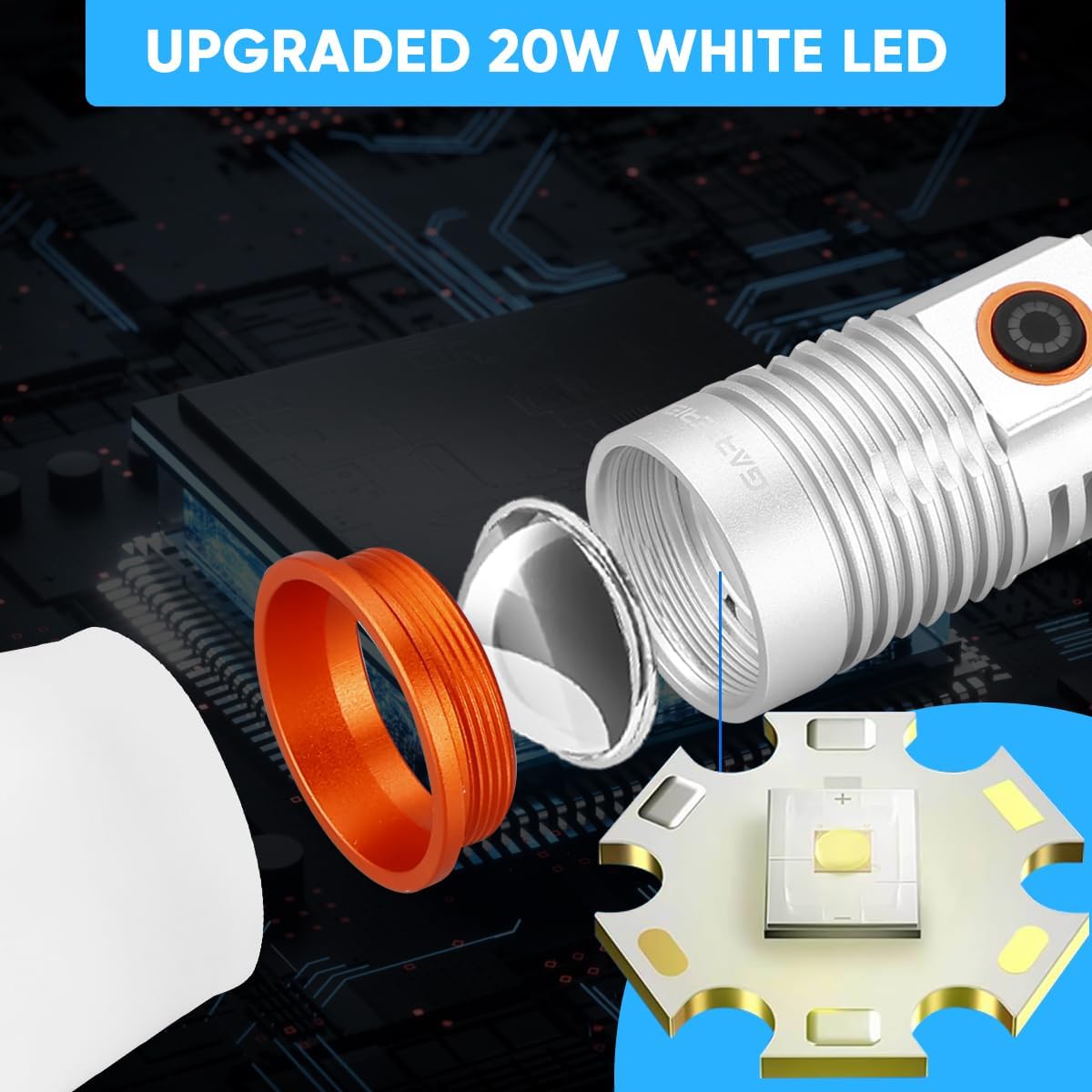
- High Brightness: Up to 20,000 lumens output.
- Long Range: Illuminates distances up to 3280 feet.
- Magnetic Base: Allows hands-free operation by attaching to metal surfaces.
- USB Rechargeable: Convenient charging with built-in overcharge/over-discharge protection.
- USB Output: Can function as a power bank for small electronic devices.
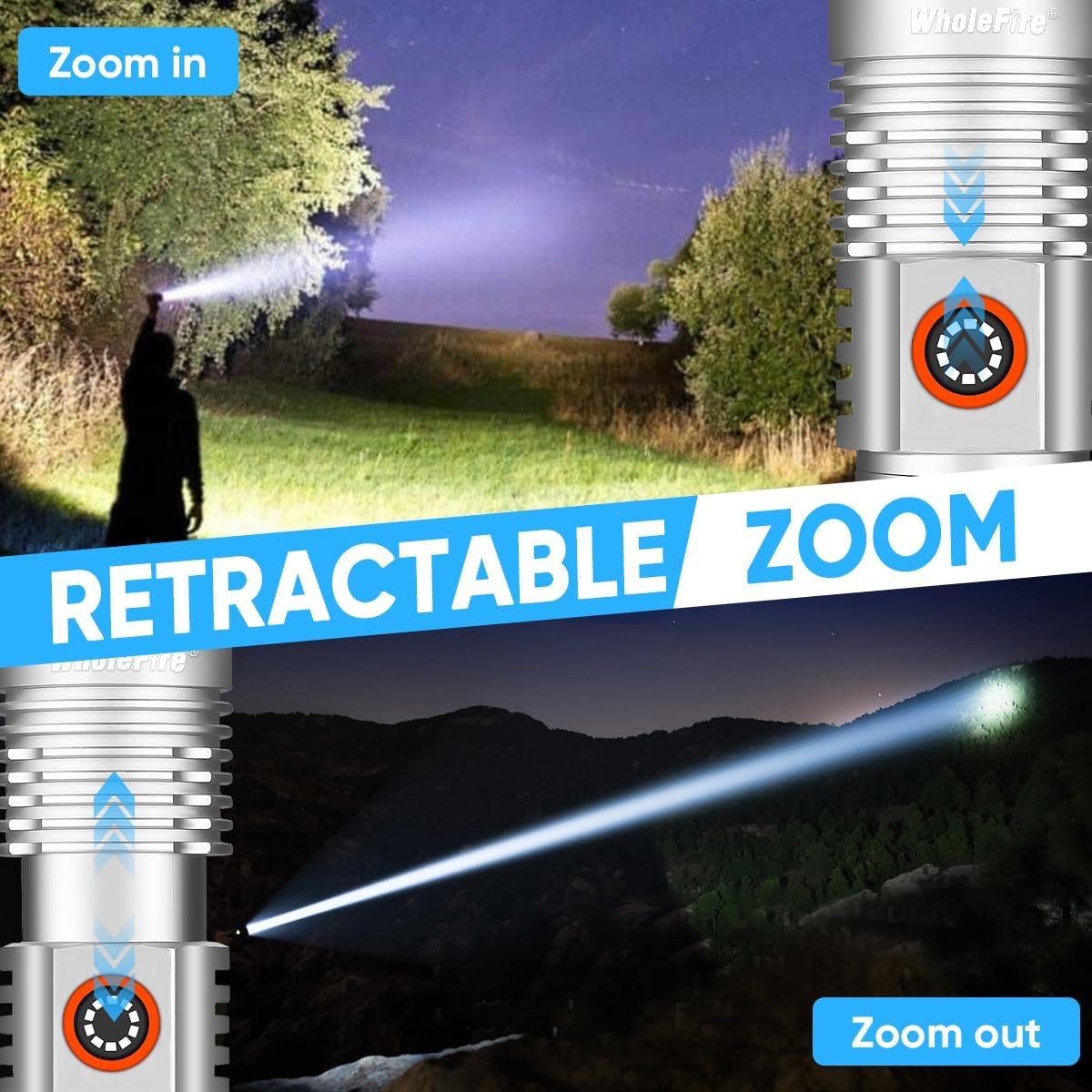
- Zoomable Function: Adjustable focus from wide floodlight to narrow spotlight.
- Multiple Lighting Modes: High, Low, Strobe, with stepless dimming.
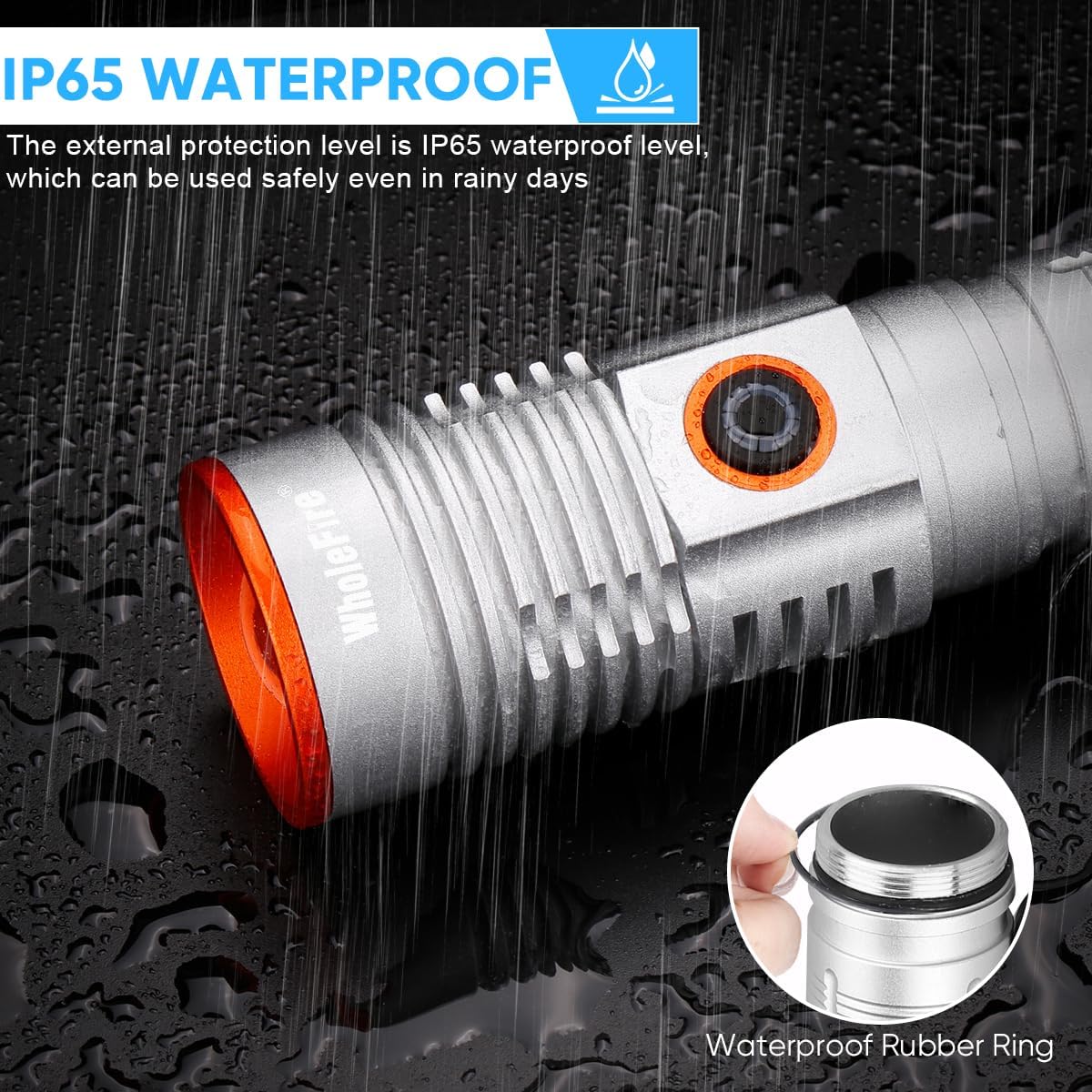
- Durable & Waterproof: Constructed from aerospace-grade aluminum alloy with IP65 water resistance.
Components

The torch consists of a durable aluminum body, an LED emitter, a power button, a USB charging port, and a magnetic base. Some product images may show an optional floodlight cover, which is not included in the standard package and may be sold separately.
Setup
Initial Charging
Before first use, fully charge the torch.
- Locate the USB charging port on the torch, typically protected by a rubber cover.
- Connect the provided USB cable to the torch's charging port.
- Connect the other end of the USB cable to a compatible USB power source (e.g., wall adapter, computer USB port, power bank).
- The switch indicator light will illuminate to show charging status. If the indicator turns red, the battery level is low and requires charging.
- Once fully charged, disconnect the USB cable and ensure the port cover is securely closed.
Operating Instructions
Power On/Off
- Press the power button once to turn the torch on.
- If the torch has been on for more than 8 seconds in any mode, press the power button once to turn it off directly.
- If the torch has been on for less than 8 seconds, pressing the button will cycle modes. To turn off, cycle through modes until it turns off, or wait 8 seconds and press once.
Changing Lighting Modes
When the torch is on, press the power button repeatedly to cycle through the lighting modes:
- High Brightness
- Low Brightness
- Strobe

Stepless Dimming
To adjust brightness continuously (stepless dimming):
- With the torch on in either High or Low mode, press and hold the power button.
- The brightness will gradually increase or decrease. Release the button when the desired brightness level is reached.
- If you continue to hold, the brightness will cycle from low to high, then high to low.

Zoom Function
The torch features an adjustable focus head.
- To zoom in (narrow beam/spotlight), extend the head of the torch forward.
- To zoom out (wide beam/floodlight), retract the head of the torch backward.
Magnetic Base Usage
The integrated strong magnet at the base of the torch allows for hands-free operation.
Simply attach the magnetic base to any ferrous metal surface.

USB Output (Power Bank Function)
The torch can be used to charge other small electronic devices.
- Connect your device's charging cable to the torch's USB output port.
- The torch will begin to supply power to your device.
Note:
Using the torch as a power bank will deplete its internal battery. Ensure the torch has sufficient charge for its primary lighting function if needed.
Maintenance
Cleaning
Wipe the torch with a soft, damp cloth. Do not use abrasive cleaners or solvents.
Waterproofing
The torch is rated IP65 waterproof, meaning it is protected against dust ingress and low-pressure water jets from any direction. It can withstand temporary immersion in water.
Ensure the USB port cover is securely closed to maintain water resistance.
Storage
Store the torch in a cool, dry place away from direct sunlight and extreme temperatures.
For long-term storage, charge the battery to approximately 50% every 3-6 months to preserve battery life.
Troubleshooting
Torch does not turn on:
- Check battery level. Recharge if necessary.
- Ensure the power button is pressed correctly.
Light is dim or flickers:
- Battery may be low. Recharge the torch.
- Ensure the lens is clean.
Charging indicator is red but torch doesn't charge:
- Check the USB cable for damage. Try a different cable.
- Ensure the USB power source is functioning correctly.
USB output (power bank) not working:
- Ensure the torch has sufficient battery charge.
- Check the connection to the device being charged.
- Some devices may not be compatible with the torch's output.
Specifications
| Feature | Detail |
|---|---|
| Model Number | WF1562 |
| Brand | WholeFire |
| Light Source | 20W White LED |
| Lumen Output | Up to 20,000 lumens |
| Beam Distance | Up to 3280 feet (1000 meters) |
| Power Source | Battery Powered (Rechargeable via USB) |
| Charging Input | USB |
| Output Function | USB (Power Bank) |
| Lighting Modes | High, Low, Strobe, Stepless Dimming |
| Special Features | Magnetic Base, Zoomable, Overcharge/Over-discharge Protection |
| Waterproof Rating | IP65 |
| Material | Aerospace-grade Aluminum Alloy |
| Dimensions | 14.8 x 3.4 x 2.8 cm |
| Weight | 380 g |

Safety Information
- Do not shine the torch directly into eyes, as the intense light can cause temporary vision impairment or damage.
- Keep out of reach of children.
- Do not disassemble the torch, as this may void the warranty and could lead to damage or injury.
- Use only the provided USB cable or a certified equivalent for charging.
- Avoid exposing the torch to extreme heat or fire.
- Dispose of the battery according to local regulations.
Warranty and Support
This product comes with a standard manufacturer's warranty. For specific warranty details, please refer to the product packaging or contact the retailer where the product was purchased.
For technical support or inquiries, please contact WholeFire customer service through their official channels or the retailer.