1. Introduction
Thank you for choosing the TOPADRE 65W USB C GaN Charger Block. This compact and powerful charger is designed to provide efficient and safe charging for a wide range of devices, including laptops, tablets, and smartphones. Featuring an HD digital display and multiple charging ports, it simplifies your charging experience at home, in the office, or while traveling.
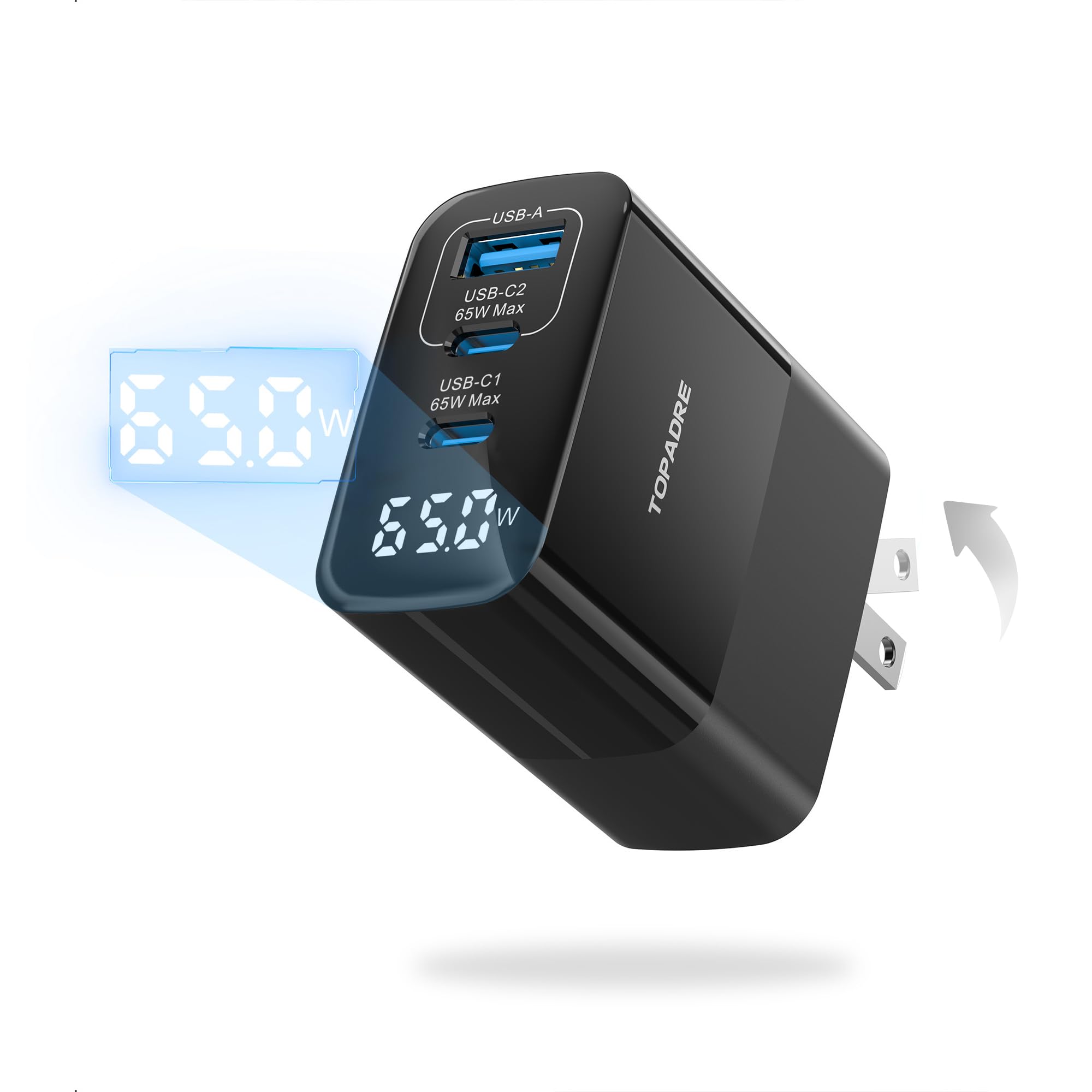
Image 1.1: The TOPADRE 65W USB C GaN Charger Block, a compact and powerful charging solution.
2. Product Features
- 3-in-1 Multi-Port Charging: Equipped with two USB-C ports (65W Max) and one USB-A port (60W Max), allowing simultaneous charging of up to three devices.
- HD Digital Display: Provides real-time charging progress and power levels, offering a visible charging experience.
- GaN III Technology: Utilizes advanced Gallium Nitride (GaN) technology for faster charging, lower heat generation, and a more compact design.
- Smart Identification & Power Allocation: Automatically detects connected devices and adjusts power output for optimal fast charging. Intelligently distributes power when multiple devices are connected.
- Compact & Foldable Design: Features a foldable plug and a compact size (2.2 x 2.05 x 1.14 inches, 4.16 oz) for easy portability.
- Silent Charging: Engineered to operate quietly, ensuring no disruption during use.
- Wide Compatibility: Supports various fast-charging protocols including PD 3.0, QC 4+, PPS, SCP, FCP, AFC, and PE+, making it compatible with a broad range of devices.
- Safety Protections: UL/PSE certified with seven protection functions: overcurrent, overvoltage, short circuit, overheating, overload, noise, and low voltage.

Image 2.1: The HD Digital Display shows real-time power output, here indicating 65.0W.

Image 2.2: The 3-in-1 design allows charging of a laptop, tablet, and smartphone concurrently.
Image 2.3: GaN Technology provides multiple safety protections including overcurrent, overvoltage, and overheating.
3. Setup
- Unfold the Plug: Gently unfold the AC prongs from the charger body until they lock into place.
- Connect to Power Outlet: Insert the charger into a standard wall outlet (110V input voltage).
- Connect Devices: Use appropriate USB-C or USB-A cables to connect your devices to the available ports on the charger. Ensure cables are fully inserted.
- Verify Charging: The HD digital display on the charger will illuminate, showing the real-time power output (in Watts) to your connected devices. Confirm that your devices indicate they are charging.
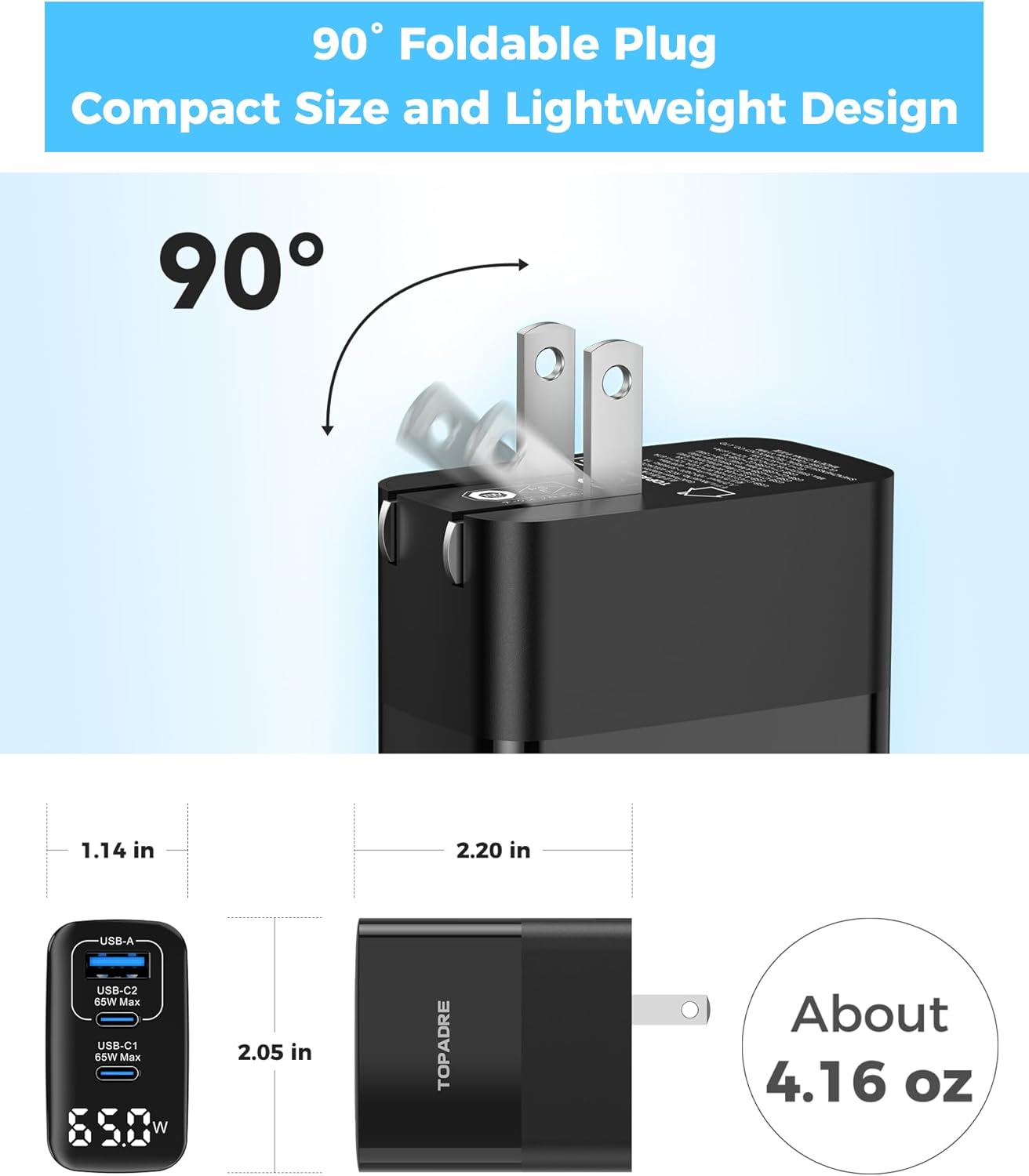
Image 3.1: The foldable plug design for easy storage and portability.
4. Operating Instructions
4.1 Single Device Charging
When charging a single device, the charger will deliver the maximum power supported by the device and the connected port, up to 65W for USB-C ports (C1/C2) and 60W for the USB-A port.

Image 4.1: Maximum power output for single device charging per port.
4.2 Multiple Device Charging
The charger intelligently allocates power across its ports when multiple devices are connected. The total output is 65W. For optimal performance, ensure your devices and cables support fast charging protocols.
- Two Devices: Power is distributed between the connected ports. For example, USB-C1 might output 45W and USB-C2 18W, or USB-C1 45W and USB-A 20W.
- Three Devices: Power is distributed among all three ports. For example, USB-C1 might output 45W, USB-C2 15W, and USB-A 15W.
Image 4.2: Example power distribution when charging two devices.
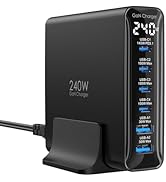
Image 4.3: Example power distribution when charging three devices.
4.3 Understanding the LED Display
The integrated HD digital display shows the current total power output in Watts. This allows you to monitor the charging status and confirm power delivery to your devices in real-time.
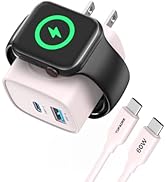
Image 4.4: The digital LED display provides real-time power output information.
5. Maintenance
- Keep Dry: Avoid exposing the charger to water or excessive moisture.
- Clean Gently: Use a soft, dry cloth to clean the charger. Do not use liquid cleaners or aerosols.
- Store Properly: When not in use, fold the AC prongs and store the charger in a cool, dry place away from direct sunlight.
- Avoid Drops: Protect the charger from drops and impacts, which can damage internal components.
6. Troubleshooting
| Problem | Possible Cause | Solution |
|---|---|---|
| Device not charging. | Loose cable connection, faulty cable, power outlet issue, device not compatible. | Ensure cables are securely connected. Try a different cable. Test the power outlet with another device. Verify device compatibility with the charger. |
| Slow charging speed. | Cable not supporting fast charging, multiple devices connected, device not supporting high wattage. | Use a high-quality cable rated for fast charging. Disconnect other devices to allow maximum power to a single device. Ensure your device supports the charger's higher wattage output. |
| LED display not working. | No power to the charger, internal fault. | Check if the charger is properly plugged into a live power outlet. If the issue persists, contact customer support. |
| Charger feels warm. | Normal operation during high power output, poor ventilation. | It is normal for the charger to feel warm during operation, especially when charging multiple devices or at high wattage. Ensure adequate ventilation around the charger. If it becomes excessively hot, disconnect immediately and contact support. |
7. Specifications
- Model Number: GaN-002
- Product Dimensions: 2.05 x 1.14 x 2.2 inches (5.21 x 2.9 x 5.59 cm)
- Item Weight: 4.2 ounces (118g)
- Input Voltage: 110 Volts
- Total USB Ports: 3 (2x USB Type-C, 1x USB Type-A)
- USB Type-C Output: Up to 65W Max (single port)
- USB Type-A Output: Up to 60W Max (single port)
- Total Output: 65W Max
- Amperage: 1.5 Amps
- Special Features: Fast Charging, Lightweight Design, Multi Device Charging, Retractable Plug, Travel, Digital Display
- Certifications: UL/PSE, CE
- Manufacturer: Shenzhenshi Ezreal Technology Co.,Ltd
8. Compatible Devices
The TOPADRE 65W GaN Charger is compatible with a wide array of devices supporting various fast charging protocols. Below is a general list:
- Laptops: MacBook Pro 13''/15''/16'', MacBook Air 13''/M2, MacBook 12'', Dell XPS, ThinkPad, HP Spectre Folio, Google Pixelbook, Microsoft Surface Book 2, etc.
- Smartphones: iPhone 17/17 Air/17 Pro/17 Pro Max, iPhone 16/16 Plus/16 Pro/16 Pro Max, iPhone 15/15 Plus/15 Pro/15 Pro Max, iPhone 14/14 Plus/14 Pro/14 Pro Max, iPhone 13 series, iPhone 12 series, iPhone 11 series, iPhone SE (2nd gen), iPhone XS/XS Max/XR/X/8/8 Plus; Samsung Galaxy S24 Ultra/S24/S23 Ultra/S23+/S22/S22 Ultra/S22+/S21 Ultra/S21/S21 Plus/S20 Ultra/S10/S10 Plus/S10e/S9/S9 Plus/S8/S8 Plus, Note 20/10/9/8; Google Pixel 6 Pro/6/5a/5/4a/4/3a/3XL/3/2 XL/2, and more.
- Tablets: iPad Pro 12.9''/10.5''/11'', iPad Mini Series (6th gen, 5th gen), iPad Air Series (3rd gen, 4th gen), iPad (7th, 8th, 9th gen).
- Other Devices: AirPods Max/Pro/3rd gen/2nd gen/1st gen, Apple Watch Series (all models), Game Consoles (e.g., Nintendo Switch), Headphones, Smartwatches, DJI Mini 3 Pro, and other USB-powered devices.
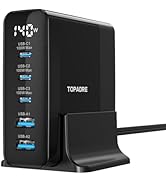
Image 8.1: The charger offers wide compatibility with a range of electronic devices.
9. Warranty and Support
TOPADRE provides an Industry-Leading 2-Year TOPADRE Care warranty for this product, along with Lifetime Technical Support. If you encounter any issues or have questions regarding your charger, please do not hesitate to contact TOPADRE customer service. We are committed to helping you solve any problems within 24 hours.

Image 9.1: TOPADRE is dedicated to precision engineering and user experience, offering comprehensive support.
10. Product Video
Video 10.1: Official product video demonstrating the features and usage of the TOPADRE 65W USB C Fast Charger with LED Display.