
1. Introduction
This user manual provides detailed instructions for the VSDISPLAY 10.1 Inch White LCD Monitor, model VS101ZJ01A-W. This monitor is designed for various applications, including use as a secondary display for personal computers and laptops, and for monitoring system data such as GPU, CPU, and RAM performance within a PC case. It features a high-resolution IPS panel for clear and vibrant visuals.
2. Package Contents
Please verify that all items listed below are included in your package:
- 1 × VSDISPLAY 10.1 Inch 1280x800 LCD Monitor (Model VS101ZJ01A-W)
- 1 × USB-C Power Cable
- 1 × Signal Cable (Mini H-D compatible)
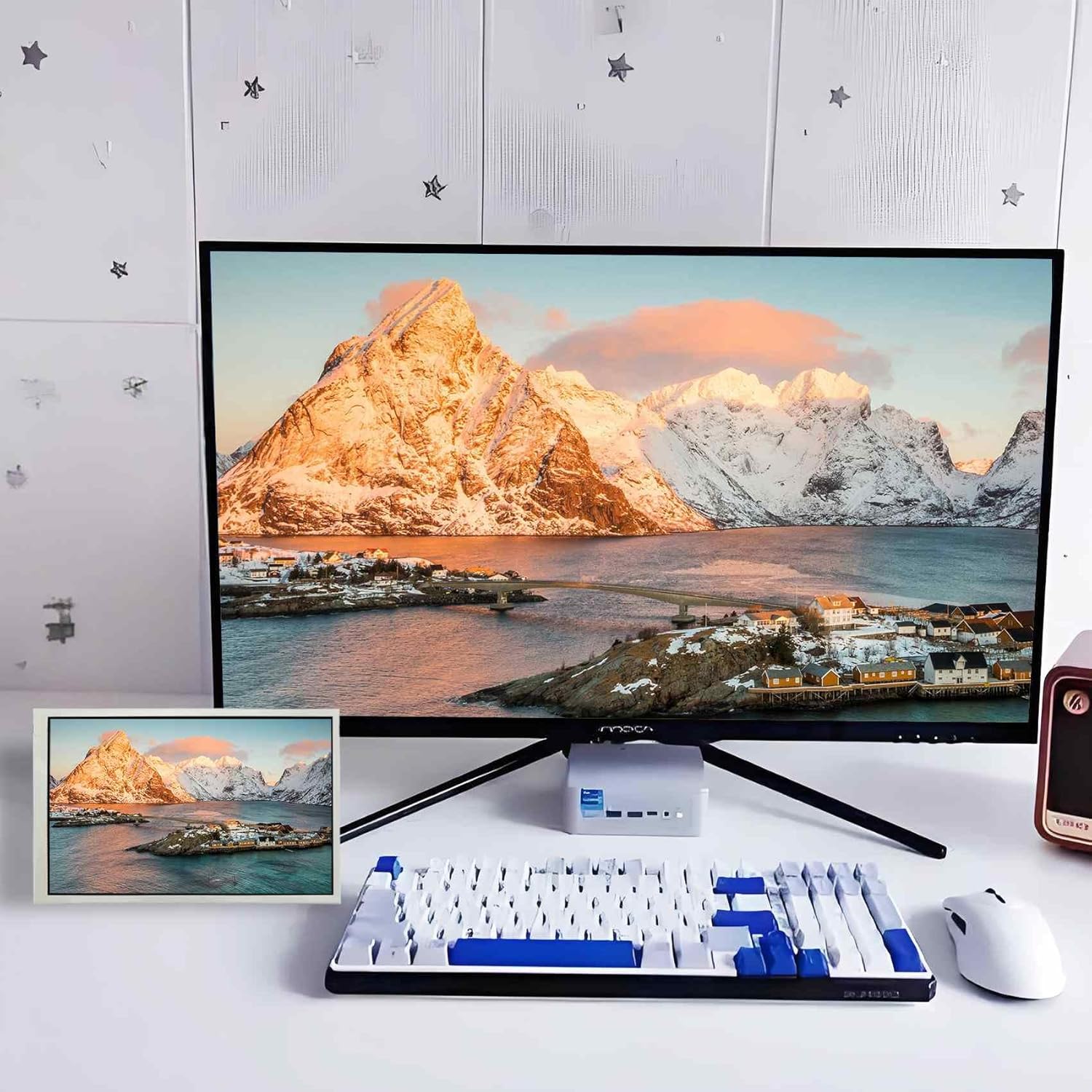
Image: The VSDISPLAY 10.1 Inch LCD Monitor shown alongside its included USB-C power cable and signal cable.
3. Key Features
- Display Size: 10.1 inches
- Resolution: 1280x800 high resolution
- Panel Type: IPS panel for wide viewing angles and superior image color
- Brightness: 350cd/m2
- Contrast: 800:1
- Connectivity: Mini H-D compatible for signal, USB-C for power
- Mounting: 75x75mm VESA-compatible mounting holes
- Adjustments: Supports brightness adjustment
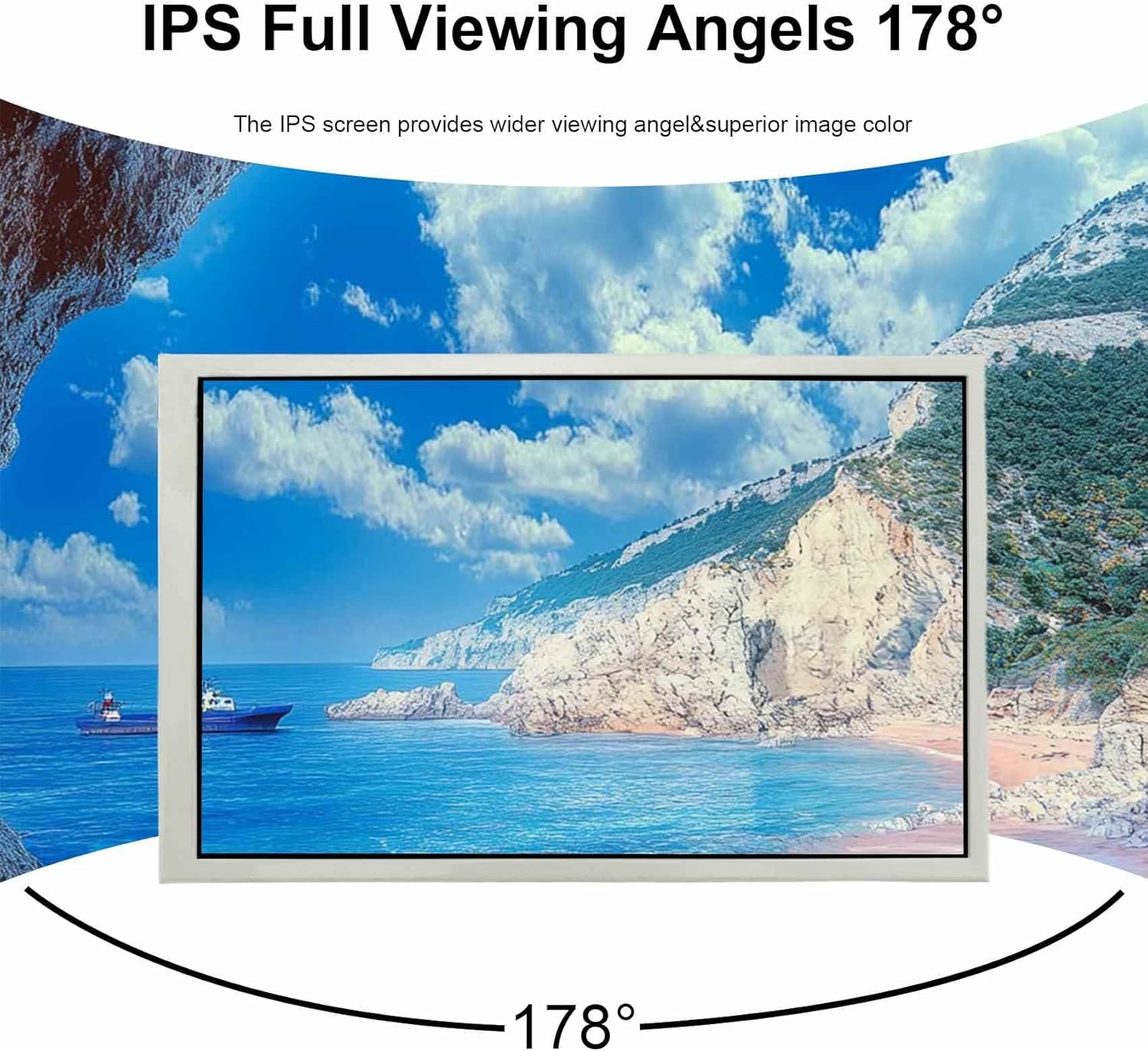
Image: The monitor demonstrating its 178-degree IPS full viewing angles, ensuring consistent image quality from various perspectives.
4. Setup Instructions
The VSDISPLAY monitor is designed for plug-and-play functionality, making setup straightforward.
4.1 Connecting the Monitor
- Connect the provided signal cable (Mini H-D compatible) from your computer's video output port to the Mini H-D input port on the monitor.
- Connect the provided USB-C power cable from a suitable USB power source (e.g., computer USB port, USB wall adapter) to the USB-C power input port on the monitor.
- The monitor should automatically power on and display content from your connected device.

Image: Close-up view of the monitor's connectivity ports, including the Mini H-D compatible input for signal, the USB-C port for power, and the brightness adjustment button.
4.2 Initial Configuration
- Display Settings: On your computer, navigate to display settings to configure the monitor as an extended display or duplicate display, as needed. Adjust resolution to 1280x800 for optimal clarity.
- Brightness Adjustment: Use the dedicated brightness adjustment button on the monitor to set your preferred display brightness.

Image: Examples of the monitor in use, showing it as an extended display connected to a laptop and integrated into a PC case for system monitoring via AIDA64 software.
5. Operation
5.1 General Use
The VSDISPLAY monitor functions as a standard secondary display. You can extend your desktop, duplicate your primary display, or use it as the sole display for a compact setup. Its IPS panel ensures a clear and vibrant image across a wide viewing angle.
5.2 PC Case Monitoring
This monitor is particularly suitable for displaying system information such as GPU, CPU, and RAM data within a PC case. To achieve this, you will need to install third-party monitoring software on your computer (e.g., AIDA64, Rainmeter). The monitor itself does not include built-in monitoring capabilities.
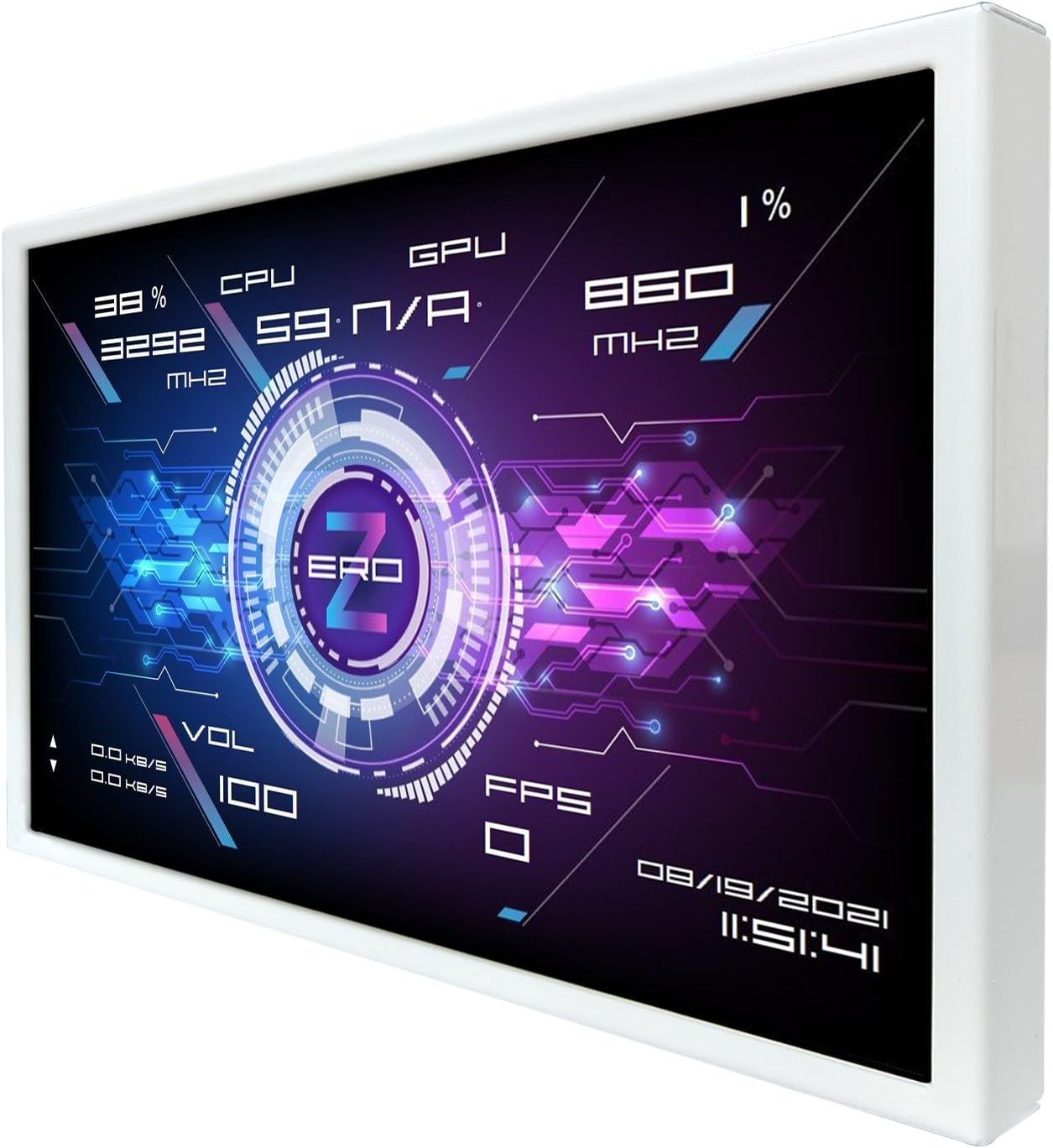
Image: The VSDISPLAY monitor displaying a customized interface with real-time GPU, CPU, and RAM usage data, ideal for PC system monitoring.
6. Mounting Options
The monitor features 75x75mm mounting holes on its rear, allowing for flexible installation options. These holes are compatible with standard VESA mounts, enabling you to attach the monitor to a desk stand, wall mount, or integrate it into custom PC case setups.
- Screw Size: M4
- Mounting Pattern: 75mm x 75mm

Image: The back of the VSDISPLAY monitor, highlighting the 75x75mm mounting hole pattern and indicating the M4 screw size for installation.
7. Specifications
| Feature | Detail |
|---|---|
| Brand | VSDISPLAY |
| Model Number | VS101ZJ01A-W (Item Model Number: 619438631610) |
| Screen Size | 10.1 Inches |
| Resolution | 1280 x 800 Pixels |
| Aspect Ratio | 16:10 |
| Panel Type | IPS |
| Image Brightness | 350 cd/m2 |
| Screen Contrast | 800:1 |
| Product Dimensions | 0.55 x 9.17 x 5.83 inches |
| Item Weight | 1.8 pounds |
| Manufacturer | VSDISPLAY |
8. Troubleshooting
If you encounter issues with your VSDISPLAY monitor, please refer to the following common solutions:
- No Display/Black Screen:
- Ensure both the USB-C power cable and the signal cable are securely connected to the monitor and your computer.
- Verify that the power source for the USB-C cable is active and providing sufficient power.
- Check your computer's display settings to ensure the monitor is detected and configured correctly (e.g., extended display, duplicate display).
- Try connecting the monitor to a different computer or device to rule out issues with the source device.
- Incorrect Resolution/Image Quality:
- Adjust your computer's display settings to the recommended resolution of 1280x800.
- Ensure the signal cable is not damaged and is fully inserted.
- Brightness Issues:
- Use the brightness adjustment button on the monitor to increase or decrease brightness.
- Check your computer's display settings for any software-based brightness controls.
9. Warranty and Support
For warranty information or technical support, please contact VSDISPLAY directly or refer to their official channels.
You can visit the official VSDISPLAY store for more information and support resources: VSDISPLAY Store on Amazon


