
1. Introduction
This manual provides essential information for setting up, operating, and maintaining your DOOGEE Note 56 smartphone. Please read it carefully to ensure proper use and to maximize the device's performance and longevity.
2. What's in the Box
Upon opening your DOOGEE Note 56 package, you should find the following items:
- 1 x DOOGEE Note 56 Cell Phone
- 1 x Type-C Port Cable
- 1 x Charger
- 1 x Protective Film (Pre-applied)
- 1 x SIM Card Pin
- 1 x User Manual
- 1 x Warranty Card
- 1 x TPU Protective Case
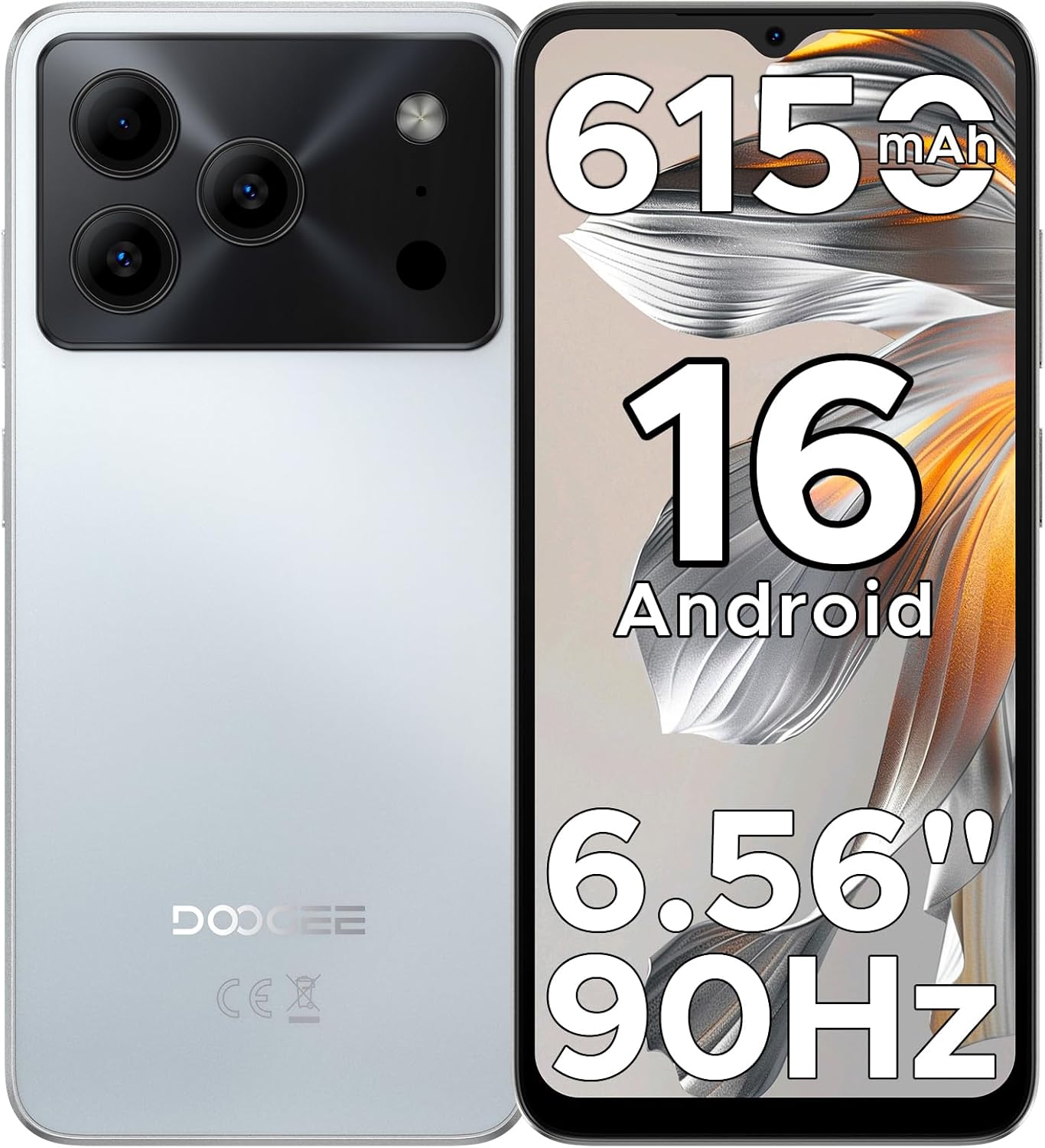
Image: The DOOGEE Note 56 smartphone, highlighting its 6150mAh battery, Android 16 OS, 6.56-inch display, and 90Hz refresh rate.
3. Setup
3.1. SIM Card and Storage Card Installation
The DOOGEE Note 56 supports dual SIM cards and expandable storage via a TF card. Use the provided SIM tool to open the SIM tray.
- Locate the SIM tray on the side of the phone.
- Insert the SIM ejector tool into the small hole next to the tray and press firmly until the tray pops out.
- Place your Nano-SIM card(s) and/or TF card into the designated slots on the tray. Ensure the gold contacts are facing down.
- Carefully push the tray back into the phone until it is flush with the device's side.
3.2. Initial Power On and Basic Configuration
- Press and hold the Power button (located on the right side) until the DOOGEE logo appears.
- Follow the on-screen prompts to select your language, connect to a Wi-Fi network, and set up your Google account.
- Review and accept the terms and conditions.
3.3. Face Unlock Setup
For quick and secure access, you can set up Face Unlock:
- Navigate to Settings > Security & privacy > Face Unlock.
- Follow the on-screen instructions to register your face. Ensure you are in a well-lit area and hold the phone at arm's length.
- Once registered, you can unlock your phone by simply looking at the front camera.

Image: Visual representation of Instant Face Unlock in action, alongside accurate navigation and FM radio interfaces.
4. Operating Instructions
4.1. Display Features
The DOOGEE Note 56 features a 6.56-inch HD+ IPS waterdrop screen with a 90Hz refresh rate, offering a smooth and clear visual experience. The 20:9 aspect ratio and 269 PPI contribute to vibrant visuals for videos, browsing, and gaming.

Image: The DOOGEE Note 56 display showcasing its 6.56-inch HD+ screen with a 90Hz refresh rate for smooth viewing.
4.2. Camera Usage
Capture moments with the 8MP main rear camera and 5MP front camera. The camera system includes AI Scene Recognition, which automatically detects 12 scenes and optimizes settings for clearer shots. Available features include HDR, Night Mode, Beauty, and Portrait mode.
- Rear Camera: 8MP for clear, natural photos. Supports HDR, Pro Mode, Smile Capture, Panoramas, Burst Shots, Night Mode, and Fun Filters.
- Front Camera: 5MP with Beauty Mode and Portrait effect for bright and natural selfies.

Image: An illustration of the DOOGEE Note 56's 5MP front and 8MP rear cameras, highlighting AI Scene Recognition and example photos taken with the device.
4.3. Battery Management
The device is equipped with a 6150mAh Silicon-Carbon battery, designed for extended use. It supports OTG reverse charging, allowing you to use your phone as a power bank for other devices.
- Charging: Use the provided Type-C cable and charger for optimal charging.
- OTG Reverse Charging: Connect a compatible OTG cable to charge other devices from your phone.
- Battery Life: Expect approximately 7 hours of web browsing, 49.5 hours of music playback, 14 hours of video watching, or 28 hours of calling on a full charge.
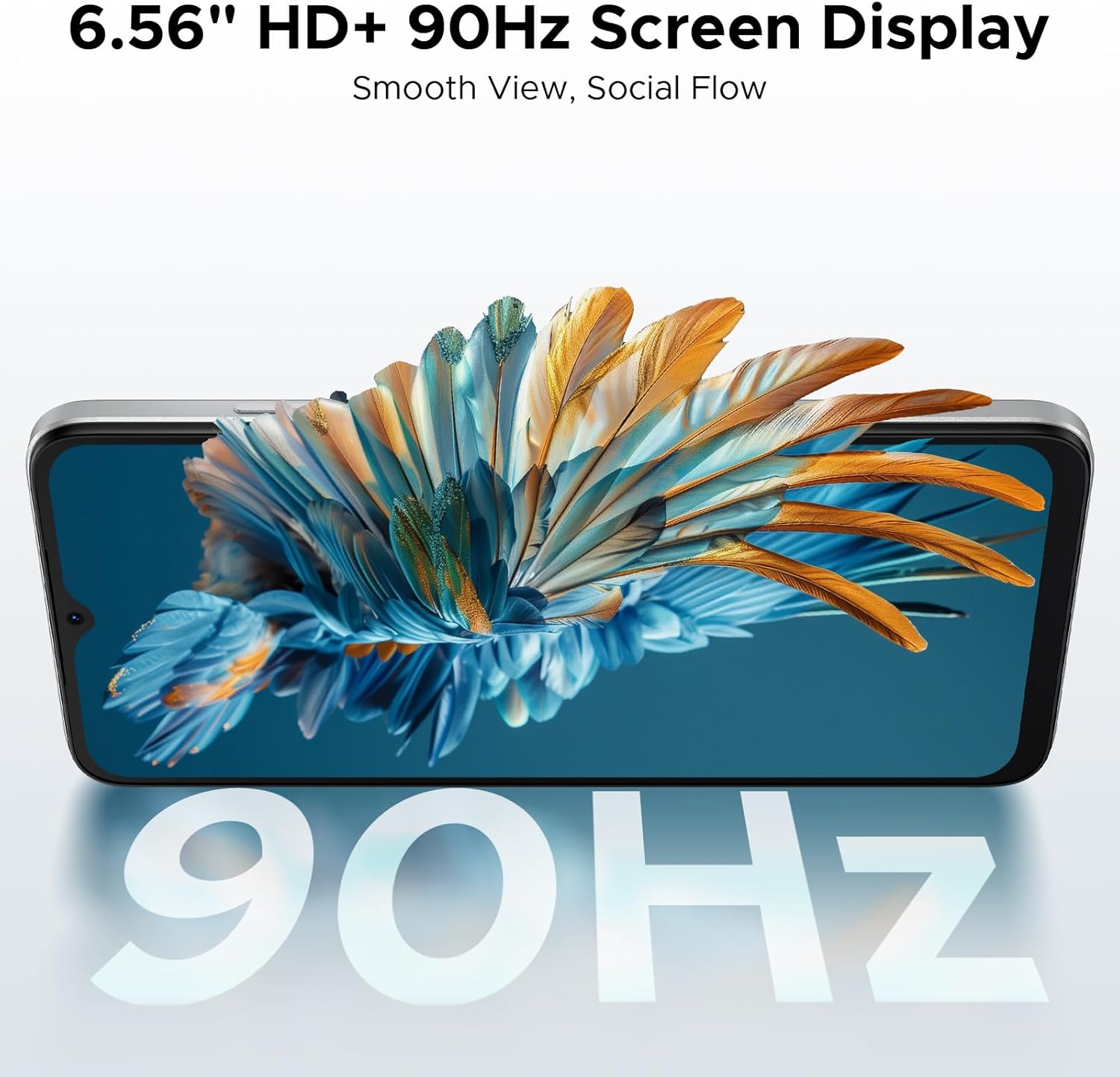
Image: A diagram illustrating the 6150mAh Silicon-Carbon battery, emphasizing its longevity, durability, smaller size, and 5W reverse charging capability.
4.4. Storage Management
The phone comes with 64GB of built-in storage and supports expansion up to 2TB via a TF (microSD) card. This allows ample space for photos, apps, and media.
- To manage storage, go to Settings > Storage.
- Insert a TF card into the SIM tray for additional storage. (TF card needs to be purchased separately).

Image: A visual representation of the phone's internal architecture, highlighting 64GB storage and 24GB RAM (3GB physical + 21GB virtual).
4.5. Connectivity
Stay connected with various options:
- 4G Dual SIM: Supports two SIM cards for flexible network usage.
- Wi-Fi: Connect to wireless networks for internet access.
- Bluetooth 4.2: For connecting to wireless accessories.
- GPS: For navigation and location services.
- FM Radio: Listen to local radio stations.
- Supported Bands: GSM: B2/3/5/8; WCDMA: B1/2/4/5/8; TDD: B38/40/41; FDD: B1/2/3/4/5/7/8/18/19/20/25/26/28A/28B/66. Please check with your local carrier for compatibility.

Image: A person holding the DOOGEE Note 56, with a list of supported 4G network bands (GSM, WCDMA, LTE-TDD, LTE-FDD) and a note about carrier compatibility.
4.6. Android 16 OS Features
The DOOGEE Note 56 runs on the latest Android 16 operating system, providing an efficient, secure, and user-friendly experience. Key features include:
- Intuitive interface for daily use.
- Enhanced security and privacy controls.
- Smart OS features like Smart Body Sensing, Dual System Mode, Super Clipboard, Memory Expansion, Screen Optimization, and Customizable Screen Colors.

Image: Various screenshots of the Android 16 OS interface, demonstrating features like battery status, system settings, music player, maps, and app icons.
5. Maintenance
5.1. Battery Care
- Avoid extreme temperatures, as they can degrade battery performance.
- Do not leave the phone charging for excessively long periods after it reaches 100%.
- Use only the original charger and cable provided with the device.
5.2. Software Updates
Regularly check for and install software updates to ensure your device has the latest features, security patches, and performance improvements. You can usually find this option in Settings > System > System update.
5.3. Cleaning
- Use a soft, lint-free cloth to clean the screen and body of the phone.
- Avoid using harsh chemicals or abrasive materials.
- Keep ports free of dust and debris.
6. Troubleshooting
If you encounter issues with your DOOGEE Note 56, consider the following common solutions:
- Device unresponsive: Press and hold the Power button for about 10-15 seconds to force a restart.
- Apps crashing: Clear the cache for the problematic app (Settings > Apps > [App Name] > Storage > Clear cache). If the issue persists, try reinstalling the app.
- Poor battery life: Check background app usage (Settings > Battery) and adjust settings. Reduce screen brightness or disable unnecessary features like GPS or Bluetooth when not in use.
- Network connectivity issues: Toggle Airplane Mode on and off. Restart the phone. Check SIM card installation.
- Storage full: Delete unnecessary files, photos, or apps. Consider moving media to a TF card.
For more complex issues, refer to the DOOGEE support website or contact customer service.
7. Specifications
| Feature | Detail |
|---|---|
| Model Name | NOTE56 |
| Operating System | Android 16 |
| CPU Speed | 1.6 GHz |
| Screen Size | 6.56 Inches |
| Resolution | 720 x 1612 |
| Refresh Rate | 90Hz |
| RAM Memory Installed Size | 24 GB (3GB physical + 21GB virtual) |
| Memory Storage Capacity | 64 GB (Expandable up to 2TB via TF card) |
| Battery Capacity | 6150 Milliamp Hours (Lithium Polymer) |
| Rear Camera | 8MP |
| Front Camera | 5MP |
| Connectivity Technologies | USB, Wi-Fi, Bluetooth 4.2, GPS, FM Radio |
| Special Features | Dual SIM, Expandable Memory, Supports USB OTG, Face Unlock |
| Weight | 9.2 ounces (262 Grams) |
| Dimensions | 7.63 x 4.09 x 2 inches |
| Color | White |
8. Official Product Videos
The following videos provide additional information and visual guides for your DOOGEE Note 56 smartphone:
DOOGEE Note 56 Unlocked Phone Android 16
Video: An overview of the DOOGEE Note 56, highlighting its features as an unlocked Android 16 phone.
DOOGEE Note 56 8.45mm Ultra-thin Body
Video: This video showcases the ultra-slim design of the DOOGEE Note 56, emphasizing its 8.45mm thin profile.
DOOGEE Note 56 6150mAh Silicon-Carbon Battery
Video: A detailed look at the 6150mAh Silicon-Carbon battery of the DOOGEE Note 56, highlighting its capacity and benefits.
9. Warranty and Support
Your DOOGEE Note 56 comes with a warranty. Please refer to the included Warranty Card in your product package for detailed information regarding warranty terms, conditions, and duration. For further support, you may visit the official DOOGEE website or contact their customer service.


