
Introduction
This manual provides detailed instructions for the setup, operation, and maintenance of your FUVISION D10-4G-New 4G LTE Cellular Security Camera. This camera is designed for remote monitoring in areas without Wi-Fi access, utilizing 4G LTE cellular data for connectivity. Please read this manual thoroughly before using the product to ensure proper function and safety.
What's Included
- FUVISION D10-4G-New Cellular Security Camera
- Bracket with screws
- USB-C charging cable
- Detailed User Manual (this document)
- Pre-installed SIM Card (non-replaceable)
Product Overview
The FUVISION D10-4G-New is a compact, wire-free 4G LTE cellular security camera. It features 2K HD video, night vision up to 16.5 ft, smart motion alerts, and a 2600mAh rechargeable battery offering up to 20 days of standby time. Its magnetic mount allows for easy, tool-free installation.

Image: The FUVISION D10-4G-New cellular security camera mounted on a wall, showcasing its compact design and magnetic base.
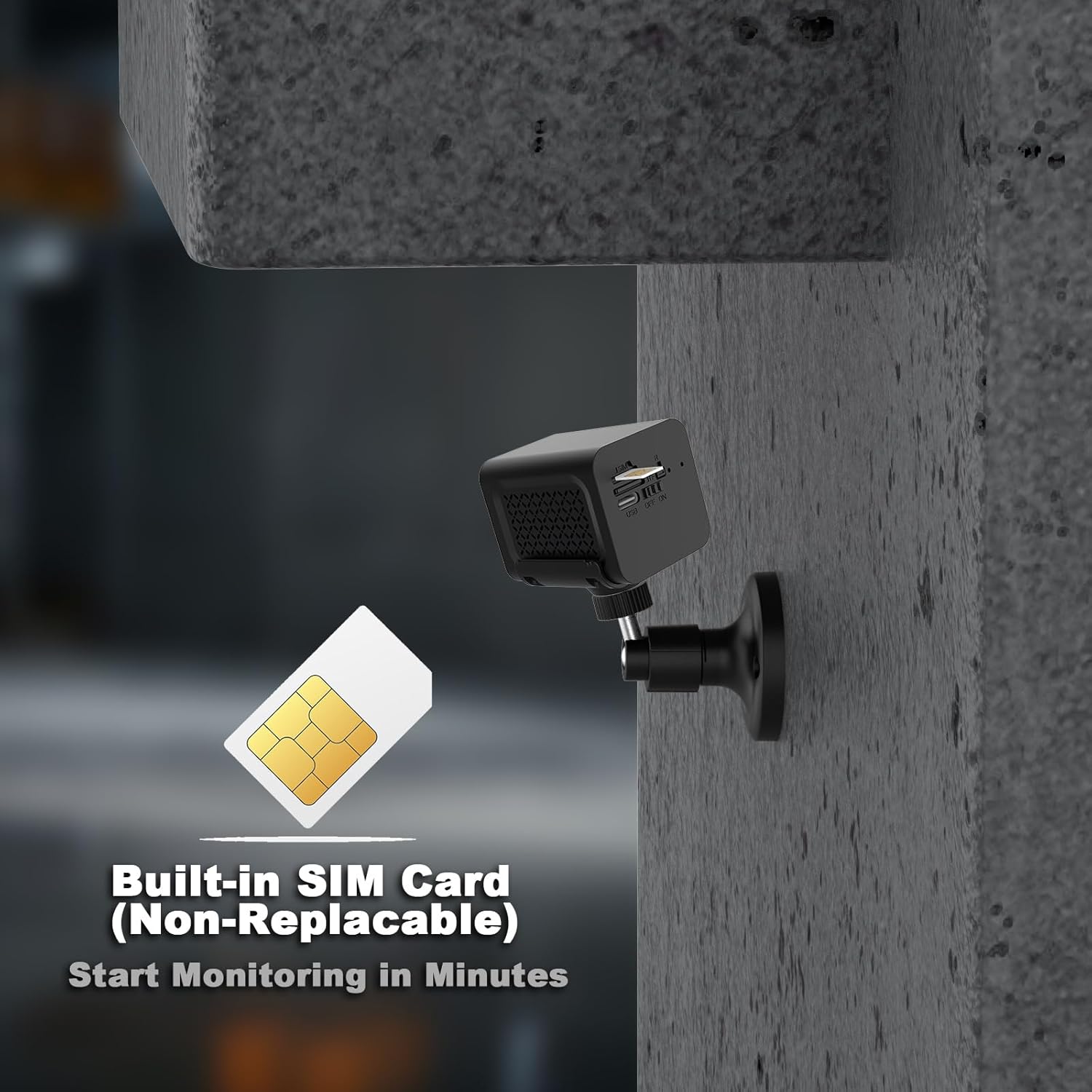
Image: Side view of the FUVISION D10-4G-New camera highlighting the built-in SIM card slot and USB-C charging port.
Setup Guide
- Charge the Camera: Before first use, fully charge the camera using the provided USB-C cable and a compatible 5V/1A power adapter (not included). The charging indicator light will turn off when fully charged.
- Download the App: Search for "UBox" in your smartphone's app store (iOS or Android) and download the application.
- Register an Account: Open the UBox app and follow the on-screen instructions to register a new account.
- Power On the Camera: Press and hold the power button on the camera until the indicator light turns on.
- Add Device: In the UBox app, tap "Add Device" or the "+" icon. Scan the QR code located on the camera or its packaging. Follow the app's prompts to connect the camera to your account. Ensure your phone has a stable internet connection during this process.
- Activate SIM Card: The camera comes with a pre-installed SIM card and a 7-day free data trial. Activate the data plan through the UBox app as instructed. Subsequent data plans can be purchased via the app.
- Mount the Camera:
- Magnetic Mount: The camera features a strong built-in magnet. Simply attach it to any suitable metal surface.
- Screw Mount: For non-magnetic surfaces, use the provided bracket and screws to secure the camera. Ensure the mounting location provides a clear view and good 4G LTE signal strength.

Image: A person installing the FUVISION D10-4G-New camera onto a metal surface using its magnetic base, demonstrating the ease of installation.
Video: An official product video demonstrating the setup and key features of the FUVISION D10-4G LTE Portable Security Camera. This video shows the camera being placed on a shelf, connecting via the app, and highlighting its compact design and motion detection capabilities.
Operating Instructions
App Interface Overview
The UBox app is your primary interface for controlling and monitoring the camera. After logging in, you will see a list of your connected devices. Tap on the camera to access its live view and settings.

Image: A smartphone displaying the UBox app's live camera feed, with smaller images showing the camera used in a garage, RV, and home entrance.
Live View and Recording
- Access Live View: Tap on the camera in the app to see real-time video.
- Manual Recording/Screenshot: Use the icons within the live view interface to manually record video or take screenshots.
- Two-Way Audio: The camera supports two-way audio. Use the microphone icon in the app to speak through the camera and the speaker icon to listen to audio from the camera's location.
Motion Detection and Alerts
The camera is equipped with smart motion detection. When motion is detected, it will trigger recording and send instant alerts to your smartphone via the UBox app.
- Enable/Disable Alerts: Adjust motion detection sensitivity and alert settings within the camera's settings in the UBox app.
- Scheduled Arming: Set specific days and times for the camera to actively monitor and send alerts using the "Scheduled Mode" feature in the app.
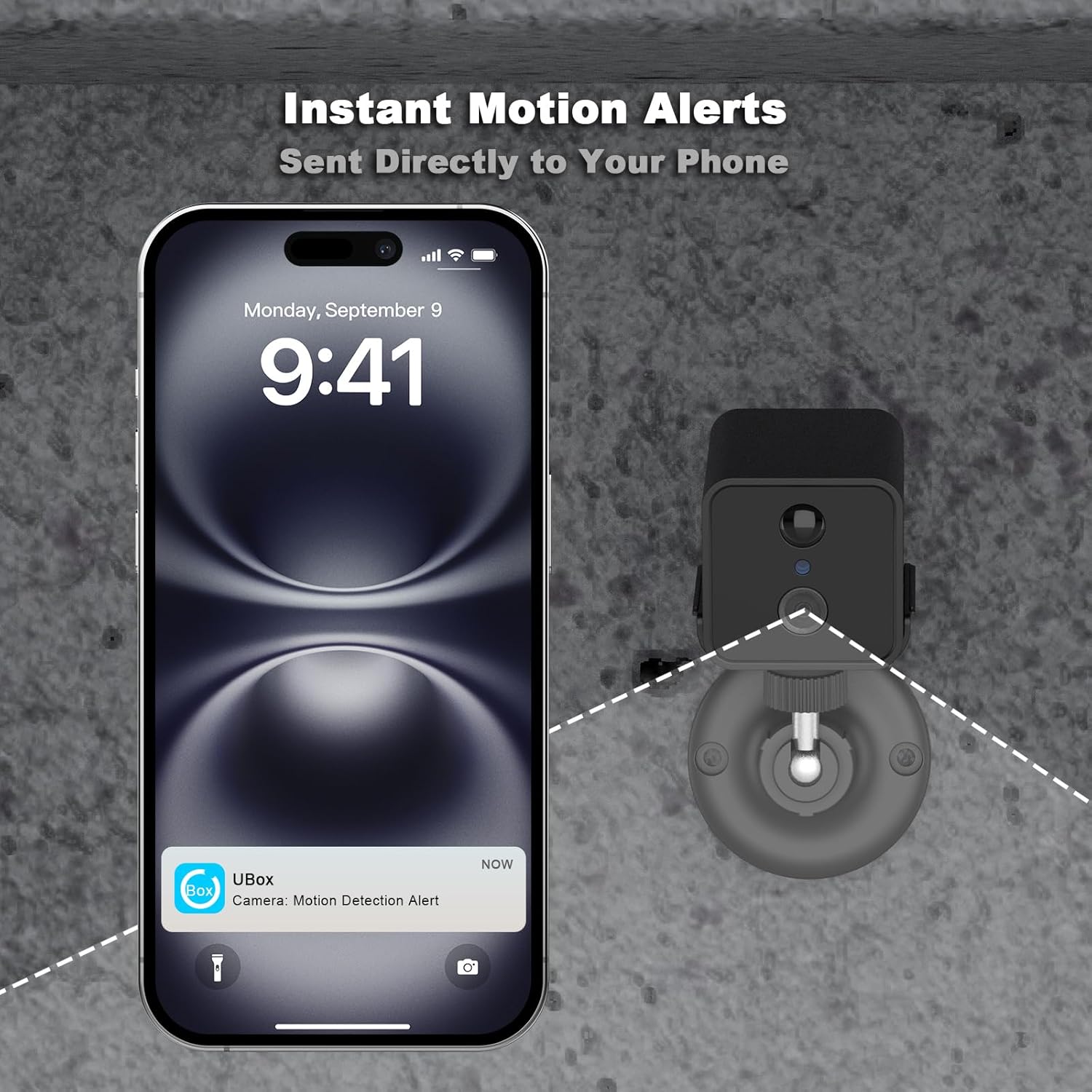
Image: A smartphone displaying a push notification from the UBox app, indicating a "Camera Motion Detection Alert."
Night Vision
The camera automatically switches to night vision mode in low-light conditions, providing clear black and white video up to 16.5 feet.

Image: A split image demonstrating the camera's night vision, showing a clear view of a driveway and a person in the dark up to 16.5 feet.
Storage Options
- Cloud Storage: The camera supports cloud storage for recorded events. A free trial is included, and subscription plans are available through the UBox app.
- Local Storage: Insert a Micro SD card (up to 128GB, not included) into the camera's slot for local video storage.
Maintenance
- Battery Charging: Recharge the camera battery when the app indicates low power. The 2600mAh battery provides up to 20 days of standby. The camera can operate while charging.
- Lens Cleaning: Periodically clean the camera lens with a soft, dry cloth to ensure clear image quality.
- Firmware Updates: Check the UBox app regularly for firmware updates. Keeping the firmware updated ensures optimal performance and access to new features.
- Data Plan Management: Monitor your 4G LTE data usage through the UBox app and renew your data plan as needed to maintain continuous connectivity.

Image: An X-ray style view of the FUVISION D10-4G-New camera highlighting its internal long-lasting battery, indicating its power source.
Troubleshooting
| Problem | Possible Cause | Solution |
|---|---|---|
| Camera not connecting to 4G LTE network. | No 4G LTE signal, expired data plan, SIM card issue. | Check 4G LTE signal strength at the camera's location. Verify data plan status in the UBox app. Ensure the SIM card is properly activated. |
| No motion alerts received. | Motion detection disabled, low sensitivity, app notifications off. | Enable motion detection and adjust sensitivity in the UBox app. Check your phone's notification settings for the UBox app. |
| Short battery life. | Frequent motion detection, continuous live view, cold weather. | Reduce motion detection sensitivity or frequency. Limit live view access. Ensure camera is fully charged. Battery performance may decrease in extreme cold. |
| Poor video quality. | Dirty lens, weak 4G LTE signal, low light conditions. | Clean the camera lens. Ensure strong 4G LTE signal. Night vision activates automatically in low light. |
Specifications
- Model: D10-4G-New
- Connectivity: 4G LTE Cellular (No Wi-Fi required)
- Video Resolution: 2K (3MP, 1296p)
- Viewing Angle: 140°
- Night Vision Range: Up to 16.5 feet
- Battery: 2600mAh rechargeable
- Standby Time: Up to 20 days
- Storage: Cloud Storage, Micro SD Card (up to 128GB)
- Mounting: Magnetic, Screw Mount
- Audio: Two-Way Audio
- Motion Detection: Smart PIR Motion Alerts
- Dimensions: 3.18 x 2 x 2 inches
- Weight: 6.7 ounces
- Operating App: UBox (iOS/Android)
Warranty and Support
For warranty information and technical support, please refer to the official FUVISION website or contact their customer service directly. You can also find support resources within the UBox application.
Manufacturer: FUVISION
Amazon Store: Visit the FUVISION Store on Amazon