
1. Introduction
Thank you for choosing the XINYIELE Smart Sprinkler Timer. This device is designed to automate your garden watering, ensuring your plants receive optimal hydration with minimal effort. Please read this manual carefully before installation and operation to ensure proper use and longevity of your product.
2. Safety Information
- Do not immerse the timer in water. It is water-resistant, not submersible.
- Use only alkaline batteries of the specified type. Do not mix old and new batteries or different battery types.
- Ensure all connections are tight to prevent leaks.
- Do not expose the timer to extreme temperatures or direct sunlight for prolonged periods, as this may affect its performance and lifespan.
- Keep out of reach of children.
3. Package Contents
Please check the package for the following items:
- XINYIELE Smart Sprinkler Timer (1 unit)
- User Manual (this document)
- Additional hose connectors/washers (if applicable)
4. Product Overview
Familiarize yourself with the components of your smart sprinkler timer:
- LCD Display: Shows current time, program settings, and battery status.
- Dial: Used to select different programming modes (Set Clock, Start Time, How Often, How Long, ON, OFF, Rain Delay).
- OK/+/– Buttons: For confirming selections and adjusting values.
- Water Inlet: Connects to the faucet (3/4" GHT thread). Features a 360° swivel inlet and built-in metal filter.
- Water Outlet: Connects to the garden hose.
- Battery Compartment: Located at the back, houses the batteries.

Image: Overview of the XINYIELE Smart Sprinkler Timer, showing its 360° swivel inlet, 2.5" LCD Display, IP65 waterproof rating, low power protection, anti-UV material, and 3/4" GHT thread for garden hoses.
5. Setup
5.1 Battery Installation
- Locate the battery compartment on the back of the timer.
- Slide the battery cover off.
- Insert two new AA alkaline batteries (not included), ensuring correct polarity (+/-).
- Replace the battery cover securely.

Image: The XINYIELE Smart Sprinkler Timer highlighting its durable structural design, built-in metal filter, high-definition display screen, and waterproof battery box design, which prevents water from entering the interior.
5.2 Timer Installation
- Ensure the faucet is turned off.
- Thread the timer's inlet onto your outdoor faucet. Hand-tighten only. Do not overtighten.
- Connect your garden hose to the timer's outlet. Hand-tighten.
- Turn on the faucet. The timer is designed to withstand standard household water pressure (up to 116 PSI).
6. Operating Instructions
6.1 Setting the Clock
- Turn the dial to "SET CLOCK".
- Use the "+" and "–" buttons to adjust the current time.
- Press "OK" to confirm and move to the next setting (e.g., AM/PM).
- Once the time is set, turn the dial to "ON" to save.
6.2 Programming Automatic Watering
The timer offers two automatic cycle modes:

Image: The XINYIELE Smart Sprinkler Timer displaying its two automatic cycle modes: Mode 1 for watering every 1 to 12 hours, and Mode 2 for watering every 1 to 7 days. This allows users to choose an appropriate watering frequency for different plants.
- Set Start Time:
- Turn the dial to "START TIME".
- Use "+" and "–" to set the desired watering start time.
- Press "OK" to confirm.
- Set How Long (Watering Duration):
- Turn the dial to "HOW LONG".
- Use "+" and "–" to set the watering duration (e.g., 1 minute to 8 hours).
- Press "OK" to confirm.
- Set How Often (Watering Frequency):
- Turn the dial to "HOW OFTEN".
- Use "+" and "–" to select the frequency:
- Every 1-12 hours (Mode 1)
- Every 1-7 days (Mode 2)
- Press "OK" to confirm.
- After setting all parameters, turn the dial to "ON" to activate the program. The timer will now water automatically according to your settings.
6.3 Manual Watering
You can manually water without interrupting your programmed schedule.

Image: The XINYIELE Smart Sprinkler Timer demonstrating its manual watering feature, which allows for watering durations from 1 minute to 8 hours without altering the existing automatic watering schedule.
- Turn the dial to "ON".
- Press the "OK" button. The display will show "MANUAL".
- Use "+" and "–" to set the desired manual watering duration.
- Press "OK" to start manual watering.
- To stop manual watering, press "OK" again or turn the dial to "OFF" and then back to "ON".
6.4 Rain Delay Function
To conserve water during rainy periods, you can temporarily pause your watering schedule.
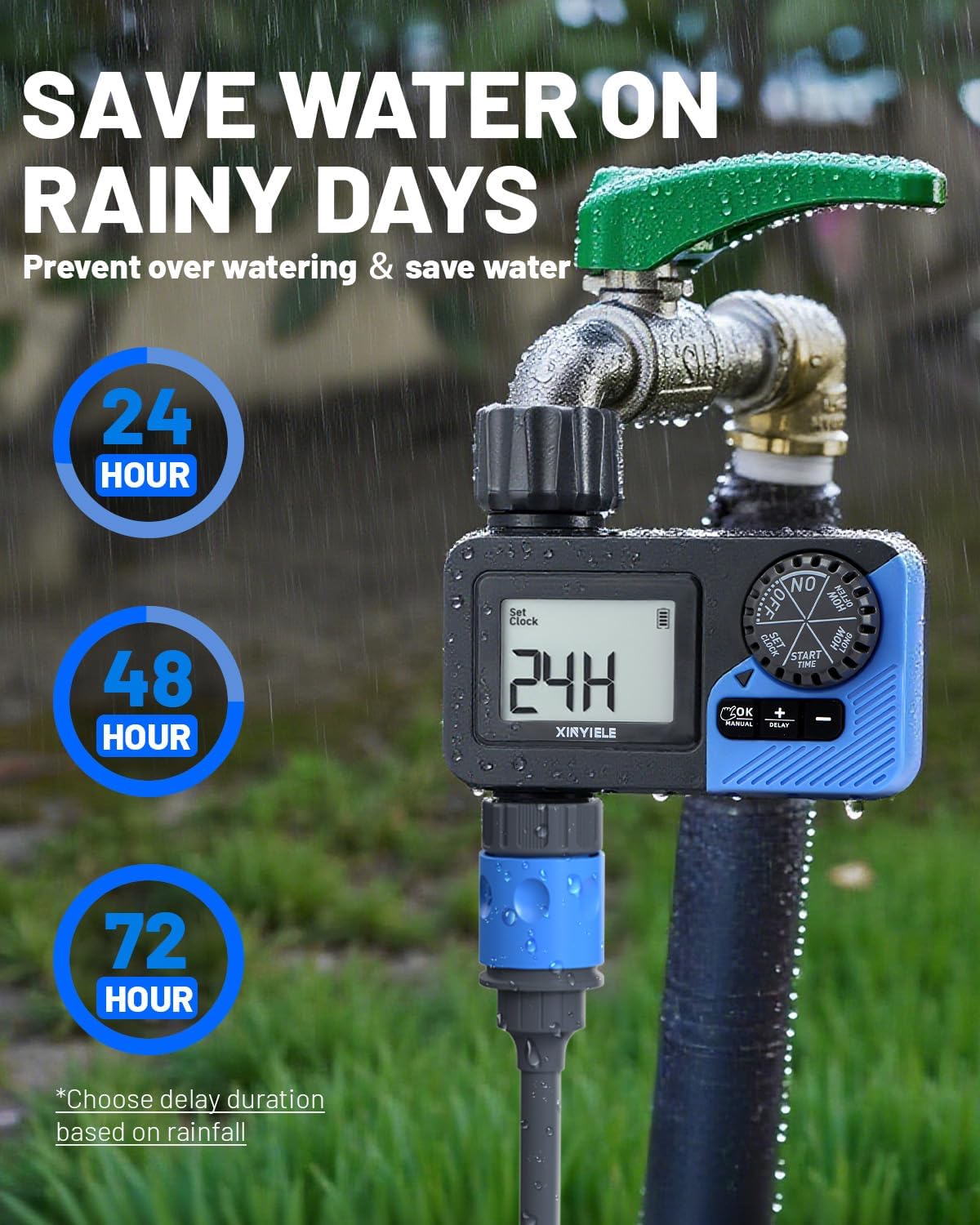
Image: The XINYIELE Smart Sprinkler Timer illustrating its rain delay function, which allows users to pause watering for 24, 48, or 72 hours to prevent overwatering and save water on rainy days.
- Turn the dial to "RAIN DELAY".
- Use "+" and "–" to select the delay duration (24, 48, or 72 hours).
- Press "OK" to activate the rain delay. The timer will resume its schedule automatically after the delay period.
- To cancel the rain delay, turn the dial to "ON".
6.5 Turning Off the Timer
To stop all watering, turn the dial to "OFF".
6.6 Low Battery Protection
The timer is equipped with a low battery protection function. When the battery level is critically low, the valve will automatically close to prevent continuous watering and water wastage. Replace batteries promptly when the low battery indicator appears on the display.
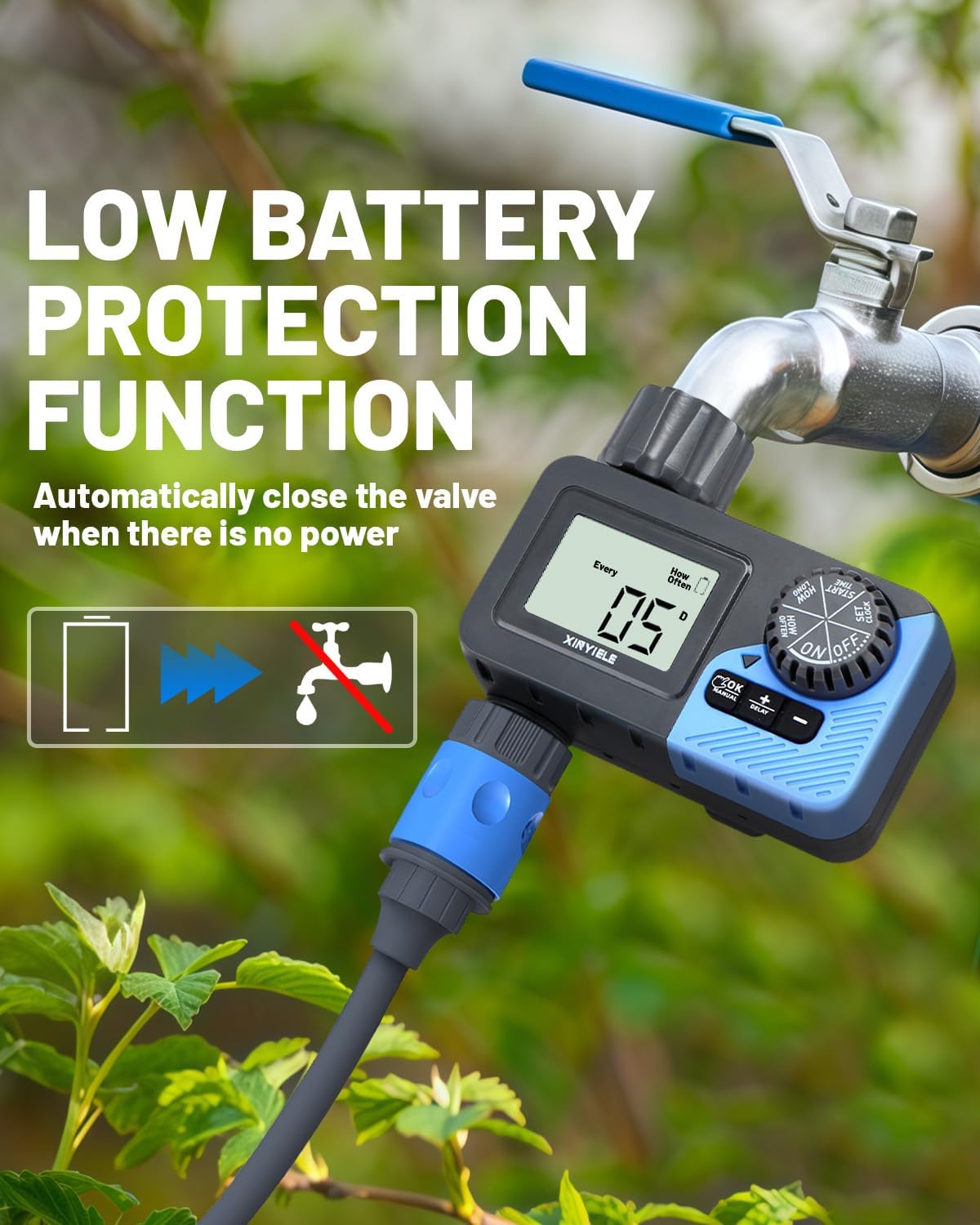
Image: The XINYIELE Smart Sprinkler Timer illustrating its low battery protection feature, which automatically closes the valve when there is insufficient power to prevent water waste.
7. Maintenance
7.1 Cleaning
- Periodically check and clean the built-in metal filter at the water inlet to prevent clogging.
- Wipe the exterior of the timer with a damp cloth. Do not use abrasive cleaners.
7.2 Winterization
- Before the first frost, disconnect the timer from the faucet and hose.
- Remove the batteries.
- Store the timer indoors in a dry, frost-free location.
8. Troubleshooting
| Problem | Possible Cause | Solution |
|---|---|---|
| Timer does not turn on. | Dead or incorrectly installed batteries. | Replace batteries with new AA alkaline batteries, ensuring correct polarity. |
| No water flow. | Faucet is off; filter is clogged; low battery; program not set correctly. | Ensure faucet is fully open. Clean the inlet filter. Replace batteries. Verify program settings. |
| Water leaks from connections. | Loose connections; worn washer. | Tighten connections. Check and replace rubber washers if damaged. |
| Timer not watering at scheduled time. | Incorrect clock setting; program not activated; rain delay active. | Verify current time. Ensure dial is on "ON". Check if rain delay is active and cancel if needed. |
9. Specifications
- Brand: XINYIELE
- Model Number: SPTI-1out
- Material: Plastic
- Color: Grey
- Product Dimensions: 12.7D x 12.7W x 12.7H centimetres
- Item Weight: 0.3 Kilograms
- Water Pressure Range: Up to 116 PSI (Maximum)
- Power Source: 2 x AA Alkaline Batteries (not included)
- Watering Duration: 1 minute to 8 hours
- Watering Frequency: Every 1-12 hours or Every 1-7 days
- Water Resistance: IP65
- Display: 2.5" LCD
10. Warranty and Support
XINYIELE products are designed for reliability and performance. For warranty information or technical support, please refer to the contact details provided at the point of purchase or visit the official XINYIELE website. Please retain your proof of purchase for warranty claims.
For further assistance, you may contact customer support via support@xinyiele.com or visit www.xinyiele.com/support.