Introduction
This manual provides detailed instructions for the proper use and maintenance of your Qecnato Q77 Open-Ear Wireless Bluetooth 5.4 Earbuds. Please read this manual thoroughly before using the product to ensure optimal performance and longevity.
Package Contents
- Qecnato Q77 Open-Ear Wireless Earbuds (1 pair)
- Charging Case
- USB Charging Cable
- User Manual
Product Overview
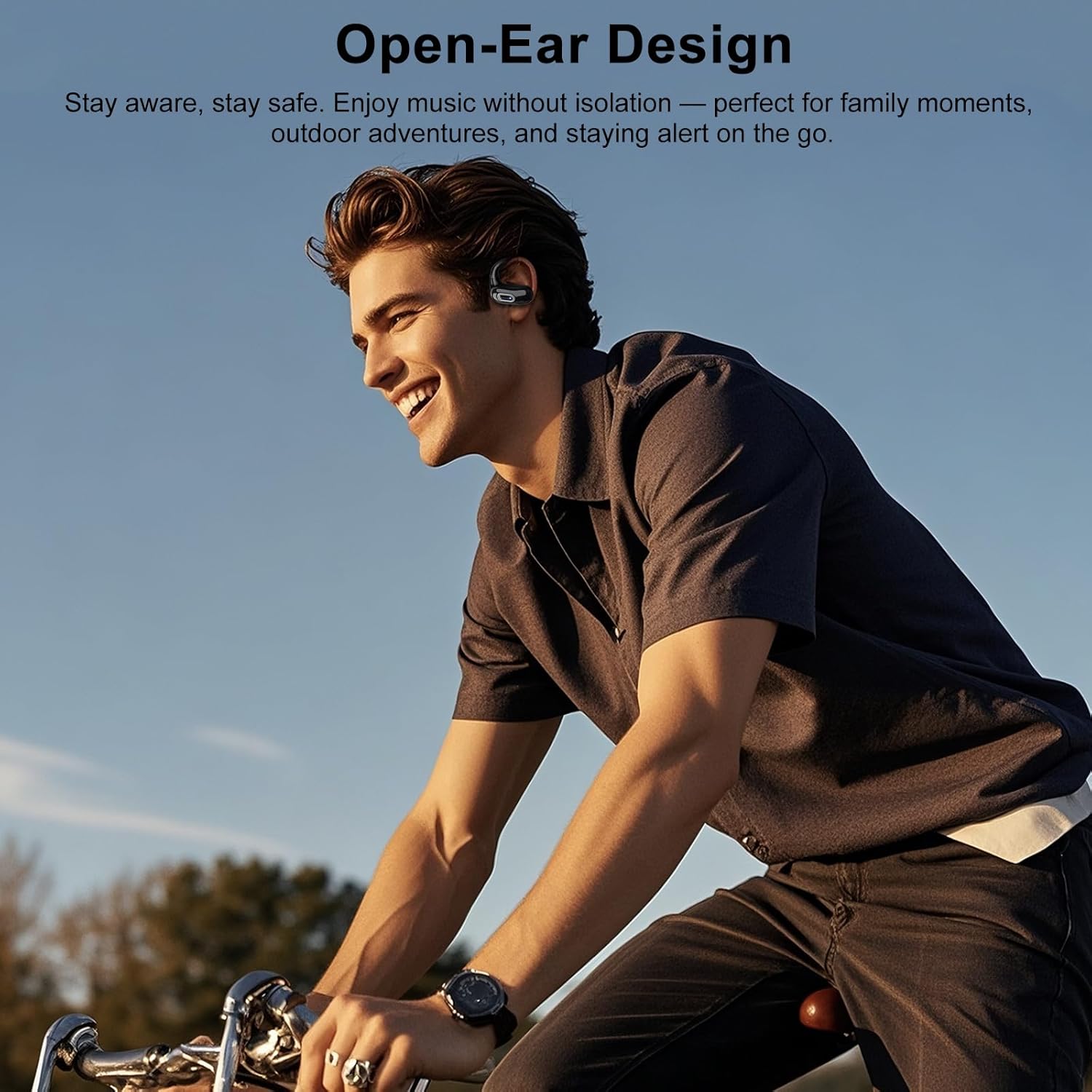
The Qecnato Q77 earbuds feature an open-ear design with ear hooks, providing a comfortable and secure fit without blocking your ear canal. This design allows you to remain aware of your surroundings while enjoying audio. The earbuds are equipped with touch controls for easy operation.

Setup
1. Charging the Earbuds and Case
Before first use, fully charge the earbuds and the charging case. Connect the USB charging cable to the charging port on the case and a power source. The indicator lights on the case will show the charging status. Once fully charged, the indicator lights will change or turn off.
- A single charge provides approximately 8 hours of playback.
- The charging case provides additional charges, extending total playback time to approximately 50 hours.

2. Bluetooth Pairing
- Ensure the earbuds are charged.
- Open the charging case. The earbuds will automatically enter pairing mode, indicated by a flashing LED light on the earbuds.
- On your device (smartphone, tablet, etc.), go to Bluetooth settings and turn Bluetooth on.
- Search for available devices. Select "Q77" from the list.
- Once connected, the earbud LED light will stop flashing. You will hear a confirmation tone.
- The earbuds will automatically reconnect to the last paired device when taken out of the case, if Bluetooth is enabled on the device.

Operating Instructions
Wearing the Earbuds
Gently place the ear hook over your ear, positioning the earbud speaker near your ear canal. Adjust for a comfortable and secure fit. The ergonomic design is intended to adapt to the human ear shape for extended wear without discomfort.
Touch Controls
The Q77 earbuds feature intuitive touch controls on the outer surface of each earbud. Specific functions may vary slightly, but common controls include:
- Single Tap: Play/Pause audio, Answer/End call.
- Double Tap (Left Earbud): Previous track.
- Double Tap (Right Earbud): Next track.
- Long Press: Activate voice assistant, Reject call.
- Triple Tap: Volume control (e.g., Left for Volume Down, Right for Volume Up).
Refer to the quick start guide included in your package for precise touch control mapping.
Maintenance
Cleaning
Regularly clean your earbuds and charging case with a soft, dry, lint-free cloth. Do not use harsh chemicals or abrasive materials. Avoid getting moisture into any openings.
Water Resistance (IPX7)
The Qecnato Q77 earbuds are IPX7 waterproof, meaning they can withstand immersion in water up to 1 meter for 30 minutes. They are resistant to sweat and rain, making them suitable for sports and outdoor activities. However, the charging case is not waterproof. Do not charge the earbuds if they or the charging port are wet.

Storage
Store the earbuds in their charging case when not in use to protect them and keep them charged. Avoid extreme temperatures and direct sunlight.
Troubleshooting
- Earbuds not pairing: Ensure both earbuds are charged. Place them back in the case, close it, then open it again to re-enter pairing mode. Check your device's Bluetooth settings and try reconnecting.
- Only one earbud working: Try resetting the earbuds. Place both earbuds in the charging case, then remove them. If the issue persists, try re-pairing them with your device.
- No sound: Check the volume level on both your device and the earbuds. Ensure the earbuds are properly connected to your device.
- Charging issues: Ensure the charging cable is securely connected to both the case and the power source. Check for any debris in the charging port.
- Poor connection/skipping: Ensure your device is within the Bluetooth range (approximately 10 meters/33 feet) and there are no significant obstacles between the earbuds and your device.
Specifications
The Qecnato Q77 earbuds are designed for high-fidelity audio performance with 14.2mm dynamic drivers.

| Feature | Specification |
|---|---|
| Model Number | Q77 |
| Brand | Qecnato |
| Connectivity Technology | Wireless (Bluetooth 5.4) |
| Control Type | Touch Control |
| Form Factor | Open-Ear, Ear Hook |
| Water Resistance Rating | IPX7 |
| Battery Composition | Lithium-polymer |
| Single Charge Playtime | Approx. 8 hours |
| Total Playtime (with case) | Approx. 50 hours |
| Impedance | 32 Ohms |
| Item Weight | 100 Grams |
| Material | Plastic |
| Color | Black |
Warranty Information
Qecnato products are typically covered by a limited warranty against defects in materials and workmanship. Please refer to the warranty card included in your product packaging or contact the seller for specific warranty terms and conditions.
Customer Support
If you encounter any issues or have questions regarding your Qecnato Q77 earbuds that are not addressed in this manual, please contact the seller or manufacturer's customer support for assistance. Provide your product model number (Q77) and purchase details when seeking support.


