
Panasonic ES-L571U-S
Contents
Panasonic Lamdash PRO ES-L571U-S 5-Blade Electric Shaver Instruction Manual
Model: ES-L571U-S
Introduction
Thank you for purchasing the Panasonic Lamdash PRO ES-L571U-S 5-Blade Electric Shaver. This manual provides essential information for the safe and effective use, setup, operation, and maintenance of your new shaver. Please read it thoroughly before use and keep it for future reference.
Important Safety Information
To prevent injury, damage to the product, or property damage, always observe the following safety precautions.
- Water Immersion: Do not immerse the automatic cleaning and charging system, AC adapter, or USB cable in water. The shaver main unit is water-washable, but these accessories are not. This is to avoid electrical hazards.
- Power Source: Use only the specified AC adapter and charging system. Ensure the voltage matches your local power supply.
- Children: Keep this product out of reach of children.
- Damage: Do not use the shaver if the blades or outer foil are damaged, as this may cause skin injury.
- Disassembly: Do not attempt to disassemble or repair the shaver yourself. Contact authorized service personnel.
Package Contents
Verify that all items are included in your package:
- Shaver Main Unit
- Automatic Cleaning and Charging System
- Pouch
- Dedicated Cleaning Solution (1 pc)
- AC Adapter
- Dedicated Oil
- Cleaning Brush
- USB Cable (Type-A to Type-C)

Image: All accessories included with the Panasonic Lamdash PRO ES-L571U-S shaver, including the shaver unit, automatic cleaning and charging system, pouch, cleaning solution, AC adapter, oil, cleaning brush, and USB cable.
Product Features
The Panasonic Lamdash PRO ES-L571U-S is designed for a close and comfortable shave with advanced technology.
5-Blade System
Equipped with a 5-blade system, including two under-jaw trimmers and three ultra-thin finishing blades, to capture and cut even thick and stubborn beards efficiently. This system provides a deep shave while being gentle on the skin.

Image: A detailed view of the shaver's 5-blade system, showing the arrangement of the outer foils and inner blades.
High-Speed Linear Motor
The shaver features a high-speed linear motor that delivers approximately 14,000 strokes per minute, ensuring consistent power and a smooth shave even when battery levels are low or beard density is high.

Image: An internal view of the shaver head, highlighting the high-speed linear motor mechanism.
Lamdash AI+ Sensor
The Lamdash AI+ sensor automatically detects beard density and adjusts shaving power accordingly, providing optimal performance and reducing skin irritation. The sensor performs approximately 233 detections per second.
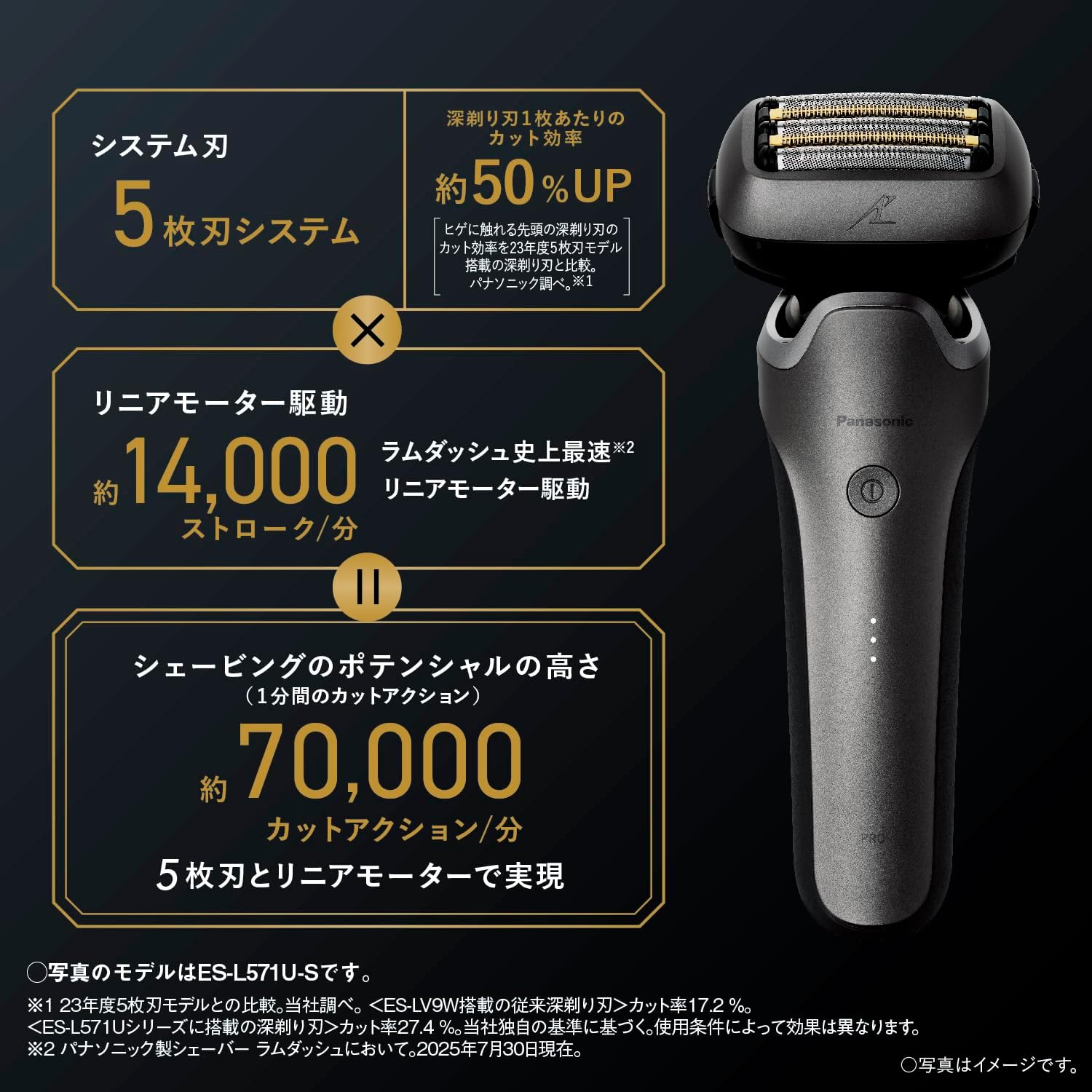
Image: A close-up of the shaver's internal circuit board, illustrating the Lamdash AI+ sensor technology.

Image: A diagram illustrating how the Lamdash AI+ sensor detects beard density (thick or thin) and automatically adjusts the shaver's power for an optimal shave.
5D Flexible Head
The shaver head moves in five dimensions, conforming closely to the contours of your face, including under the jawline, for a smooth and gentle shave without excessive pressure.

Image: The shaver head shown articulating to demonstrate its 5D flexible movement, adapting to facial contours.
Automatic Cleaning and Charging System
The included automatic cleaning and charging system provides a convenient way to clean, dry, and charge your shaver with a single touch. It removes 99% or more of bacteria from the blades.
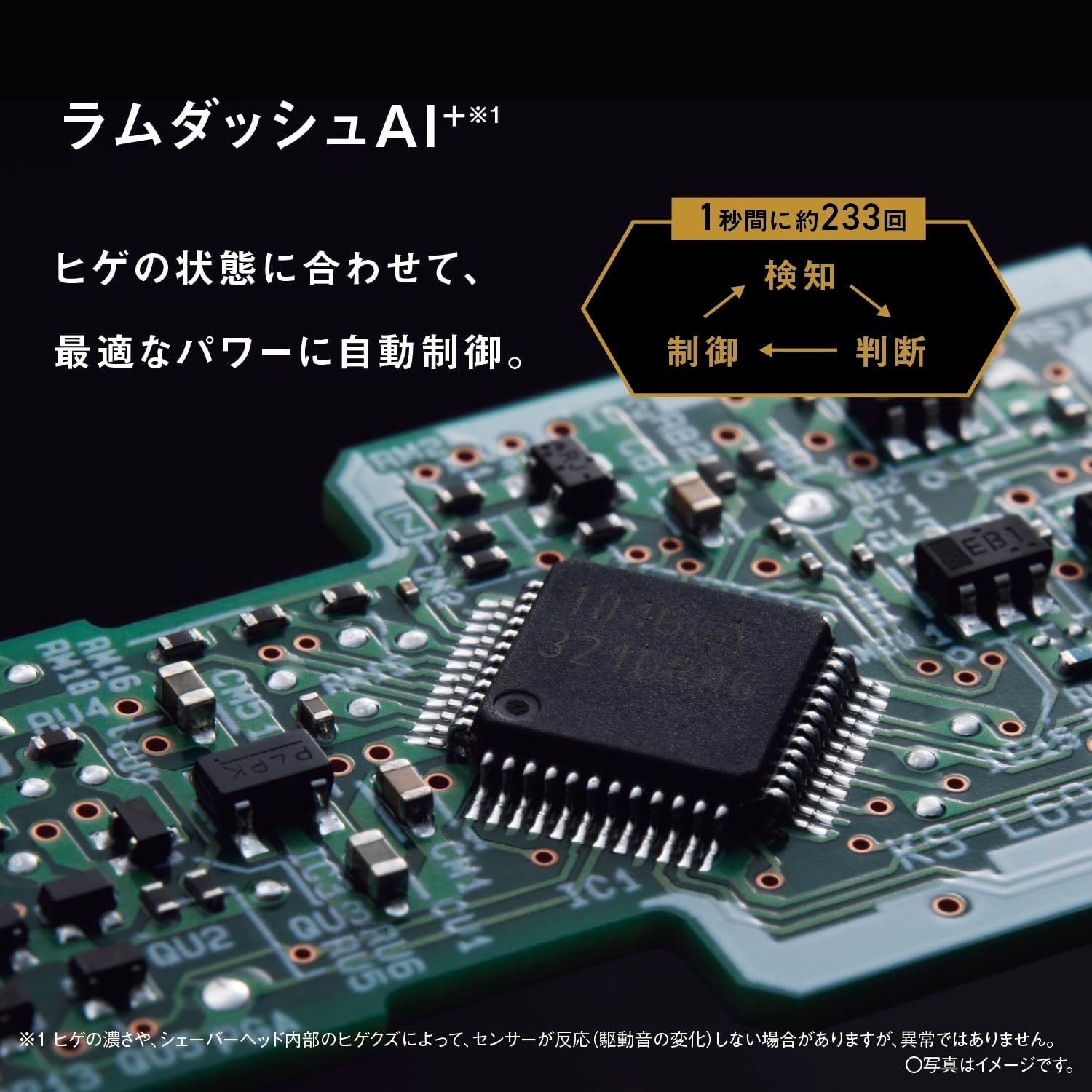
Image: The automatic cleaning and charging system with the shaver docked, showing the cleaning solution and drying function.
Wet & Dry Shaving and USB-C Charging
The shaver is fully waterproof, allowing for comfortable wet or dry shaving, even in the shower. It also supports convenient USB Type-C charging for travel.

Image: The shaver head covered in water droplets, demonstrating its waterproof design suitable for wet shaving.
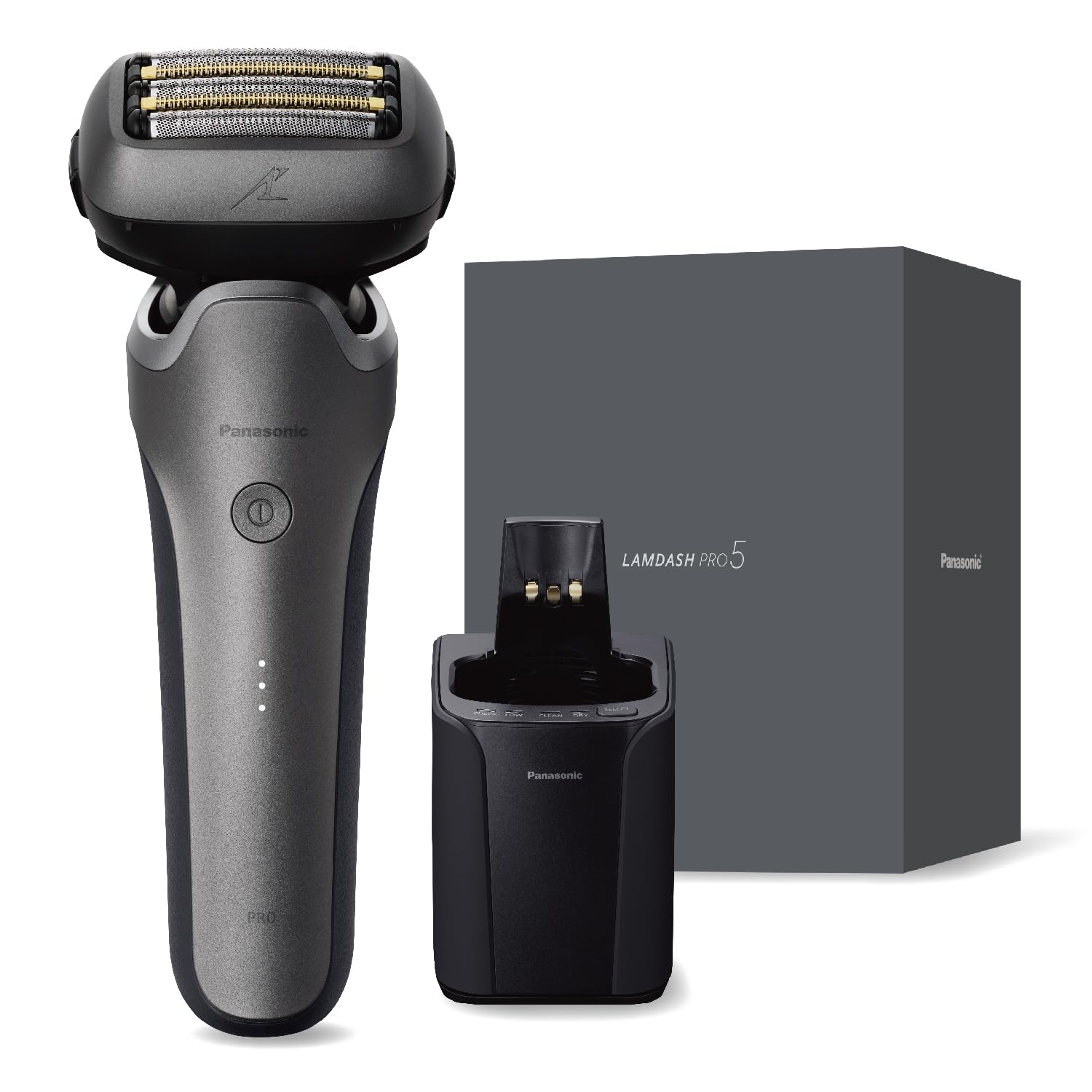
Image: The shaver's charging port with a USB-C cable connected, illustrating its USB charging capability.
Setup
Initial Charging
- Connect the AC adapter to the automatic cleaning and charging system.
- Place the shaver into the cleaning and charging system. Ensure it is seated correctly.
- The charging indicator will illuminate. A full charge takes approximately 1 hour.
- Alternatively, you can charge the shaver directly using the provided USB Type-C cable and a compatible USB power source.
Preparing the Automatic Cleaning System
- Open the lid of the automatic cleaning and charging system.
- Pour the dedicated cleaning solution into the designated reservoir.
- Close the lid securely.
Operating Instructions
Basic Shaving
- Press the power button to turn on the shaver.
- Hold the shaver at a right angle (90 degrees) to your skin.
- Gently move the shaver against the direction of beard growth.
- Do not press too hard, as the flexible head and sharp blades are designed to cut effectively with light pressure.
- For areas like the jawline, allow the 5D flexible head to adapt to the contours of your face.
- After shaving, press the power button to turn off the shaver.
Wet Shaving
The shaver can be used with shaving foam or gel for a more comfortable wet shave. It is also safe for use in the shower.
- Apply shaving foam or gel to your face.
- Proceed with shaving as described in "Basic Shaving."
- Rinse the shaver head under running water after use.
Maintenance
Daily Cleaning (Manual)
- Turn off the shaver and detach the outer foil frame.
- Brush away any loose stubble from the outer foil and inner blades using the provided cleaning brush.
- Rinse the outer foil and inner blades thoroughly under running water.
- Shake off excess water and allow the parts to air dry completely before reattaching.
- Apply a drop of dedicated oil to each outer foil and inner blade for optimal performance and longevity.
Automatic Cleaning
- After shaving, rinse the shaver head under running water to remove large debris.
- Place the shaver into the automatic cleaning and charging system.
- Press the cleaning button on the system. The system will automatically clean, dry, and charge the shaver.
- Replace the cleaning solution when indicated by the system or as needed.
Blade Replacement
For optimal shaving performance and hygiene, it is recommended to replace the integrated blade set approximately every 1.5 years. Refer to the image below for guidance.

Image: A visual guide demonstrating how to remove and replace the integrated blade set of the shaver.
Troubleshooting
| Problem | Possible Cause | Solution |
|---|---|---|
| Shaver does not turn on. | Battery is depleted. | Charge the shaver using the AC adapter or USB-C cable. |
| Poor shaving performance. | Blades or outer foil are dull or damaged. | Replace the integrated blade set. Ensure the shaver is clean. |
| Skin irritation after shaving. | Incorrect shaving technique or dull blades. | Shave gently, do not apply excessive pressure. Replace blades if old. Consider wet shaving with foam. |
| Automatic cleaning system not working. | Insufficient cleaning solution or improper placement of shaver. | Ensure enough cleaning solution is in the reservoir. Verify the shaver is correctly docked. |
Specifications
| Feature | Detail |
|---|---|
| Model Number | ES-L571U-S |
| Brand | Panasonic |
| Blade System | 5-Blade |
| Motor Type | Linear Motor (Approx. 14,000 strokes/min) |
| Sensor Technology | Lamdash AI+ |
| Head Type | Reciprocating (5D Flexible Head) |
| Power Source | Rechargeable (Lithium-ion battery) |
| Charging Time | Approx. 1 hour (rapid charge) |
| Charging Interface | Automatic Cleaning and Charging System / USB Type-C |
| Cleaning Method | Automatic Cleaning and Charging System / Water Washable |
| Wet/Dry Use | Yes (Can be used in bath) |
| Overseas Use | Yes (Requires separate plug adapter) |
| Main Unit Dimensions (H×W×D) | 18.0 × 7.2 × 5.7 cm (excluding cap) |
| Main Unit Weight | Approx. 215 g (excluding cap) |
| Blade Material | Stainless Steel |
| Country of Origin | Main Unit: Japan / Cleaning System, AC Adapter: China |
Warranty and Support
This Panasonic product comes with a manufacturer's warranty. Please refer to the warranty card included in your package for specific terms and conditions.
- Manufacturer Warranty: 12 months from the date of purchase.
- Customer Support: For product inquiries, technical assistance, or warranty claims, please contact Panasonic customer service. Contact details can be found on the official Panasonic website or in your warranty documentation.
- Online Resources: Visit the official Panasonic website for FAQs, product registration, and additional support resources.
Documents and downloads
Ask a question about this manual
Ask about setup, troubleshooting, compatibility, parts, safety, or missing instructions. Manuals+ will review the question and use this page’s manual context to help answer it.