
1. Introduction
The BOB AND BRAD X6 Ultra Massage Gun is designed to provide deep tissue percussion massage with integrated heat and infrared light therapy. This manual provides essential information for the safe and effective use, maintenance, and troubleshooting of your device. Please read this manual thoroughly before first use and retain it for future reference.

Image 1.1: The BOB AND BRAD X6 Ultra Massage Gun, showcasing its sleek design.
2. Safety Information
To reduce the risk of electric shock, fire, and injury, please observe the following safety precautions:
- Do not immerse the device in water or other liquids.
- Keep the device away from heat sources and direct sunlight.
- Do not operate the device if it has been damaged, dropped, or exposed to water.
- Consult a physician before use if you have any medical conditions, are pregnant, or have a pacemaker.
- Do not use on open wounds, swollen areas, or areas with skin irritation.
- Keep out of reach of children.
- Use only the provided charging cable and attachments.
- Do not block the ventilation openings.
3. Package Contents
Verify that all items are present in the package:
- BOB AND BRAD X6 Ultra Massage Gun
- 6 Interchangeable Massage Heads (including Metal Head, Heat Head with Infrared Light)
- Charging Cable
- User Manual
- Carrying Case
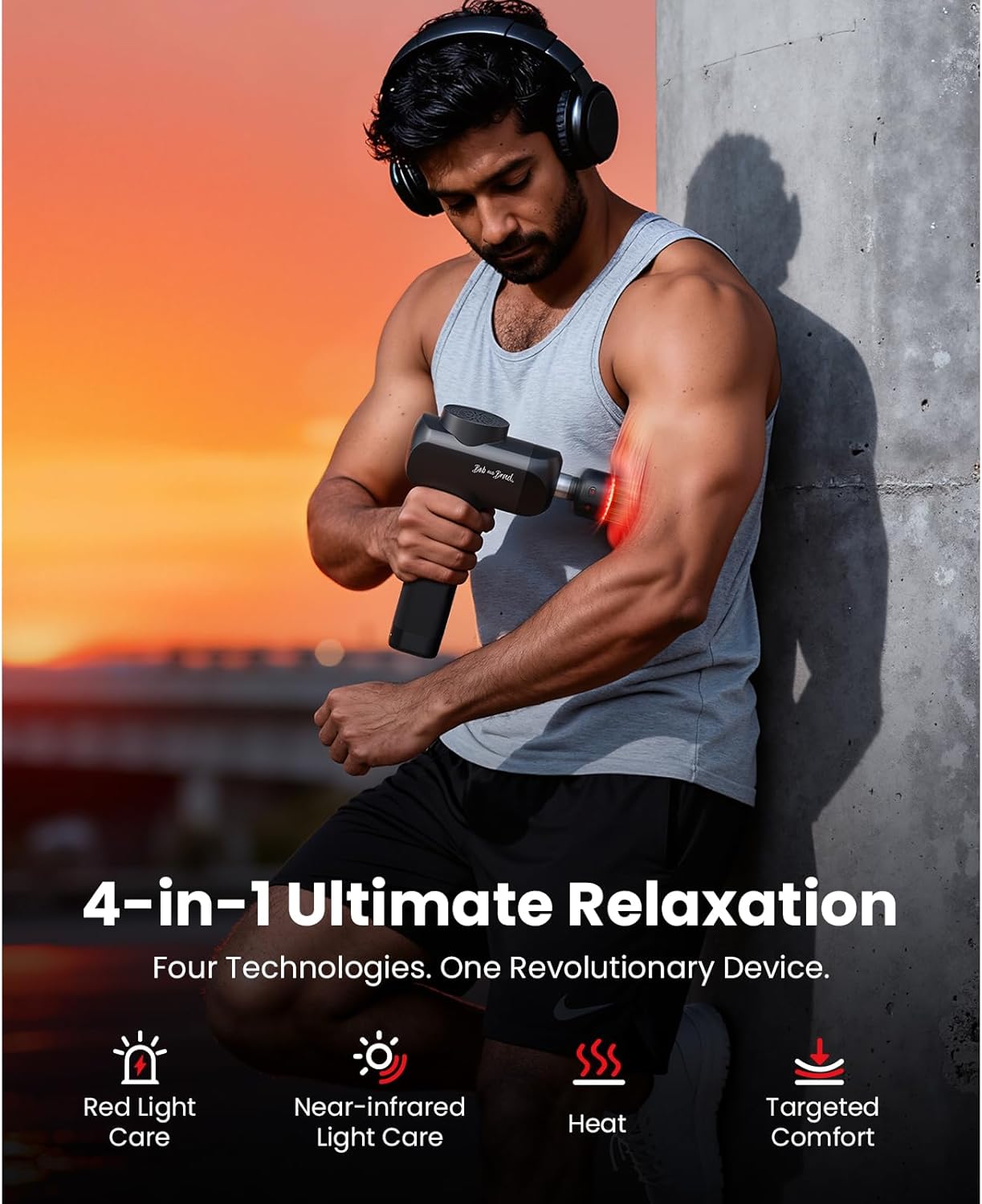
Image 3.1: The X6 Ultra Massage Gun with its six interchangeable massage heads.
4. Setup
4.1 Charging the Device
- Before first use, fully charge the massage gun for approximately 3.5 hours.
- Connect the charging cable to the charging port on the device and plug the other end into a suitable power adapter.
- The battery indicator lights will show the charging status. All lights will be solid when fully charged.
4.2 Attaching Massage Heads
- Ensure the device is turned off before attaching or removing any massage head.
- Gently push the desired massage head into the opening at the front of the device.
- To remove, gently pull the massage head straight out. Do not twist.
5. Operating Instructions
5.1 Power On/Off and Speed Adjustment
- To power on, press and hold the power button for 2 seconds. The device will start at the lowest speed setting.
- Press the power button repeatedly to cycle through the 5 speed settings (2000 to 3200 RPM).
- To power off, press and hold the power button for 2 seconds.
5.2 Using Heat and Infrared Light Functions
The X6 Ultra features a specialized head that combines heat and infrared light. This head can be used independently or in conjunction with the percussion massage.
- Attach the Heat Head with Infrared Light to the massage gun.
- To activate the heat function, press the heat button on the head. There are two temperature settings: Low (40°C/104°F) and High (45°C/113°F). Press the button to cycle between settings.
- To activate the infrared light, press the infrared light button on the head. The infrared light automatically activates the heating function.
- For optimal infrared light results, apply the head directly to the skin for approximately 30 seconds on each area.

Image 5.1: Detail of the heat and infrared light function on the massage head.
5.3 Recommended Usage
- Apply the massage gun to the desired muscle group.
- Move the device slowly over the muscle, applying gentle pressure.
- Do not apply excessive pressure or use on bony areas.
- The device has a 10-minute auto-shutoff feature to prevent overheating and overuse.
6. Maintenance
6.1 Cleaning
- Turn off the device and disconnect it from the power source before cleaning.
- Wipe the device with a slightly damp cloth. Do not use abrasive cleaners or solvents.
- Ensure the device is completely dry before storing or recharging.
6.2 Storage
- Store the massage gun and its accessories in the provided carrying case.
- Keep the device in a cool, dry place, away from direct sunlight and extreme temperatures.
7. Troubleshooting
| Problem | Possible Cause | Solution |
|---|---|---|
| Device does not turn on. | Low battery; Device not charged. | Charge the device fully. |
| Device stops during use. | 10-minute auto-shutoff activated; Low battery. | Restart the device if auto-shutoff occurred; Recharge the device if battery is low. |
| Heat/Infrared function not working. | Incorrect head attached; Function not activated. | Ensure the correct Heat Head is attached and the respective button is pressed. |
| Unusual noise or vibration. | Loose massage head; Internal malfunction. | Ensure massage head is securely attached. If issue persists, contact customer support. |
8. Specifications
| Feature | Detail |
|---|---|
| Model Number | X6 Ultra |
| Product Dimensions | 9.61 x 5.79 x 2.87 inches |
| Item Weight | 2.5 Pounds |
| Power Source | Battery Powered (1 Lithium Polymer battery included) |
| Charging Time | 3.5 Hours |
| Motor | 120W Brushless Motor |
| Stall Force | 55 lbs |
| Amplitude | 10.5mm |
| Speed Settings | 5 (2000 to 3200 RPM) |
| Noise Level | 30-50 dB |
| Heat Settings | Low (40°C/104°F), High (45°C/113°F) |
| Infrared Light | 18 dual-wavelength combined lights (660nm visible, 850nm near-infrared) |
| Auto Shut-Off | 10 minutes |

Image 8.1: Illustration of the X6 Ultra's internal motor and battery components.
9. Warranty and Support
9.1 Warranty Information
The BOB AND BRAD X6 Ultra Massage Gun comes with a 2-Year Warranty. This warranty covers manufacturing defects and ensures the product is built to last. Please retain your proof of purchase for warranty claims.
9.2 Customer Support
For any questions, technical assistance, or warranty claims, please contact BOB AND BRAD customer support. A toll-free number and email support are available for assistance.
- Toll-Free Number: Refer to your product packaging or the official BOB AND BRAD website for the most current contact number.
- Email Support: Refer to your product packaging or the official BOB AND BRAD website for the most current email address.


