Introduction
Thank you for choosing the truke Mega 7 True Wireless Earbuds. This manual provides essential information for setting up, operating, and maintaining your earbuds to ensure optimal performance and longevity. Please read these instructions carefully before use.
Product Overview
The truke Mega 7 earbuds offer an immersive audio experience with 24-bit 360 Spatial Audio, extended 60-hour playtime, and advanced features like Dual Pairing, 40ms Low Latency Gaming Mode, and Quad-Mic Environmental Noise Cancellation (ENC). They are equipped with 13mm Titanium Drivers for rich sound and feature an IPX5 water resistance rating.

Image: Overview of truke Mega 7 earbuds highlighting key features like 60 hours playtime, 24-bit 360 spatial audio, and 13mm titanium drivers.
What's in the Box
- truke Mega 7 Wireless Charging Case
- truke Mega 7 True Wireless Earbuds (Left and Right)
- USB Charging Cable
- Multiple Sizes of Eartips
- User Manual
Setup Instructions
1. Initial Charging
Before first use, fully charge the earbuds and the charging case. Connect the provided USB cable to the charging case and a power source. The LED indicator on the case will show charging status. A full charge provides up to 60 hours of total playtime. Fast charging allows 160 minutes of playback from just 10 minutes of charging.

Image: The truke Mega 7 charging case demonstrating its fast charging capability, providing 160 minutes of playback from a 10-minute charge.
2. Pairing with a Device
- Open the charging case. The earbuds will automatically enter pairing mode.
- On your device (smartphone, tablet, laptop), enable Bluetooth.
- Search for available Bluetooth devices and select "truke Mega 7" from the list.
- Once connected, you will hear an audio prompt, and the earbuds' indicator lights will change.
3. Dual Pairing Technology
The truke Mega 7 earbuds support dual pairing, allowing seamless connection and switching between two devices simultaneously. This is ideal for multitasking, such as listening to music on a laptop and answering calls on a smartphone.

Image: Illustration of the dual pairing feature, showing the earbuds connected to both a smartphone and a tablet.
Operating Instructions
Touch Controls
The truke Mega 7 earbuds feature intuitive touch controls for managing audio playback, calls, and other functions. Refer to the quick start guide or product packaging for specific touch gestures (e.g., single tap, double tap, long press) for actions like play/pause, skip track, answer/end call, and activate voice assistant.
24-Bit 360 Spatial Audio
Experience immersive, theater-like surround sound with 24-bit 360 Spatial Audio. This feature enhances depth and clarity for music, movies, and gaming, providing a rich audio landscape.
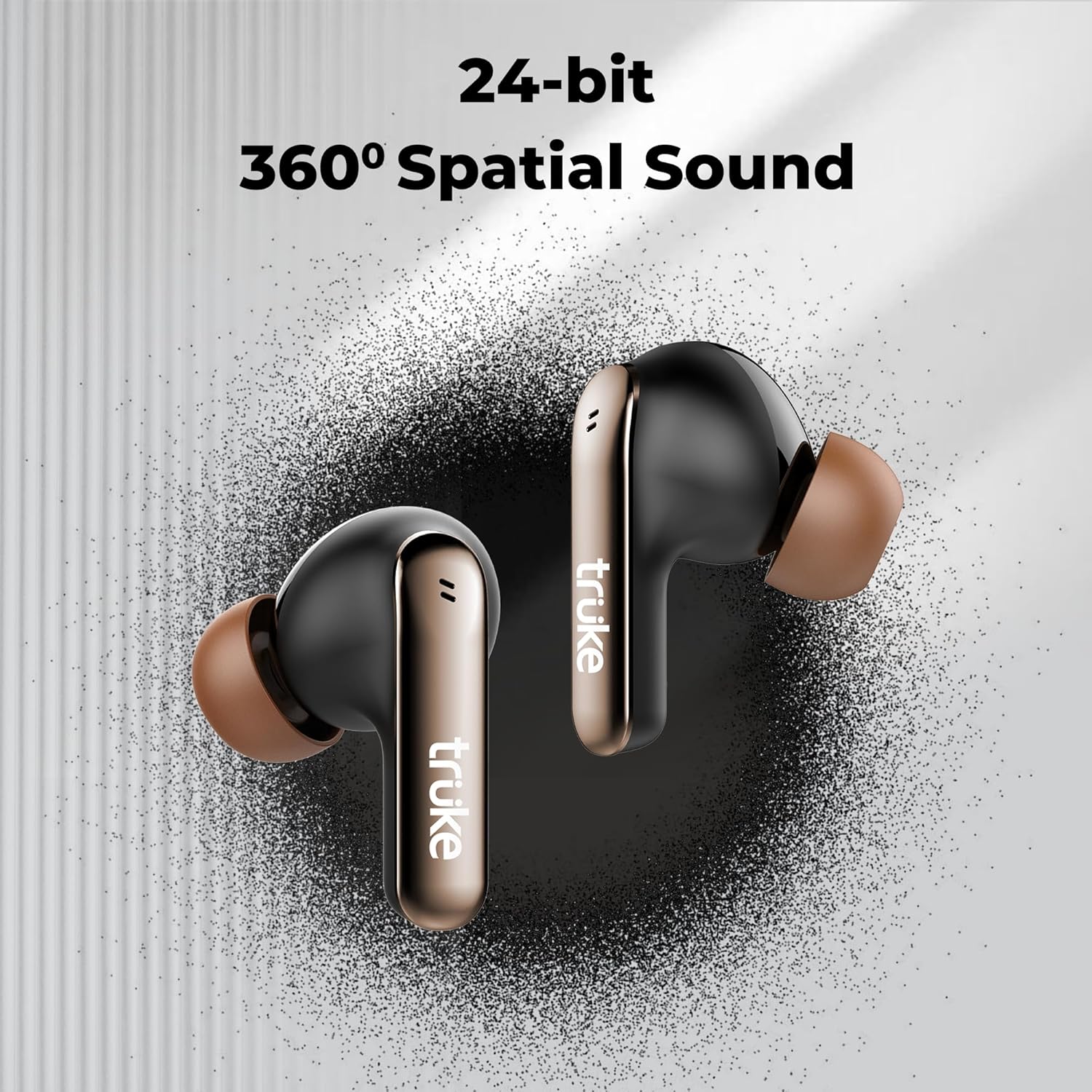
Image: The truke Mega 7 earbuds showcasing the 24-bit 360 Spatial Sound capability for an immersive audio experience.
40ms Ultra Low Latency Gaming Mode
Activate Gaming Mode for a competitive edge with near-instant audio response. This mode reduces audio lag to 40ms, ensuring synchronized sound during gameplay.
Quad-Mic PureVoice ENC Technology
Enjoy crystal-clear voice calls even in noisy environments. The Quad-Mic PureVoice ENC (Environmental Noise Cancellation) technology effectively reduces background noise, ensuring your voice is heard clearly.
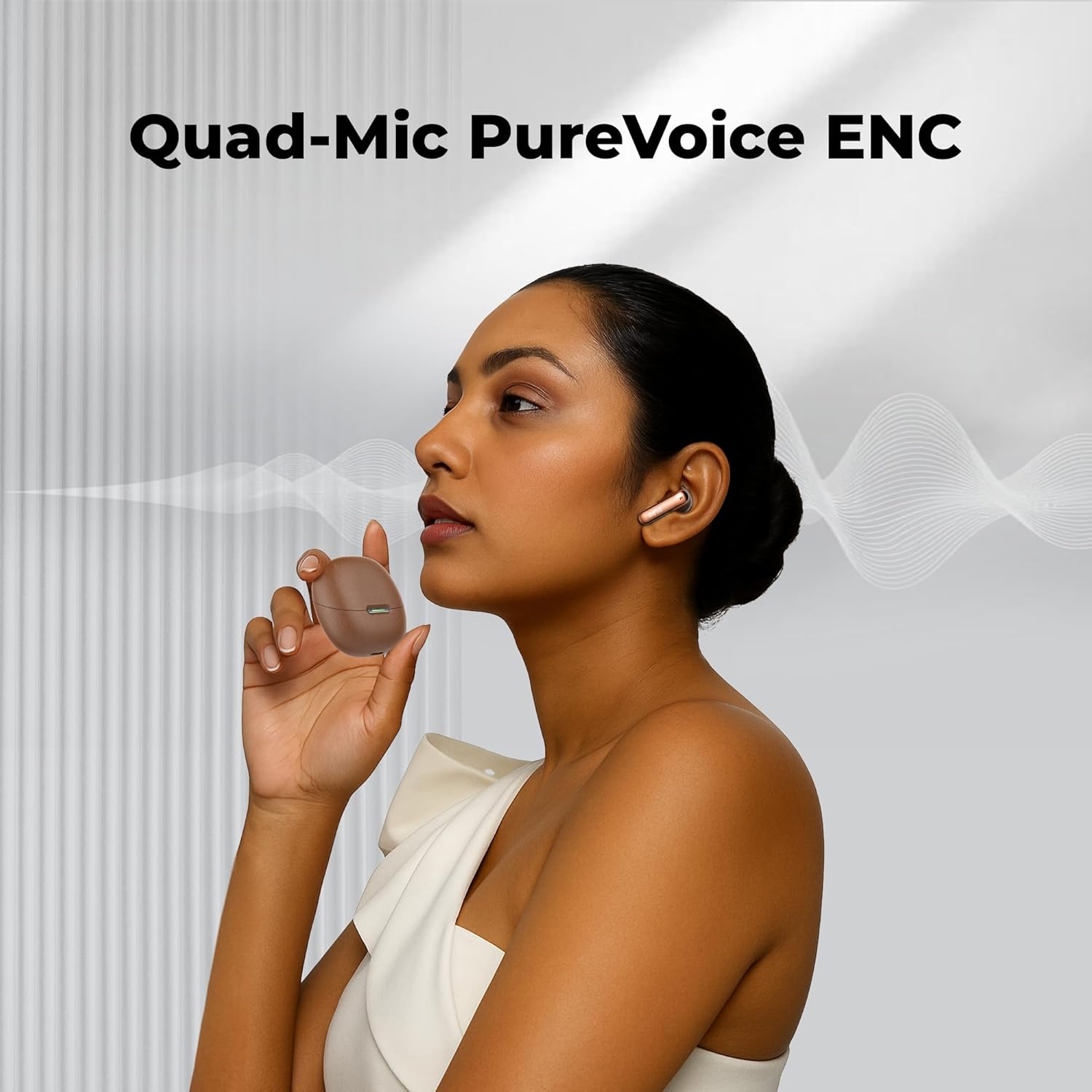
Image: A user demonstrating the Quad-Mic PureVoice ENC technology during a call, highlighting clear voice transmission.
IPX5 Water Resistance
The earbuds are safeguarded against sweat and splashes with an IPX5 rating, making them suitable for workouts and outdoor activities. Avoid submerging the earbuds in water.
Maintenance
Cleaning
- Regularly clean the earbuds and charging case with a soft, dry, lint-free cloth.
- Remove eartips and clean any earwax or debris from the earbud nozzles using a small, soft brush or cotton swab.
- Ensure charging contacts on both earbuds and case are clean and dry.
Storage
- Store the earbuds in their charging case when not in use to protect them and keep them charged.
- Avoid storing in extreme temperatures or high humidity.
Troubleshooting
If you encounter issues with your truke Mega 7 earbuds, please refer to the following common solutions:
- No Sound/Poor Sound Quality: Ensure earbuds are properly paired and charged. Check volume levels on both earbuds and the connected device. Try cleaning the earbud nozzles.
- Pairing Issues: Make sure Bluetooth is enabled on your device and the earbuds are in pairing mode. Try forgetting the device in your Bluetooth settings and re-pairing.
- Charging Issues: Verify the charging cable and power source are working. Ensure charging contacts on both earbuds and case are clean and free of debris.
- Earbuds Not Turning On: Place earbuds back into the charging case, close the lid, and then open it again. Ensure the case has sufficient charge.
For persistent issues, please contact customer support.
Specifications
| Model Name | truke Mega 7 earbuds |
| Model Number | B200 |
| Connectivity Technology | Wireless (Bluetooth) |
| Headphones Jack | No Jack |
| Control Method | Touch |
| Audio Driver Type | Dynamic Driver (13mm Titanium Drivers) |
| Battery Life | Up to 60 Hours (with charging case) |
| Noise Control Features | Environmental Noise Cancellation (ENC) |
| Water Resistance Level | IPX5 Water Resistant |
| Special Features | 24-bit 360 Spatial Audio, Fast Charging, Dual Pairing, 40ms Low Latency Gaming Mode |
| Item Weight | 43 Grams |
| Product Dimensions | 5.4 x 6 x 3 cm |
| Material (Case) | Leather |
| Country of Origin | India |
Warranty and Support
The truke Mega 7 True Wireless Earbuds come with a 12 Months Warranty & Service Support. For warranty claims, technical assistance, or any product-related inquiries, please refer to the contact information provided on the product packaging or the official truke website.


