Introduction
This manual provides detailed instructions for the Fanvace EU-K11 MP3 Player. This device combines an Android 13 operating system with a 4-inch touchscreen, offering a versatile portable media experience. It features 96GB of storage, Wi-Fi, and Bluetooth connectivity, supporting various music and video formats, along with popular streaming applications.

Image: Front view of the Fanvace EU-K11 MP3 Player, showcasing its 4-inch touchscreen display.
Package Contents
Verify that all items are present in the package:
- 1 x Fanvace EU-K11 MP3 Player
- 1 x 64GB Micro SD Card
- 1 x USB-C Cable
- 1 x Wired Earphones
- 1 x Screen Protector
- 1 x Protective Case
- 1 x User Manual
Setup
1. Charging the Device
Before first use, fully charge the MP3 player.
- Connect the device to a power source using the provided USB-C cable.
- A full charge typically takes 3-4 hours.
- The battery indicator on the screen will show charging status.

Image: Illustration of the MP3 player's 2000mAh battery and charging process, indicating 20 hours music playback, 6 hours video playback, and 3-4 hours charge time.
2. Inserting the Micro SD Card
The device comes with a 64GB Micro SD card pre-installed or included. You can expand storage up to 512GB.
- Locate the Micro SD card slot on the side of the device.
- Gently insert the Micro SD card into the slot until it clicks into place.
- To remove, press the card gently until it springs out.

Image: Diagram showing the 32GB ROM, 64GB SD card, and expandable storage up to 512GB for the MP3 player.
3. Powering On/Off
- To power on: Press and hold the power button until the screen lights up.
- To power off: Press and hold the power button, then select "Power off" from the options.
- To restart: Press and hold the power button, then select "Restart" from the options.
Operating Instructions
1. Basic Navigation
The Fanvace EU-K11 features a 4-inch HD touchscreen. Navigate the interface by tapping, swiping, and pinching.
- Tap: Select an item or open an application.
- Swipe: Scroll through lists or switch between screens.
- Pinch: Zoom in or out in supported applications.
2. Music Playback
The device supports a wide range of audio formats and online streaming services.
- Supported Formats: MP3, WAV, FLAC, APE, OGG, M4A, AAC, WMA.
- Online Music: Pre-installed applications include Spotify, Omnia, Deezer, Amazon Music, and access to the Play Store for more.
- Offline Music: Transfer music files to the device's internal storage or Micro SD card.
- Sound Effects: Adjust audio settings for a personalized listening experience.
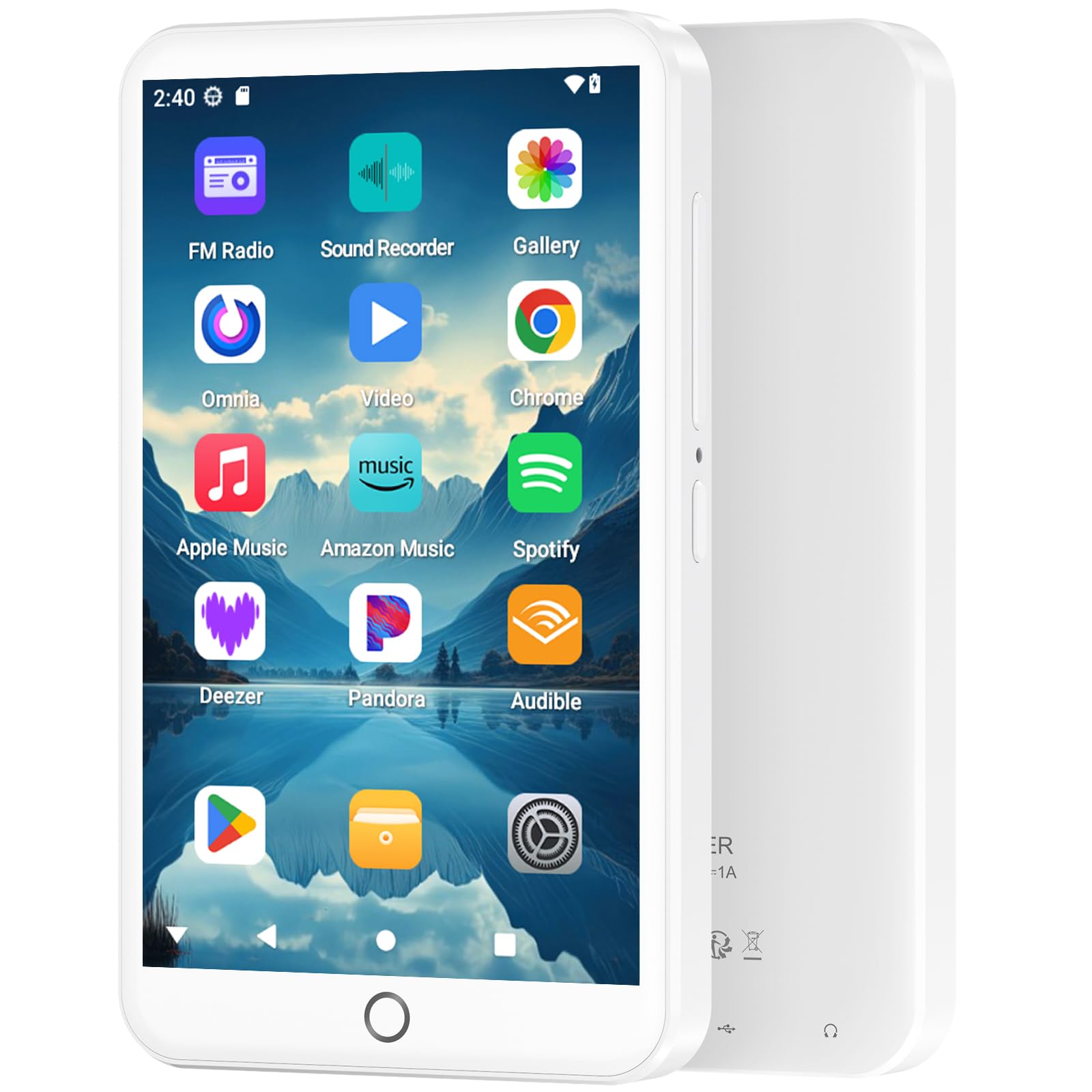
Image: The MP3 player displaying its music playback interface, highlighting features like gapless playback, playlist synchronization, Bluetooth autoplay, resume playback, adjustable sound effects, and support for various music formats.
3. Video Playback
Enjoy videos on the 4-inch HD screen with 480*800P resolution.
- Supported Formats: RM, RMVB, FLV, MP4, DAT, MKV, MPG, MOV, TS.
- Videos can be played directly without conversion.

Image: The MP3 player displaying a video, emphasizing its 4.0-inch HD screen, 480*800P resolution, and high color reproduction for video playback.
4. Connectivity (Bluetooth & Wi-Fi)
Connect wirelessly for app downloads, online streaming, and peripheral devices.
- Wi-Fi: Access the internet to download apps, stream music/videos, and browse.
- Bluetooth 5.0: Connect to Bluetooth headphones, speakers, or other compatible devices for stereo and dual-channel audio.
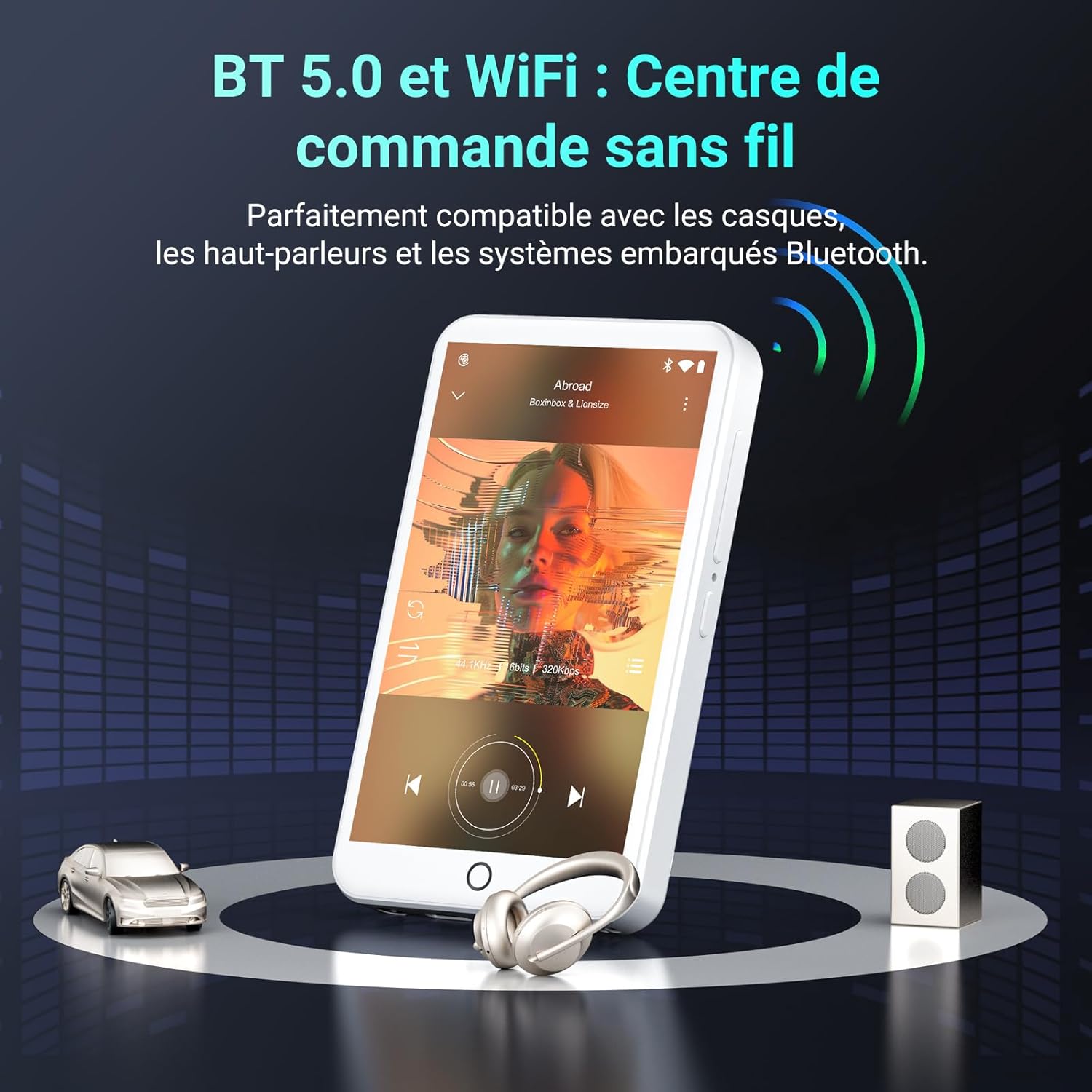
Image: The MP3 player demonstrating Bluetooth 5.0 and Wi-Fi connectivity, showing it paired with headphones and a speaker.
5. Android 13 OS and Applications
The device runs on Android 13, providing a smooth user experience and access to a wide range of applications.
- Pre-installed Apps: Spotify, Omnia, Deezer, Amazon Music, Play Store, FM Radio, etc.
- Customization: Install or remove applications to personalize your device.

Image: The MP3 player displaying its Android 13 interface with various application icons, illustrating its intelligent and adaptive OS.
6. Multifunction Features
Beyond music and video, the player offers several additional functionalities:
- Parental Control
- FM Radio
- Voice Recording
- E-books
- Calculator
- Chrome Browser
Maintenance
1. Cleaning the Device
- Use a soft, lint-free cloth to clean the screen and body of the device.
- Avoid using harsh chemicals or abrasive materials.
- Do not expose the device to excessive moisture.
2. Battery Care
- Avoid fully discharging the battery frequently.
- Charge the device regularly, even if not in use, to maintain battery health.
- Store the device in a cool, dry place when not in use for extended periods.
3. Software Updates
Periodically check for software updates through the device's settings to ensure optimal performance and access to the latest features.
Troubleshooting
If you encounter issues with your Fanvace EU-K11 MP3 Player, refer to the following common solutions:
| Problem | Solution |
|---|---|
| Device does not turn on | Ensure the battery is charged. Connect to a charger for at least 30 minutes. If unresponsive, perform a hard reset by holding the power button for 10-15 seconds. |
| Cannot connect to Wi-Fi | Check if Wi-Fi is enabled in settings. Ensure you are within range of a Wi-Fi network and have entered the correct password. Restart the device and your router. |
| Bluetooth device not pairing | Ensure Bluetooth is enabled on both devices and they are in pairing mode. Keep devices close to each other. Try restarting both devices. |
| Music/Video files not playing | Verify that the file format is supported (see Specifications). Ensure the files are not corrupted. Try playing other files. |
| Device is slow or unresponsive | Close unnecessary background applications. Clear cache from apps. Restart the device. If issues persist, consider a factory reset (back up your data first). |
If the problem persists, please contact Fanvace customer support for further assistance.
Specifications
| Feature | Detail |
|---|---|
| Brand | Fanvace |
| Model Number | EU-K11 |
| Operating System | Android 13 |
| Screen Size | 4 Inches |
| Screen Resolution | 480*800P |
| RAM | 3 GB |
| Internal Storage (ROM) | 32 GB |
| Included Micro SD Card | 64 GB |
| Total Storage | 96 GB (32GB ROM + 64GB SD) |
| Expandable Storage | Up to 512 GB (Micro SD) |
| Connectivity | Wi-Fi, Bluetooth 5.0 |
| Battery Capacity | 2000 mAh Lithium-ion |
| Music Playback Time | Up to 20 hours |
| Video Playback Time | Up to 6 hours |
| Charging Time | 3-4 hours |
| Supported Audio Formats | MP3, WAV, FLAC, APE, OGG, M4A, AAC, WMA |
| Supported Video Formats | RM, RMVB, FLV, MP4, DAT, MKV, MPG, MOV, TS |
| Special Features | Touchscreen, Online Music App Support, Parental Control, FM Radio, Voice Recording, E-books, Calculator, Chrome |
Warranty and Support
Warranty Information
The Fanvace EU-K11 MP3 Player comes with a 1-year manufacturer's warranty from the date of purchase. This warranty covers defects in materials and workmanship under normal use. It does not cover damage caused by misuse, accidents, unauthorized modifications, or normal wear and tear. Please retain your proof of purchase for warranty claims.
Customer Support
For technical assistance, troubleshooting, or warranty inquiries, please contact Fanvace customer support. Refer to the contact information provided with your product packaging or visit the official Fanvace website for support details.


