
Homirxan 30UB-US
Homirxan 30UB-US 1.8 Cub Digital Security Safe User Manual
Model: 30UB-US
Introduction
This manual provides essential instructions for the safe and efficient operation of your Homirxan 30UB-US 1.8 Cub Digital Security Safe. Please read it thoroughly before use and retain it for future reference.
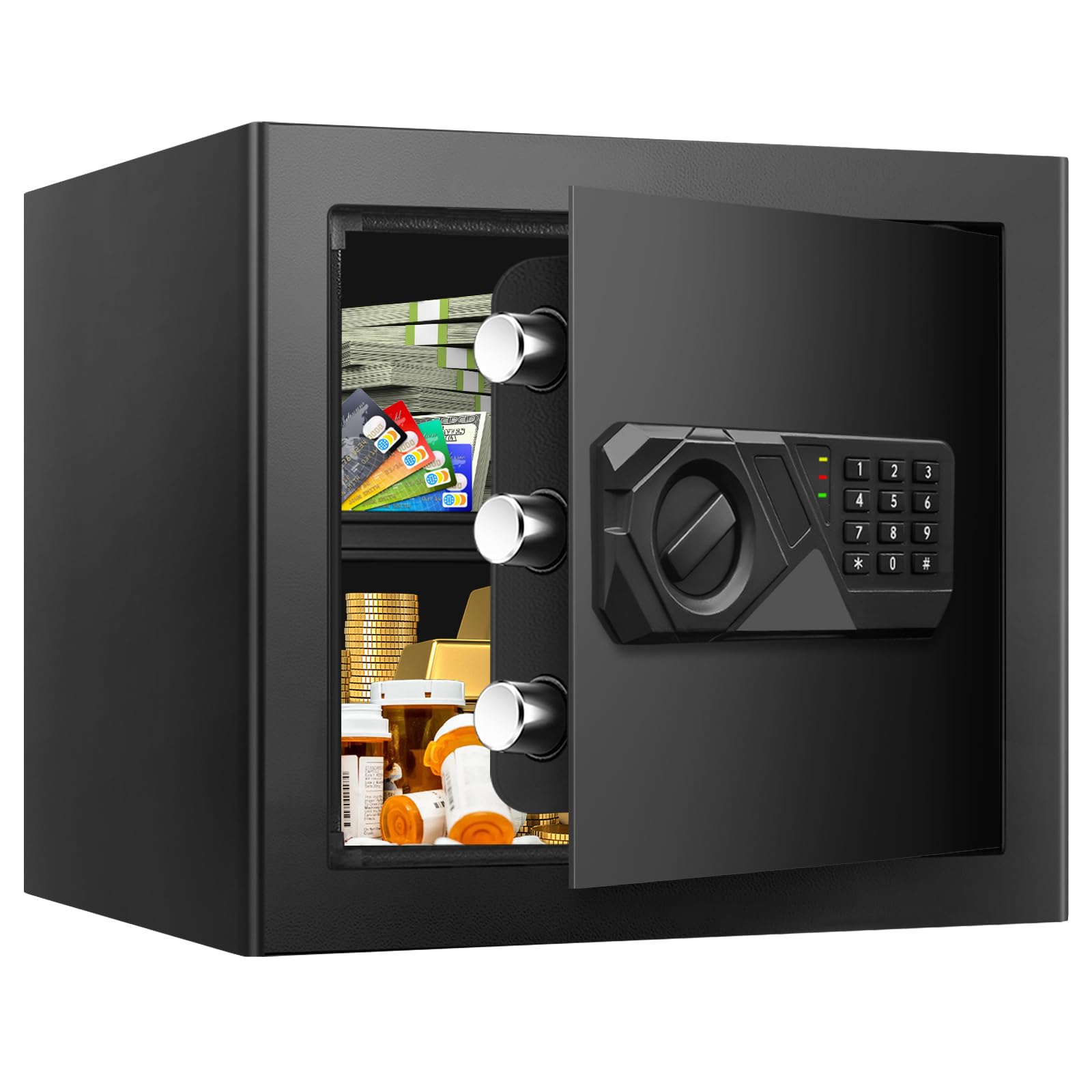
Image: Homirxan 1.8 Cub Digital Security Safe, closed front view.
Package Contents
Verify that all items are present in the package:
- 1 x Homirxan 30UB-US Safe Box
- 2 x Emergency Keys
- 4 x Expansion Screws (for mounting)
- 1 x User Manual (this document)
- 1 x USB Cable (for external power)
- 1 x Mat (for interior)

Image: Homirxan Safe and Included Accessories.
Setup Instructions
1. Battery Installation
- Open the safe using one of the emergency keys.
- Locate the battery compartment on the inside of the door.
- Insert 4 AA 1.5V batteries, ensuring correct polarity.
- Close the battery compartment.
Video: Demonstrates removing the keyhole cover, opening the safe with a key, and installing batteries. This video is provided by Homirxan.
2. Initial Opening with Default Passcode
After battery installation, you can open the safe using the default passcode "159".
- Enter "159" on the digital keypad.
- Press the "#" key to confirm.
- Turn the knob clockwise to open the safe door.
3. Mounting the Safe
For enhanced security, the safe can be mounted to a wall or floor using the provided expansion screws.
- Choose a suitable location for mounting.
- Mark the drilling points through the pre-drilled holes at the back or bottom of the safe.
- Drill pilot holes in the wall or floor.
- Align the safe with the drilled holes and secure it using the expansion screws.

Image: Wall or Floor Mounting Installation Steps.
Operating Instructions
1. Opening the Safe
Your Homirxan safe offers multiple ways to open:
- Using Digital Passcode: Enter your 3 to 8 digit passcode, then press "#". Turn the knob clockwise to open.
- Using Emergency Key: Insert the emergency key into the keyhole, turn it, and then turn the knob clockwise to open. This method is for first-time use, forgotten passcodes, or dead batteries.
- Using USB Charge Cable (for low/dead batteries): Connect the USB cable to the external power port. Enter your passcode, then press "#". Turn the knob clockwise to open.

Image: Three Ways to Open the Safe.
2. Resetting the Passcode
To change your personal passcode:
- Open the safe door.
- Locate the red reset button on the inside of the door.
- Press the reset button. The yellow light on the keypad will illuminate.
- While the yellow light is on, enter your new 3 to 8 digit passcode on the keypad.
- Press the "#" key to confirm. The yellow light will turn off, indicating the new passcode is set.
- Test the new passcode with the safe door open to ensure it works correctly before closing.
Video: Demonstrates opening the safe with the default passcode and resetting the passcode. This video is provided by Homirxan.
3. Alarm System
The safe is equipped with an anti-theft alarm system:
- If an incorrect passcode is entered 3 times consecutively, the alarm will activate.
- The safe will lock for 20 seconds during the alarm state.
- To silence the alarm, enter the correct passcode or use the emergency key.
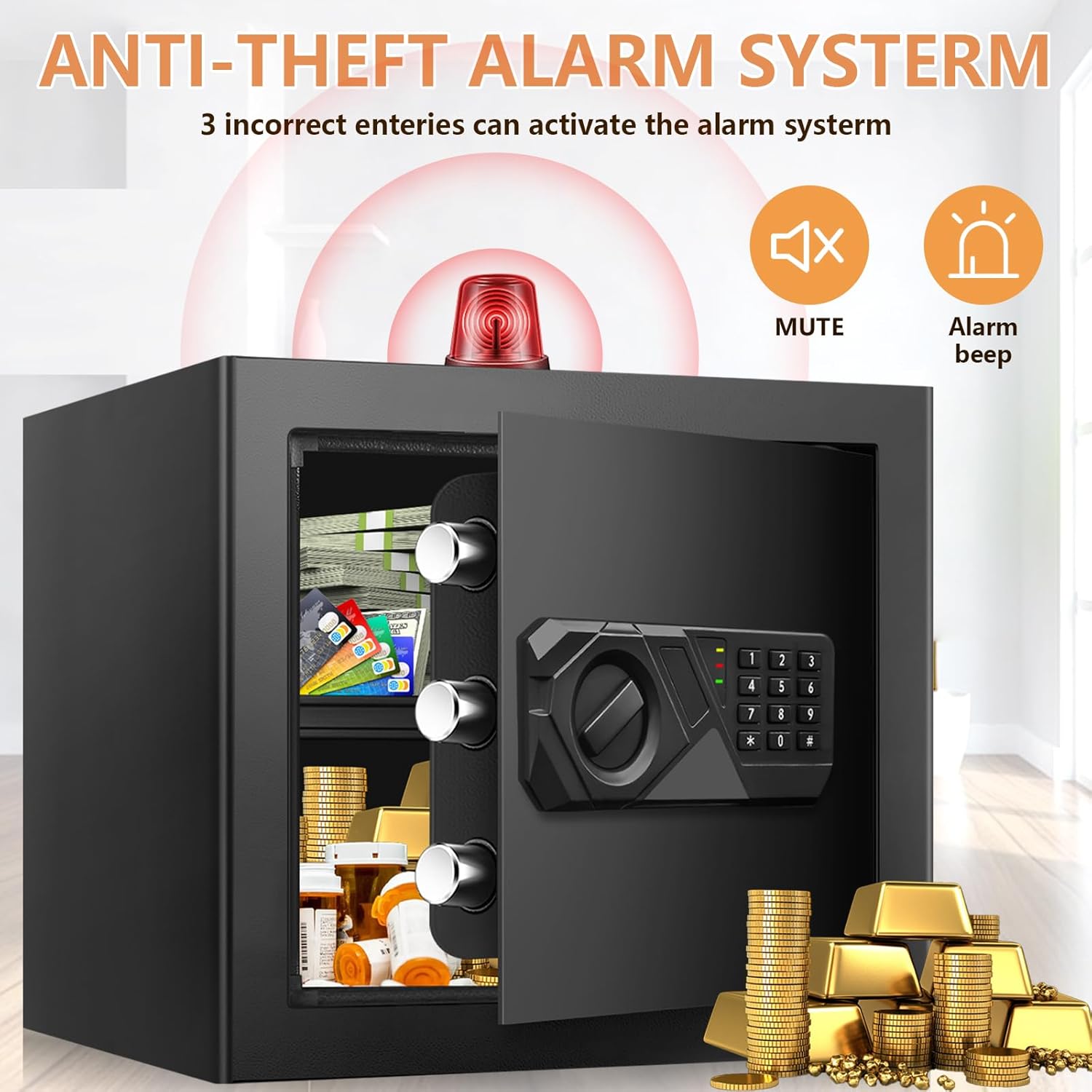
Image: Anti-Theft Alarm System.
4. Removable Shelf
The safe includes a removable shelf to organize items of different sizes. Adjust or remove it as needed for optimal storage.

Image: Safe Box with Removable Shelf.
Maintenance
1. Battery Replacement
When the battery indicator light signals low power, replace all 4 AA 1.5V batteries promptly to ensure continuous operation. Use the emergency key or external USB power if batteries are completely depleted.
2. Cleaning
Wipe the exterior of the safe with a soft, damp cloth. Avoid abrasive cleaners or solvents that could damage the finish.
Troubleshooting
- Safe does not open with passcode:
- Ensure batteries are correctly installed and not depleted. Use the external USB power or emergency key if needed.
- Verify the passcode is entered correctly, followed by "#".
- If the alarm has activated due to multiple incorrect entries, wait 20 seconds before trying again.
- Forgotten passcode:
- Use one of the emergency keys to open the safe.
- Follow the "Resetting the Passcode" instructions to set a new code.
- Keypad is unresponsive:
- Check battery levels. Replace batteries or use the external USB power.
- Ensure no debris is obstructing the buttons.
- Alarm sounds unexpectedly:
- This indicates 3 consecutive incorrect passcode entries. Enter the correct passcode or use the emergency key to disarm.
Specifications
| Brand | Homirxan |
| Model Number | 30UB-US |
| Product Dimensions (D x W x H) | 12.2"D x 13.78"W x 16.5"H |
| Capacity | 1.6 Cubic Inches (Note: Product title states 1.8 Cub, specifications state 1.6 Cubic Inches. Using specification value for accuracy.) |
| Material | Alloy Steel |
| Lock Type | Electronic Combination Lock, Key |
| Mounting Type | Floor or Wall Mount |
| Item Weight | 17.6 Pounds |
| Alarm | Audible, Anti-Theft |
Warranty Information
Please refer to the product packaging or the official Homirxan website for detailed warranty information. Typically, products come with a limited manufacturer's warranty covering defects in materials and workmanship.
Customer Support
For any questions, technical assistance, or to report issues, please contact Homirxan customer support through their official website or the retailer where the product was purchased. When contacting support, please have your model number (30UB-US) and purchase details available.
Ask a question about this manual
Ask about setup, troubleshooting, compatibility, parts, safety, or missing instructions. Manuals+ will review the question and use this page’s manual context to help answer it.