Introduction
Thank you for choosing the Sony WH-1000XM6 Wireless Noise-Canceling Headphones. These headphones are designed to provide a superior audio experience with industry-leading noise cancellation technology, high-resolution audio support, and smart features for seamless daily use. This manual provides essential information for setting up, operating, maintaining, and troubleshooting your headphones to ensure optimal performance.
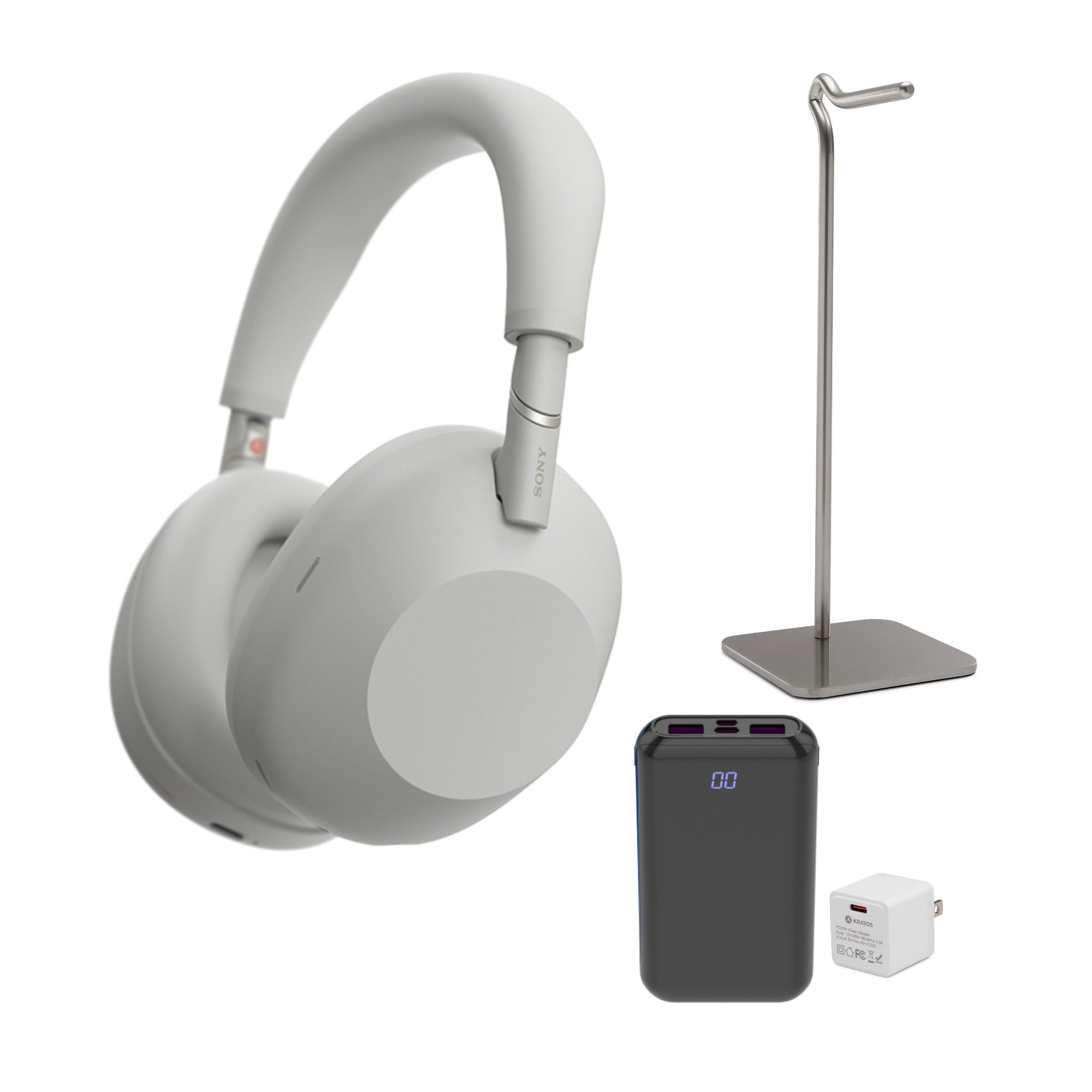
Image: Front view of the Sony WH-1000XM6 Wireless Noise-Canceling Headphones in silver.
What's in the Box
Carefully unpack your new Sony WH-1000XM6 headphones and verify that all items are present. The package typically includes:
- Sony WH-1000XM6 Wireless Noise-Canceling Headphones
- Carrying Case
- USB-C Charging Cable
- Audio Cable for wired connection
- Metal Alloy Headphone Stand
- PD20W Power Adapter
- Portable Power Bank

Image: A visual representation of the items included in the Sony WH-1000XM6 package: the headphones, a metal alloy headphone stand, a PD20W power adapter, and a portable power bank.
Setup
1. Charging the Headphones
Before initial use, fully charge the headphones. Connect the supplied USB-C charging cable to the USB-C port on the headphones and the other end to the PD20W power adapter. Plug the adapter into a wall outlet. The indicator light will illuminate during charging and turn off when charging is complete.
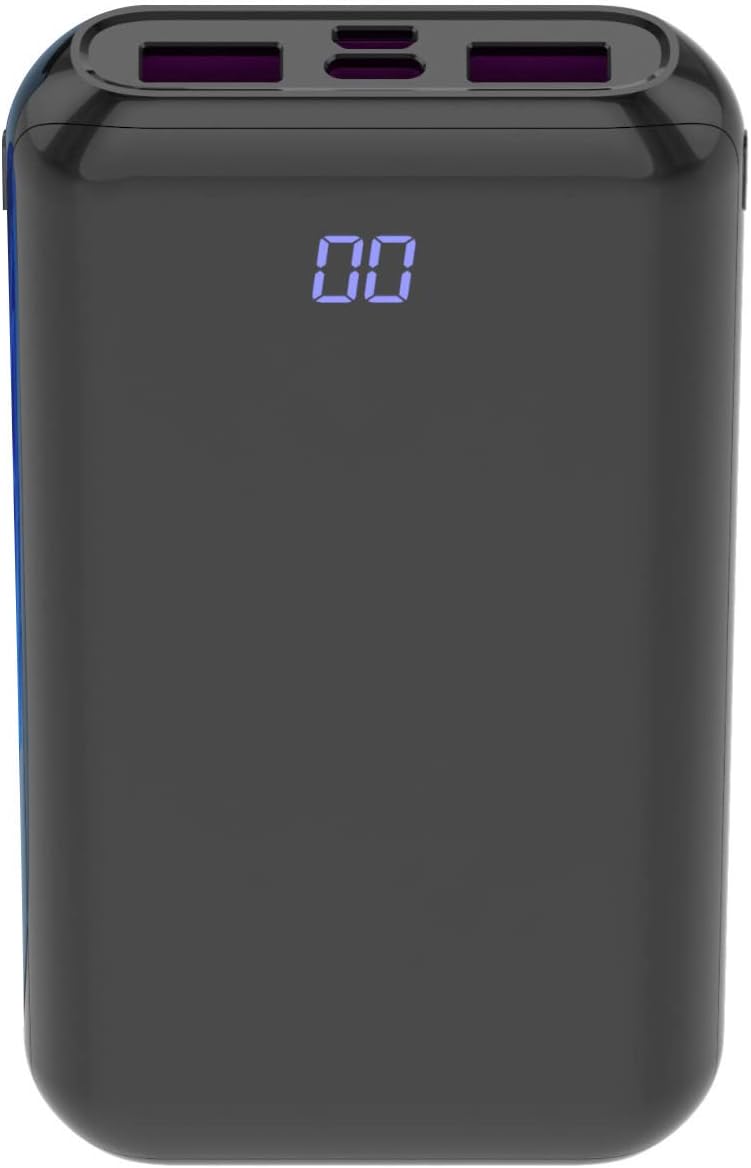
Image: The PD20W Power Adapter, used for charging the headphones.
2. Powering On/Off
- To Power On: Press and hold the Power button for approximately 2 seconds until the indicator light flashes blue.
- To Power Off: Press and hold the Power button for approximately 2 seconds until the indicator light turns off.
3. Bluetooth Pairing
- Ensure the headphones are powered off.
- Press and hold the Power button for approximately 7 seconds. The indicator light will flash blue rapidly, indicating pairing mode.
- On your device (smartphone, tablet, computer), go to Bluetooth settings and enable Bluetooth.
- Select "WH-1000XM6" from the list of available devices.
- Once connected, the indicator light will slowly flash blue.
4. Wearing the Headphones
Adjust the headband so that the earcups comfortably cover your ears. The 'L' (left) and 'R' (right) markings are located on the inside of the headband. Ensure a snug fit for optimal noise cancellation and sound quality.

Image: A person wearing the Sony WH-1000XM6 headphones, demonstrating proper fit.
5. Sony Headphones Connect App
For advanced features and customization, download the Sony Headphones Connect app from your device's app store. The app allows you to:
- Adjust noise cancellation and ambient sound levels.
- Customize equalizer settings.
- Update firmware.
- Access other smart features.
Operating Instructions
1. Noise Canceling and Ambient Sound Mode
The WH-1000XM6 features a dedicated button (often labeled 'NC/Ambient' or 'Custom') to switch between noise-canceling mode, ambient sound mode, and off. Press the button to cycle through these modes.
- Noise Canceling: Reduces external ambient noise.
- Ambient Sound: Allows you to hear surrounding sounds while listening to music.
- Off: Disables both noise canceling and ambient sound.
2. Playback Controls
The right earcup features a touch control panel for various functions:
- Play/Pause: Double-tap the center of the touch panel.
- Volume Up: Swipe up on the touch panel.
- Volume Down: Swipe down on the touch panel.
- Next Track: Swipe forward (right) on the touch panel.
- Previous Track: Swipe backward (left) on the touch panel.
3. Call Functions
- Answer/End Call: Double-tap the center of the touch panel.
- Reject Call: Press and hold the center of the touch panel for approximately 2 seconds.
4. Voice Assistant
Press and hold the center of the touch panel to activate your device's voice assistant (e.g., Google Assistant, Siri, Alexa).
Maintenance
1. Cleaning
- Wipe the headphones with a soft, dry cloth.
- Do not use alcohol, benzene, thinners, or other chemical cleaners, as they may damage the finish.
- Clean the earpads and headband gently to remove any buildup.
2. Storage
When not in use, store the headphones in their supplied carrying case to protect them from dust, scratches, and impacts. Avoid exposing them to extreme temperatures or humidity.

Image: The Sony WH-1000XM6 headphones folded and stored inside their protective carrying case.
3. Battery Care
- Avoid fully discharging the battery frequently.
- If storing for an extended period, charge the battery to about 50% every six months to prevent degradation.
Troubleshooting
No Power
- Ensure the headphones are charged. Connect them to a power source using the USB-C cable and power adapter.
- If the issue persists, try resetting the headphones.
No Sound or Low Volume
- Check the volume level on both the headphones and the connected device.
- Ensure the headphones are properly paired and connected via Bluetooth.
- If using a wired connection, ensure the audio cable is securely plugged into both the headphones and the device.
Bluetooth Pairing Issues
- Ensure the headphones are in pairing mode (rapidly flashing blue indicator).
- Delete the headphones from your device's Bluetooth list and attempt to pair again.
- Move the headphones closer to the device and away from potential interference sources.
Noise Canceling Not Effective
- Ensure the noise-canceling mode is active (not Ambient Sound or Off).
- Adjust the fit of the headphones on your ears to create a good seal.
- Use the Sony Headphones Connect app to optimize noise canceling for your environment.
Resetting the Headphones
If you experience persistent issues, you can reset the headphones. Refer to the Sony Headphones Connect app or the official Sony support website for specific instructions on how to perform a factory reset for your model.
Specifications
| Brand | Sony |
| Model Name | WH-1000XM6 |
| Model Number | KR-20WAC-MINI_K26 |
| Connectivity Technology | Wireless (Bluetooth) |
| Bluetooth Version | 4.0 |
| Noise Control | Active Noise Cancellation |
| Ear Placement | Over Ear |
| Frequency Range | 40Hz - 40,000Hz |
| Audio Driver Type | Custom Driver |
| Control Method | App, Touch Panel |
| Material | Plastic |
| Item Weight | 4.2 Pounds |
| Color | Silver |
Warranty and Support
Warranty Information
The Sony WH-1000XM6 headphones come with a Limited Manufacturer's Warranty. Please refer to the warranty card included in your product packaging or visit the official Sony support website for detailed terms and conditions, including coverage duration and claim procedures.
Customer Support
For further assistance, technical support, or service inquiries, please contact Sony customer support through their official website or the contact information provided in your product documentation. You can also find FAQs and troubleshooting guides on the Sony support portal.
Visit the official Sony support website: https://www.sony.com/electronics/support


